Start with a Prompt or Photo
Describe the scene or upload a consented person image for face-led DeepFake AI workflows.
Mix Video, Image, and Music
Build face exchange edits, image-to-video motion, AI images, and soundtrack layers in one flow.
Export Creator-Ready Assets
Download and share polished videos, images, and music for social, ads, websites, and presentations.
AI Boyfriend FAQ
Use a clear photo with a single subject and minimal blur. Avoid heavy occlusion and low-light noise.
Yes. You can start free with credits and daily bonuses, then upgrade when you need higher limits or faster queues.
This effect generates a 5-second video at 720p. The output aspect ratio follows your input image.
Each generation costs 22 credits.
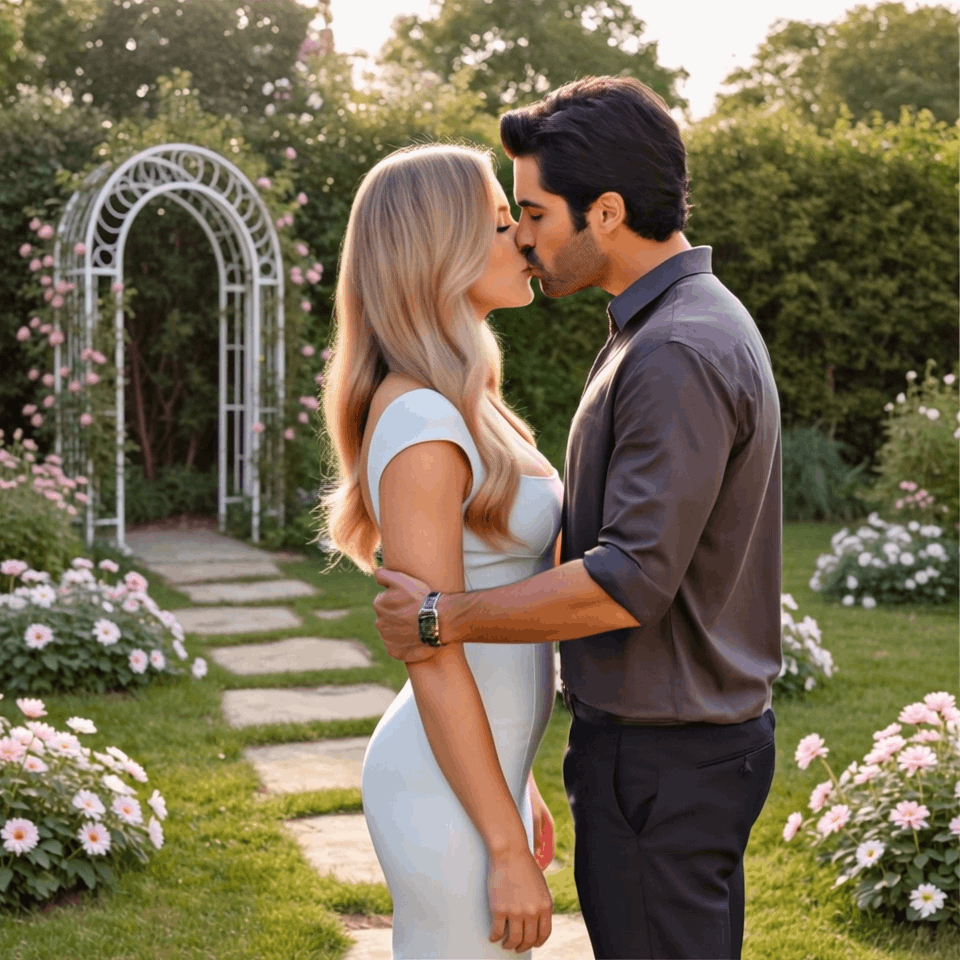
Many users create a short boyfriend AI-style video from a single photo for fun edits and social posts.
Failures can happen due to image quality issues, content policy checks, or temporary service errors. Try a clearer photo or retry later.
Ready to create with DeepFake AI?
Upgrade for faster queues, higher resolutions, longer AI deepfake videos, and more image and music credits.