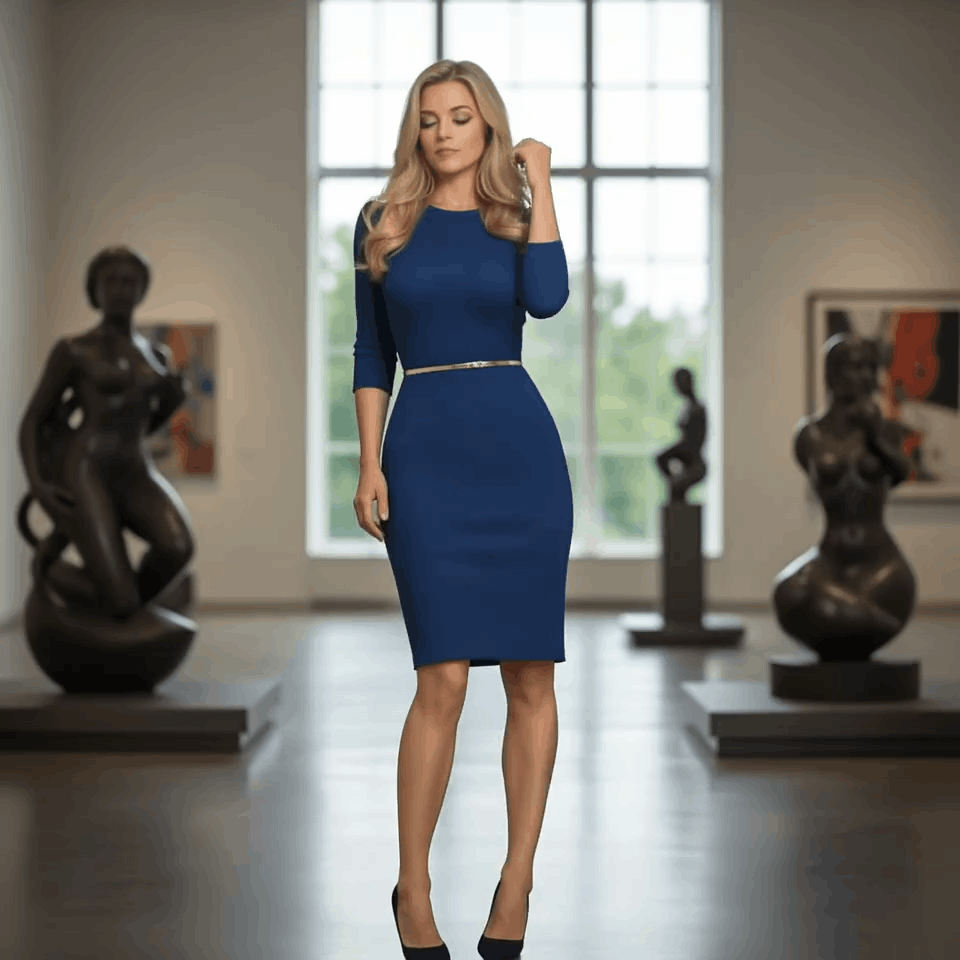
Start with a Prompt or Photo
Describe the scene or upload a consented person image for face-led DeepFake AI workflows.
Mix Video, Image, and Music
Build face exchange edits, image-to-video motion, AI images, and soundtrack layers in one flow.
Export Creator-Ready Assets
Download and share polished videos, images, and music for social, ads, websites, and presentations.
AI Dance Video Generator FAQ
Use a clear photo with a single subject and minimal blur. Full-body or half-body shots typically work best.
Yes. You can start free with credits and daily bonuses, then upgrade when you need higher limits or faster queues.
This effect generates a 5-second video in 4:3 aspect ratio at 720p.
Each generation costs 13 credits.
Yes. Results are influenced by your photo, but you can explore different vibes by choosing photos with a clear pose, outfit, and framing, then iterating generations.
Failures can happen due to image quality issues, content policy checks, or temporary service errors. Try a clearer photo or retry later.
Ready to create with DeepFake AI?
Upgrade for faster queues, higher resolutions, longer AI deepfake videos, and more image and music credits.