Crie mais com o DeepFake AI- Tenha mais créditos para vídeos, imagens, músicas e trocas de rosto
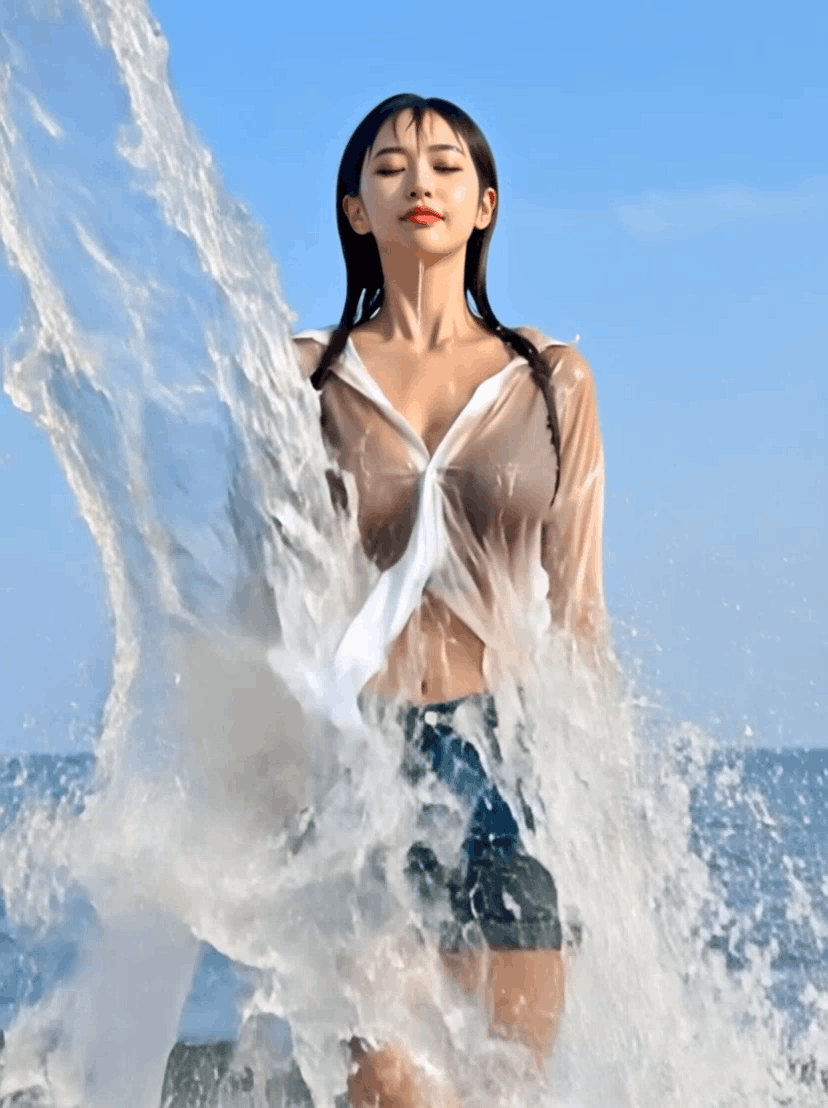
Splash Splash
Turn a photo into a splash-style short video.
JPG ou PNG · Use uma imagem nítida e bem iluminada
PHOTO
Arraste o arquivo para cá ou clique para escolher
Not uploaded yet
O vídeo gerado aparecerá aqui
ExemploEnvie uma imagem e escolha um efeito para começar.
01
Comece com uma ideia ou uma foto
Escreva o que deseja criar ou envie uma imagem que você tem permissão para usar.
02
Escolha a ferramenta e ajuste o resultado
Gere vídeos, imagens, músicas ou efeitos e teste novas versões até chegar ao resultado desejado.
03
Baixe e compartilhe
Exporte seu conteúdo para usar em redes sociais, anúncios, sites e apresentações.
Pronto para criar com DeepFake?
Faça upgrade para ter mais créditos, limites maiores, resoluções superiores e filas mais rápidas.