Start with a Prompt or Photo
Describe the scene or upload a consented person image for face-led DeepFake AI workflows.
Mix Video, Image, and Music
Build face exchange edits, image-to-video motion, AI images, and soundtrack layers in one flow.
Export Creator-Ready Assets
Download and share polished videos, images, and music for social, ads, websites, and presentations.
AI Hugging Generator FAQ
Use two single-person photos with similar subject size and clear faces. Avoid extreme angles, heavy occlusion, or low-light blur.
Yes. You can start free with credits and daily bonuses, then upgrade when you need higher limits or faster queues.
This effect generates a 5-second video in 4:3 aspect ratio at 720p.
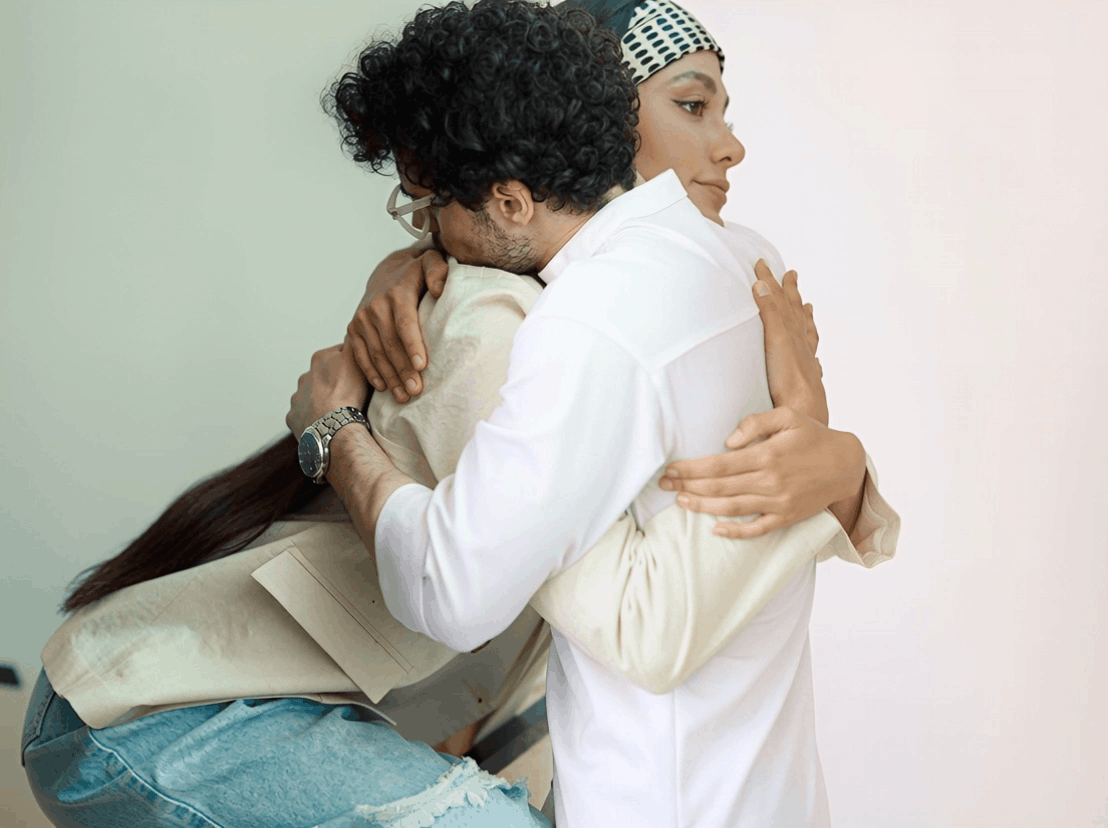
Upload two separate photos—one person per photo. Think of it as an ai image generator hugging workflow: two inputs become one hugging clip, so matching pose, lighting, and subject size helps a lot.
Each generation costs 22 credits.
Failures can happen due to image quality issues, content policy checks, or temporary service errors. Try clearer photos or retry later.
No. If you’re comparing a huge ai video generator with lots of templates versus a focused tool, this AI Hugging Generator is built specifically for making hug-style clips from two photos.
Ready to create with DeepFake AI?
Upgrade for faster queues, higher resolutions, longer AI deepfake videos, and more image and music credits.