AI Image Generator - Image to Image
Edit backgrounds, refine details, and create polished assets for DeepFake
Drop image file for AI editing
or click to browse • Max 4 images, 4MB each
Reference them as image 1, image 2, image 3, image 4 in the prompt. Minimum dimensions are 272x272 pixels.
Image SizeWan 2.7 preset sizes
Number of Images1 × 10 = 10 credits
1
Enable Prompt ExpansionDefault: On
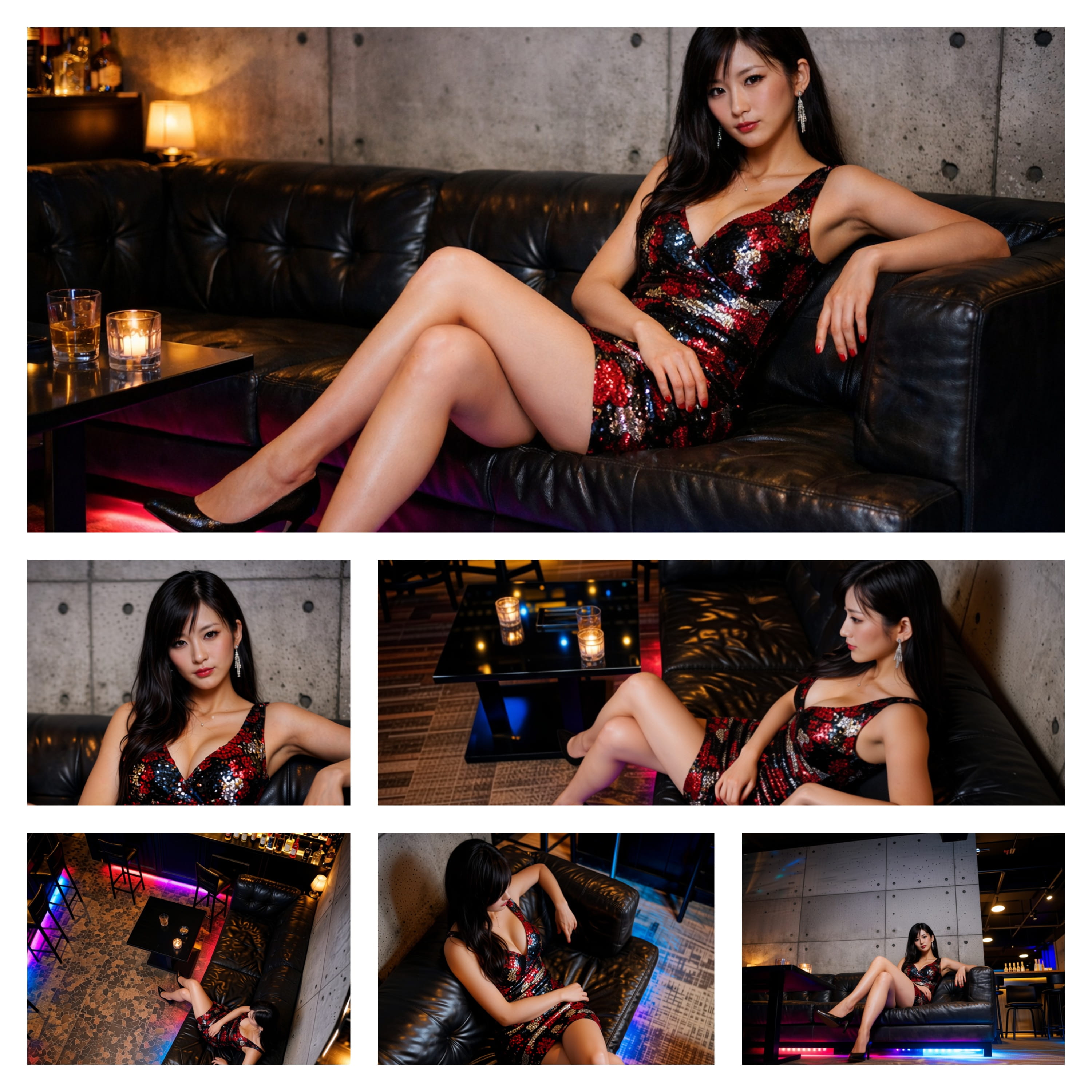
Example1/6
Inspiration
View AllIMAGE
Image Art 1DeepFake
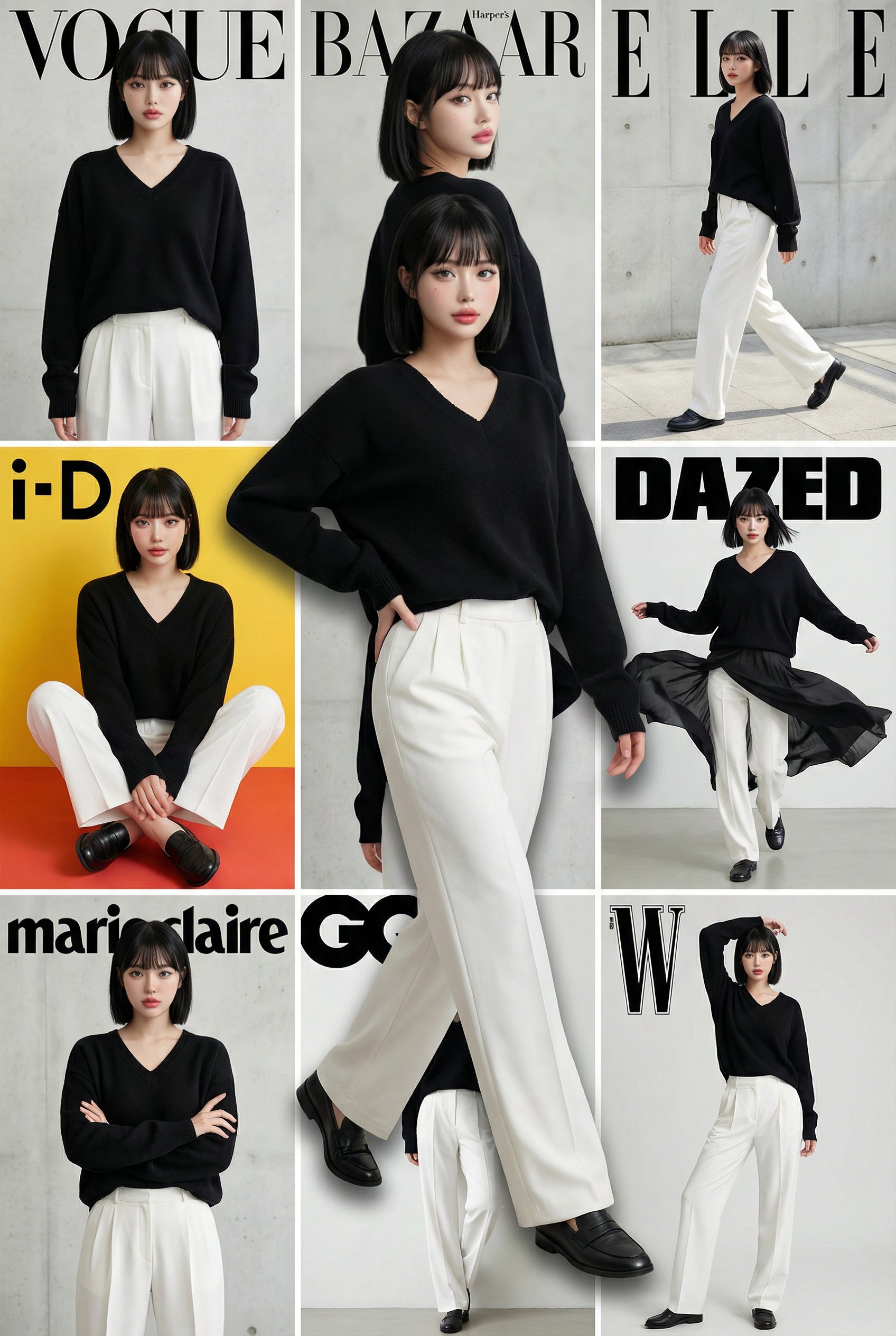
IMAGE
Image Art 2DeepFake
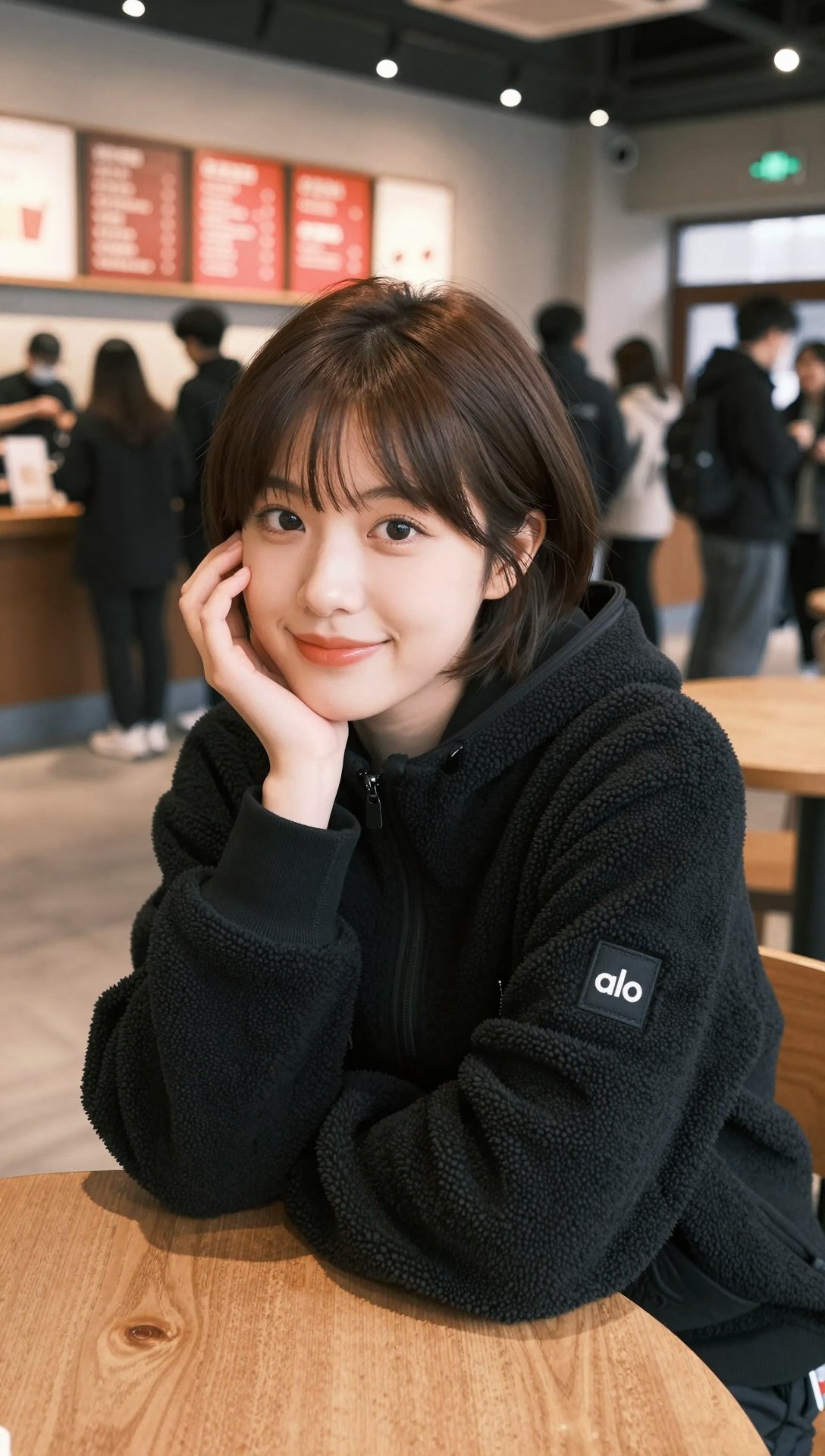
IMAGE
Image Art 3DeepFake
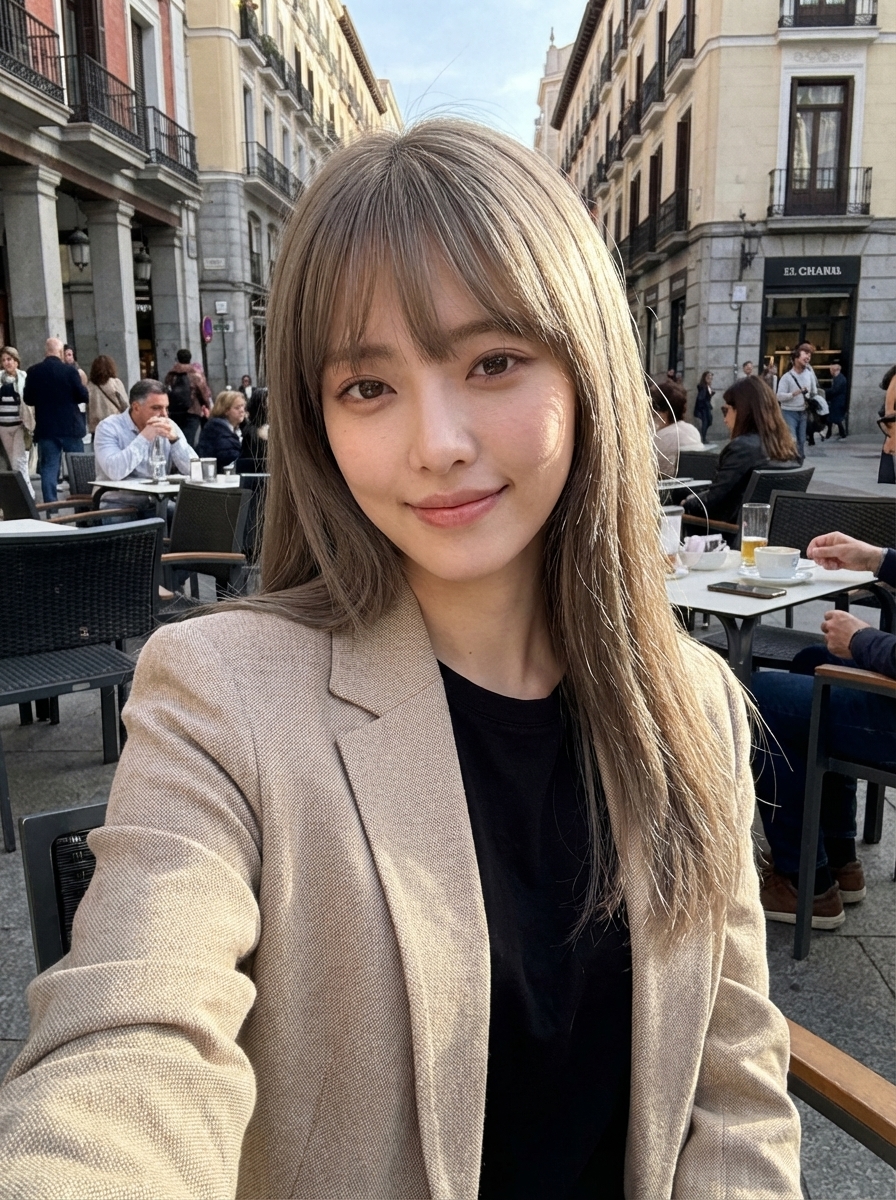
IMAGE
Image Art 4DeepFake
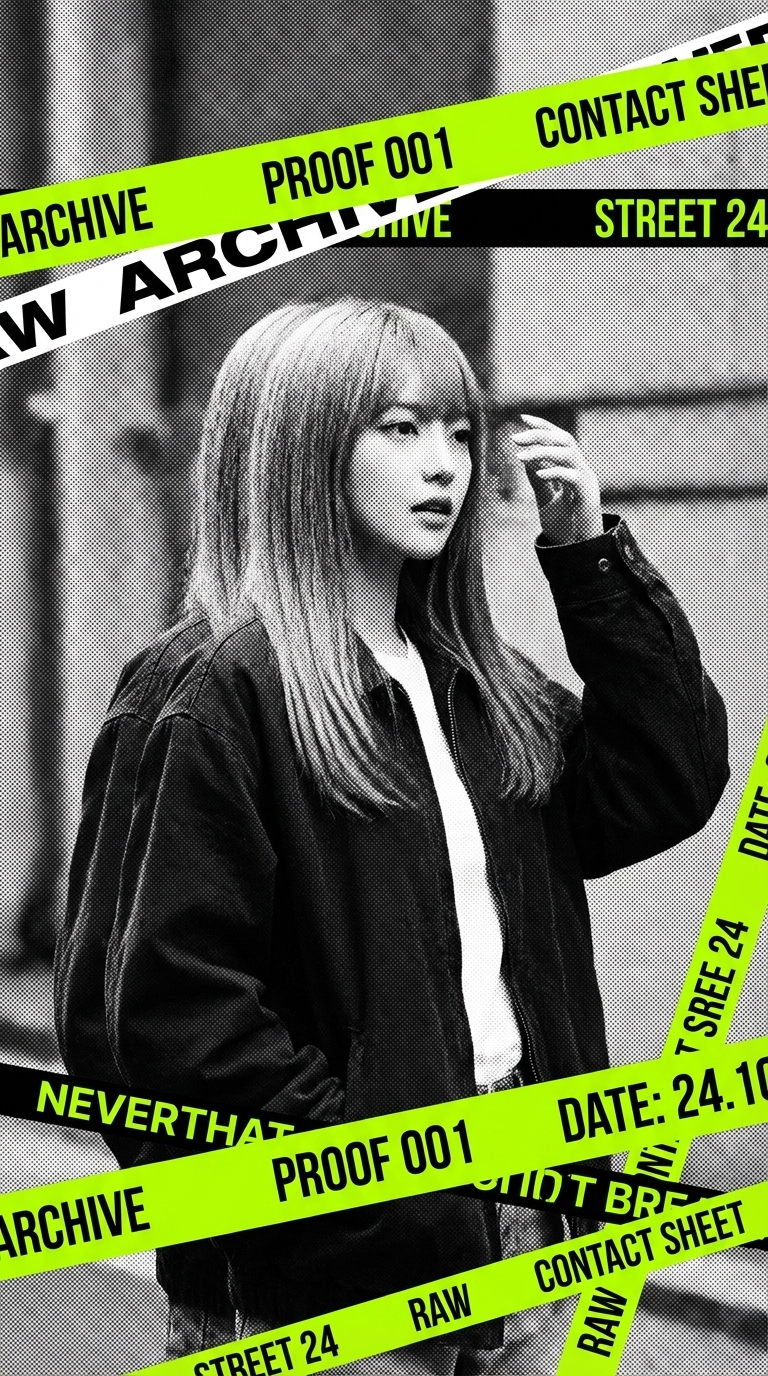
IMAGE
Image Art 5DeepFake
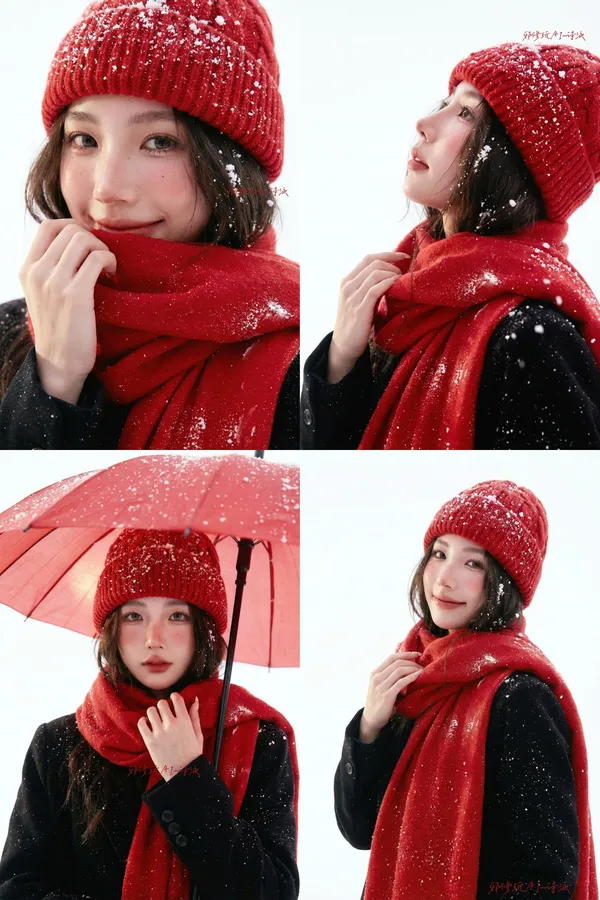
IMAGE
Image Art 6DeepFake
How it Works
01
Start with a Prompt or Photo
Describe the scene or upload a consented person image for face-led DeepFake AI workflows.
02
Mix Video, Image, and Music
Build face exchange edits, image-to-video motion, AI images, and soundtrack layers in one flow.
03
Export Creator-Ready Assets
Download and share polished videos, images, and music for social, ads, websites, and presentations.