DeepFake Deal: Upgrade Your DeepFake AI Workspace- More credits for video, image, music, and face exchange workflows
Studio Mode
Text to Image AI Generator
From photorealistic scenes to artistic concepts, create ai image assets in seconds
Aspect Ratio
ResolutionPRO
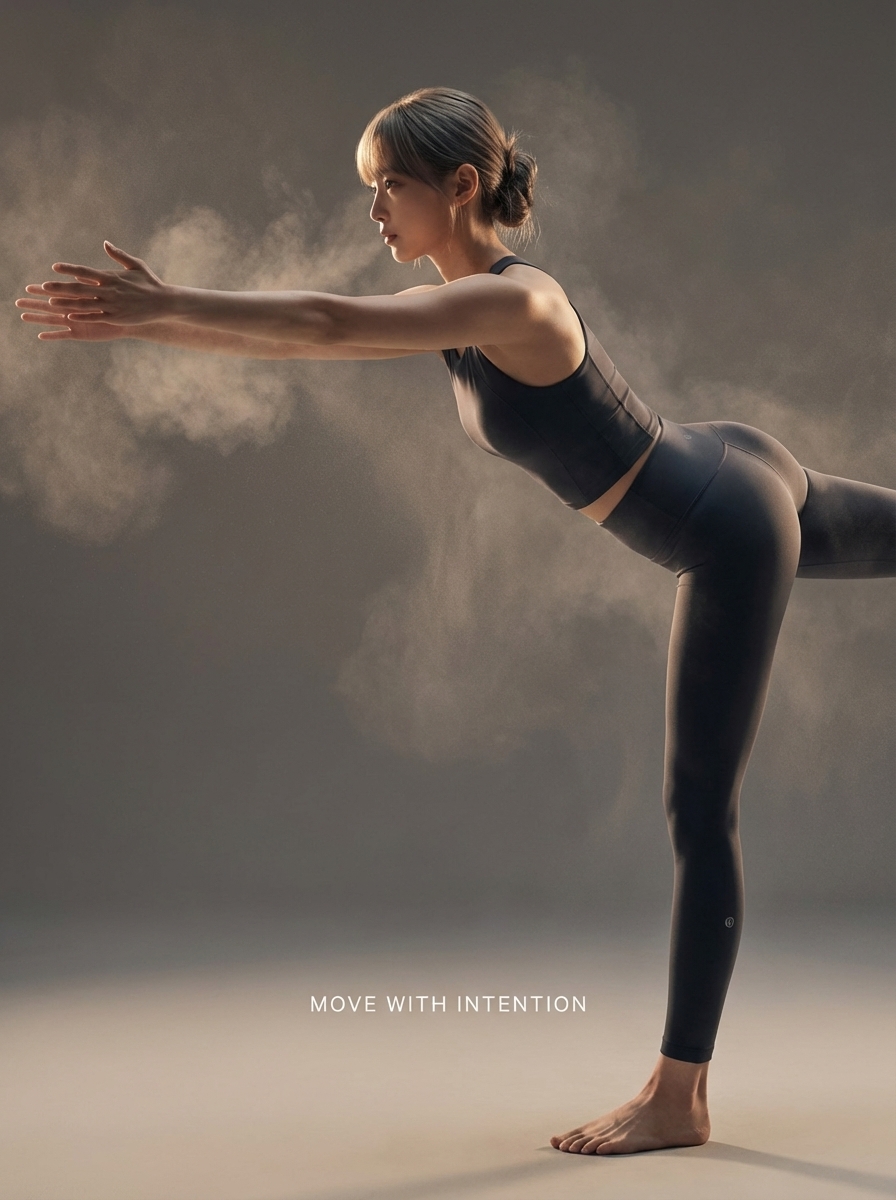
Example1/6
Inspiration
View AllIMAGE
Image Art 1DeepFake
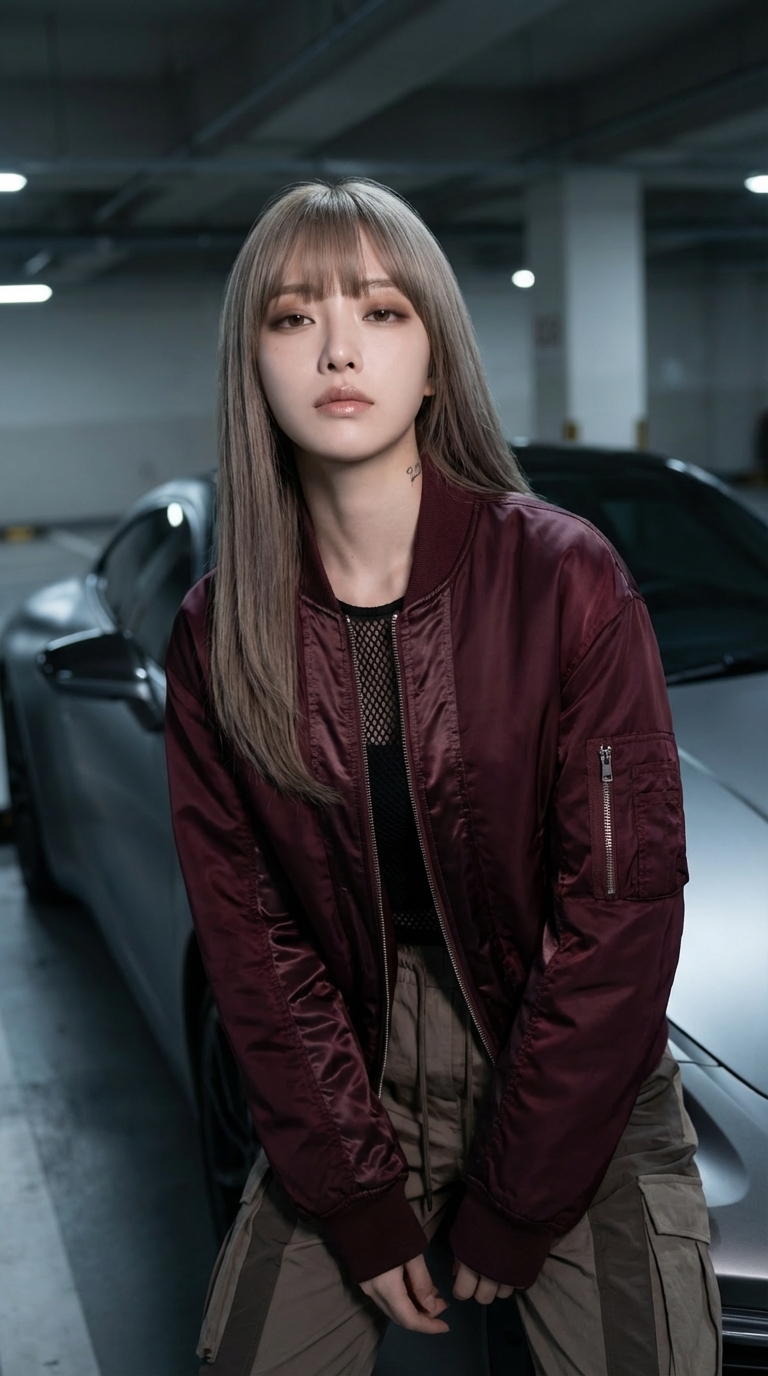
IMAGE
Image Art 2DeepFake
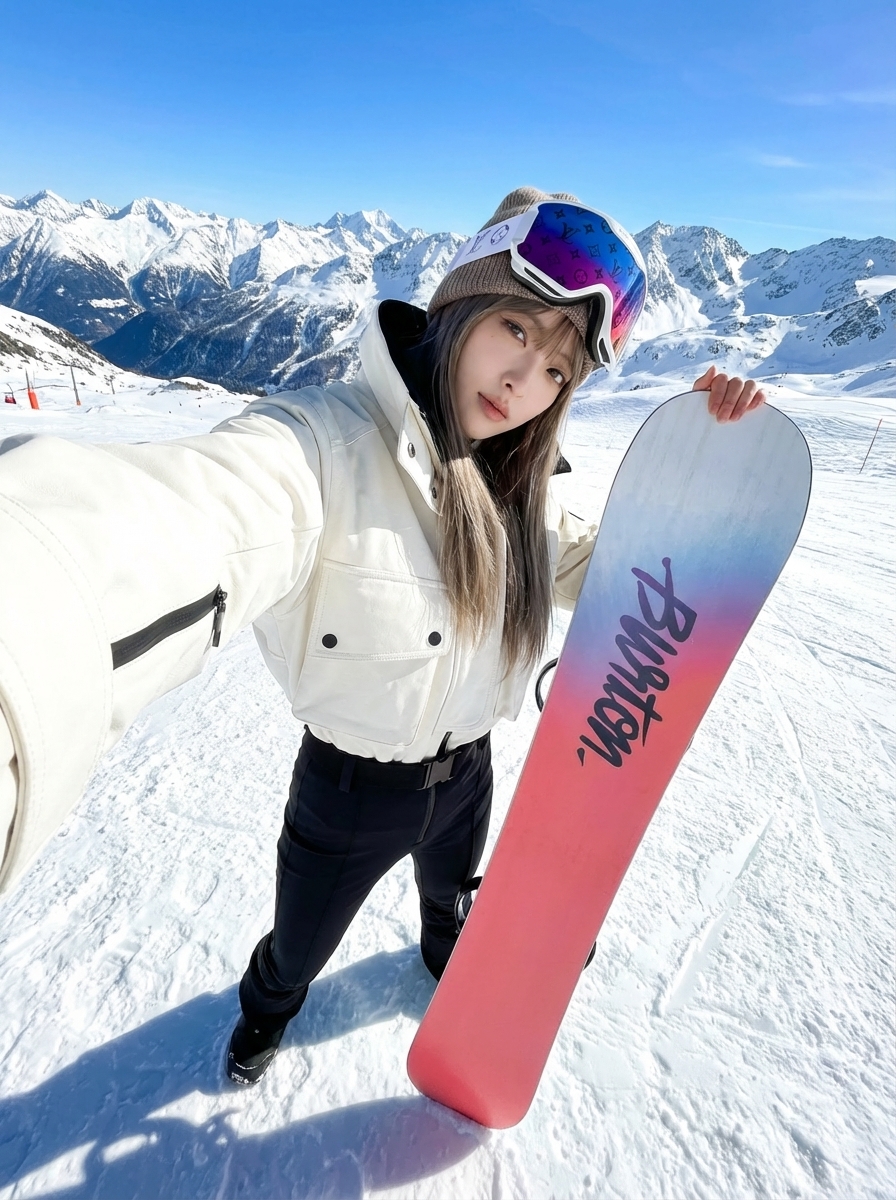
IMAGE
Image Art 3DeepFake
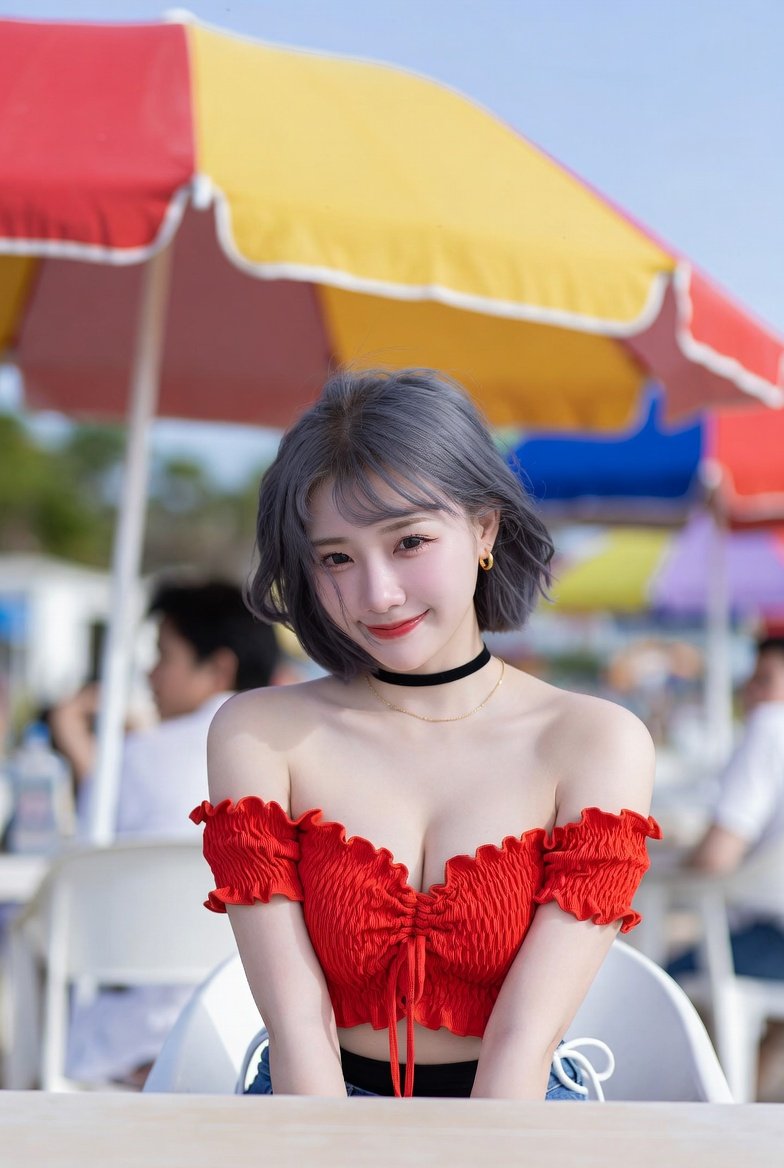
IMAGE
Image Art 4DeepFake
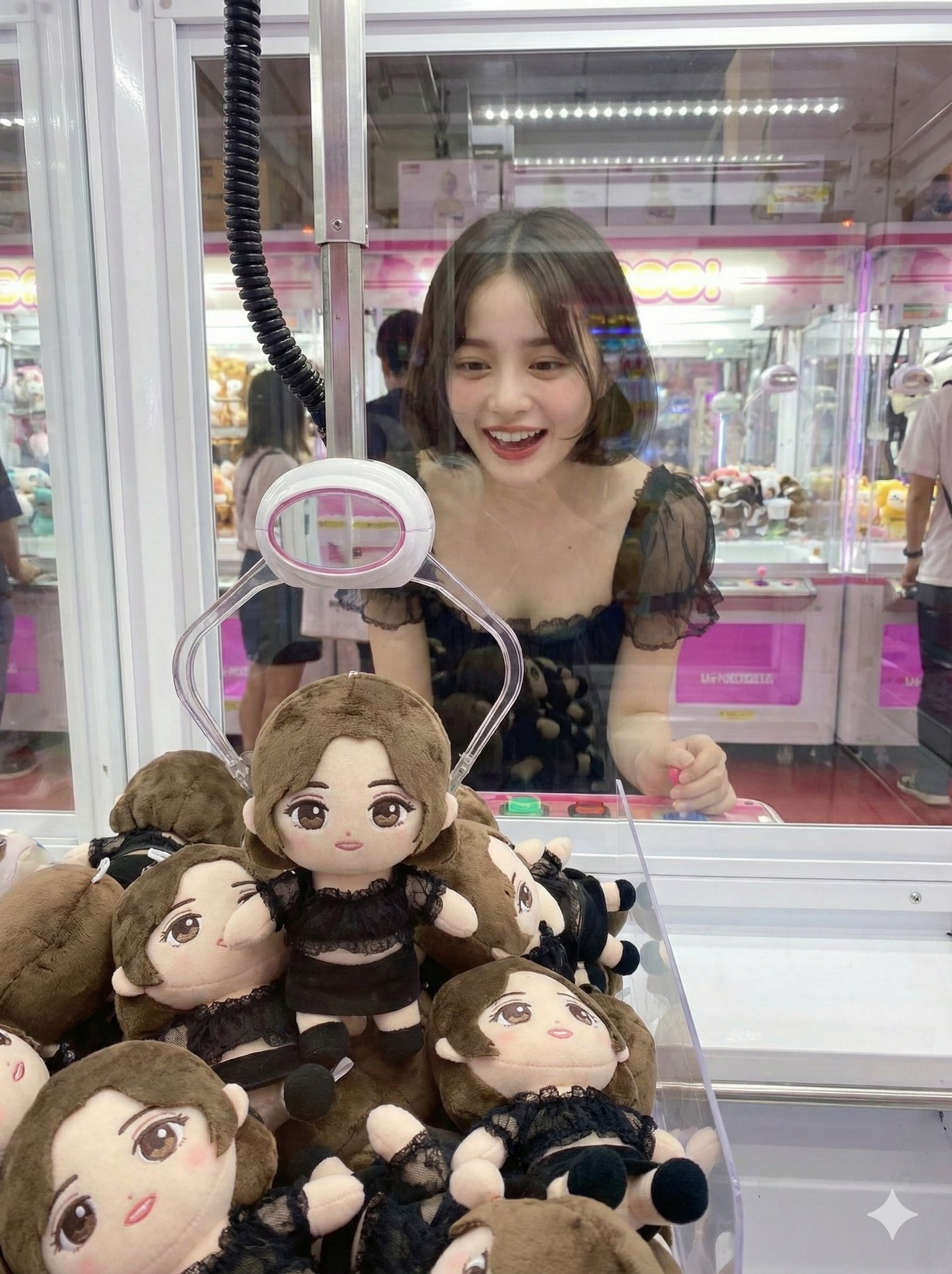
IMAGE
Image Art 5DeepFake
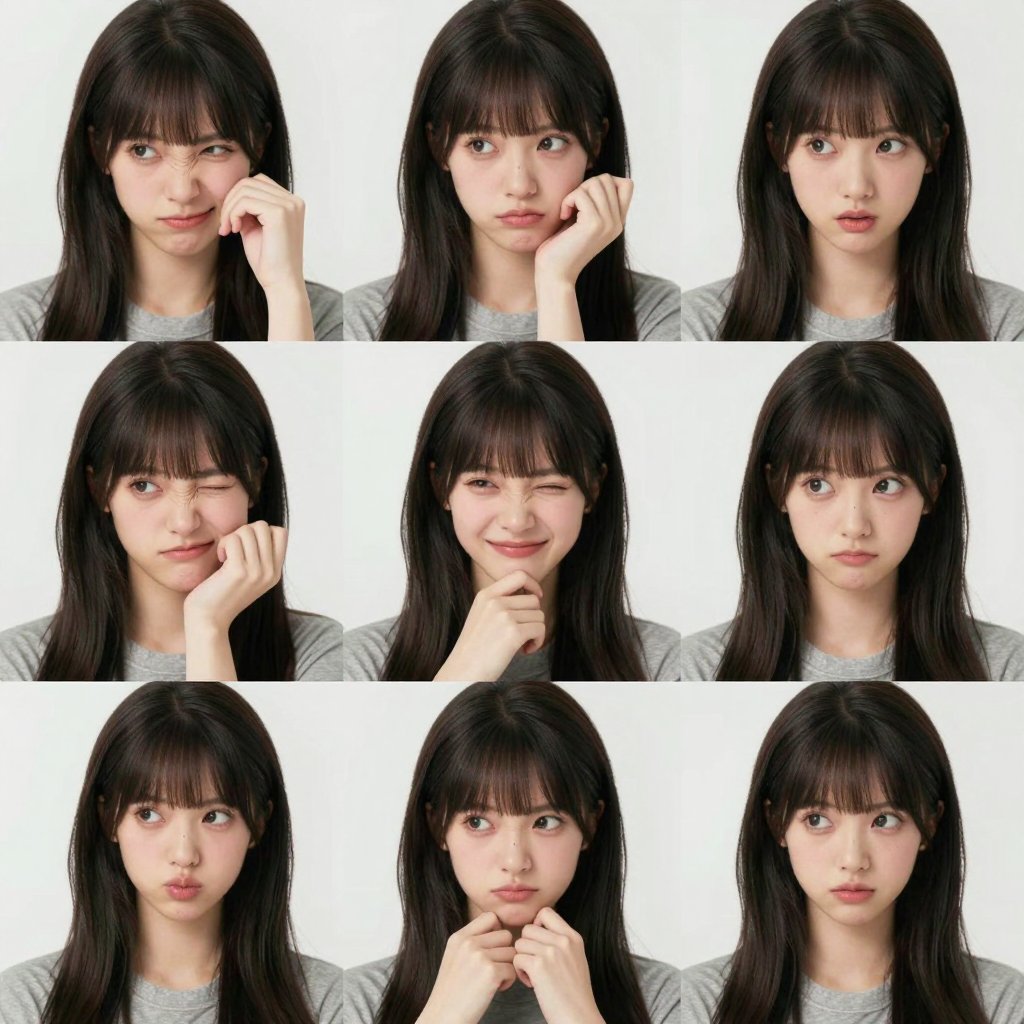
IMAGE
Image Art 6DeepFake
How it Works
01
Start with a Prompt or Photo
Describe the scene or upload a consented person image for face-led DeepFake AI workflows.
02
Mix Video, Image, and Music
Build face exchange edits, image-to-video motion, AI images, and soundtrack layers in one flow.
03
Export Creator-Ready Assets
Download and share polished videos, images, and music for social, ads, websites, and presentations.
Ready to create with DeepFake AI?
Upgrade for faster queues, higher resolutions, longer AI deepfake videos, and more image and music credits.