AI画像編集・変換
背景の編集、詳細の調整、DeepFake向けに洗練されたアセットの作成
AI編集のために画像ファイルをドロップ
or click to browse • Max 4 images, 4MB each
Reference them as image 1, image 2, image 3, image 4 in the prompt. Minimum dimensions are 272x272 pixels.
Image SizeWan 2.7 preset sizes
Number of Images1 × 10 = 10 credits
1
Enable Prompt ExpansionDefault: On
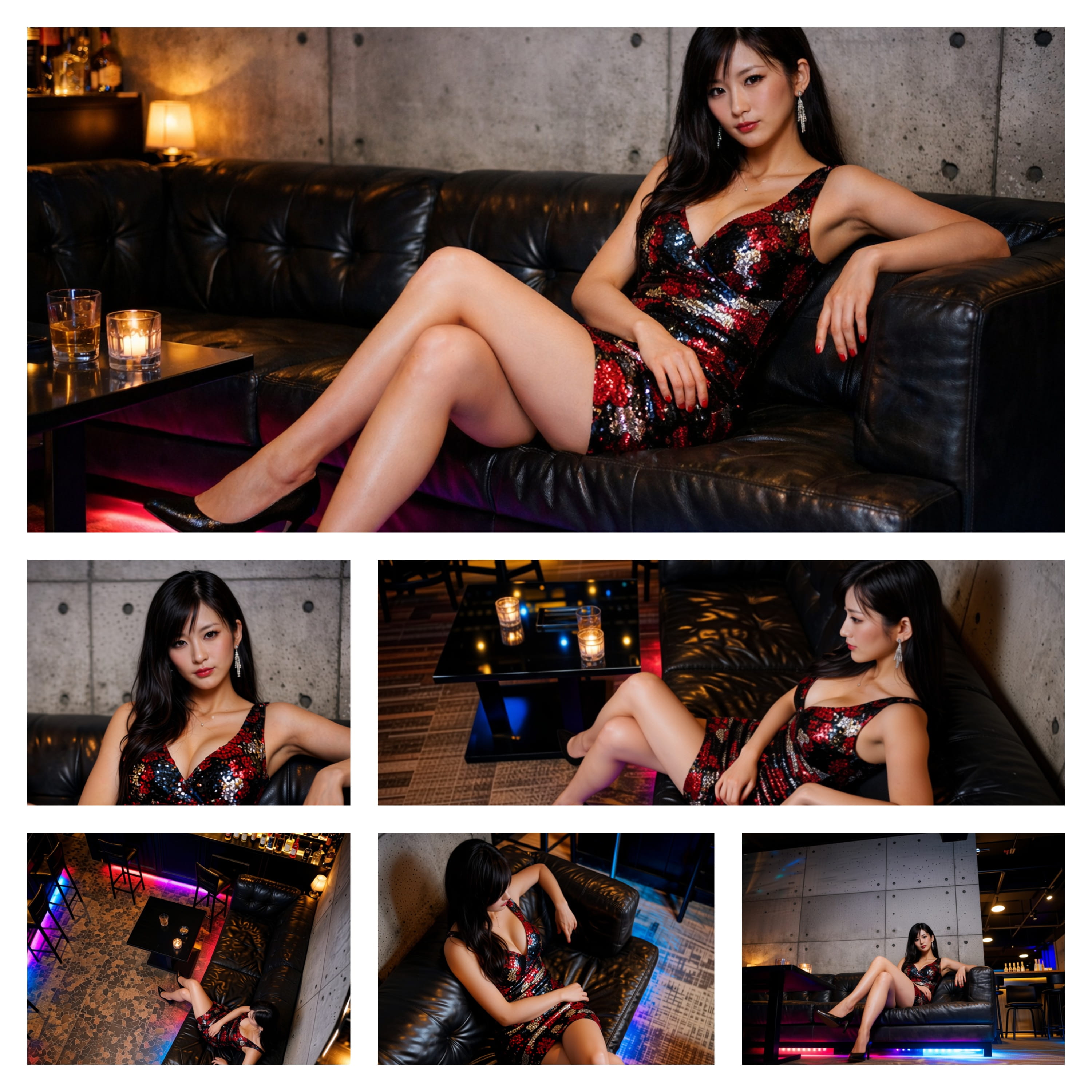
Example1/6
Inspiration
View AllIMAGE
Image Art 1DeepFake
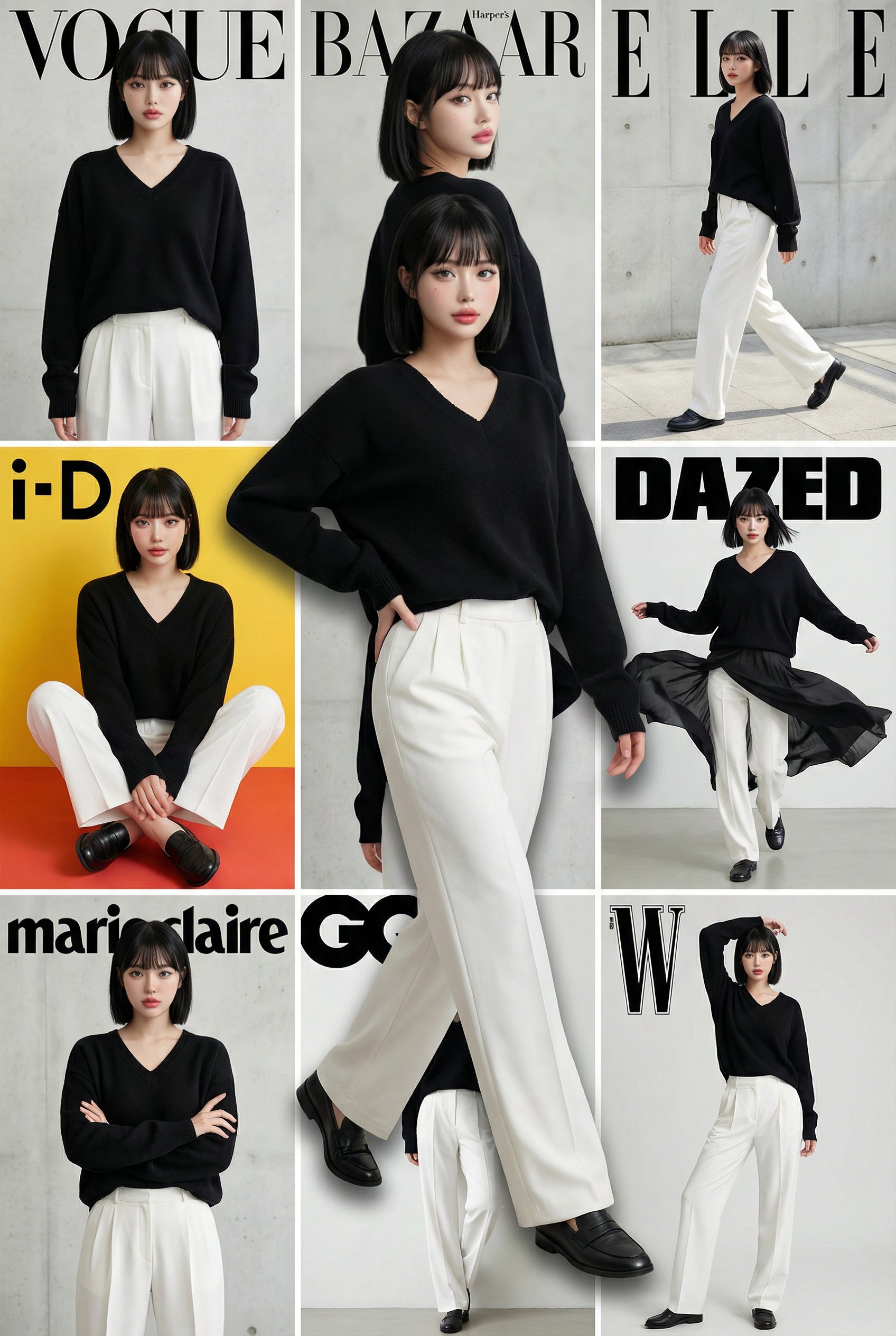
IMAGE
Image Art 2DeepFake
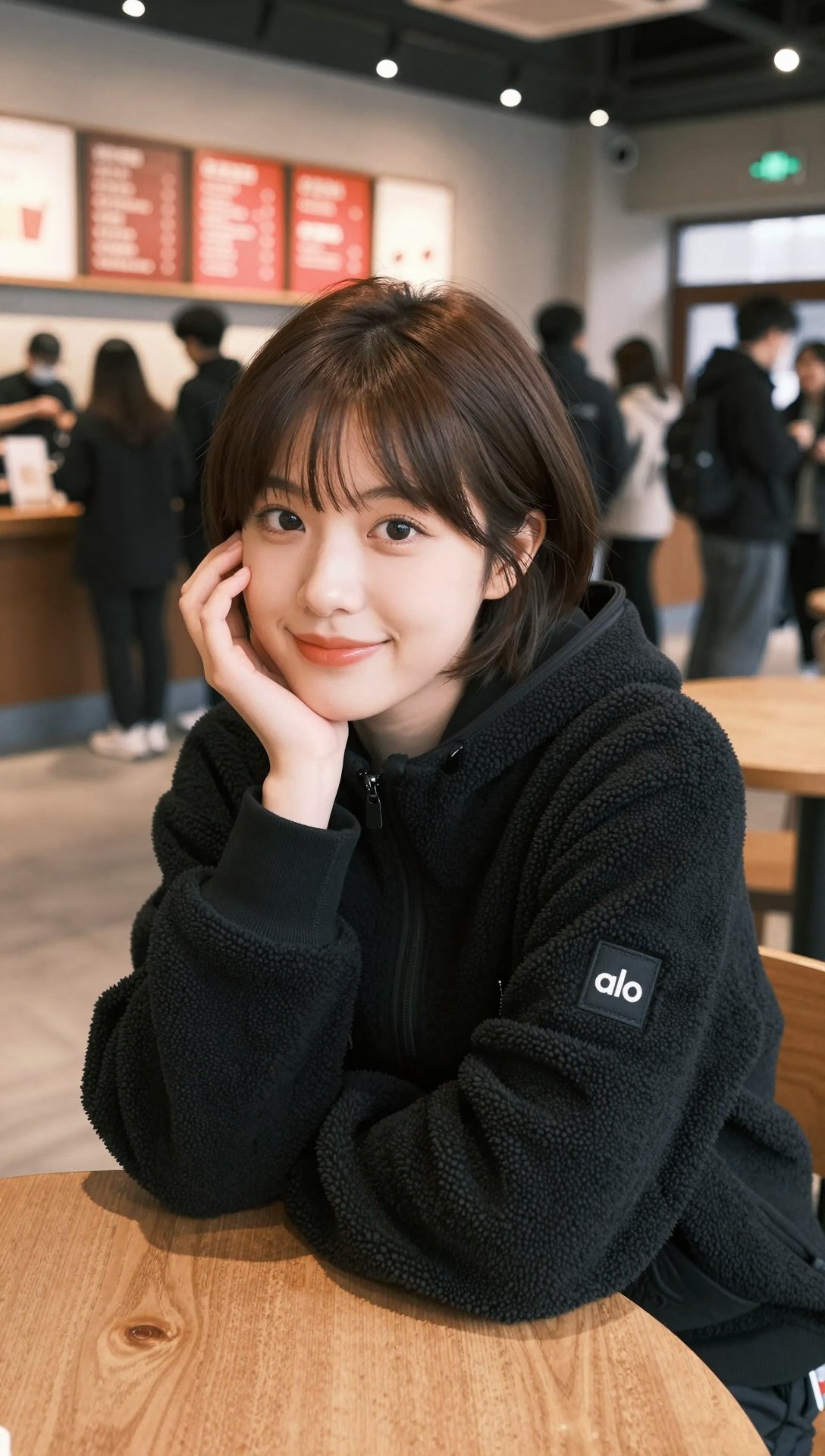
IMAGE
Image Art 3DeepFake
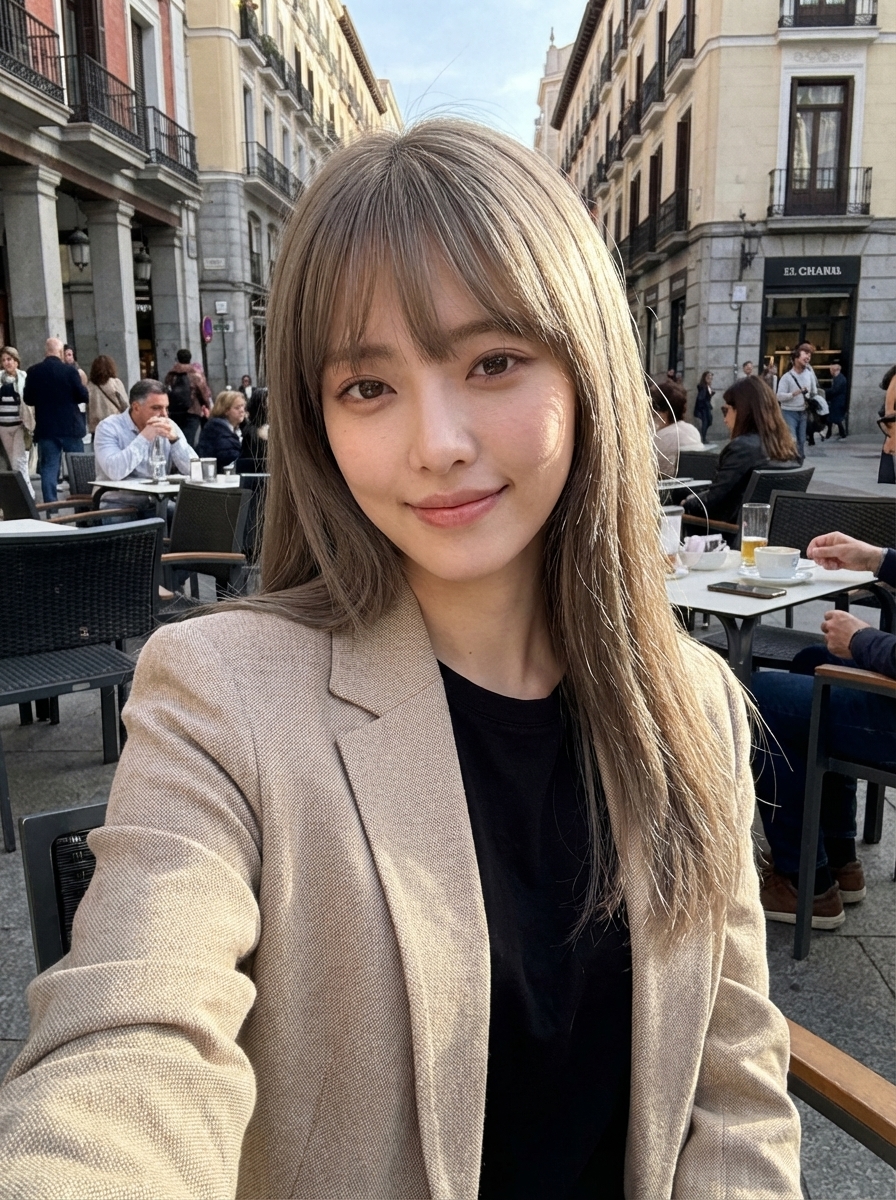
IMAGE
Image Art 4DeepFake
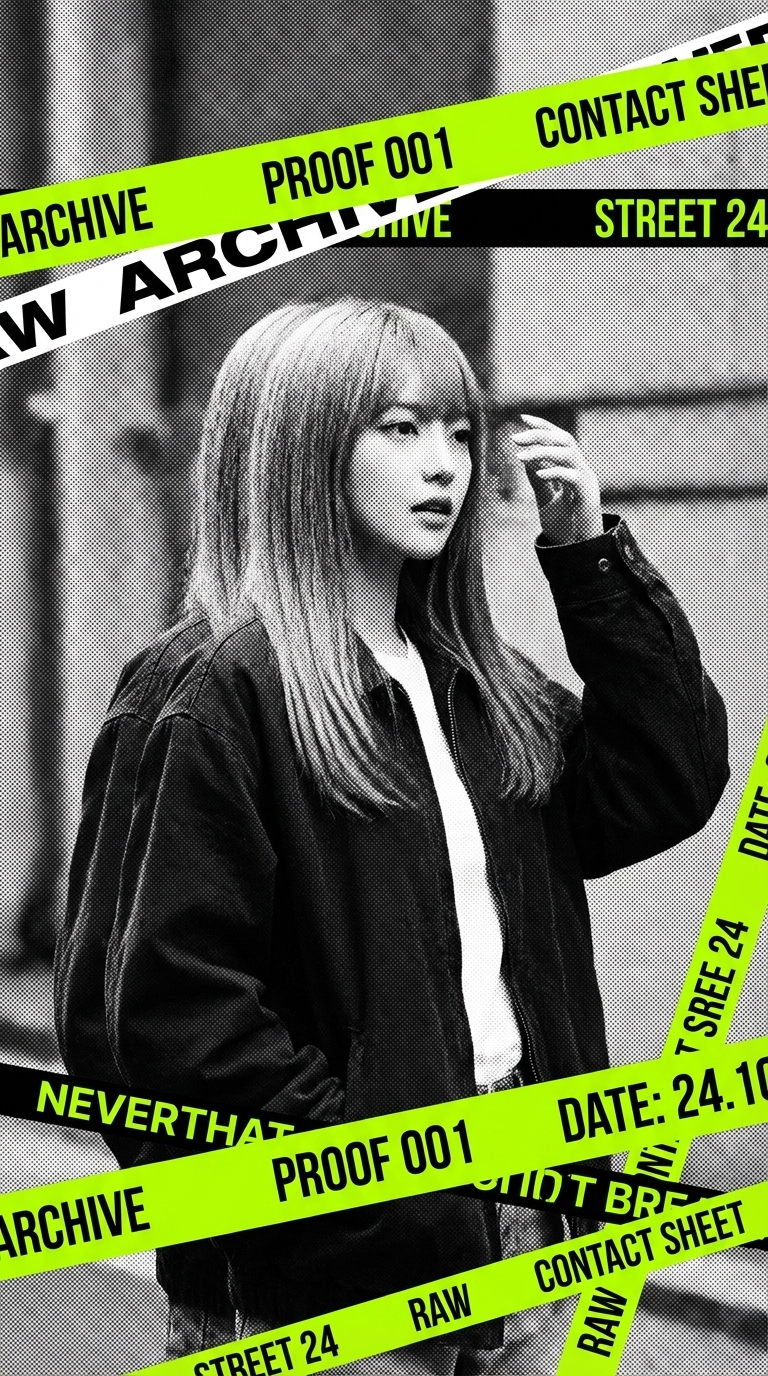
IMAGE
Image Art 5DeepFake
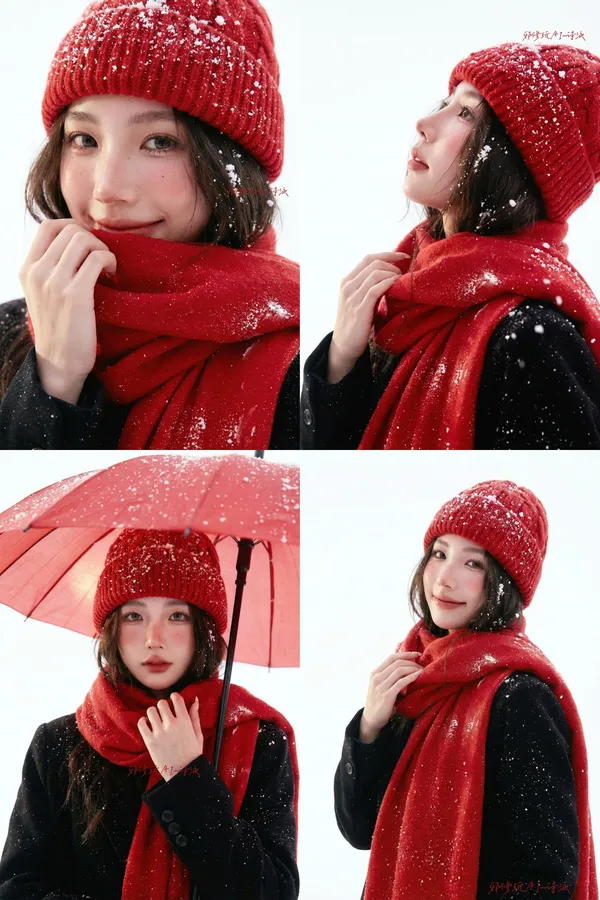
IMAGE
Image Art 6DeepFake
How it Works
01
プロンプトまたは素材を用意
作りたいシーンを文章で入力するか、使用権限のある写真や動画をアップロードします。
02
AIツールで制作
動画生成、顔入れ替え、画像編集、音楽制作など、目的に合ったツールを組み合わせます。
03
完成した作品を書き出す
生成した動画、画像、音声をダウンロードし、SNS、広告、ウェブサイト、プレゼンテーションなどに活用できます。