DeepFake Deal: Upgrade Your DeepFake AI Workspace- More credits for video, image, music, and face exchange workflows
AI Clothes Changer
Change an outfit in a photo with AI. Choose a style or add a garment reference, then refine the result while keeping the person and scene recognizable.
Outfit change examples
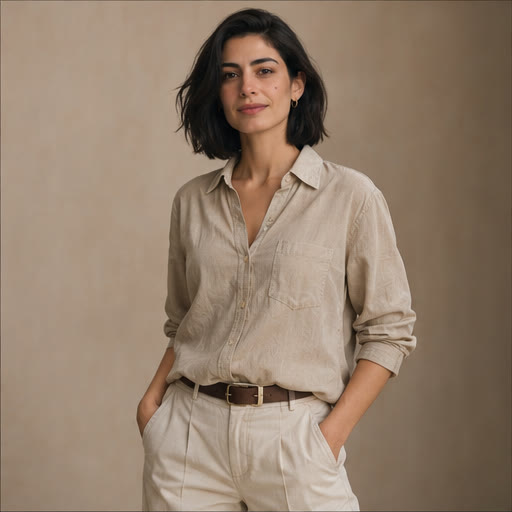
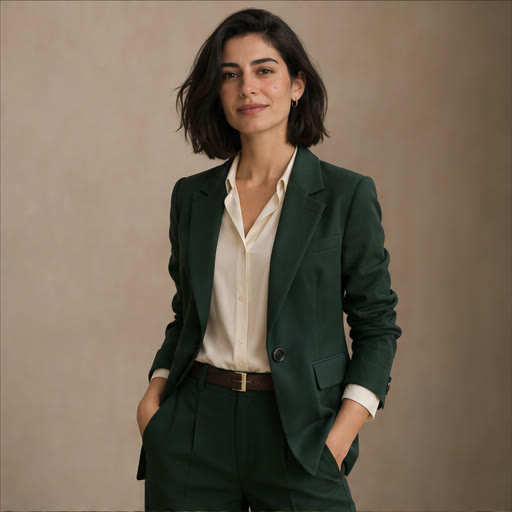
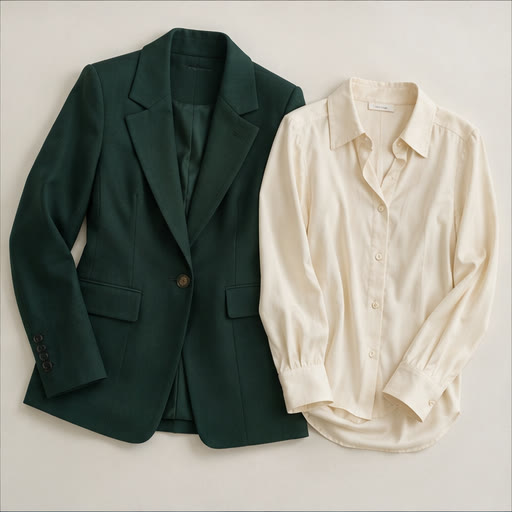
How to change clothes in a photo
- 01
Upload a person photo
Start with a well-lit image where the original clothes and pose are clearly visible.
- 02
Choose an outfit
Pick a preset, describe the new clothes, or include a garment photo as a second reference.
- 03
Generate and review
Check the fit, garment details and preserved facial features, then download the result.
Frequently asked questions
Can I use a photo of a garment?
Yes. Add the person as the first image and the clothing as the second. The model uses the garment as a visual reference, so details such as logos and stitching can vary.
Can I keep the face and background?
The presets ask the model to preserve the face, pose and scene. A sharp, well-lit source image helps. Review the output before using it.