AI Photoshoot
Turn a selfie or a set of reference photos into a studio portrait, professional headshot or lifestyle image. Reuse the same references to explore more looks.
Photoshoot examples
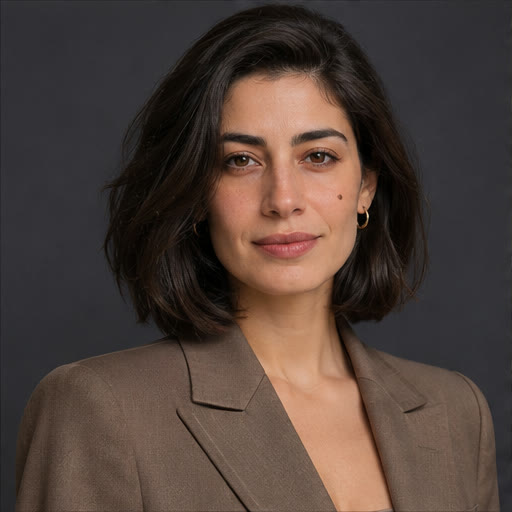
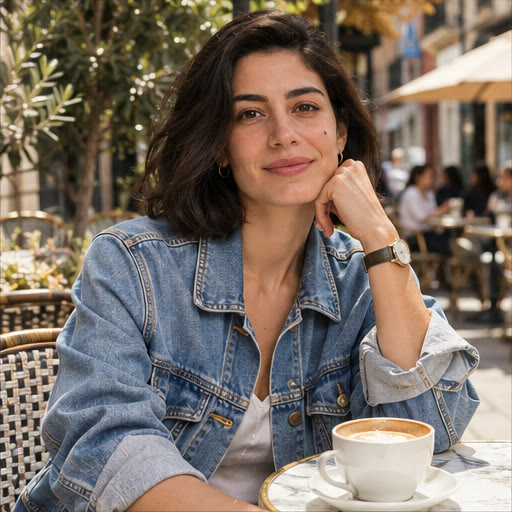
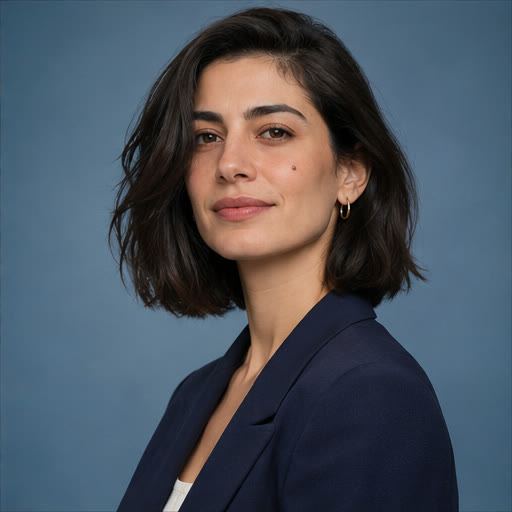
How to create an AI photoshoot
- 01
Choose a clear reference
Use a face photo with even light and visible features. Add a pose reference if it helps.
- 02
Pick a scene
Choose studio, headshot or lifestyle, then edit the prompt to specify wardrobe, framing and lighting.
- 03
Build a set
Generate one scene, select another preset and generate again with the same references. Compare the results and download the ones you want.
Frequently asked questions
How do I keep the same person in each photo?
Reuse the same clear face reference and keep the core identity details in your prompt. Small differences between generated images can still occur.
Can I make a complete set in one click?
Each run uses the selected scene. Switch presets between runs while keeping the same references. The editor shows the credit cost before you generate.