DeepFake Deal: Upgrade Your DeepFake AI Workspace- More credits for video, image, music, and face exchange workflows
AI Influencer Generator
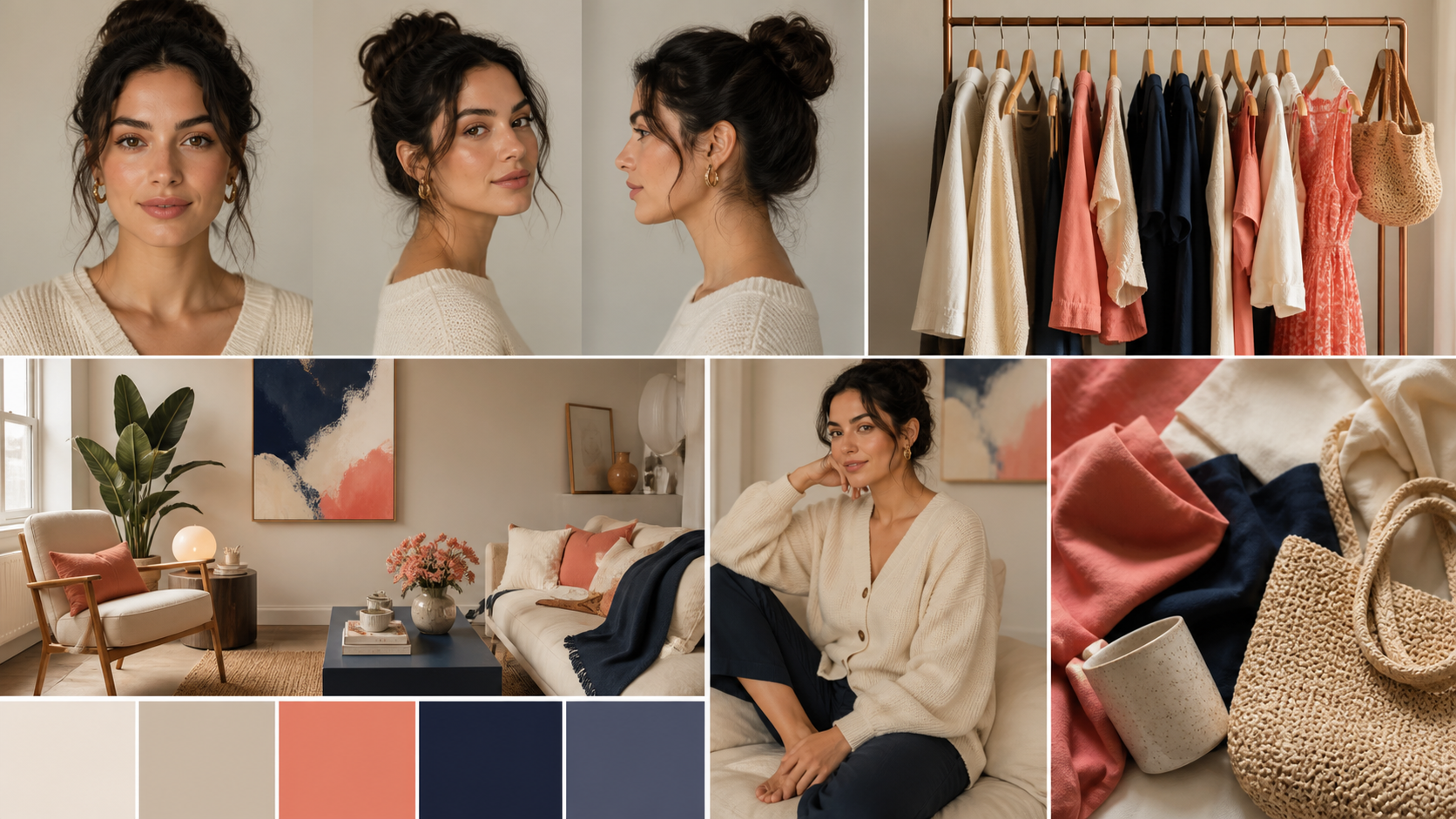
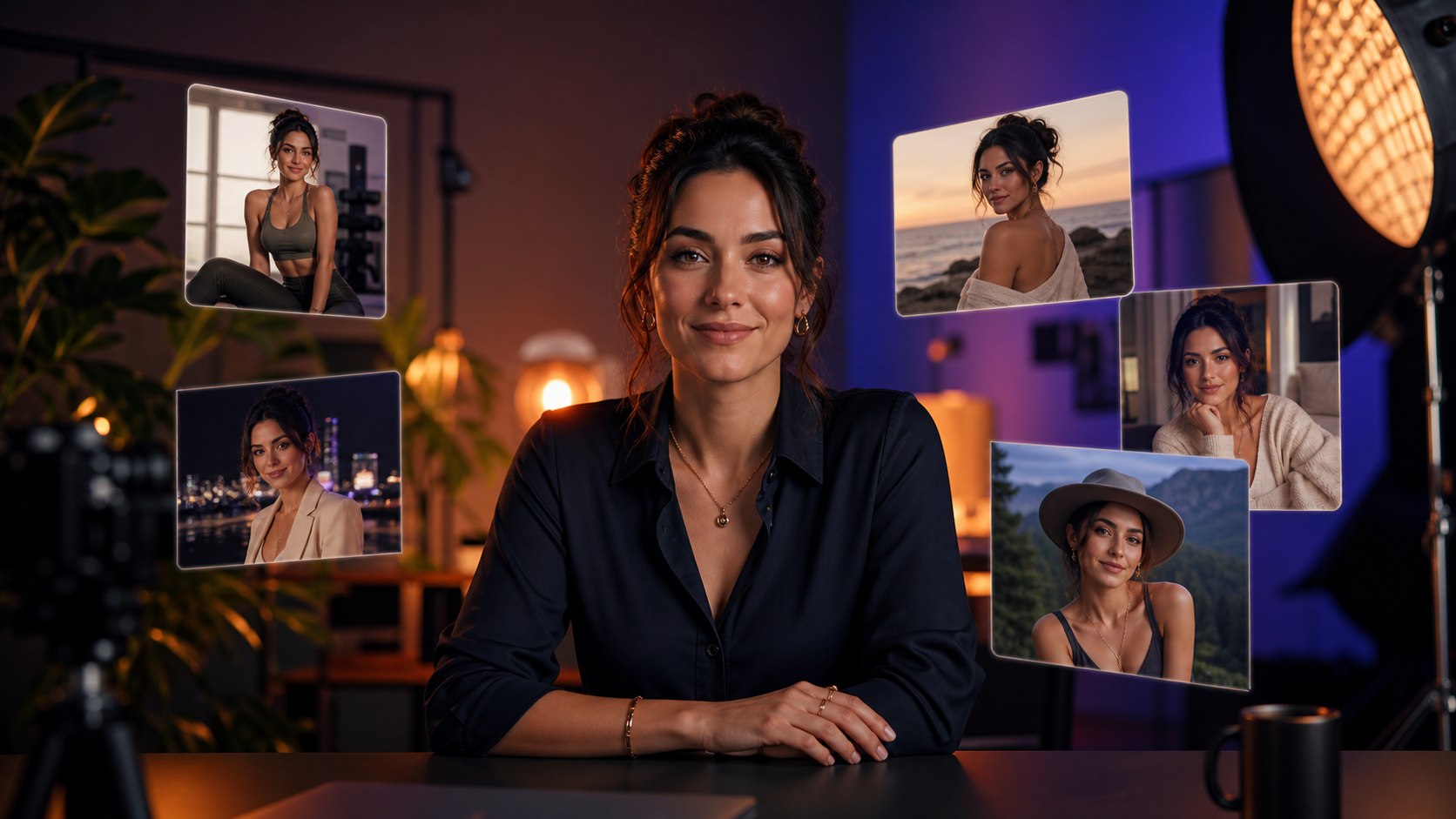
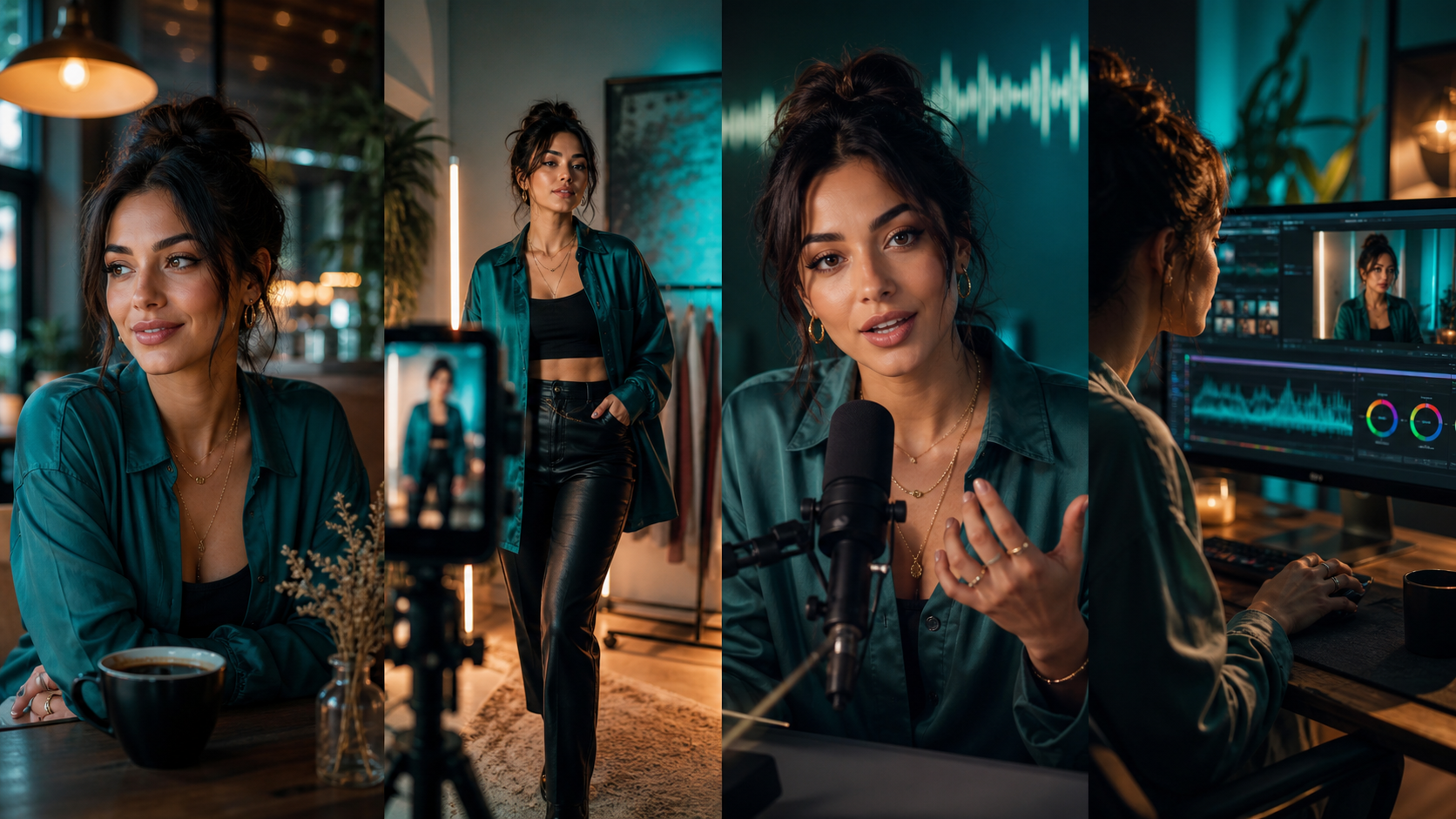
Build a fictional virtual creator from reference photos. Create an identity portrait, try different scenes and reuse a favorite result in images or reference videos.
Virtual creator workflow examples
How to build a virtual creator
- 01
Create an identity portrait
Start with an original fictional creator and generate one clear image with recognizable features.
- 02
Save and reuse the reference
Save a favorite result in this browser. Load it in a later session and change scenes while keeping the reference.
- 03
Animate the creator
Send the selected image to Reference to Video and describe the motion in the new scene.
Frequently asked questions
Where is my reference saved?
The saved reference is available for the same account in this browser. You can remove it from the studio or save a new one over it.
Can I keep the same face across images and video?
Using the same reference helps the models preserve the creator’s identity. Review results for differences in features and proportions before publishing.