DeepFake Deal: Upgrade Your DeepFake AI Workspace- More credits for video, image, music, and face exchange workflows
Change a Photo Background to White
Give a product photo or portrait a clean white background. Choose a flat white, soft product shadow or portrait preset and review the new image before downloading.
White background example
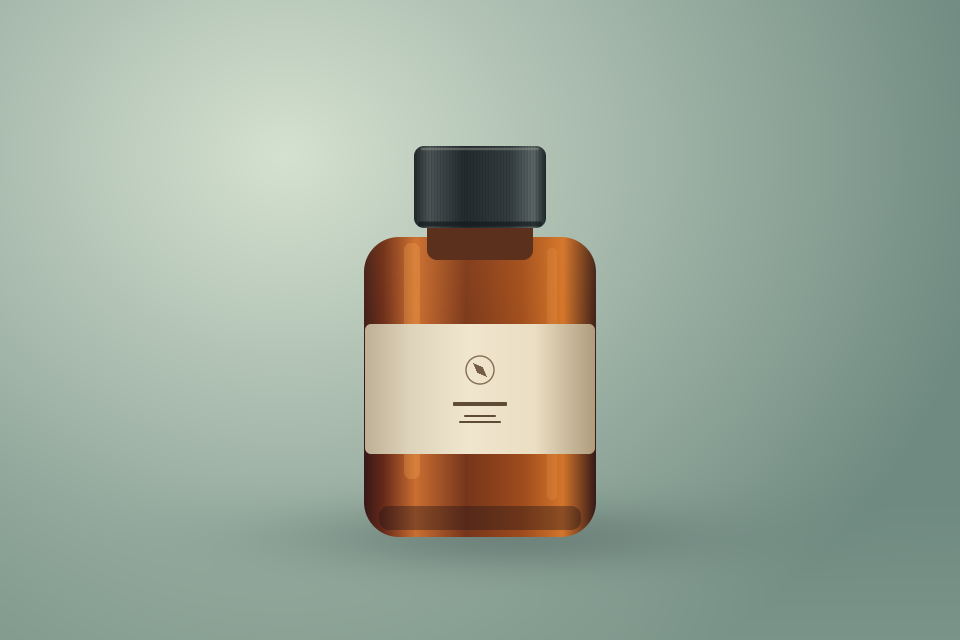
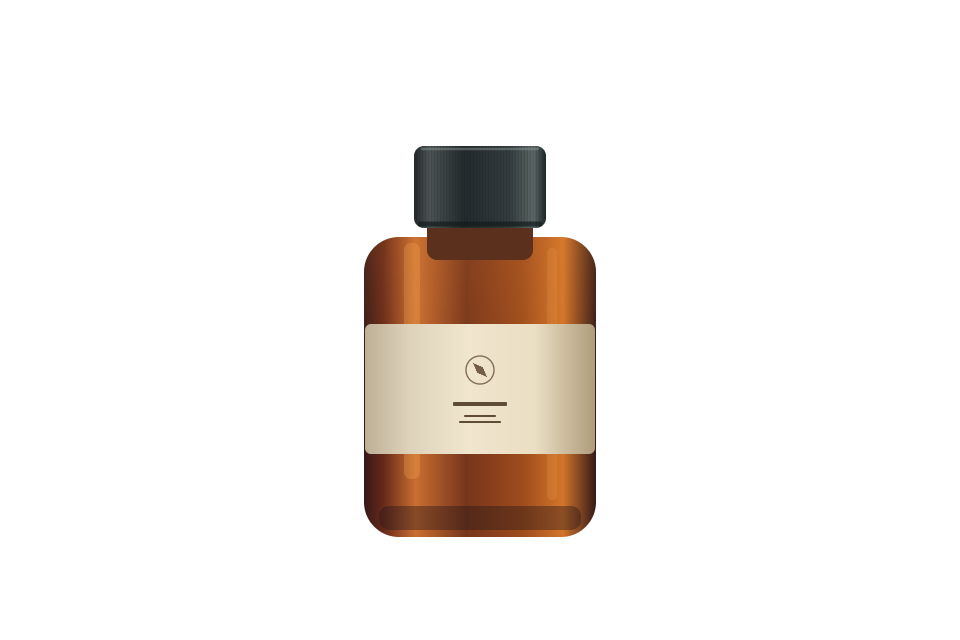
How to change an image background to white
- 01
Upload an image
Use a product photo or portrait with a clearly defined subject and visible edges.
- 02
Choose the white background style
Use flat white, add a subtle product shadow, or keep a portrait crop. The prompt remains editable.
- 03
Review the edges
Check lettering, hair, details and the background tone before downloading.
Frequently asked questions
Can I get a transparent PNG?
This tool creates a white backdrop using image generation. It does not return a transparent cutout.
Is every background pixel pure white?
The pure white preset asks for #FFFFFF. Check the downloaded image if a marketplace requires an exact color value.