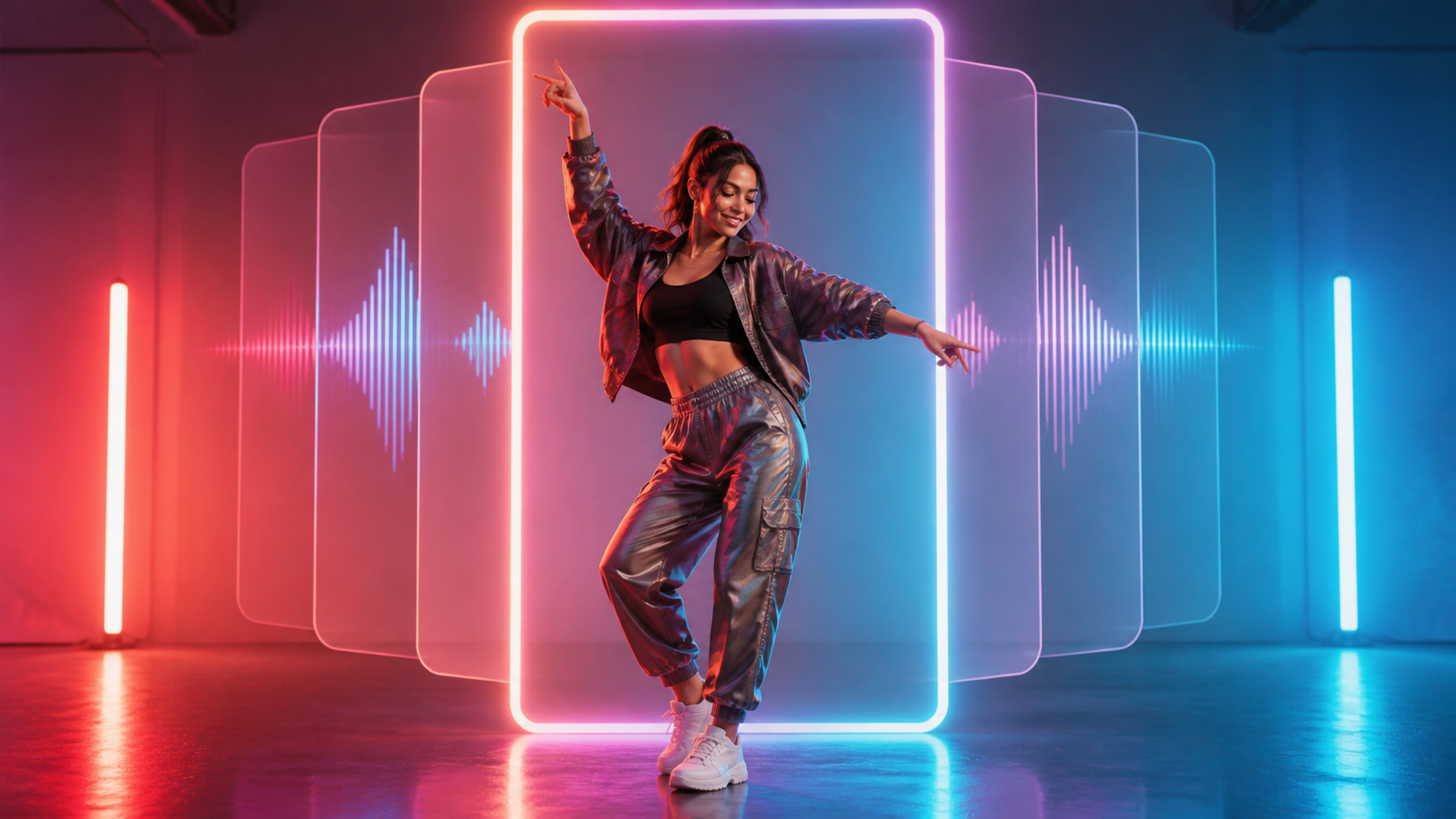
Dance trends fit TikTok because they give the audience an idea to recognize and a format to answer. The sound, opening pose, and movement pattern supply a shared structure; the creator contributes a character, variation, edit, or reaction. AI image-to-video tools add a way to participate without filming a live performance: one authorized adult portrait or original fictional avatar can become a short vertical dance clip.
The useful challenge is not simply making a body move. A TikTok-ready post needs a readable first moment, a beat that supports the motion, a loop or payoff, interface-safe framing, an honest caption, and a reason for viewers to respond. If the concept is suggestive, it also requires explicit adult consent and a careful platform-policy review. AI is never permission to sexualize someone else’s image or to imply that a real person performed an action they did not approve.
This playbook concentrates on the TikTok-specific decisions: choosing a trend, turning it into a compact format, packaging the result for a vertical feed, inviting participation, and learning from the post without chasing empty view counts.
Why Dance Trends Keep Returning
Specific routines and sounds change, but dance remains a recurring short-video format because it combines five things quickly:
- Recognition: viewers understand the movement or audio pattern without a long explanation.
- Variation: styling, character, camera, setting, and ending can change while the format stays familiar.
- Participation: the post can invite a remake, comparison, duet, reaction, or behind-the-scenes explanation.
- Rhythm: music gives the edit natural points for a hook, transition, and final pose.
- Vertical clarity: one character can fill a phone screen and remain readable in a very short runtime.
Those advantages do not guarantee reach. A trend may already be saturated, a sound may be restricted for a commercial account, or a suggestive dance may be ineligible for recommendation or monetization. Treat a trend as a creative grammar, not a promise of virality.
Choose the Trend Before You Generate
Scrolling until something looks popular is not a production brief. Before opening a generator, study the format and write down six decisions.
1. The Recognizable Element
What makes the trend identifiable: a particular beat, a two-step pattern, a pose transition, a camera reveal, or a comic payoff? Preserve one recognizable element and avoid copying a creator’s whole performance, appearance, or edit.
2. Your Variation
Decide what you are adding. It might be an original adult avatar, a different visual medium, a genre change, a cleaner loop, a paired outfit variation, or a process breakdown. If the only difference is a copied face, the idea is neither original nor responsible.
3. The Intended Audience
Separate a general-audience dance from a suggestive adult-oriented concept. For the latter, define clothing coverage, permitted gestures, body framing, camera distance, and the intended publishing context before creating any output.
4. The Sound Plan
Identify whether the post will use original music, a licensed track, or audio available through the destination account’s permitted library. A song being widely used does not automatically clear it for advertising, sponsorship, or cross-platform reposting.
5. The Participation Prompt
Choose the response you want: compare two endings, recreate a move, vote on a style, watch a process clip, or follow a short series. A specific invitation is more useful than generic engagement bait.
6. The Policy Check
Look at the current rules for sexualized behavior, synthetic media, music, advertising, age restrictions, and recommendations. Review the complete presentation—the character, choreography, crop, sound, thumbnail, and caption—not just the animation prompt.
The Compact Three-Step Creation Process
The underlying workflow is simple: choose a dance direction, supply a suitable image, and generate a vertical clip. Keep this creation stage compact so most of your effort can go into the edit and post packaging.
Step 1: Convert the Trend into a Motion Brief
Describe one short movement phrase, its energy, and its ending. For example:
Clearly adult fictional street-dance character, upbeat two-step with one arm sweep, then return to the opening pose; fixed vertical framing; confident and playful, not explicit.
“Make a viral dance” provides no useful choreography or camera direction. A concrete ending also gives the editor a chance to create a clean loop.
Step 2: Use an Authorized Adult Character
Start with a clear frontal or three-quarter image that leaves space for the movement. The subject must be unmistakably adult and must have approved animation, the dance style, and the intended distribution. An original illustrated avatar is another option when you own the design and it is clearly adult-coded. Do not use youthful or age-ambiguous characters for suggestive choreography.
Step 3: Generate the Vertical Master
Use an image-to-video workflow to make a brief 9:16 pass. Keep the character centered, maintain the agreed clothing and framing, and avoid combining several difficult actions with aggressive camera motion. Reject any result that changes the apparent age, introduces unapproved intimate emphasis, or misrepresents a real person.
The generation is raw material. The next stage is what makes it feel native to TikTok.
Build the Hook, Beat, and Loop
Make the First Moment Legible
Open on the character and the idea. Remove blank lead-in frames, long fades, logos, and slow camera setup. A brief held pose can create anticipation, but viewers should know what they are watching immediately.
The first frame also works as packaging. Use a silhouette, expression, or pose that remains understandable at phone size. Avoid a crop that turns a dance into a sexualized body close-up, especially when that emphasis was not part of the approved brief.
Edit to the Beat
Match the clearest gesture, turn, or final pose to an audible accent. If you need original audio, a text-to-music workflow can help establish a direction, but the final track still needs a rights and suitability review.
Do not fill every beat with a cut. One readable movement is often stronger than an effect stack that hides weak choreography. Keep captions synchronized with what the viewer sees rather than using them to make unsupported promises.
Design the Ending to Replay
A loop works when the final body position, camera, and motion direction can return naturally to the opening. Another option is a deliberate reveal-and-reset: the payoff completes, then a beat or movement cue takes the viewer back to the start.
Watch the loop repeatedly before posting. A small jump, clothing discontinuity, or lighting change becomes more noticeable with every replay.
Compose for the TikTok Interface
A vertical file is not automatically interface-safe. Captions, usernames, descriptions, and interaction controls cover parts of the frame.
- Keep the face, hands, and defining footwork away from the extreme edges.
- Leave breathing room above the head and below the feet.
- Put essential captions in a central safe area and keep them brief.
- Preview the post as a draft inside the destination interface.
- Check the auto-selected cover and choose a frame that represents the video honestly.
Compression may expose flicker or facial instability that looked subtle in the local export. Judge the uploaded preview, not only the master file.
Turn One Dance into a Small Content Series
Instead of treating every post as a new invention, turn one approved dance concept into several formats with different viewer value.
The Straight Trend Version
Publish the cleanest short loop with a direct caption. This version establishes the character and makes the movement easy to understand.
The Variation Version
Change one creative variable—visual style, lighting, camera restraint, music direction, or ending pose—while keeping the core movement recognizable. Ask viewers which version communicates the mood better.
The Process Version
Show the approved character image, a brief prompt summary, and the edited result. A process post creates transparency around synthetic motion and can generate more useful discussion than pretending the performance was captured live.
The Revision Version
Respond to a specific piece of feedback: a smoother loop, more readable opening, safer crop, or clearer disclosure. This turns audience participation into a documented creative improvement rather than a race toward more provocative content.
Each derivative still needs its own rights, policy, and caption review. Permission for one private draft is not permission for a public series or paid campaign.
Captions, Disclosure, and Audience Interaction
Use the caption to set context: identify the clip as AI-assisted, name the fictional character or creative experiment, and ask one focused question. Do not imply that an authorized model performed synthetic choreography, and do not conceal AI use when the platform requires disclosure or when viewers could reasonably be misled.
After posting, answer questions about the workflow honestly. If the character is fictional, say so. If it is a consenting collaborator, avoid revealing personal details beyond what they approved. Never share the source image, consent record, or private production files as “proof” without permission.
Participation features can extend a trend, but control over the original post does not guarantee control over every remix. Discuss public replies, duets, stitches, downloads, and reposting with the subject before enabling them where controls are available.
Learn from the Post Without Chasing Views
Views alone do not explain whether the idea worked. Review the post as a set of creative questions:
- Did viewers understand the opening or leave before the movement began?
- Did the loop encourage a replay, or did the ending feel abrupt?
- Did comments respond to the intended creative question?
- Did the caption and AI disclosure reduce confusion?
- Did the video reach the intended audience without attracting unsafe requests?
- Did the same character and format perform consistently across variations?
Compare similar posts rather than reacting to one spike. If a cleaner opening performs better, carry that lesson into the next version. If the comments focus on the wrong thing, reconsider the crop, caption, or degree of suggestiveness rather than escalating it.
Are Suggestive AI Dances Suitable for Every Platform?
No. TikTok, Instagram, and YouTube apply separate rules to nudity, sexualized behavior, minors, recommendations, monetization, ads, and synthetic media. Rules can vary by context and change over time. AI-generated content is not a loophole: a synthetic dance may still be removed, restricted, or made ineligible for promotion.
Never create or distribute non-consensual intimate imagery. Do not animate a celebrity, acquaintance, former partner, client, stranger, or private account photo into a suggestive dance without explicit authorization. Do not use minors or anyone whose age is uncertain. When consent or rights cannot be demonstrated, build a new fictional adult character instead.
Frequently Asked Questions
Is dance content still popular on TikTok?
Dance remains a recurring format because it combines sound, visual movement, and participation. Individual routines change quickly, so study the current feed and adapt the format rather than assuming an older trend will perform the same way.
What dance styles fit a short AI clip?
Compact hip-hop steps, controlled body isolations, chair-inspired stage movement, and two- or three-move loops can fit vertical framing. Choose a style appropriate for the intended audience and keep the camera from turning ordinary movement into unapproved intimate emphasis.
Can I participate without filming myself?
Yes. Use an original adult avatar or an adult collaborator’s image with explicit permission for the exact choreography and distribution. Avoid copying a real person’s likeness or using an image whose rights are unclear.
Is a fictional avatar automatically safe?
No. You need rights to the design, the visible character must be clearly adult for suggestive content, and platform rules still apply. Fictional framing reduces identity misuse; it does not remove content obligations.
Does AI generation solve music copyright?
No. Visual generation and audio licensing are separate. Use music you own, music licensed for the intended use, or audio available under the destination account’s current terms.
Should I disclose the synthetic movement?
Follow current platform requirements. Disclosure is also appropriate whenever a reasonable viewer could mistake generated motion for something a real person performed.
Final Playbook
Choose one recognizable trend element, add an original variation, define the adult consent and policy boundary, generate a concise vertical master, edit the first moment and loop to licensed sound, preview the interface-safe upload, invite one meaningful response, and compare the result with similar posts.
That process makes an AI TikTok dance more than a moving portrait. It becomes a clear, participatory format that respects the subject, informs the audience, and can be improved without relying on deception or escalating sexualization.