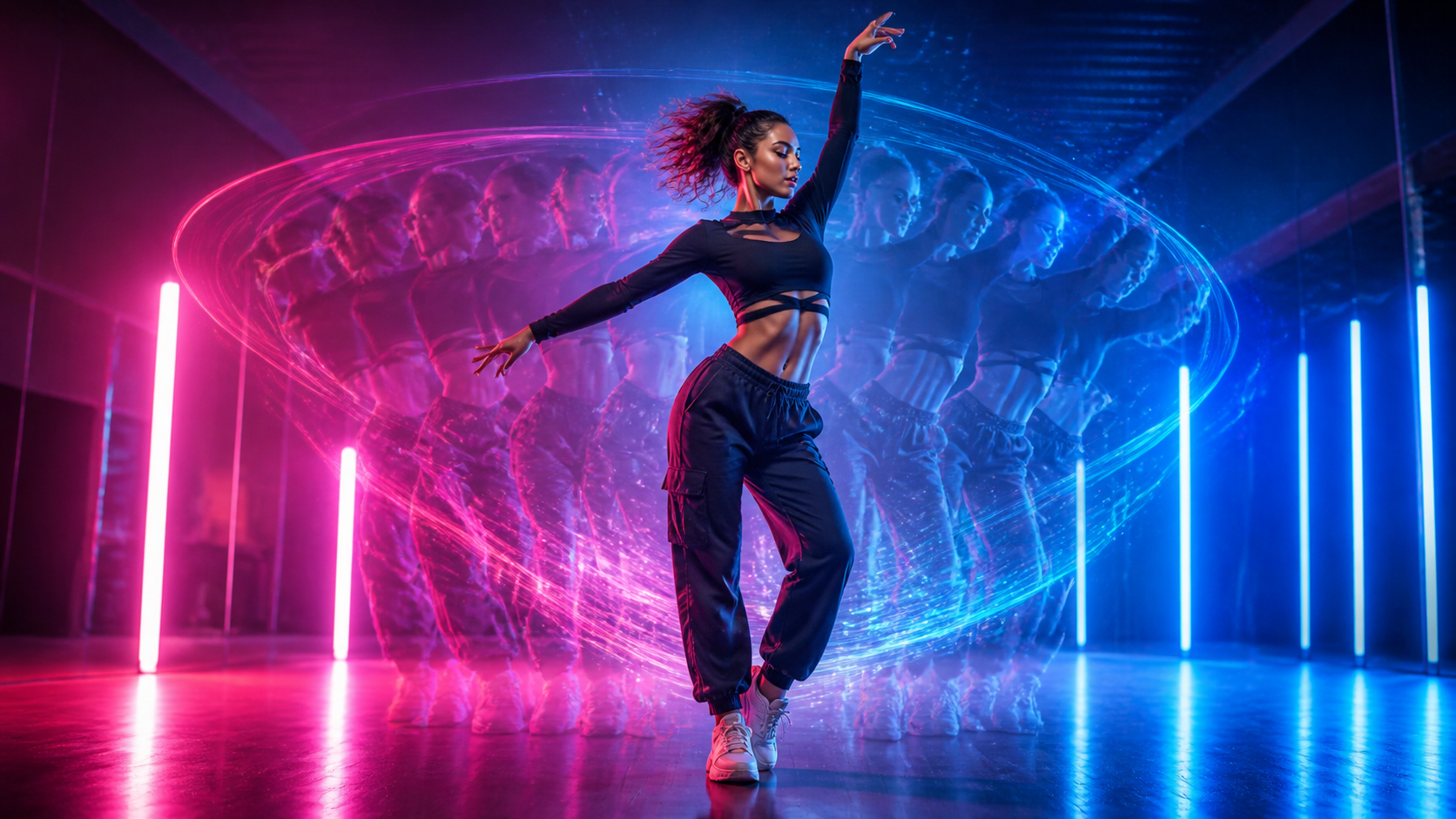
AI dance clips compress several things that work well in short-form video into a few seconds: recognizable movement, a strong visual hook, music-friendly pacing, and a character viewers can understand immediately. Image-to-video tools also make the format accessible to creators who do not have a studio, a camera crew, or advanced choreography skills.
The creative shortcut comes with a responsibility that cannot be skipped. A suggestive or “sexy” dance video should feature only clearly adult subjects, and the image must belong to you or be used with explicit permission. Never sexualize another person’s photo, imitate a real person deceptively, or upload private imagery without informed consent.
This guide explains why dance clips attract attention, how to animate a full-body photo, where platform boundaries matter, and how to distribute the result through a practical, rights-aware workflow.
Why AI Dance Videos Attract Attention
Dance is visual storytelling without much setup. A pose, rhythm, and change in body language can establish personality before a viewer hears a word. That makes dance clips especially compatible with feeds where people decide within seconds whether to keep watching.
Several qualities help the format:
- Motion creates an immediate hook. A clean opening pose followed by a readable movement is easier to understand than a busy scene with no focal point.
- Choreography communicates mood. Smooth, playful, energetic, or confident movement can establish a tone without a long script.
- Short clips are easy to iterate. Creators can test different crops, rhythms, and motion directions before committing to a longer edit.
- The same idea can fit multiple channels. A vertical master can be adapted for TikTok, Reels, or Shorts, while a wider version may work in a montage or music visual.
AI does not guarantee attention or virality. The result still needs a coherent subject, believable motion, appropriate music, and a reason for the viewer to stay through the final frame.
Before You Generate: Set the Rights and Safety Boundary
Start with the subject, not the software. You should be able to answer all of the following before uploading an image:
- Is the depicted person unmistakably an adult?
- Did that person create the image or give informed permission for this specific use?
- Would they be comfortable with the planned choreography, styling, audience, and publishing platform?
- Do you have the right to use the clothing design, background, music, and any visible brand assets?
- Could the finished clip mislead viewers about something the person actually did?
If any answer is uncertain, use a fictional adult character or create a new, fully authorized input. Consent to take a photo is not automatically consent to animate it, sexualize it, publish it, or use it in advertising.
How to Turn a Photo into an AI Dance Video
A reliable workflow has four repeatable stages: choose a motion direction, prepare a suitable image, generate a controlled test, and review the export.
Step 1: Define the Dance Style and Destination
Decide where the clip will appear and what mood it should communicate. “Confident club dance,” “smooth hip-hop groove,” and “playful pop choreography” lead to more useful creative decisions than a vague request for movement.
Also choose the intended format before generation:
- 9:16 vertical for most short-form feeds;
- 1:1 square for a compact social post;
- 16:9 landscape for a blog, presentation, or longer edit.
Plan a short first test. A five- to eight-second clip is usually enough to evaluate pose stability, motion direction, and whether the character remains recognizable.
Step 2: Prepare a Clear Full-Body Image
A clear, full-body photo gives the model enough visual information to infer limbs, balance, and clothing movement. Use an image with:
- the head, hands, torso, legs, and feet visible whenever possible;
- a natural standing or dance-ready pose;
- clear separation between arms, legs, and the body;
- even lighting and a background that does not hide the silhouette;
- enough resolution to preserve facial and clothing details after a vertical crop.
Avoid crossed limbs, cropped feet, motion blur, heavy foreground objects, or hands hidden behind the body. These ambiguities often become unstable joints, fused fingers, or sudden changes in clothing during animation.
Crop for the final aspect ratio while leaving space around the hands, head, and feet. Tight framing can make energetic movement collide with the edge of the canvas.
Step 3: Describe Motion, Camera, and Restraints
Some tools begin with a choreography template; others use a motion prompt. In either case, specify three layers:
- Body action: the main step, hip movement, arm pattern, turn, or pose transition.
- Timing and energy: slow and controlled, upbeat and rhythmic, or one clean movement followed by a held pose.
- Camera behavior: fixed full-body framing, a subtle push-in, or a gentle arc—not several competing moves at once.
If you are using an image-to-video workflow, start with restrained movement and a stable camera. Large spins, fast footwork, and abrupt zooms demand more unseen visual information and can expose inconsistencies. Add complexity only after a simple pass keeps the face, limbs, outfit, and background coherent.
Step 4: Preview, Repair, and Export
Do not publish the first generation automatically. Watch it at normal speed, then scrub frame by frame through the most active movement. Check:
- facial consistency and eye direction;
- the number and shape of fingers and limbs;
- whether feet stay plausibly connected to the floor;
- clothing continuity and appropriate coverage;
- background warping around the silhouette;
- unexpected body changes or sexualized details that were not requested;
- safe framing for captions and platform controls.
When a defect appears, change one variable at a time. Reduce the range of motion, simplify the camera, choose a clearer input, or shorten the clip. Small targeted revisions are easier to evaluate than changing the image, prompt, duration, and camera simultaneously.
Add Music and Finish the Edit
Music synchronization makes even a short movement feel intentional. Match visible accents—turns, arm hits, or a final pose—to beats in music you own or are licensed to use. Do not assume a trending track is cleared for commercial publishing.
Keep the edit focused:
- open on a readable pose rather than a blank or unstable frame;
- place the strongest movement early enough to stop the scroll;
- cut before motion quality deteriorates;
- use captions only when they add context;
- disclose AI generation when the platform, campaign, or audience would reasonably expect it.
Export at the platform’s target aspect ratio and review the uploaded preview. Compression can reveal flicker or facial artifacts that were less visible in the original file.
Suggestive and Adult-Themed Content: What to Check
Platforms distinguish between ordinary dance, sexually suggestive content, and explicit adult material, and their rules can change. A clip that is technically permitted may still receive reduced distribution, age restrictions, disabled monetization, or rejection from advertising systems.
Before publishing, review the current community and advertising policies for the exact service you plan to use. Pay attention to clothing coverage, camera focus, gestures, captions, thumbnails, age gating, and whether the post is promotional. Avoid deceptive thumbnails or tags that imply explicit content the video does not contain.
Most importantly, do not use AI to create non-consensual intimate or sexualized media. Do not use a minor’s image, a person whose age is ambiguous, a celebrity, an ex-partner, a client, or anyone else who has not clearly authorized the transformation and distribution.
Share and Promote the Video Responsibly
Choose platforms based on where the intended audience already spends time. That is more useful than posting everywhere with the same export.
For each channel, adapt the presentation:
- TikTok and Reels: lead with motion, keep the composition vertical, and leave room for interface overlays.
- YouTube Shorts: use a clear opening frame and a title that accurately describes the AI-assisted format.
- A portfolio or blog: add production context, such as the creative goal, authorized input type, and what you refined during iteration.
Use a small set of relevant hashtags rather than stuffing the caption. After publishing, answer genuine questions, invite viewers to discuss the creative process, and observe where people stop watching. Retention and comments can help you refine pacing, but they should not tempt you into increasingly provocative or misleading material.
Frequently Asked Questions
Can a beginner make an AI dance video from one photo?
Yes. Begin with a short clip, a clear full-body image, a stable camera, and one simple movement. The review process matters as much as generation: inspect anatomy, identity consistency, framing, and platform suitability before sharing.
Are suggestive dance videos allowed on TikTok, Reels, or Shorts?
There is no universal yes-or-no answer. Each platform applies its own current community, age, monetization, and advertising rules, and context matters. Check the latest policy for your channel and region before publishing.
Can I create a dance clip without showing my own body?
You can use a fictional adult character or another adult’s image when you have explicit permission for the animation and intended distribution. Using a different image does not remove consent, privacy, or likeness obligations.
What kind of photo works best?
A sharp, evenly lit, full-body image with visible limbs, clear body separation, and extra crop space is a strong starting point. Avoid obstructed hands, cropped feet, and a background that blends into the outfit.
What should I do if the face or body changes during the clip?
Shorten the generation, reduce motion intensity, stabilize the camera, or choose a cleaner input. Make one adjustment per test so you can identify what improved the result.
How should I protect the subject’s privacy?
Keep written permission, minimize unnecessary personal data, review the service’s storage terms, and agree on where the output may appear. Delete unneeded uploads when the tool permits it, and never repurpose an authorized image for a more intimate treatment without renewed consent.
Final Takeaway
An effective AI dance video is not simply a photo with maximum movement. It is a controlled sequence built from a suitable image, a clear choreographic idea, restrained generation, careful review, and an edit designed for one destination. The more suggestive the concept, the more explicit the consent and safety checks need to be.
When the subject and rights are settled, you can use DeepFake as part of a broader creation workflow—then finish the clip with licensed audio, transparent labeling, and a platform-appropriate review before publication.