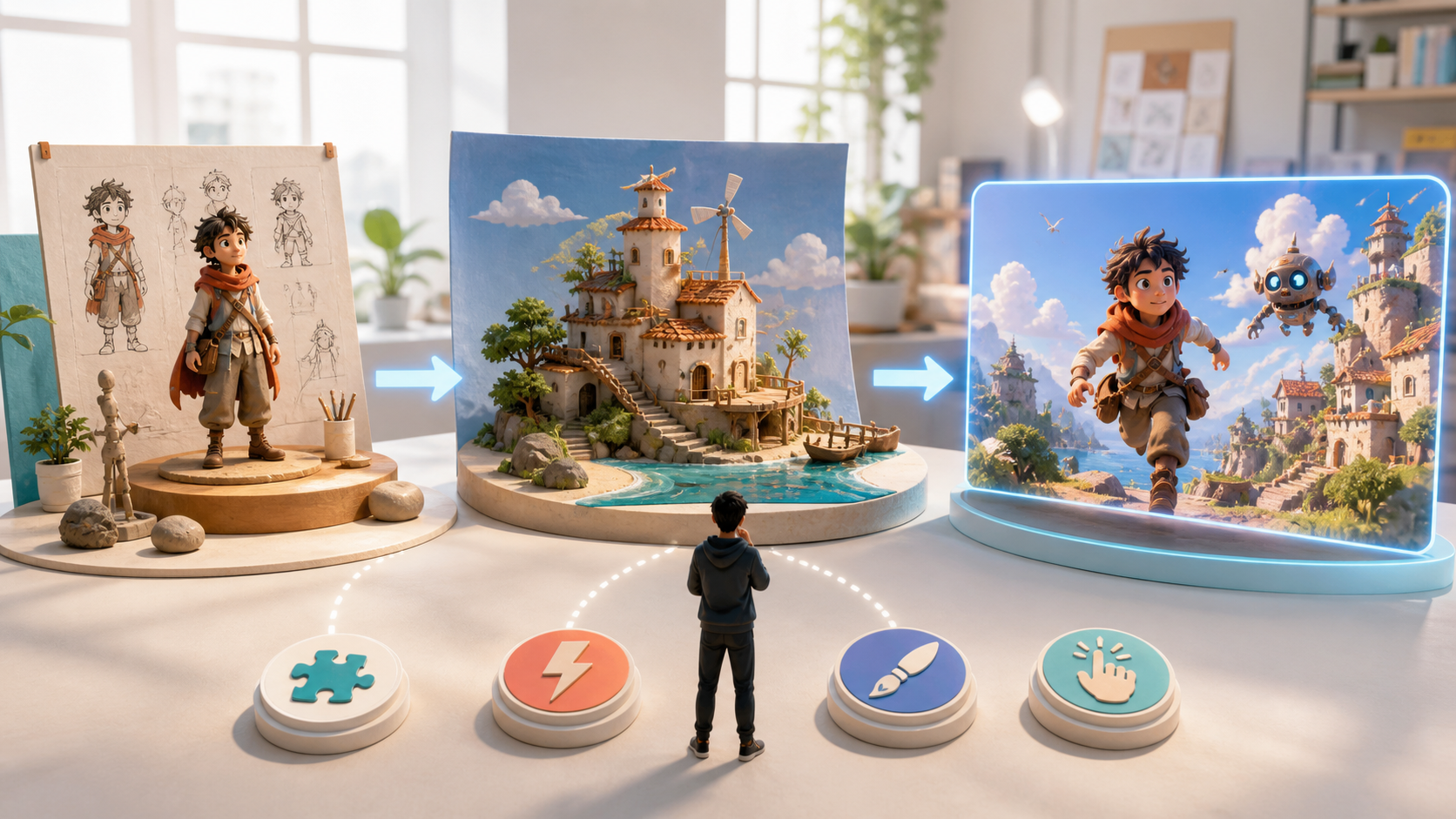
AI Game Platform vs Maker vs Generator
Compare AI game generators, makers, and platforms by purpose, workflow, control, community, and the types of creators each one serves.
Simple guides, updates, and examples for AI video, AI image, and AI audio creation — all in one studio.

Compare AI game generators, makers, and platforms by purpose, workflow, control, community, and the types of creators each one serves.

Compare 10 free-to-try cartoon video tools by generation style, editing workflow, character consistency, export limits, learning curve, and ideal use case.

Choose stronger image-to-video source photos with a 100-point scorecard, preparation workflow, motion prompts, subject-specific advice, and troubleshooting fixes.

Plan, prompt, generate, and troubleshoot first-and-last-frame AI video with shot templates, an end-to-end workflow, failure fixes, and a detailed QA checklist.

Build distinctive, repeatable original characters with a practical framework for role, silhouette, outfit logic, props, palette, and identity anchors.

Design an unofficial pirate OC with an impossible dream, useful crew role, a distinct fan-made power with clear limits, readable outfit, relationships, and a story arc.

Compare the reported Seedance 2.5 upgrades in video length, multimodal references, story continuity, camera control, extension, and targeted editing.

Design an unofficial action-game OC with species-led movement, limited powers, functional footwear, a clear palette, and an original fan story.

Build an unofficial Gem-inspired OC by connecting mineral properties to silhouette, power, limitations, personality, relationships, and an original fan story.

Explore 25 original anime OC ideas with built-in goals, contradictions, visual hooks, limitations, and prompt starters for AI character generation.

Compare subtle portrait motion, talking avatars, scene animation, and 3D parallax—then follow a careful restoration, consent, and quality workflow.

Compare ten AI music-video workflows by song input, beat control, lyrics, free-plan limits, export rights, and production role.

Compare ten AI-assisted TikTok video workflows by vertical fit, hook creation, captions, assembly, export limits, watermarks, and real free-start conditions.

Choose an OC maker by destination, consistency, editing, portability, rights clarity, and total accepted-design cost—not by an unsupported ranking.

Explore how AI could lower the barriers to user-generated games, accelerate prototyping, personalize play, and enable create-play-remix communities.

Turn one game idea into a small playable prototype, test the core experience, and improve it without confusing a quick demo with a finished game.

Create an unofficial Demon Slayer-inspired OC with an original breathing-style theme, Nichirin blade concept, uniform, limitation, personality, and fan-story.

Create an unofficial Forsaken-inspired Survivor or Killer OC with a readable role, ability loop, counterplay, visual cues, lore, and balanced fan concept.

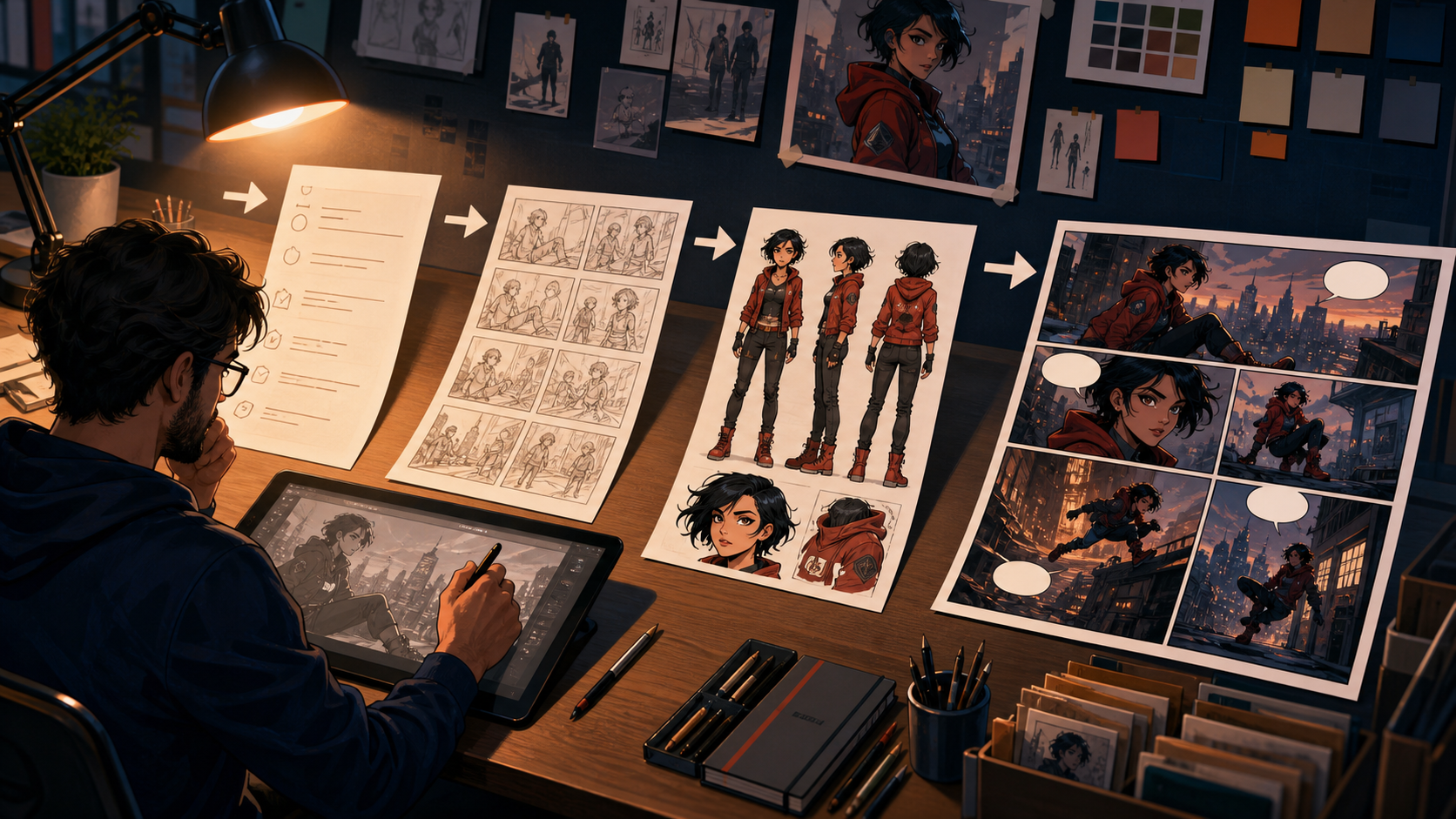
Turn an original character into a readable comic with a practical workflow for premise, character arcs, scripts, panels, continuity, dialogue, and final export.

Explore how AI is shifting early game design from tool-first production toward faster, idea-led prototyping, play, feedback, and remix cycles.

Design an unofficial Genshin-inspired OC with a coherent fan-made region, Vision concept, weapon role, outfit logic, personality, story, and IP boundaries.

Make a story-ready OC with AI by connecting personality, silhouette, outfit function, abilities, limitations, relationships, and backstory.

An evidence-led MiniMax H3 review separating documented 2K, audiovisual, and pricing details from unverified performance and comparison claims.

A grounded look at how natural-language tools, multimodal AI, agents, and UGC could lower game-creation barriers without replacing developers or guaranteeing complete worlds.

Learn what AI game generators can realistically assist with in 2026, how their three technical layers work, which experiences they suit, and where limits remain.

Use ten adaptable AI anime prompts to improve character design, camera direction, lighting, backgrounds, action, emotion, and visual consistency.

Turn a text idea into anime characters, connected scenes, and a finished visual story with a practical workflow for scripts, references, storyboards, and editing.

Plan 9:16, 4:5, 1:1, and 16:9 AI videos that keep subjects, captions, and calls to action visible after publishing.

Build a coherent AI video from still images with a six-shot template, continuity rules, prompt cards, versioning, and practical QA.

A practical anime AI generator workflow for keeping faces, hair, outfits, props, colors, and locations consistent across images, comics, and video.

Choose the best AI anime generator for text prompts and photo-to-anime art with a practical 2026 comparison of workflow, consistency, control, rights, and cost.

Build a directed pipeline for music, storyboards, cinematic shots, lip sync, editing, sound, and rights review.

Compare leading anime video workflows by character consistency, motion control, audio, revision cost, and production fit.

Compare specialist lip-sync tools and cinematic video models, then build a reliable anime performance workflow shot by shot.

Compare Kling 3.0, Seedance 2.0, Veo 3.1, Runway Gen-4.5, and Luma Ray3.2 with a repeatable character-consistency test.

Choose a beginner-friendly anime maker and follow a low-stress workflow from a rough character idea to a finished, story-ready anime scene.

Compare free anime video workflows and finish a practical 30-second project with one character, six shots, and a clean edit.

Compare free and free-to-try tools for music, cinematic clips, avatars, and editing, then build a visual story on a limited budget.

Compare 10 AI text-to-video tools with free plans, credits, or demos in 2026—and choose the right generator or assembler for your workflow.

Compare ten AI video and editing tools for vertical Reels, from prompt-based generation to captions, branded templates, and clip repurposing.

Compare professional editors, browser template makers, social apps, and AI video generators by workflow, watermark, export, and learning curve.

A candid 2026 DeepFake review for creators comparing anime art, comics, storyboards, and video workflows—plus limits, licensing checks, and who it suits.

Compare DeepFake with traditional anime production by stage, from script and character design to storyboards, animation, audio, revisions, and delivery.

Plan cleaner entrances, animate still images, control camera motion, and export polished fly-in clips for social and brand work.

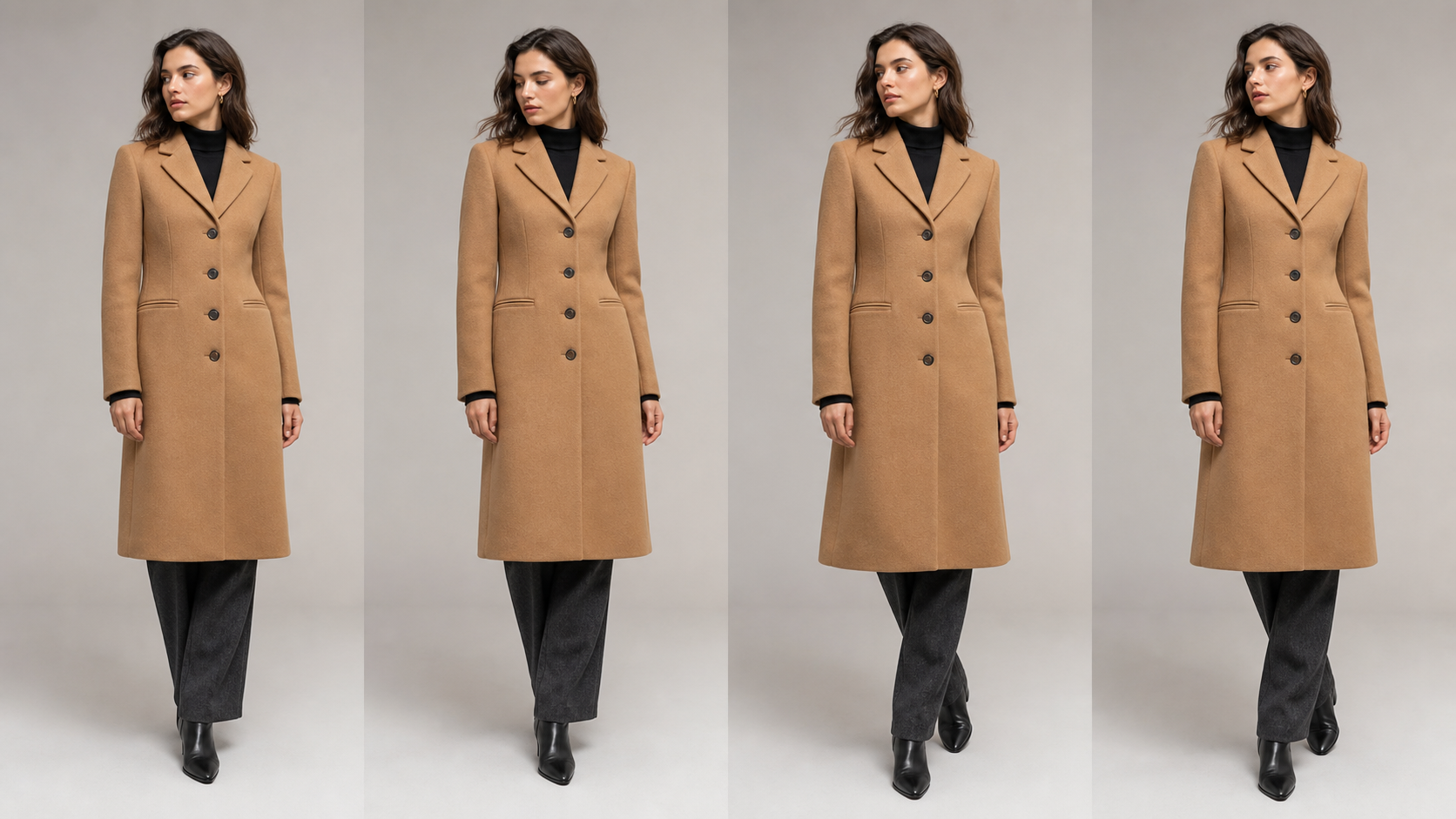
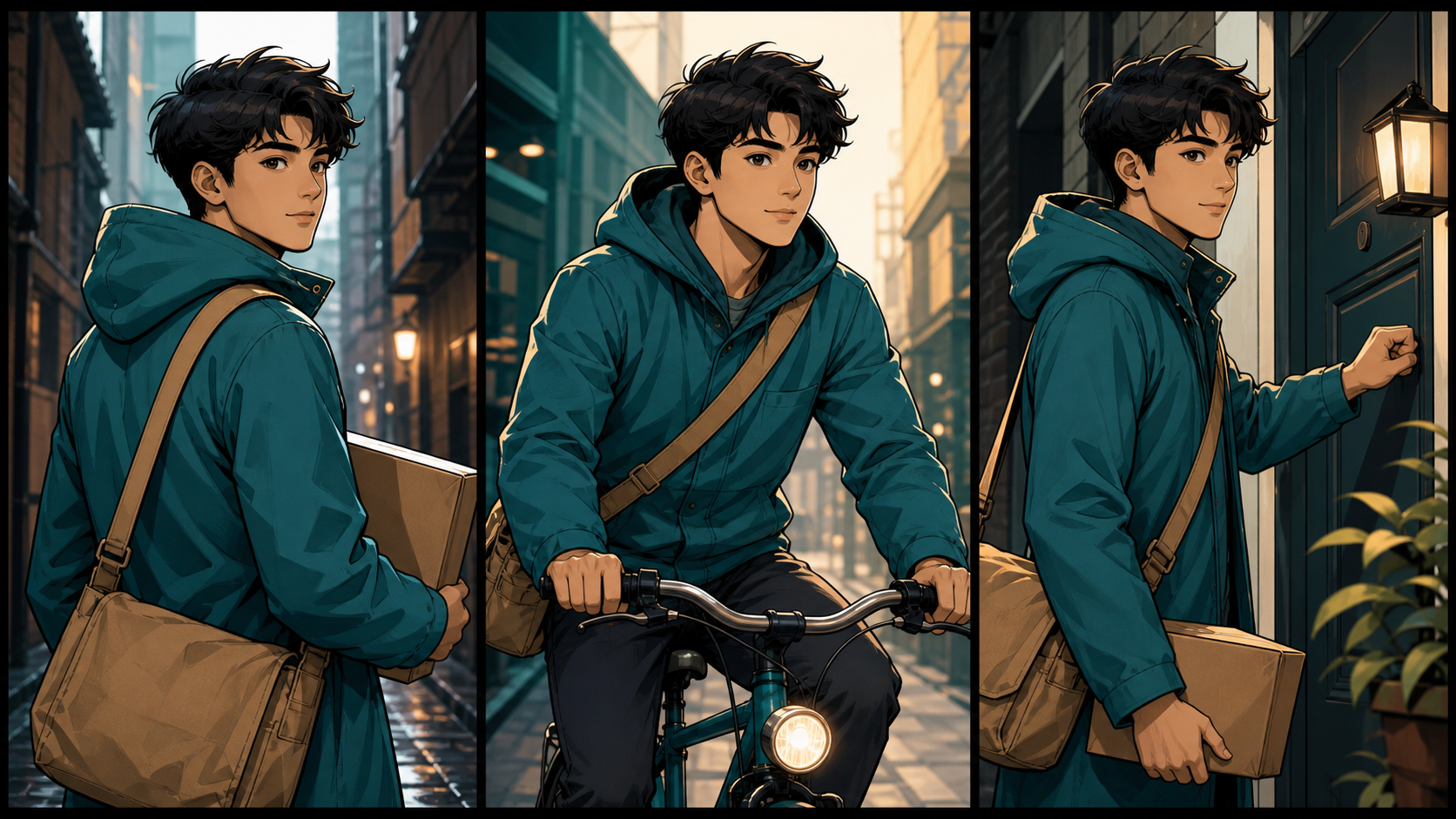
Test recurring characters with stronger references, restrained motion, five practical shots, and repair-friendly editing workflows.

See how teams use generative AI for video, social, product, training, ads, repurposing, real estate, creators, and brand stories.

Compare GLB and FBX for web delivery, AR, VR, game engines, DCC pipelines, skeletal animation, materials, compression, and motion capture exports.

A practical guide to choosing the right GPT-5.6 model for scripts, storyboards, prompts, continuity, production planning, and high-volume video operations.

A plain-language explanation of prompt filters, image classifiers, hash matching, age and likeness signals, human review, appeals, and moderation limits.

Learn how inertial and optical motion-capture suits work, what setup and cleanup involve, who needs them, and when markerless video capture is enough.

Make your first polished anime image with AI using a beginner-friendly workflow for ideas, prompts, composition, generation, editing, rights, and export.

Upload a humanoid character, build a Mixamo rig, choose and tune motion, export FBX files, and retarget them in Blender, Unity, or Unreal.

Compare three leading AI video models by reference control, motion stability, multi-character scenes, audio, anime, and usable-shot cost.

Compare clip limits, camera setups, skeletons, exports, retargeting, accuracy, and cleanup before choosing a video-to-3D motion workflow.

Write clearer generative video prompts with practical methods for visual detail, action, camera direction, style, format, iteration, and performance feedback.

The public avatar service is gone, so compare its former portable identity model with a file-owned photo-to-3D character pipeline.

Learn how rotoscoping works, why it takes time, how it differs from motion capture, and which parts AI can—and cannot—replace.

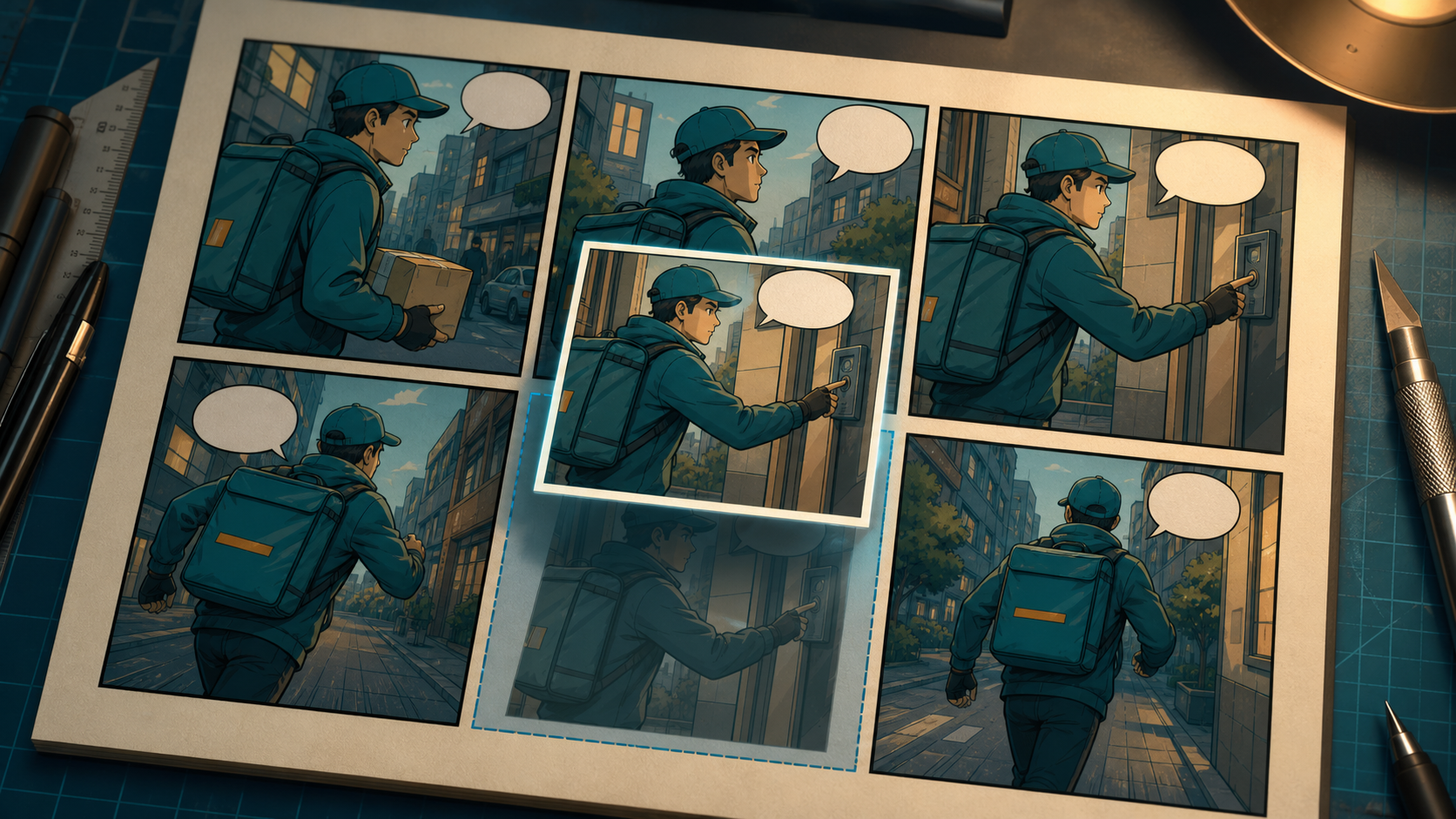
A practical panel-to-video workflow for cleaning artwork, preserving characters, building an animatic, generating motion, adding dialogue, and finishing the edit.

Create controlled 2D, 3D, stop-motion, cel-shaded, painterly, and motion-graphics clips with clearer prompts and stronger continuity.

Define a visual language, plan evidence-led narration, generate clearly labeled illustrative B-roll, and finish a coherent documentary.

Turn short Veo clips into coherent long-form videos with scene planning, visual anchors, prompt templates, audio-first editing, and disciplined QA.

Develop a focused story, build a shot breakdown, preserve characters, design audio, generate in batches, and finish a coherent AI short film.

Plan fictional sports sequences, write action-and-camera prompts, generate decisive moments, and edit them into a coherent highlight reel.

Understand visible Veo marks, invisible SynthID provenance, tier and regional differences, and compliant workflows for professional delivery.

Copy and adapt 20 film-lighting prompts for natural light, studio drama, neon nights, and science-fiction or fantasy video.

Plan push-throughs, whip pans, zooms, flashes, and object wipes, then assemble AI-generated clips with clean cut points and consistent color.

Learn masking, tracking, temporal inpainting, artifact diagnosis, export settings, and when regeneration beats object removal.

Understand optical, inertial, and markerless motion capture, the capture-to-retarget pipeline, key use cases, tradeoffs, and production choices.

Understand Rokoko's body, finger, face, software, and markerless tools—and decide when hardware is worth it versus video-based capture.