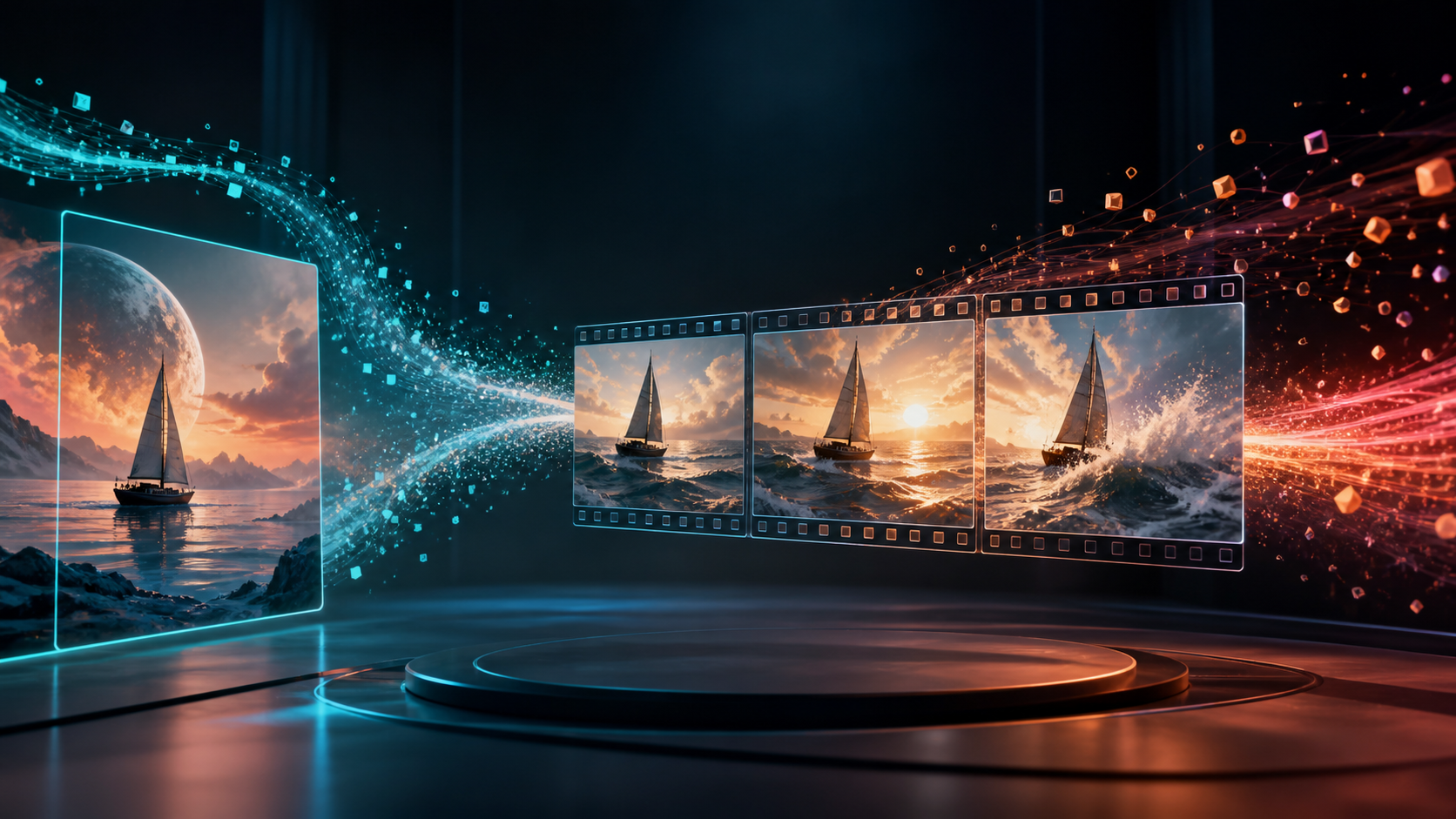
The best AI video generator in 2026 depends less on which demo looks most spectacular and more on what you are trying to control. Text-to-video is ideal when you need a new world, shot, or visual idea. Image-to-video is usually better when the subject, composition, product, character, or art direction already exists. Modern multimodal systems increasingly combine both approaches, but they still make different tradeoffs in identity preservation, camera motion, physics, audio, speed, and cost.
This guide compares DeepFake, Runway, Kling AI, Seedance, Google Veo, PixVerse, Pika, and Pollo AI from a working creator's perspective. Instead of declaring one permanent winner, it shows which option fits different inputs, how to run a fair test, and how to turn generated clips into a coherent edit rather than a folder of disconnected experiments.
Quick Picks
| Tool | Best for | Strongest workflow advantage | Main caution |
|---|---|---|---|
| DeepFake | Multi-model creation from one workspace | Move between text, image, and video-led generation | Choose the model deliberately instead of using one for every shot |
| Runway | Integrated professional creative work | Generation, transformation, editing, and model access | Premium iteration can consume credits quickly |
| Kling AI | Controlled image-to-video and dynamic motion | Strong subject preservation and camera/action prompting | Complex prompts can over-animate a still |
| Seedance | Multimodal reference-led storytelling | Text, image, audio, and video references in newer workflows | Rich controls require careful planning |
| Google Veo | Cinematic text-led scenes and audiovisual concepts | Strong instruction following and native audio options | Access, limits, and features vary by product surface |
| PixVerse | Fast social experiments and effects | Quick generation, templates, and shareable transformations | Viral effects can overpower a brand style |
| Pika | Playful transformations and compact creative tests | Accessible effects and object-focused changes | Better for short moments than full production continuity |
| Pollo AI | Comparing many models without separate accounts | Broad model and style selection | Platform settings can differ from first-party implementations |
If you already have a polished hero image, start with Kling, Seedance, DeepFake, or another image-to-video route that lets you protect the source. If you need to discover the scene from language, compare Veo, Runway, Seedance, and DeepFake's text-to-video workflow. If the real need is rapid short-form entertainment, PixVerse or Pika may get to a usable result faster.
Text-to-Video vs. Image-to-Video
These modes solve different creative problems.
Use text-to-video when the picture does not exist yet
Text is most useful for ideation, establishing shots, abstract visuals, impossible environments, and scenes where exact identity is not critical. It gives the model freedom to design composition and motion together. That freedom can create surprising results, but it also makes the output less predictable.
A strong text-to-video prompt identifies the subject, action, environment, shot size, camera behavior, lighting, timing, and exclusions. It does not need a paragraph of adjectives. The model benefits more from a clear scene goal than from a long list of styles.
Use image-to-video when visual identity is already solved
An image anchors the subject, palette, lens, composition, costume, and product details. The prompt then directs motion. This is valuable for character art, product photography, illustrations, storyboards, architecture, and any campaign that must preserve an approved look.
The image is not merely inspiration; it is a constraint. That means the model must decide how a two-dimensional frame can move without breaking its geometry. Source preparation and restrained prompting matter enormously. A strong image-to-video workflow often begins with less motion than the creator initially imagines.
Use video-to-video when timing already works
If you have a live-action performance, previs clip, or animation with the right timing, transforming the footage can be more reliable than generating motion from scratch. A video-to-video workflow preserves the temporal skeleton while changing appearance, atmosphere, or style. It is particularly helpful for dance, product demonstrations, controlled camera moves, and stylized adaptations.
What to Compare Before Choosing
Subject preservation
Does a face, costume, logo-free product, vehicle, or illustration remain recognizable from the first frame to the last? Look beyond the opening frame. Many failures appear only after a head turns, a hand crosses the body, or the camera passes behind an object.
Motion quality
Good motion has weight, acceleration, and cause. Hair should respond to wind, water should react to a boat, and cloth should follow the body rather than move independently. Dramatic motion is not automatically better; subtle movement that survives editing is often more useful.
Camera control
Can the tool distinguish a slow push-in from subject movement? Can it hold a locked camera, orbit predictably, or produce a clean lateral track? Camera language is one of the clearest differences between a pretty loop and a production-ready shot.
Prompt adherence
Test whether the model follows action order, subject count, spatial relationships, and exclusions. A clip can look beautiful while ignoring the only story beat that matters.
Native audio
Some current systems can generate dialogue, ambience, effects, or music with the visuals. Native audio can accelerate concepting, but it is not always editorially clean. Judge lip synchronization, voice stability, unwanted sounds, and whether the audio can be replaced easily.
Revision controls
Production depends on correction. Look for reference images, start or end frames, regions or masks, motion brushes, seeds, extend functions, video references, and transformation tools. A system that makes a great first result but cannot revise it may cost more time than a slightly weaker model with better control.
Cost per usable second
Do not compare subscription price alone. Track how many generations you need for one approved shot, whether failed jobs are charged, how resolution affects cost, and how much upscaling or cleanup is required. The cheapest render can become the most expensive shot if it needs ten attempts.
1. DeepFake: Best Multi-Model Creator Workflow
DeepFake is useful when a project needs several generation modes and model behaviors rather than a single locked pipeline. A creator can begin with text, animate a selected image, transform existing footage, and compare outputs without rebuilding the whole process around separate tools.
This matters because no model is best at every shot. A cinematic landscape may benefit from one route, while a portrait with delicate facial motion may need another. Treating model choice as a shot-level decision is more reliable than expecting one engine to carry an entire campaign.
DeepFake is especially well suited to:
- creators who switch between text, images, and source video;
- episodic social stories assembled from short generated shots;
- product, character, and illustration animation;
- teams that want to compare approaches within a connected workflow.
The main discipline is selection. Build a small benchmark for your own recurring content and record which model performs best for portraits, products, camera moves, and stylization. More options are valuable only when the team can make repeatable choices.
2. Runway: Best Integrated Professional Suite
Runway remains a central comparison point because it combines generation with a wider set of creative and post-production tools. Its platform includes first-party generation and transformation capabilities while also providing access to selected third-party models. That makes it attractive to teams that want generation, editing, effects, and asset management in one browser environment.
Runway is strongest when you already think in shots. Storyboards, references, controlled inputs, and an edit plan make the platform more effective than open-ended prompting. It is also a practical option when video-to-video transformation and cleanup are as important as creating footage from nothing.
Choose Runway when:
- the team needs a broad production workspace;
- generated footage will be transformed or edited repeatedly;
- professional review and asset organization matter;
- you want to compare first-party and hosted models in one place.
Its breadth has a learning curve, and exploratory rendering can use credits quickly. Prototype at lower cost, lock the shot intention, and only then request the final output.
3. Kling AI: Best Baseline for Image-to-Video Motion
Kling is widely used as an image-to-video benchmark because it can produce convincing camera movement and subject motion from strong stills. It is particularly useful for fashion, character, action, product, and cinematic shots where the creator wants to preserve the source while adding directed movement.
The best Kling prompts separate three layers: what the subject does, what the camera does, and what the environment does. For example: “The rider slowly turns toward the horizon. The camera makes a gentle clockwise orbit. Dust drifts behind the stationary motorcycle.” This is clearer than demanding “epic dynamic cinematic motion.”
Choose Kling when:
- the source image already has strong art direction;
- camera movement and physical action both matter;
- you need an established image-to-video comparison point;
- a dramatic shot must retain the original subject.
Avoid asking a static pose to perform an action its anatomy cannot plausibly support. A tightly cropped portrait cannot suddenly become a full-body running shot without invention and likely distortion.
4. Seedance: Best for Multimodal Reference Work
Seedance has evolved toward richer multimodal generation. Current workflows can use combinations of text, image, audio, and video references, making the system relevant for scenes that need more than one visual anchor or a stronger relationship between motion and sound.
This flexibility is especially valuable for multi-shot concepts, music-led sequences, reference-driven characters, and directed scene changes. It also raises the bar for prompt organization. References should have clear roles: one for identity, another for motion, another for environment, rather than a pile of assets with conflicting instructions.
Choose Seedance when:
- several reference types must guide one result;
- audio and motion need to be conceived together;
- the project includes connected shots or narrative progression;
- you are comfortable planning inputs before generation.
The most advanced input stack is not always the best. Begin with the minimum references needed to control the shot, then add another only when it solves a specific failure.
5. Google Veo: Best for Cinematic Text-Led Concepts
Veo is a strong option for cinematic scene generation, detailed instruction following, and audiovisual concepting. It is a natural candidate for environments, narrative moments, and shots where the model must interpret a director-like description rather than simply animate a fixed frame.
Native audio capabilities can make a generated clip feel unusually complete during ideation. Still, creators should evaluate picture and sound separately. A usable visual may contain an unsuitable voice, and a strong ambient track may sit under a flawed shot. Keep the edit modular whenever the product surface allows it.
Choose Veo when:
- text-led cinematic composition is the priority;
- ambience, sound effects, or dialogue help sell the concept;
- the scene requires detailed natural-language direction;
- you can work within the availability and limits of the current Google product surface.
Features and access can differ between consumer apps, professional tools, and APIs, so verify the exact surface before building a deadline around it.
6. PixVerse: Best for Fast Social Experiments
PixVerse emphasizes quick creation, templates, transformations, and eye-catching effects. It is useful for trend-responsive social posts, stylized loops, character reactions, product reveals, and tests where speed matters more than long-form continuity.
Its ready-made effects can be productive when they serve the idea. They become a problem when every post inherits the same visual gimmick. Brands should create a small approved set of motions, aspect ratios, palettes, and transition styles instead of following every available template.
Choose PixVerse when:
- the destination is Reels, Shorts, or TikTok-style content;
- you need many rapid variations;
- effects and transformations are part of the concept;
- the clip is short and self-contained.
7. Pika: Best for Playful Transformations
Pika is approachable for compact visual ideas, object changes, playful effects, and social-first experiments. It can be a good creative sketchbook when a concept depends on one visible transformation rather than complex continuity across many scenes.
The most effective use is often a single clear action: an object inflates, a surface melts, a scene changes material, or a still gains a small expressive movement. Trying to combine several transformations, a long camera move, and a narrative performance in one short clip makes the result harder to control.
Choose Pika when:
- the idea is built around one surprising visual beat;
- speed and accessibility matter;
- the output is a short social insert or transition;
- you want to explore before committing to a heavier workflow.
8. Pollo AI: Best for Broad Model Comparison
Pollo AI is useful as a multi-model gateway. Instead of maintaining many separate subscriptions, creators can compare different generation engines and styles from one platform. This is helpful during research, especially when you do not yet know which model suits your source material.
An aggregator is not always identical to a first-party product. Available parameters, queue behavior, model versions, safety settings, credit conversion, and output handling may differ. Use the platform to narrow choices, then compare a critical shot with the first-party implementation if exact control matters.
Choose Pollo AI when:
- model discovery is the main task;
- you want a single billing and interface layer;
- the team produces varied content rather than one specialized format;
- you are willing to verify important results on native platforms.
Best Tool by Source Type
Character portrait
Prioritize identity preservation, restrained face and hair motion, natural blinking, and a camera move that does not expose missing anatomy. Kling, Seedance, and suitable DeepFake model routes deserve early tests.
Product image
Prioritize shape, material, labels or packaging geometry, and controlled reflections. Ask for camera motion before object deformation. A clean turntable or push-in is more commercially useful than an impossible transformation unless the campaign specifically calls for fantasy.
Illustration or anime art
Prioritize line stability, flat color preservation, and motion that respects the drawing. Subtle parallax, wind, light, and facial movement are safer starting points than a large three-dimensional orbit.
Environment still
Prioritize depth, atmospheric motion, and camera path. Clouds, water, foliage, fog, dust, and practical lights can add life without requiring the architecture to deform.
Storyboard frame
Prioritize edit compatibility. The shot must begin and end where the sequence needs it, preserve screen direction, and leave room for the next cut. A modest clip that fits the storyboard beats a spectacular clip that breaks continuity.
How to Prepare a Better Source Image
Image-to-video quality begins before upload. Use the highest clean resolution the platform accepts. Remove accidental watermarks and unreadable pseudo-text. Keep hands visible if they must move, avoid cutting joints at the frame edge, and give the subject space in the direction of travel.
Decide whether the camera should reveal new areas. A model must invent anything outside the frame, so a large orbit around a tightly cropped subject carries more risk. If a product needs to rotate, supply references showing hidden sides when the tool supports them.
Separate foreground, subject, and background visually. Clear depth cues help parallax. For illustrations, avoid dense fine linework in areas that will deform. For portraits, a relaxed neutral pose usually animates more predictably than an extreme expression.
A Prompt Structure That Works
Use a simple hierarchy:
SUBJECT MOTION:
The sailboat leans gently as it crosses a low wave; the sail fills naturally.

CAMERA:
Slow lateral tracking move from left to right, stable horizon, no zoom.

ENVIRONMENT:
Small waves roll toward camera; distant clouds drift slowly; warm light flickers on water.

TIMING:
Calm opening, strongest wave at the midpoint, settle into a clean final frame.

PRESERVE:
Keep the boat design, sail color, moon position, horizon, and cinematic palette unchanged.

AVOID:
No extra boats, no camera shake, no sudden storm, no distorted mast, no text or logos.
If the result fails, change one block at a time. Regenerating with a totally new paragraph hides which instruction caused the improvement.
A Fair Cross-Tool Benchmark
Use one source image, one prompt, one aspect ratio, the closest available duration, and comparable quality settings. Generate at least three attempts per tool because a single result may be unusually lucky or unlucky.
Score each clip on a five-point scale:
- Source fidelity: Does the visual identity survive?
- Motion logic: Does movement have cause, weight, and continuity?
- Camera accuracy: Did the requested move happen without drift?
- Temporal stability: Are there flickers, morphs, or disappearing details?
- Prompt adherence: Did the important action occur?
- Edit value: Can the clip cut cleanly with adjacent shots?
- Cost and latency: How much time and credit produced one usable output?
Then place every candidate into a ten-second mock edit with music or narration. Some clips that feel impressive alone become unusable beside controlled footage because their camera speed, color, or motion intensity is incompatible.
Common Failure Modes
The subject melts during motion
Reduce the action, shorten the camera move, and begin from a clearer source. Preserve identity explicitly. If available, add reference views or a video motion reference.
The camera and subject both move too much
Choose one dominant motion. A locked camera with meaningful character action is often stronger than an orbit, zoom, run, wind burst, and explosion competing in the same five seconds.
The clip has no usable ending
Prompt for a settle. Ask the movement to decelerate into a clean final composition. This gives the editor a stable cut point and may also provide a useful end frame for the next shot.
Faces look fine until they speak
Dialogue is a specialized challenge. Test short phrases, frontal or three-quarter views, moderate head movement, and clean audio. If speech is not essential, create the visual first and add voiceover in post.
A multi-shot output feels incoherent
Generate shots separately when continuity matters. Reuse the same reference pack, palette, lens language, and prompt blocks. Automatic multi-shot generation is useful for concepting, but shot-level control is safer for final production.
A Practical Production Pipeline
- Write the script and identify only the shots AI needs to generate.
- Create storyboards and approve screen direction before rendering.
- Build reference packs for every recurring character, product, and location.
- Run low-cost model tests using the same benchmark prompt.
- Assign each shot to the model that best fits its input and motion.
- Generate restrained first passes, then increase motion only if necessary.
- Review frame by frame for anatomy, geometry, flicker, and unwanted symbols.
- Upscale, color-match, stabilize, and clean only approved shots.
- Edit picture before committing to final sound.
- Add narration, dialogue, music, effects, captions, and delivery versions.
Keep a ledger of tool, model, settings, prompt, references, cost, and output filename for every approved clip. That small habit turns experimentation into a reproducible production process.
Which One Should You Use?
Choose DeepFake for connected multi-model work across text, image, and video inputs. Choose Runway for a broad professional creative suite. Choose Kling AI when a strong still needs directed, cinematic motion. Choose Seedance for richer multimodal reference workflows. Choose Google Veo for cinematic text-led and audiovisual concepts. Choose PixVerse or Pika for fast, effects-driven social experiments. Choose Pollo AI when model comparison and unified access matter most.
The more serious the project, the less likely one tool will handle every shot. A practical 2026 workflow is model-agnostic: plan the sequence, prepare the right input, select a model by shot type, and judge every result inside the edit.
Final Takeaway
AI video generation has moved beyond a simple contest between text and images. Text gives a model freedom; an image supplies identity; video supplies timing; audio supplies rhythm. The strongest tool is the one that respects the input you already trust while giving you enough control to create the motion the story actually needs.
Start with a controlled benchmark, measure cost per usable second, and reward restraint. A quiet, stable shot that advances the edit is worth more than a dazzling demo that cannot connect to anything before or after it.