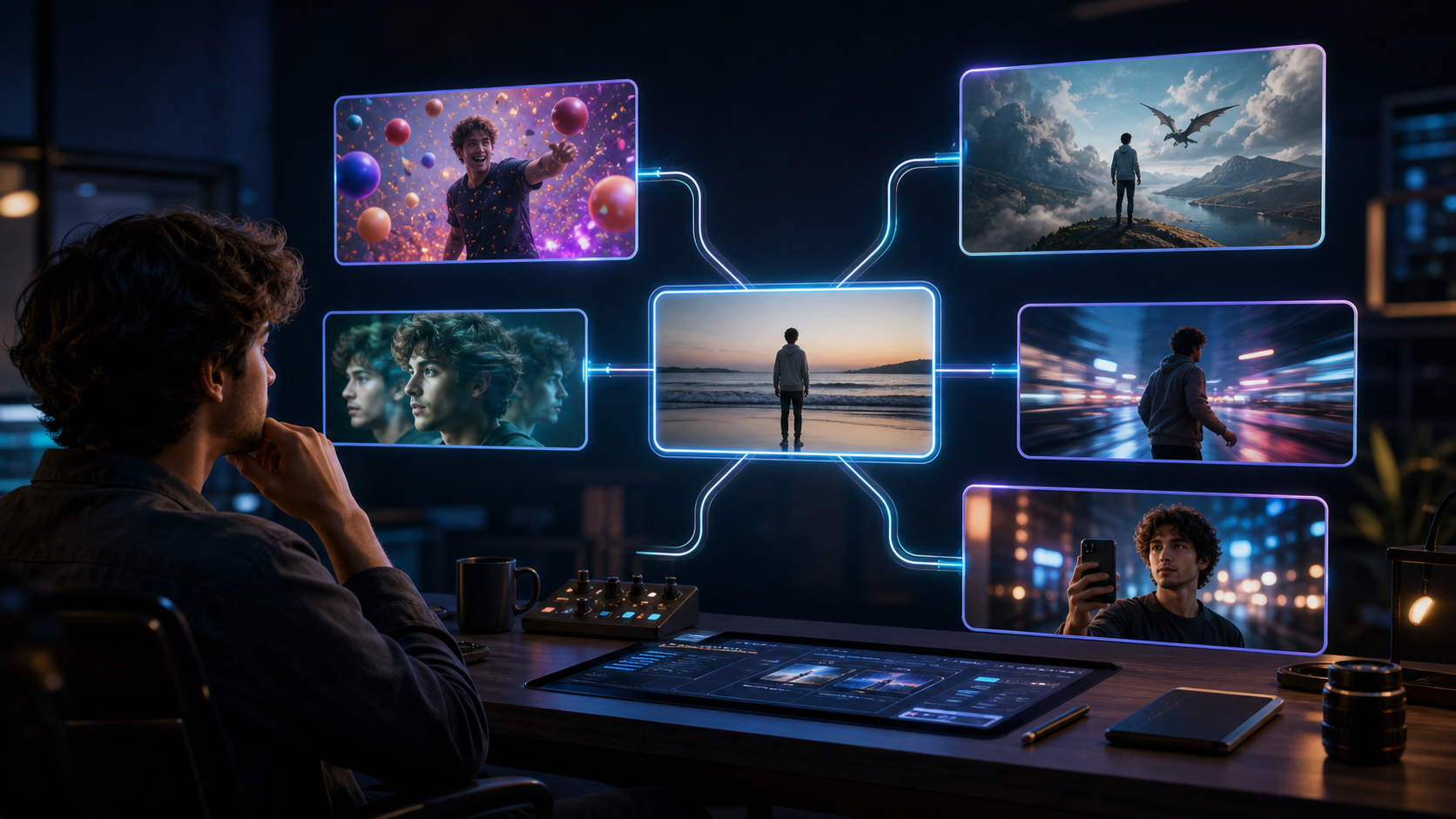
Pika remains one of the most approachable tools for turning a still image into an entertaining visual effect. Its named effect workflows are designed for quick transformation: a subject can be swapped, twisted, inflated, melted, or placed into a compact scene with relatively little setup. That immediacy is also why creators start looking elsewhere once a one-off clip becomes a series.
The right Pika alternative is not automatically the model with the longest spec sheet. It is the service that solves the limitation affecting your actual production: recurring character identity, native sound, commercial-use terms, clean exports, longer shot construction, faster iteration, or a clearer path from draft to final.
This 2026 guide compares five alternatives without relying on unstable promotional claims. Product plans, free allowances, credit costs, and model access can change quickly; verify the current official plan and terms before paying. The comparison focuses on workflow fit and on claims that can be supported by current product materials.
Why Creators Look for Pika Alternatives
Pika is strongest when the creative unit is one effect-driven clip. Its current product family includes effect, scene, swap, addition, twist, frame, and audio-performance workflows. The official pricing page shows that many signature effects are designed around short, fixed-duration outputs, while text-to-video, image-to-video, frame interpolation, and audio-led performance have different duration and credit rules.
That design is excellent for visual gags and fast social experiments. It becomes less convenient when a project needs:
- the same character to remain recognizable across many independent shots;
- dialogue or environmental audio generated with the video;
- several versions without unpredictable credit pressure;
- a clean commercial export under the active plan’s terms;
- longer scene construction without obvious continuity seams;
- repeatable team review rather than one-click novelty.
Pika’s own pages also show why exact cost comparisons age badly: features, models, resolutions, and plan allowances do not always update in perfect sync across pricing and FAQ pages. Treat any credit table as a dated snapshot, not a permanent buying fact.
What to Compare before Choosing an Alternative
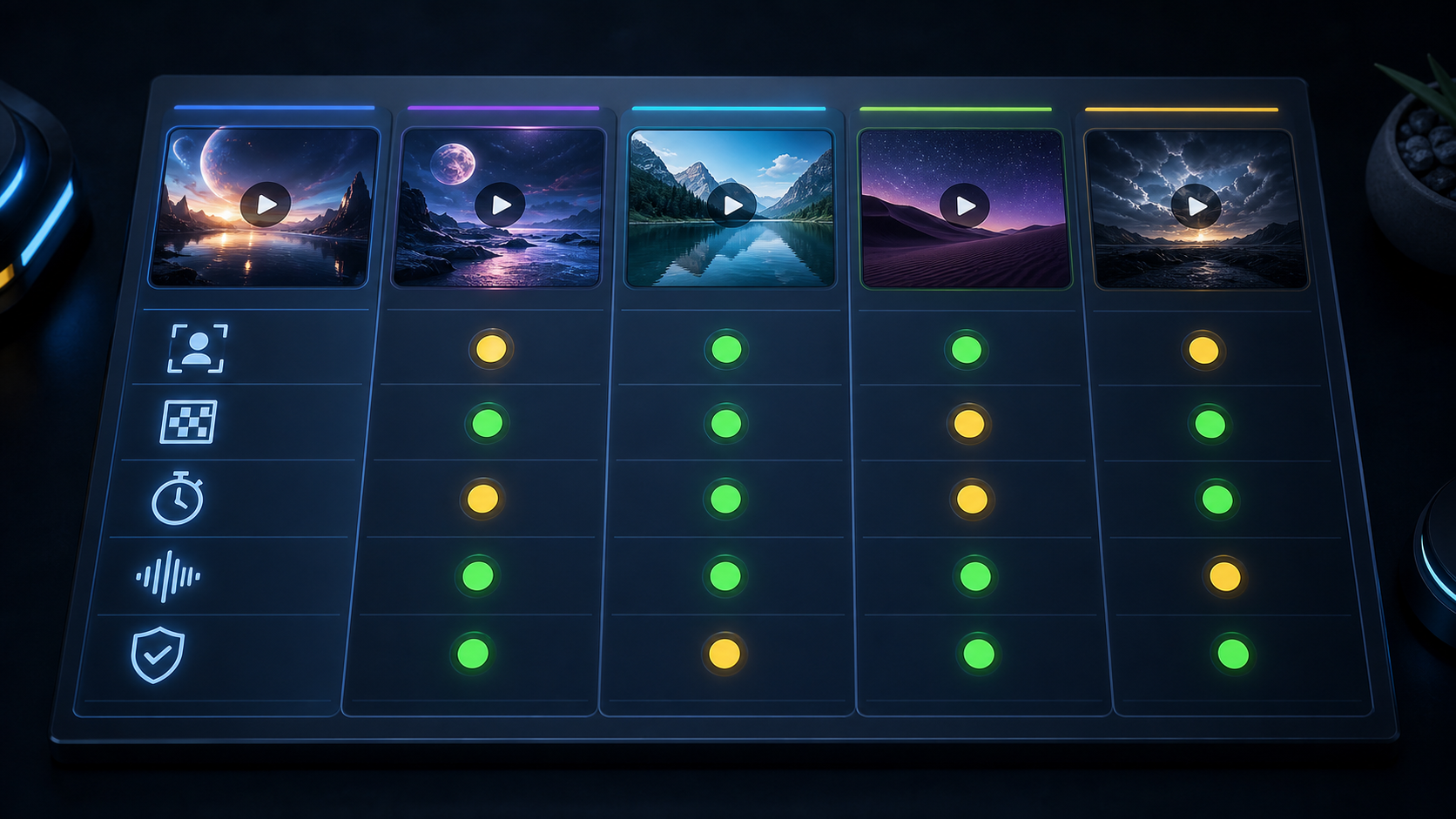
1. Effect Library or Production Workflow?
Decide whether you need a fast transformation or a sequence of connected shots. A one-click effect library minimizes setup. A production-oriented platform may ask for more prompting and references but provide better control over shot order, character appearance, sound, or finishing.
2. Character and Object Continuity
“Supports image references” does not mean “guarantees the same identity across a series.” Ask how references are attached, whether they can be reused, which current model accepts them, and what changes when the camera angle or clothing shifts. Test identity, hands, wardrobe, props, and background—not only the face.
3. Publishable Output
Resolution is only one part of a usable export. Check watermarks, commercial rights, provenance metadata, download format, aspect ratio, and whether a later plan upgrade changes the rights of files generated earlier. Some services tie commercial use to the plan active at generation time.
4. Duration and Extension
Compare the native shot length separately from extension or modify workflows. A tool may advertise a longer maximum by chaining clips, transforming uploaded footage, or using a different model. Longer is not always better: identity and motion can drift as a generated shot continues.
5. Native Audio
Native audio can remove a separate sound-design step, but it should be evaluated for dialogue intelligibility, ambience, synchronization, language support, and licensing. A silent model paired with deliberate editing may still be preferable when you already have approved voice and music assets.
6. Real Cost per Accepted Clip
The cost of one generation is less useful than the cost of one clip you would publish. Include failed attempts, discarded but technically successful takes, upscaling, extensions, audio passes, watermark removal, and commercial licensing.
7. Safety, Consent, and Rights
Do not choose a tool because you hope it will ignore safeguards. Every workflow should prohibit non-consensual intimate imagery, minors, deceptive impersonation, stolen voices, and unauthorized endorsements. A weaker filter does not create permission to use someone’s identity.
The Five Best Pika Alternatives for Different Workflows
| Alternative | Best fit | Verified strength to test | Main caution |
|---|---|---|---|
| DeepFake | Exploring several creation routes | Text-to-video, image-to-video, and a broader models hub | Model-specific limits still need per-route review |
| Kling 3.0 | Storyboarded shots with native audio | Up to 15-second generation and audio-enabled modes in its official guide | Credit use changes by resolution, audio, and duration |
| Luma | Rapid visual prototyping and video modification | Current Ray workflows include native high-resolution generation and Modify Video | Web plans and newer platform plans can be easy to confuse |
| Hailuo | Testing short motion ideas across resolution/duration options | Multiple video models and image-to-video workflows | Capabilities and pricing vary materially by model |
| PixVerse V6 | Social-ready audio-visual and multi-shot experiments | Native audio, multi-shot generation, and up to 15-second options in current materials | In-app and API billing are separate; verify the chosen surface |
There is no universal winner. The ranking below reflects breadth and production usefulness, not a claim that every option beats Pika at its signature effects.
1. DeepFake — Best for Exploring Multiple Creation Routes
DeepFake is the most practical starting point when the problem is not one missing effect but choosing a workflow. Its models hub and dedicated creation routes let a creator compare approaches without treating every project as the same kind of generation.
Use text-to-video when the shot can be designed entirely from a prompt: stylized b-roll, an establishing image, a conceptual opening, or a scene without a fixed source asset. Use image-to-video when a product photo, approved character frame, illustration, or storyboard image must anchor the composition.
What it does well for a Pika user:
- makes the input method an explicit creative choice;
- supports a broader workflow than a single transformation effect;
- gives creators a place to test model routes against the same brief;
- connects naturally to editing, transitions, extension, audio, and image workflows elsewhere on the site.
Best for: creators who have outgrown a single-effect loop and want to select the generation route around the shot.
The catch: do not assume every model route has identical duration, audio, reference, pricing, or continuity behavior. Open the current route, check its available settings, and run a controlled sample before committing a series.
2. Kling 3.0 — Best for Storyboard and Native-Audio Tests
Kling’s official Video 3.0 guide positions the model around longer generation, native audio-visual output, storyboard control, and multiple resolution/audio modes. It lists generation up to 15 seconds and calculates credits per second, with different costs for native-audio and silent output.
What to test:
- whether a multi-beat storyboard follows the intended shot order;
- dialogue and environmental audio synchronization;
- identity and wardrobe stability across camera changes;
- the credit effect of resolution, duration, and voice control;
- how well extensions conceal the join between clips.
Best for: a creator who wants one generated shot to include structured action and sound rather than using a separate audio pass.
The catch: native audio is not automatically production audio. Listen for intelligibility, timing, noise, and rights suitability. Also calculate the cost at the exact duration and resolution you plan to deliver, not at the cheapest preview setting.
3. Luma — Best for Fast Image-to-Video Prototyping
Luma’s Ray line emphasizes prompt adherence, motion consistency, native high-resolution workflows, and video modification. Current official materials describe native 1080p in core Ray workflows and a Modify Video path for transforming existing footage. Luma’s plan pages also separate free/Lite usage from tiers that include commercial rights and no watermark.
What it does well:
- turns an approved source image into a motion study quickly;
- supports text-to-video, image-to-video, and video modification as distinct jobs;
- provides a useful path from draft to higher-resolution output;
- exposes licensing differences clearly enough to make plan selection part of production planning.
Best for: visual exploration where you want to compare camera or motion directions before finishing a scene.
The catch: Luma operates several product and pricing surfaces, including web creation and newer platform offerings. Confirm which subscription, model, and rights apply to the exact generation surface. Some free or entry generations can retain watermark and non-commercial restrictions even if the account is upgraded later.
4. Hailuo — Best for Short Motion Experiments
Hailuo’s current materials distinguish models by duration and resolution rather than presenting one universal specification. Official pages describe short text-to-video and image-to-video workflows with model-dependent 768p and 1080p options, while plan benefits determine credits, queue priority, and watermark-free downloads.
That makes Hailuo useful for a creator who wants to test several concise actions and choose the best motion rather than building a complex scene in one pass.
What to test:
- expressive body and object motion;
- camera response on playful or unusual prompts;
- the resolution available at the required duration;
- whether successful but unwanted generations still consume credits;
- commercial and watermark rules for the active plan.
Best for: repeated short attempts where motion quality matters more than a long native scene.
The catch: model names and limits matter. A capability shown for one Hailuo model may not apply to the faster or newer selection. Check the current model picker and pricing before calculating a batch budget.
5. PixVerse V6 — Best for Social Audio-Visual Workflows
PixVerse’s official V6 launch materials emphasize camera execution, character performance, multi-shot audio-visual generation, and native sound. Its platform documentation lists duration and resolution choices up to 15 seconds and 1080p for applicable V6 flows, with separate billing for audio-enabled output.
What it does well:
- combines text-to-video, image-to-video, transition, extension, and reference-led workflows;
- treats native audio as part of the generation rather than an afterthought;
- supports compact multi-shot experiments suited to social posts and ads;
- publishes detailed API/platform credit calculations for teams that need forecasting.
Best for: creators testing short narrative or social-ready clips where camera movement, character action, and sound need to work together.
The catch: consumer subscriptions, platform/API credits, launch promotions, and model-specific settings are not interchangeable. Check the billing surface you will actually use, and review complex action or multilingual dialogue rather than assuming a first pass is final.
What Pika Still Does Better
Pika remains the most distinctive option in this group for its named, one-click effect collection. If the project is a single image transformation, object swap, surreal twist, or audio-led facial performance, Pika may be faster than migrating to a broader production tool.
Its official pricing page currently separates several workflows:
- many signature effects and scene operations use short fixed outputs;
- text-to-video and image-to-video offer standard short durations;
- frame-led generation can cover a longer span;
- audio-led performance is priced by audio duration.
The important correction to older comparisons is that watermark, commercial-use, and free-credit statements can change. Pika’s current pricing page should be the authority for the plan you select, and its FAQ may lag or describe another model generation. Verify both the plan and the feature before relying on an old chart.
Choose Pika when the effect itself is the product. Choose an alternative when the clips need to become a repeatable series, a sound-led scene, a controlled character workflow, or a commercially licensed production pipeline.
Run a Fair Migration Test
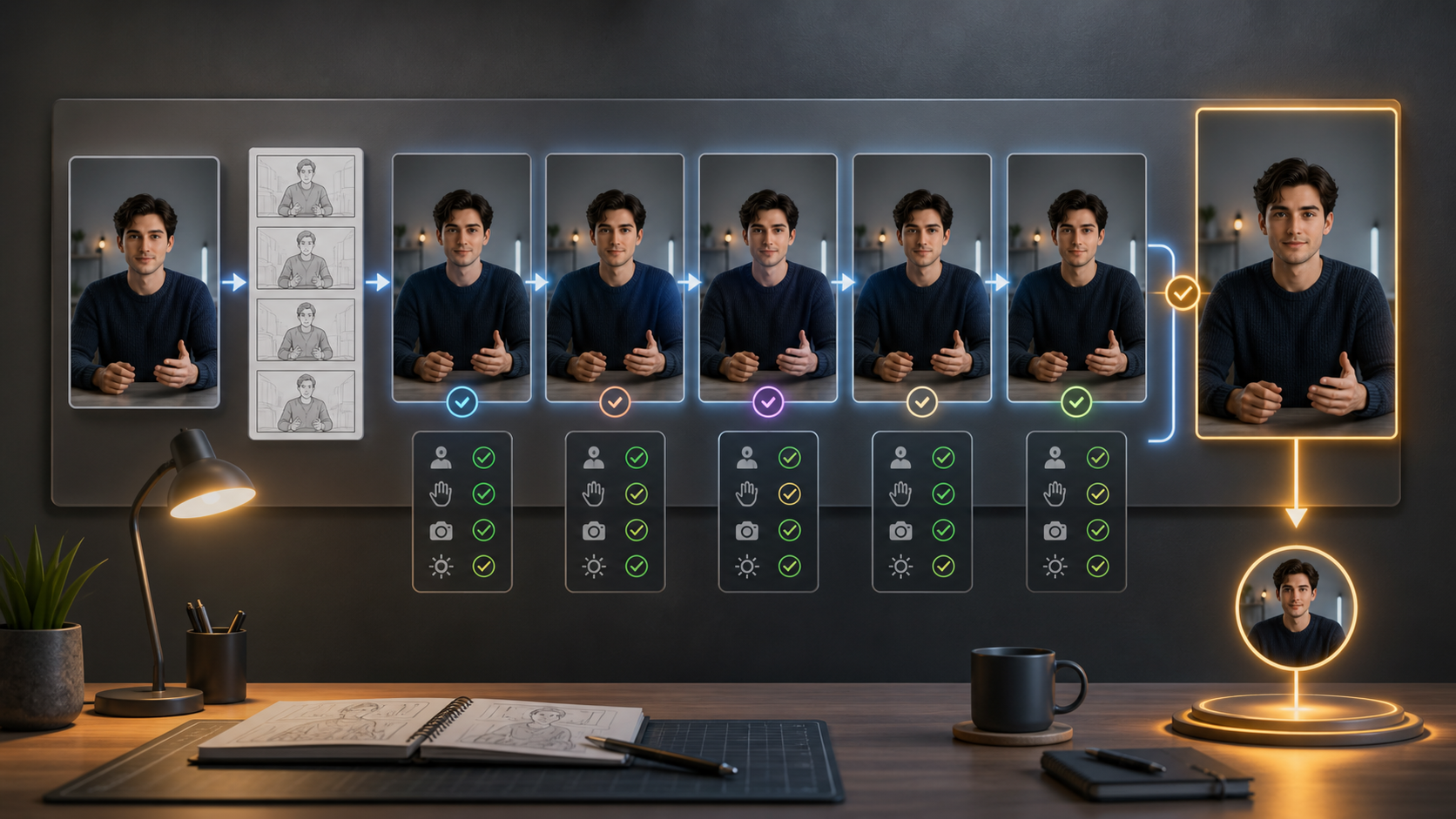
Do not compare a favorite Pika result with an alternative’s first attempt. Build a small, repeatable test.
Step 1: Choose Three Representative Shots
Use one simple motion shot, one identity or product-consistency shot, and one audio or multi-beat shot. These expose different weaknesses without turning the test into a full campaign.
Step 2: Freeze the Inputs
Use the same approved source image, aspect ratio, motion goal, camera instruction, and target duration. Adapt only syntax required by the service. Keep random variation in mind; one lucky result is not a reliable comparison.
Step 3: Record Every Attempt
Track elapsed time, credits, failed generations, successful but rejected takes, output resolution, watermark, commercial-use status, and extra finishing steps. Do not count only the best export.
Step 4: Review against a Fixed Rubric
Score prompt adherence, identity, hands, object accuracy, motion, camera, audio, continuity, and editability. For a real person or product, also check consent scope and whether the output could imply an unauthorized endorsement.
Step 5: Finish One Clip from Each Tool
Upscale, extend, add audio, remove the permitted watermark through the plan—not by bypass—and export in the delivery format. The finishing path often reveals more than the generation preview.
Step 6: Choose a Workflow, Not a Demo
Pick the platform that delivers the highest proportion of acceptable clips under your actual time, rights, and budget constraints. It can be rational to keep Pika for effects and use another tool for recurring characters or sound.
Frequently Asked Questions
What is the best free Pika alternative?
There is no stable universal answer because free credits, watermarks, queue priority, model access, and commercial rights change frequently. Run the same short test on the current free tiers, then verify whether the resulting file may be published for your intended use.
Which alternative is best for consistent characters?
Choose a current model that accepts reusable character or reference inputs, then test it across several camera angles and actions. Reference support improves the workflow but does not guarantee identity. Preserve a character sheet and review the whole body, voice, outfit, and props.
Which tool makes the longest clips?
Kling and PixVerse currently advertise options up to 15 seconds in applicable workflows, while Luma offers longer spans in some generation or modification modes. The comparison is not one-to-one: native generation, extension, and Modify Video solve different problems. Prefer a stable short shot over a longer clip with visible drift.
Is native audio worth switching tools for?
It can save time when the generated ambience or dialogue is usable. Test synchronization, language, noise, editing control, and licensing. If you already have approved voice and music, a silent visual model plus a deliberate sound pass may be better.
Can I use an alternative to bypass Pika’s safety rules?
Do not use any service to evade safeguards or create non-consensual intimate media, content involving minors, deceptive impersonation, or rights violations. Platform capability never replaces consent or law. Build original fictional characters or use fully authorized adult collaborators.
Final Recommendation
Start with the limitation you can name. Choose DeepFake for route flexibility, Kling for storyboarded audio-visual tests, Luma for rapid prototyping and modification, Hailuo for short motion experiments, or PixVerse for social audio-visual workflows. Keep Pika when its effect library is exactly what the project needs.
Then run the same three-shot test, count every attempt and finishing step, and verify current rights before paying. The best alternative is the one that turns the largest share of your ideas into publishable clips—not the one with the loudest launch claim.