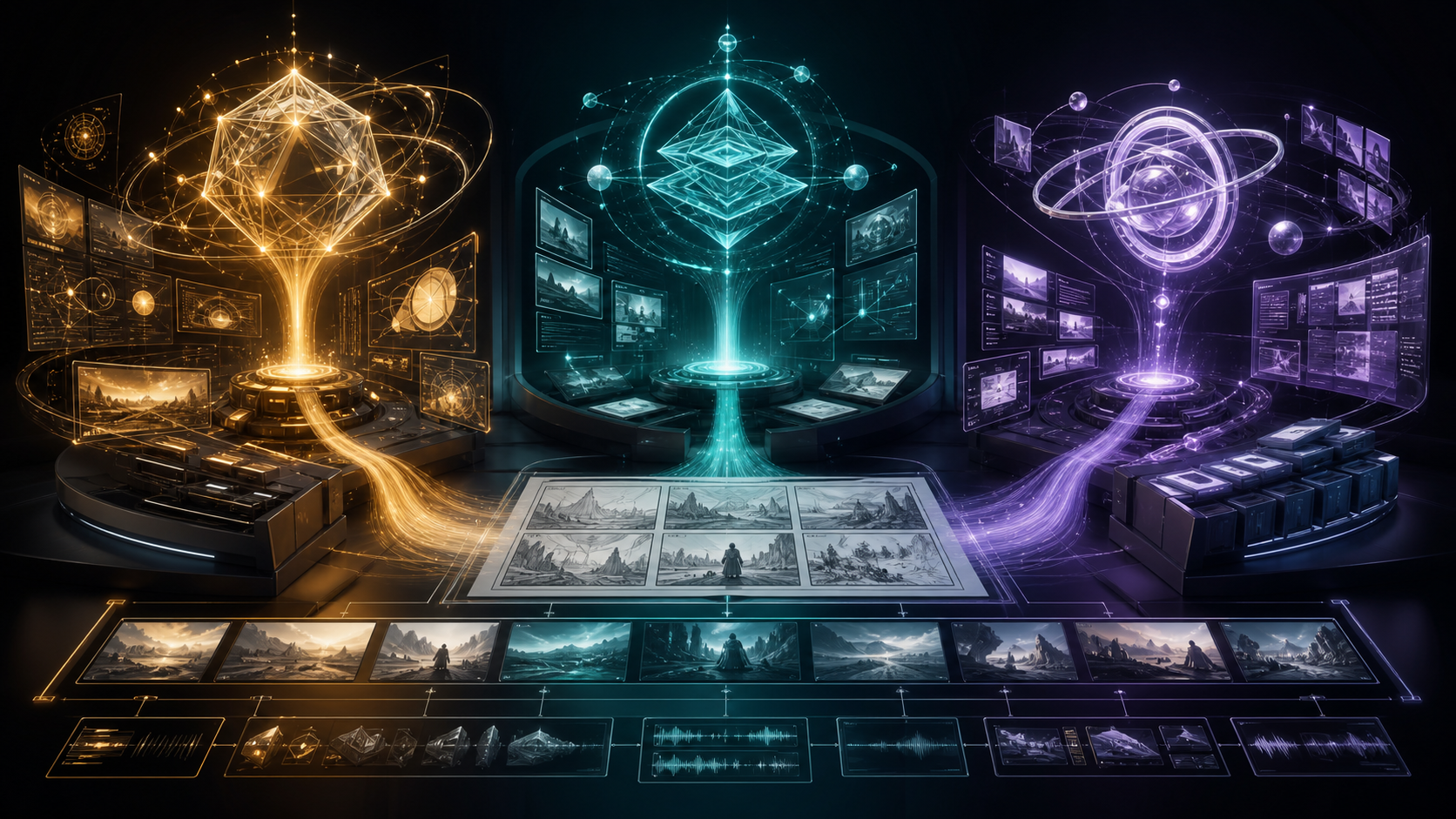
Choosing between GPT-5.6 Sol, Terra, and Luna is not the same as choosing between three AI video generators. None of these language models directly replaces a rendering model that turns text or images into moving footage. Their value comes earlier and around the render: researching an idea, structuring a story, writing prompts, planning shots, checking continuity, coordinating assets, and preparing hundreds of production records.
That distinction changes the buying question. The useful question is not “Which model makes the best video?” It is “How much reasoning does this particular production task need, and how often will I repeat it?”
The short answer is straightforward:
- Use GPT-5.6 Sol for difficult creative systems, narrative architecture, cross-document reasoning, continuity audits, and final review.
- Use GPT-5.6 Terra for the judgment-heavy work creators do every day, including scripts, shot lists, storyboard briefs, prompt drafts, and production notes.
- Use GPT-5.6 Luna for fast, structured, high-volume operations such as metadata, captions, filenames, format variants, classification, and schema conversion.
The strongest workflow does not choose one model forever. It routes each job to the least expensive tier that can complete it reliably, then escalates only the exceptions.
First, understand what these models actually do for video
An AI video pipeline has at least two different engines. A planning engine decides what should happen, why each shot exists, what must remain consistent, and how the deliverables should be organized. A generation engine produces pixels and motion.
GPT-5.6 belongs primarily to the planning side. It can prepare inputs for a text-to-video workflow, analyze references for an image-to-video workflow, and turn creative decisions into instructions a rendering tool or human editor can execute. It can also evaluate output descriptions, frame samples, transcripts, or production logs. It does not eliminate the need to test the actual generated clips.
This separation is important because video failures are often planning failures disguised as model failures. A beautiful shot can still be unusable if it breaks character motivation, changes wardrobe without cause, crosses the screen direction, leaves no room for captions, or cannot connect to the next edit. A language model is most valuable when it catches those problems before multiple expensive generations are made.
The practical comparison
| Model | Best role in a video team | Typical tasks | Avoid using it for |
|---|---|---|---|
| GPT-5.6 Sol | Creative director and systems thinker | Story architecture, continuity audits, complex research, production design, workflow routing, final review | Large batches of simple captions or repetitive formatting |
| GPT-5.6 Terra | Everyday producer and writer | Scripts, shot lists, prompt variants, storyboard briefs, edit notes, campaign adaptations | Unsupervised decisions that depend on a large web of conflicting constraints |
| GPT-5.6 Luna | Fast production assistant | Metadata, labels, filenames, transcript cleanup, aspect-ratio variants, classification, structured records | Ambiguous creative direction or major narrative decisions |
Official model guidance positions Sol as the frontier option for complex professional work, Terra as the balance of intelligence and cost, and Luna as the efficient choice for high-volume or cost-sensitive tasks. For creators, those descriptions become much more useful when mapped to concrete production documents.
GPT-5.6 Sol: design and audit the whole production
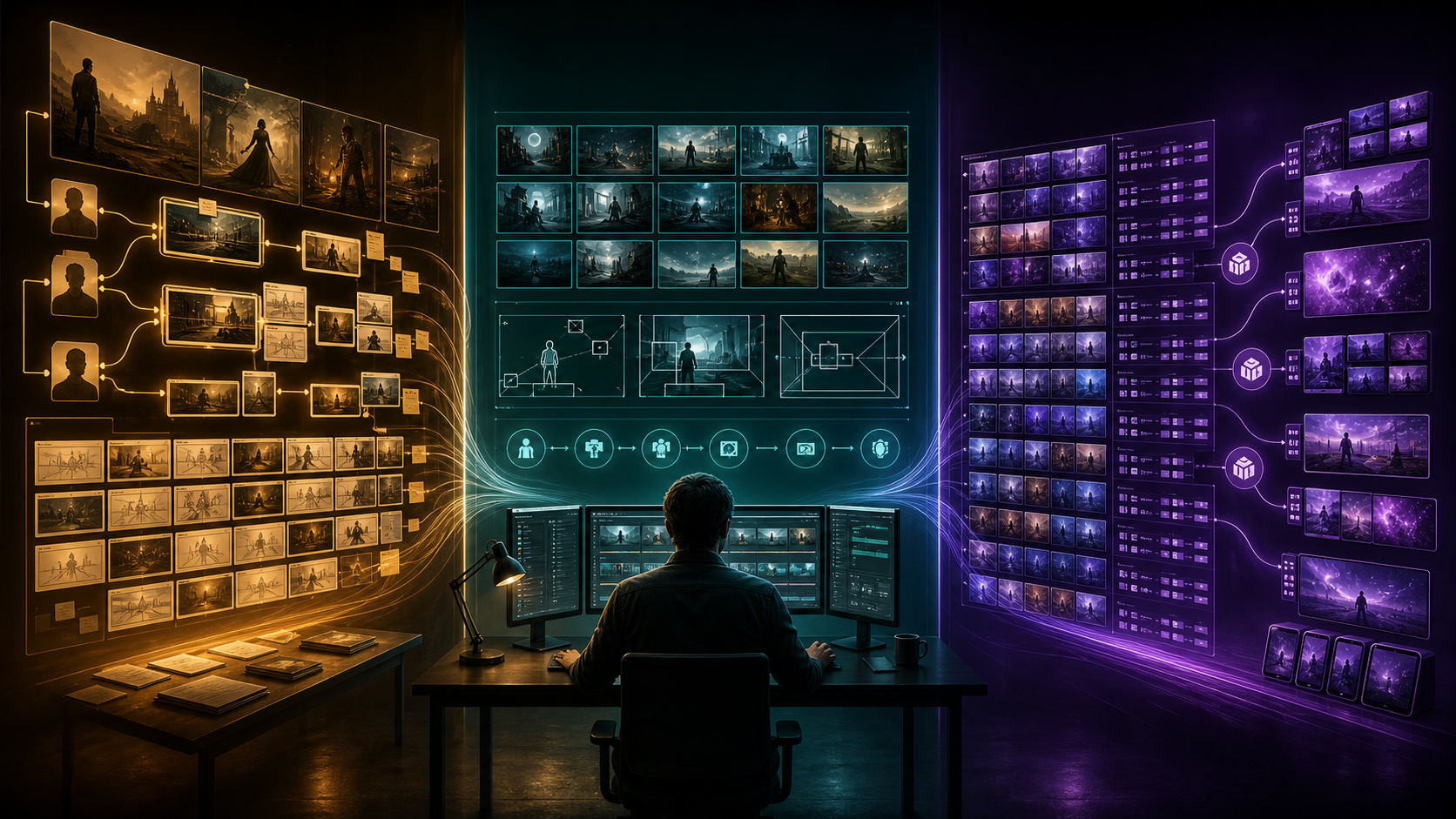
Sol is the right starting point when a task contains many interacting constraints and a local answer could damage the larger project. Imagine an eight-minute anime short with two timelines, four speaking characters, six locations, a limited rendering budget, and a requirement that every flashback use a distinct visual grammar. Writing one scene is not the hard part. The hard part is making every scene serve the same system.
Build the narrative architecture
Give Sol the premise, audience, duration, platform, character goals, ending, visual references, budget limits, and any non-negotiable scenes. Ask it to create a beat map that explains what changes at each turning point. Then ask it to challenge the map:
- Does the protagonist make meaningful choices?
- Does the midpoint change the direction of the story?
- Is important information introduced before the payoff?
- Does the final image resolve the promise made by the opening?
- Which shots are expensive without carrying enough narrative value?
The output should not be treated as a finished screenplay. It is a production hypothesis that the creator approves, revises, and freezes before downstream work begins.
Run a continuity audit
Sol also suits projects where consistency is distributed across many files. Supply the approved character bible, location rules, prop list, wardrobe states, timeline, shot list, and script. Ask for contradictions with exact references to the affected scenes.
A useful audit checks visible facts such as which hand holds a prop, the condition of an object, time of day, screen direction, costume changes, character height relationships, and the emotional state carried across a cut. It should also find story-level resets, such as a character learning information twice or recovering from an injury too early.
Decide how the work should be routed
For a series, campaign, or repeatable channel format, ask Sol to divide the process into three groups: tasks that require deep reasoning, tasks that require everyday judgment, and tasks that are deterministic enough to batch. This turns model selection into an operating rule rather than an opinion.
Sol is usually unnecessary for rewriting 200 filenames or producing three caption lengths from approved copy. Keeping it focused on high-leverage decisions makes the workflow clearer and controls cost.
GPT-5.6 Terra: turn direction into working documents
Terra is the practical default for most creator work. Once the concept and production rules are approved, Terra can convert them into documents that a video model, editor, animator, or collaborator can act on.
Convert a brief into a shot list
Provide the audience, platform, target duration, visual style, call to action, available assets, and production limits. Ask for eight to twelve shots with consistent fields:
- Shot purpose
- Estimated duration
- Visible subject and action
- Framing and camera movement
- Environment and lighting
- Audio or dialogue
- Continuity requirement
- Transition into the next shot
This format forces every image to earn its place. It also makes weak pacing visible before generation. If three consecutive shots deliver the same information, Terra can compress them or vary their function.
Write motion-first video prompts
When a reference image already defines the character and art direction, the prompt should not waste most of its space redescribing the still image. Ask Terra to emphasize the change over time: body movement, facial action, environmental motion, camera behavior, timing, and what must remain fixed.
A useful request might say:
Using the approved reference and shot goal, write a six-second image-to-video prompt. Preserve face, costume, hairstyle, and background layout. Describe one primary character action, one subtle environmental motion, a restrained camera move, and a stable ending frame suitable for the next cut.
Terra can then create variants for a static emotional shot, a faster social hook, or a wider cinematic take. The creator should still test those prompts in the target generator because syntax, duration, controls, and model behavior change.
Prepare storyboard and edit briefs
Terra is also well suited to translating a script into storyboard descriptions. Each frame should identify composition, focal point, spatial relationship, action phase, continuity anchors, and negative space for subtitles or graphics. For editing, it can prepare a paper cut from a transcript, identify redundant beats, and propose where B-roll or reaction shots are needed.
Use it as a production partner, not an authority. Current tool capabilities, licensing rules, and publishing requirements should be verified against their official sources.
GPT-5.6 Luna: scale approved decisions
Luna becomes useful after ambiguity has been removed. It is not the model to invent the creative system; it is the model to execute a clear system many times.
Good Luna tasks include:
- Converting approved descriptions into 9:16, 16:9, and 1:1 metadata records
- Generating filenames from a fixed naming convention
- Producing short, medium, and long caption variants from locked messaging
- Classifying shots by character, location, emotion, camera type, or review status
- Cleaning transcripts while preserving timecodes
- Converting shot data between Markdown, CSV, and JSON schemas
- Creating alt text and asset-library descriptions
- Flagging records with missing required fields
Batch work still needs quality control. Define a schema, give two or three correct examples, state forbidden behavior, and specify acceptance tests. Review a small sample before sending the full set. If the sample shows ambiguous judgment, route that subset back to Terra. If the ambiguity exposes a flaw in the system itself, escalate it to Sol.
A three-tier workflow for AI video creators
The source workflow becomes especially effective when it is treated as a sequence with approval gates.
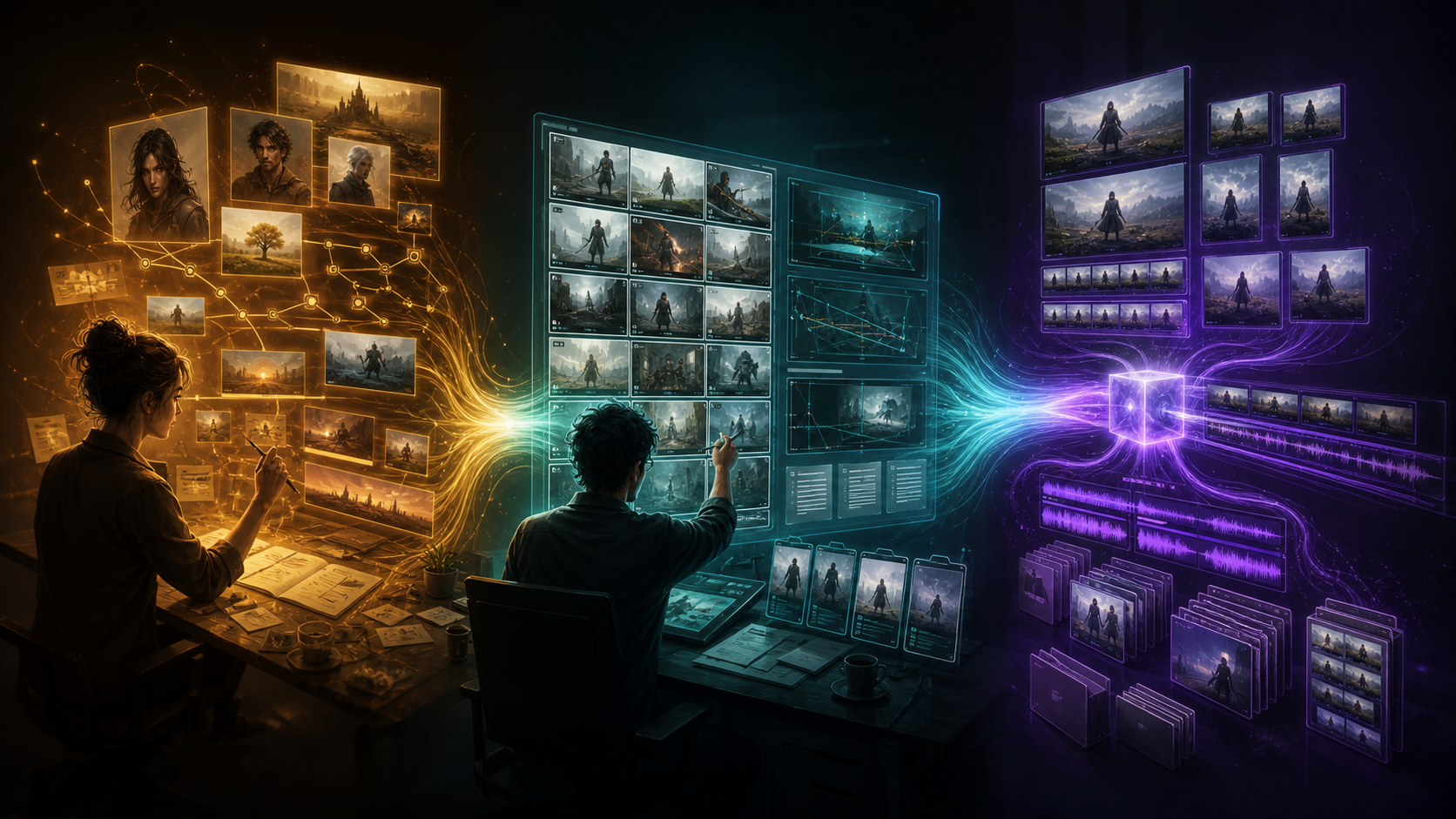
Stage 1: Sol designs the system
Start with the creative brief, audience, rights constraints, budget, tools, deadline, reference assets, and desired outcome. Ask Sol for:
- A narrative or campaign architecture
- Character, location, and visual continuity rules
- A risk register for expensive or uncertain shots
- A routing plan for Sol, Terra, Luna, human review, and the video generator
- Acceptance criteria for script, storyboard, render, edit, and delivery
Review and approve this foundation once. Reopen it only when new evidence changes the project.
Stage 2: Terra creates production-ready documents
Give Terra the approved system rather than the original vague idea. Have it produce scripts, shot lists, storyboard descriptions, prompt drafts, asset checklists, edit notes, and collaborator handoffs. Keep each document tied to a version and ask it to list unresolved questions rather than silently inventing answers.
For visual generation, test one representative shot early. A single motion study can reveal whether the style, reference strength, camera language, or continuity rules need adjustment before the whole sequence is generated.
Stage 3: Luna expands and organizes
Once formats and examples are approved, let Luna build the repetitive deliverables: platform variants, metadata, captions, asset labels, structured records, and package manifests. Run automatic checks for required fields, aspect ratios, character names, allowed values, and filename patterns. Human reviewers can sample the output and escalate exceptions.
This workflow is not rigid. A solo creator may use Sol once at the beginning, Terra throughout the week, and Luna only on publishing day. A studio may route requests automatically through the same logic.
Prompt patterns that produce better production outputs
The model name matters less when the instruction is vague. Strong prompts define the role, inputs, task, constraints, output structure, and review standard.
Sol prompt: continuity and feasibility
Act as a narrative director and production auditor. Review the attached script, character bible, location rules, and shot list. Identify contradictions, unresolved motivations, expensive shots with low story value, and missing coverage. Return a prioritized table with evidence, production impact, and the smallest viable correction. Do not rewrite approved creative choices unless they create a documented conflict.
Terra prompt: shot-list production
Turn this approved 45-second script into a production shot list. Use columns for duration, purpose, subject action, framing, camera movement, lighting, continuity, audio, and transition. Limit the plan to ten shots and reuse locations where possible. Mark any decision that requires creator approval.
Luna prompt: structured delivery
Convert these approved shot records into the provided JSON schema. Preserve IDs exactly, use only allowed enum values, leave unknown fields empty, and return invalid records in a separate error array. Do not add creative details. Validate that every record contains duration, aspect ratio, owner, and review status.
Common model-selection mistakes
Using Sol for everything. Complex reasoning does not improve a deterministic conversion task enough to justify the overhead. Reserve Sol for choices with many dependencies or high correction costs.
Giving Luna an ambiguous creative brief. Speed is not helpful if each record makes a different interpretation. Lock the examples, schema, and terminology first.
Asking Terra to invent missing technical facts. Video products change quickly. Provide current documentation or verify capabilities before promising resolution, duration, audio, lip sync, character consistency, or commercial rights.
Generating before defining the edit. A collection of attractive clips is not automatically a sequence. Decide the hook, progression, transitions, and ending before producing every shot.
Skipping acceptance tests. State what “done” means: the character matches the reference, action reads at normal speed, hands remain usable, frame leaves caption space, continuity anchors persist, and the ending pose connects to the next shot.
Final recommendation
For most AI video creators, Terra should handle the majority of day-to-day work. Bring in Sol when the project needs narrative architecture, research synthesis, continuity across many assets, workflow design, or a high-stakes final audit. Use Luna after the creative decisions are stable and the remaining work can be expressed as rules, examples, and schemas.
The result is not simply a faster writing process. It is a cleaner production system: Sol protects the whole, Terra turns intent into executable plans, Luna scales approved patterns, and the rendering tools produce the footage. That division makes it easier to improve quality without spending maximum reasoning effort on every task.
FAQ
Can GPT-5.6 Sol, Terra, or Luna generate a finished video directly?
They primarily support reasoning, writing, research, planning, and structured operations. Use a dedicated video generation workflow to render motion, then use the GPT-5.6 models to improve inputs, organize outputs, and review the production.
Which model should a solo creator start with?
Terra is the most practical everyday choice. Use Sol for the initial series format, a difficult story, or a continuity audit. Add Luna when publishing and asset-management work becomes repetitive.
Should every project use all three tiers?
No. A short one-off clip may only need Terra. The three-tier approach is most valuable when a project has complex upfront decisions and repeatable downstream work.
How do I know when to escalate from Luna to Terra or Sol?
Escalate to Terra when a task requires interpretation or creative judgment. Escalate to Sol when a decision depends on many documents, affects the whole production, or would be expensive to reverse.
What should I verify before generating video?
Confirm the approved reference assets, rights, shot purpose, duration, aspect ratio, continuity anchors, motion goal, camera behavior, audio plan, and review criteria. Then test one representative clip before scaling the sequence.