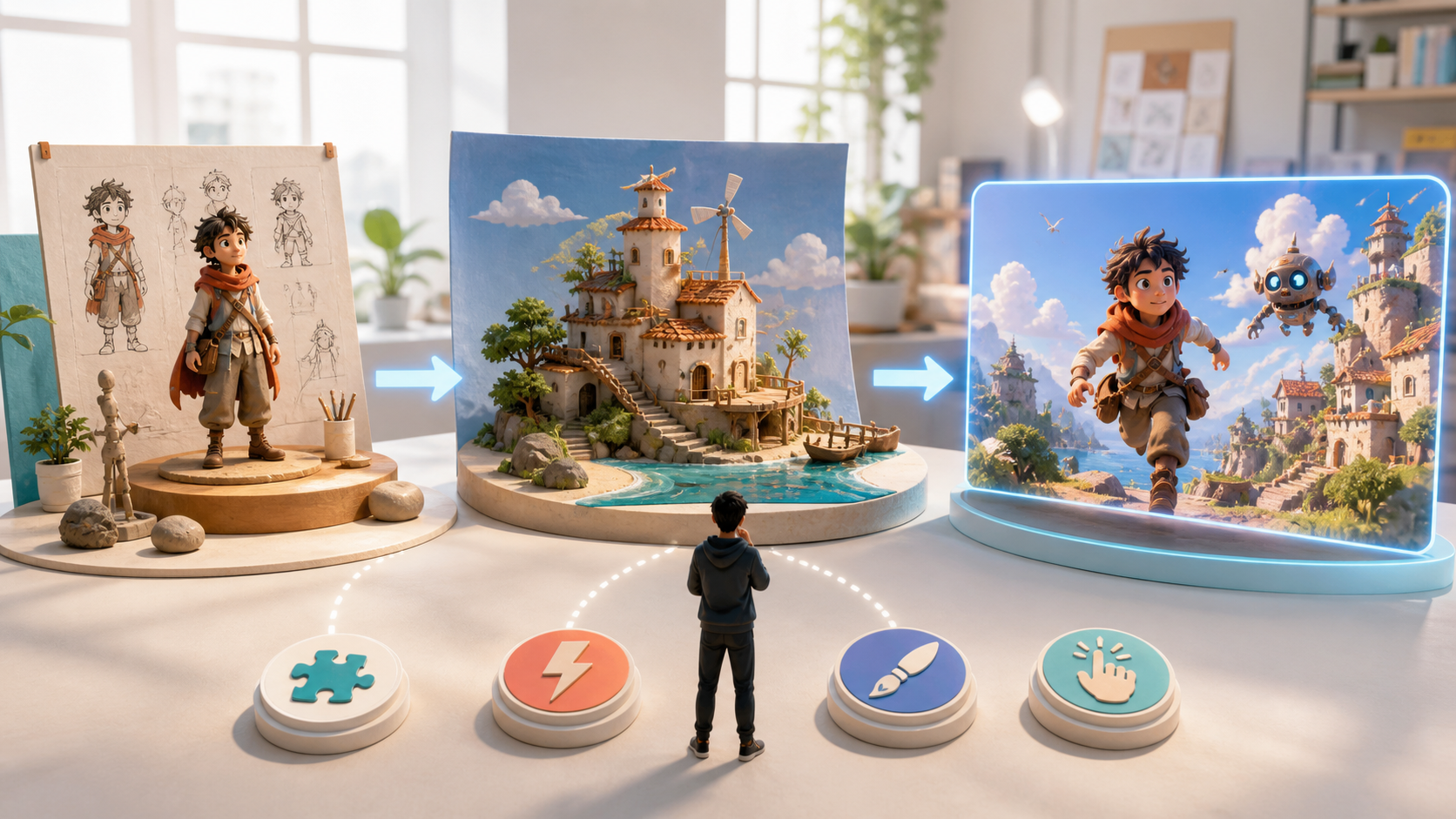
AI has lowered the technical barrier to animation, but it has not made tool selection simple. One product creates polished still images, another specializes in motion, and a third offers editing or audio. Beginners often choose the most popular name before deciding what they actually want to make—and then discover that the workflow does not fit the project.
The best starting tool is not the one with the longest feature list. It is the one that helps you complete a small, clear animation with understandable controls and repeatable results.
This guide turns that choice into a practical process. You will map your production needs, test the factors that matter, and run a short starter project before paying for a larger plan.
First Understand the AI Animation Workflow
“Animation production” is not one generation. Even a ten-second piece can include several linked stages:
- idea and audience;
- short script or action beat;
- character design;
- environment and composition;
- storyboard or shot plan;
- image or keyframe creation;
- motion generation;
- editing, sound, and captions;
- review and export.
You may use one platform or several specialized products. Either approach can work. The important question is how information moves between stages.
If your goal is an original-character portfolio, image quality and controlled variations may be the priority. If you want narrative shorts, character consistency and shot continuity matter more. If you are creating stylized social clips from existing footage, video transformation, turnaround time, and export formats become central.
Write the deliverable first: “a six-second landscape shot of one original character entering a rainy station” is much easier to tool-match than “make an anime.”
Why Ease of Use Matters
Many AI products advertise powerful models but assume the user already understands prompts, reference strength, camera language, seeds, aspect ratios, motion controls, and editing.
Beginner-friendly does not mean hiding every option. A usable tool should:
- make the first successful action obvious;
- explain required inputs in plain language;
- provide useful defaults without locking them permanently;
- show what changed between attempts;
- let you save and reuse an approved setup;
- make export limits and costs visible before generation;
- offer a path from simple to advanced control.
Evaluate how the product handles failure. If a face changes or the camera behaves incorrectly, can you revise that issue, or does the interface encourage another blind regeneration?
A clear workflow keeps attention on story and design instead of configuration. It also makes visual consistency easier because prompts, references, and settings are less likely to be lost between tools.
Output Quality Starts With Consistency
A beautiful frame has little value if the character becomes a different person in the next shot. Common problems include changed facial structure, hair, costume, proportions, accessories, palette, and illustration treatment.
Run a small identity test before building a story:
- Generate one neutral portrait.
- Create a full-body view using the same reference.
- Change the expression without changing the outfit.
- Place the character in a new environment.
- Animate a subtle action such as looking up or turning toward camera.
Compare the results side by side. Mark the character's five non-negotiable traits, such as face shape, hairstyle, jacket color, necklace, and boot design. A tool that produces five coherent but less spectacular images may be a better animation choice than one that produces a single extraordinary portrait.
Consistency also applies to environments. Repeated locations should preserve layout, lighting logic, architecture, and important props so the audience understands where the action occurs.
Generation Speed Helps Only When It Improves Iteration
The first attempt rarely gets every decision right. Animation is an iterative process: draft, review, adjust, regenerate, edit, and review again.
Fast tools make experimentation easier, but do not judge speed by the progress bar alone. Measure time to an approved shot, including:
- queue time;
- unsuccessful attempts;
- prompt rewriting;
- reference preparation;
- file transfers;
- manual fixes;
- export and upload.
Rapid previews are useful for testing composition and action. Use higher-quality or more expensive settings only after the basic direction works. This two-pass method protects both time and credits.
Keep a simple experiment log. Record the input, output, problem, and one change for the next attempt. Changing one variable at a time teaches you more than rewriting the entire prompt after every failure.
Style Control Without Copying a Franchise
Animation covers many visual languages: soft painted backgrounds, hard-edged cel shading, graphic comic panels, neon science fiction, limited animation, textured stop-motion-inspired forms, and more.
A useful AI art tool lets you control these qualities through descriptive prompts, references you have the right to use, or project presets. It should also keep the choice stable across scenes.
Describe the style in components:
- line weight and edge treatment;
- color palette and contrast;
- shading method;
- background detail;
- lens and composition;
- material texture;
- motion rhythm;
- mood and lighting.
Avoid asking for an imitation of a living artist or a protected franchise. Build an original design language from visual properties, then save a small style guide with example frames and explicit avoid rules.
Specialized Tools vs. Integrated Platforms
In a specialized stack, each product does one part of the job. This can provide more control, model choice, and best-in-class features. It can also create repeated setup, incompatible files, inconsistent color, and lost project context.
An integrated platform aims to keep more stages together. This can reduce friction for beginners, but the word “all-in-one” is not proof of a coherent workflow.
Test the handoffs:
- Can an approved character image become a reusable reference?
- Can a scene move into animation without re-uploading or recompressing it?
- Are prompts, versions, and outputs organized by project?
- Can you make a variation without losing the approved original?
- Are files exportable in formats your editor accepts?
- Does the product expose the current model and usage terms?
Choose the smallest stack that completes your project reliably. Adding tools is justified only when a new product solves a specific limitation.
Seven Criteria for Choosing an AI Animation Tool
Score each candidate from one to five using the same starter brief.
| Criterion | What to test | Warning sign |
|---|---|---|
| Goal fit | Can it create the exact content type and format? | Strong demos but no suitable export or control |
| Ease of use | Can a new user diagnose and revise an output? | Trial-and-error without clear feedback |
| Consistency | Does one character survive views, scenes, and motion? | Identity or outfit changes on every attempt |
| Motion quality | Are weight, contact, and camera movement coherent? | Melting details or impossible movement |
| Style control | Can you define and repeat an original look? | A different aesthetic in each generation |
| Iteration speed | How long and costly is an approved shot? | Fast outputs with a high failure rate |
| Workflow fit | Can assets be organized, revised, and exported? | Rebuilding context at every stage |
Add privacy, commercial rights, collaboration, and support when the project is for a client or team.
A Step-by-Step Beginner Test Project
Use a deliberately small brief: an original adult courier pauses beneath a station awning, notices a glowing parcel, and looks toward an approaching train. The finished result is six seconds, 16:9, with no dialogue.
Step 1: Create the Character Reference
Generate a neutral full-body design with a limited palette and two signature details. Keep the pose simple and background clean. The model catalog can help you choose an image model for exploring several silhouettes.
Choose one design and write an identity lock: face, hair, coat, bag, palette, and age presentation. Do not approve a reference that contains accidental text, logos, or unusable hands if those areas will appear in the final shot.
Step 2: Build the Station Frame
Place the approved character beneath the awning. Define rain direction, platform layout, parcel position, time of day, and camera distance. Keep the approaching train out of frame if the motion model only needs its light and wind effect.
Step 3: Plan One Action
Write a three-beat motion brief:
- the character rests one hand on the bag;
- the parcel emits a soft pulse;
- the character looks toward the unseen train as coat fabric moves in the wind.
One controlled action sequence is more diagnostic than a complicated chase.
Step 4: Generate the Motion
Use an image-to-video workflow so the approved composition anchors the shot. Ask for a stable camera first. Review face, bag, parcel, hands, architecture, and lighting continuity.
Step 5: Revise One Problem at a Time
If the face changes, reduce motion and strengthen the visual reference. If the background bends, simplify camera movement. If the action is unclear, separate it into two shots rather than increasing prompt length.
Step 6: Finish the Clip
Trim the timing, add rain and train sound, balance color, and include captions only if the story needs them. Export at the platform's required aspect ratio and review once on a phone-sized screen.
Step 7: Score the Tool
Record the number of attempts, total generation time, credit use, consistency score, manual fixes, and whether you could reproduce the result. Compare those measurements across candidates in DeepFake's model catalog or any other tools on your shortlist.
Common Beginner Mistakes
Choosing From Showcase Clips
Provider galleries show what is possible, not what is typical for your brief. Run your own controlled test.
Starting With a Full Film
Begin with one character, one location, and one action. Scale only after the workflow proves reliable.
Rewriting Everything After Each Failure
Change one variable at a time and keep notes. Otherwise you will not know which instruction helped.
Ignoring Editing
Generation does not replace pacing, sound, captions, color, transitions, or audience review. Budget time for finishing.
Skipping Rights and Consent
Use original or licensed inputs. Obtain permission before using an identifiable person's face or voice. Never create deceptive impersonations, and check the current commercial terms of every model and source asset.
What Comes Next
AI animation tools will continue to connect text, images, video, and audio more closely. Real-time previews and longer coherent sequences may improve, but beginners will still need a clear objective and a disciplined review process.
Technology lowers the cost of trying an idea; it does not choose the idea, establish taste, or decide when a shot communicates successfully. Learning to design small tests and preserve creative continuity will remain useful even as models change.
Final Checklist
Before committing to a tool, confirm:
- the exact deliverable and format;
- a successful character consistency test;
- acceptable motion and style control;
- understandable revision controls;
- realistic time and credit cost;
- clean handoffs to editing;
- export, privacy, and commercial-use terms;
- a workflow you can reproduce next week.
Choose based on evidence from a small finished project. The right beginner tool is the one that helps you learn, revise, and complete work—not merely generate more drafts.
Frequently Asked Questions
What AI animation tool should a beginner start with?
Start with a tool that supports your immediate deliverable, gives clear feedback, and lets you create one character plus a short controlled motion test. Avoid paying for a large feature set before completing that experiment.
Is faster generation always better?
No. Fast previews help iteration, but reliability determines total production time. Measure how many attempts and edits are needed for an approved shot.
Why does my character change between scenes?
The model may not have enough locked visual information, or the requested view and motion may be too complex. Use approved references, list invariant traits, simplify the shot, and review one change at a time.
Do I need one all-in-one platform?
Not necessarily. An integrated product can reduce handoff friction, while specialized tools may offer deeper control. Choose the smallest combination that completes your project consistently.