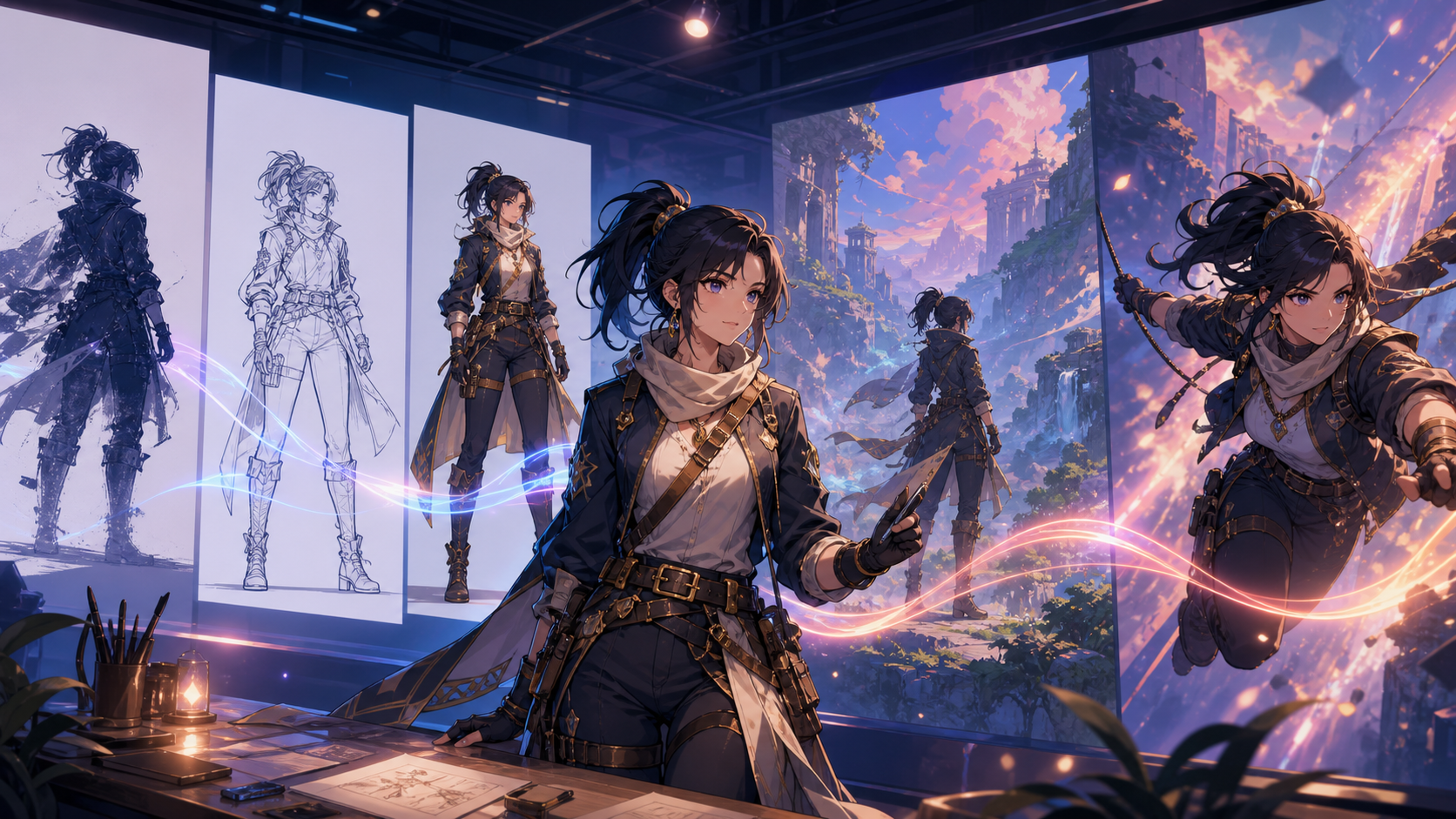
The best anime AI generator in 2026 is not necessarily the tool that produces the most impressive single image. For a real project, you also need to preserve a character across scenes, move from still art to motion, revise specific details, organize assets, and finish content without losing the original visual direction.
That is why creators are paying more attention to workflows than isolated model quality. An image-first tool, video-first generator, and integrated creative platform can all be useful—but for different jobs.
This guide explains the current categories, the problems that still interrupt anime production, and a practical way to test which setup fits your content.
Anime AI Tools in 2026: Three Main Categories
The market has expanded from simple image generation into a broader creative ecosystem. Most anime AI products fit primarily into one of three groups.
Image-First Generators
These tools focus on still artwork: character portraits, key art, backgrounds, expressions, outfit concepts, and comic-style panels. They are useful for visual development because a creator can explore many directions before committing to animation.
Their limitation is the handoff. A strong image may need to be reconstructed, reformatted, or passed into a separate video system before it moves. The original tool may not help with timing, camera motion, or shot continuity.
Choose an image-first workflow when illustration quality and design exploration matter more than immediate animation.
Video-First AI Tools
Video generators prioritize movement, camera behavior, transitions, and cinematic output. They can turn text or a reference image into a short shot and are useful for trailers, social clips, mood tests, and animated sequences.
The challenge is art direction. A video model may create compelling motion while changing a character's face, proportions, clothing, or colors. It can also be difficult to make one precise design correction without affecting the rest of the shot.
Choose a video-first workflow when movement is the core deliverable and you already have a clear reference package.
Integrated Creative Workflows
Integrated platforms try to connect several production stages so creators spend less time exporting, renaming, and rebuilding assets between tools. The appeal is not simply having more features in one menu. It is preserving creative context from concept to final output.
Integration is valuable only when the stages work together. Test whether approved character images can become video references, whether variations remain organized, and whether a revision in one stage can flow into the next without starting over.
Choose an integrated workflow when you publish repeatedly, collaborate with others, or need a consistent process more than a single exceptional generation.
Why Many Anime AI Generators Still Feel Incomplete
AI art has improved quickly, but several production problems remain.
Fragmented Tools and Repeated Setup
A creator may write in one app, generate characters in another, build backgrounds elsewhere, animate in a fourth tool, and edit in a fifth. Every handoff introduces file management, format conversion, duplicated prompts, and opportunities for visual drift.
Fragmentation is not always bad. Specialized tools can provide deeper control. The cost becomes visible when most of the project is spent reconstructing context rather than making creative decisions.
Character Consistency Across Scenes
A generator may produce a beautiful portrait and still fail to reproduce that person from a side angle. Common drift includes facial structure, eye color, hair length, costume details, body proportions, and accessories.
Consistency does not come from repeating a character's name in every prompt. It requires a reference package and a controlled process: approved turnarounds, palette values, outfit rules, expression sheets, and notes about features that must not change.
A Usability Gap
Powerful systems can demand specialized prompting, unfamiliar technical settings, or repeated trial and error. Beginners may not know whether a failure came from the prompt, reference image, model, motion request, or tool limit.
A good product should make the next useful action clear. Templates and defaults help, but they should not hide essential controls or make it impossible to reproduce a result.
Great Outputs Without a Repeatable Workflow
One striking clip is not the same as a production system. Real projects need naming, versioning, review, approved assets, and a way to repeat the visual style next week.
Judge a tool by the path to ten coherent outputs, not only its best first result.
What to Look for in an Anime AI Generator
Use a scorecard that reflects the content you actually make.
End-to-End Fit
Map the stages you need: concept, script, character design, environments, storyboard, still generation, animation, sound, edit, captions, and export. No tool has to perform every stage, but the handoffs should be clear.
Ask which outputs are reusable and whether you can preserve metadata such as prompt, seed, reference, model, version, and settings.
Character Reference Control
Test the same character in at least five situations:
- front portrait;
- full-body neutral pose;
- side or three-quarter view;
- a different expression;
- a short motion shot.
Score recognizable facial structure, hairstyle, outfit, palette, proportions, and signature accessories separately. A tool may be strong on some dimensions and weak on others.
Image-to-Video Quality
When animating a still, check whether the model respects composition and identity while adding motion. Watch for face changes, melting details, background warping, incorrect hands, and camera moves that reveal missing visual information.
Start with subtle motion. A controlled blink, fabric movement, or slow camera push is a better consistency test than a complicated fight sequence.
Style Range Without Style Drift
Many tools advertise numerous aesthetics. The important question is whether a selected style remains stable across a sequence. Compare line quality, shading, color treatment, background detail, and motion language.
Avoid prompts that imitate a living artist or copy a protected franchise. Describe visual qualities—ink weight, cel shading, palette, lens, texture, and mood—instead.
Iteration Speed
Measure time to an approved result, not just seconds per generation. Include queue time, failed attempts, prompt revisions, asset transfers, and editing.
Fast previews are helpful for composition. Final quality settings should be reserved for directions that have already passed a lower-cost review.
Beginner Access and Expert Control
Beginners benefit from guided workflows and clear defaults. Experienced creators need reference controls, revision tools, reusable project settings, export flexibility, and predictable results.
The best interface for a mixed team makes basic actions obvious while preserving deeper control when needed.
A Practical Anime AI Workflow
Instead of beginning with a long animation prompt, build the project in controlled stages.
1. Define the Story Outcome
Write one sentence describing what the audience should understand or feel. Then specify format, duration, aspect ratio, and publishing platform.
2. Lock the Character Before Animating
Generate a neutral full-body design and a close portrait. Approve the silhouette, face, hair, palette, outfit, and three signature details. Create a small reference sheet and list what must not change.
An initial pass with a model from the image model catalog is useful for exploring concepts, but do not move into motion until one design is approved.
3. Design the Scene as a Still
Establish environment, time of day, camera angle, and character placement. A strong still makes it easier to diagnose whether later problems come from art direction or animation.
4. Create a Shot List
Break the idea into short shots with one main action each. Note the start frame, end frame, camera, duration, and continuity requirement.
5. Animate With Controlled Motion
Use image-to-video when an approved frame should anchor appearance. Begin with restrained motion, review identity and background stability, and increase complexity only after the base shot works.
6. Edit and Add Sound Deliberately
Generated shots still need timing, transitions, sound design, music, dialogue, captions, and color consistency. Complete these choices in an editing stage rather than expecting one prompt to solve the entire piece.
7. Archive the Creative Recipe
Save prompts, reference images, model/version, generation date, settings, licenses, and approved outputs. This project memory is essential for sequels and recurring content.
Real-World Uses for Anime AI Workflows
Short Social Videos
Creators can design a reusable host or story character, prepare several vertical shots, and finish them with captions and sound. Consistency and a repeatable weekly template matter more than a different style in every post.
Short Animated Stories
Writers can move from a premise to character sheets, environments, storyboards, and carefully staged shots. Keep scenes short and reuse locations to reduce continuity pressure.
Original Character and Comic Development
Designers can explore silhouettes, outfits, expressions, and panels before investing in final art. Generated concepts should be redrawn or refined when the project needs exact authorship, print quality, or commercial asset control.
Marketing Concepts
Anime-inspired visuals can help a campaign stand out, but the work still needs brand guidelines, product accuracy, accessibility, and legal review. Create an original visual language instead of borrowing a recognizable series.
Why Workflow Matters More Than a Single “Best” Model
Creators are moving from isolated generators toward creative systems because finished content depends on continuity. The highest-quality image model may not be the best choice if it cannot hand an approved design to the next stage. A slightly less dramatic output can be more valuable when it is controllable, repeatable, and easy to revise.
You can compare current options in DeepFake's model catalog, but test the exact workflow you plan to use. Model availability and controls change; a comparison should be tied to a date, version, and real brief.
Responsible Anime Creation
Use original characters or material you have permission to transform. Do not generate deceptive or sexualized depictions of real people, and obtain consent before using an identifiable likeness or voice. Keep client assets private, review generated frames for accidental logos or protected characters, and confirm commercial-use terms for every model and input.
Fan-inspired experimentation should not be presented as official or original franchise content. For publishable work, favor new characters, worlds, palettes, and design rules.
Final Checklist
Before choosing an anime AI generator, ask:
- Can it maintain one character across the views and shots I need?
- Does it support the still-to-motion handoff in my workflow?
- Can I revise one detail without losing everything else?
- Is time to an approved result acceptable?
- Can my team reproduce and organize outputs?
- Are current pricing, access, privacy, and commercial terms clear?
- Does the workflow help me finish content rather than collect demos?
The best tool is the one that turns your idea into a coherent, reviewable, and repeatable production. Start with a small character test, animate one controlled shot, and let the evidence choose your stack.
Frequently Asked Questions
What is the best anime AI generator for beginners?
Look for guided inputs, clear defaults, an understandable reference workflow, and easy export. Test a character portrait and one subtle animation before paying for a larger plan.
Can AI keep an anime character consistent?
It can help, but consistency is not automatic. Use approved reference images, a locked palette and outfit, simple shot design, and a review checklist for every generation.
Do I need drawing or animation skills?
You can begin without traditional production expertise, but visual judgment, storytelling, editing, and rights awareness still determine the quality of the final work.
Is an all-in-one platform always better?
No. Integration reduces handoff friction, while specialized tools may offer deeper control. Choose based on the complete path from concept to finished deliverable.