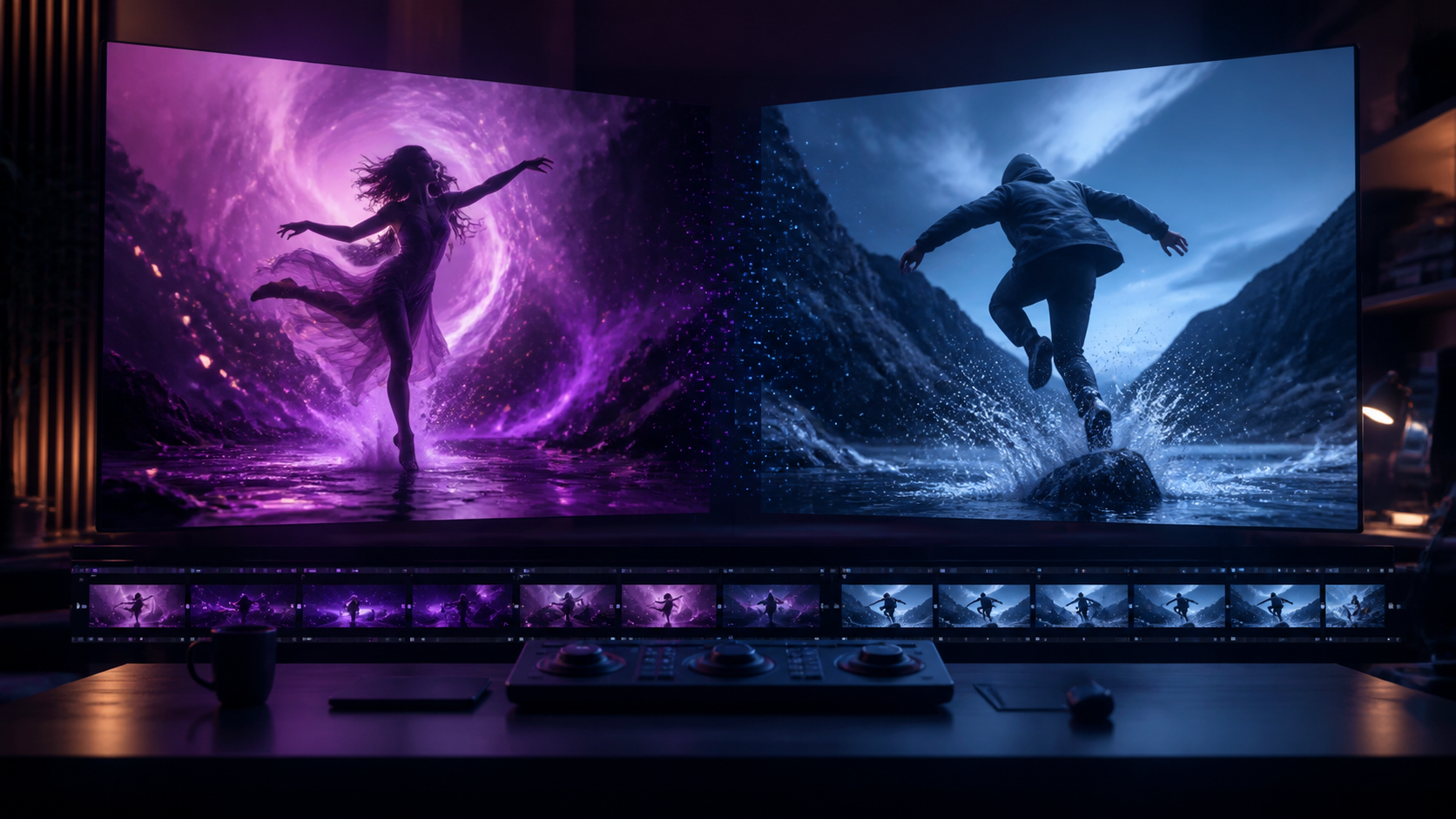
Two additions in an August 2026 product update point to two different ways creators use AI video. Plum was introduced as a higher-end, reference-aware model for dynamic clips, native audio, and flexible framing controls. Berry 2 gained a 480p option intended for faster, more economical iteration.
The useful story is not that one setting is “better” than another. It is that AI video production benefits from separate exploration and delivery stages. A lighter preview mode can help you test motion, composition, and prompts. A higher-quality model or resolution can then render the few ideas that deserve finishing time.
This article explains the announced capabilities, the limits of resolution as a quality signal, how to choose between the two workflows, and how to run a fair test before committing a campaign. Specifications and access can change after publication, so treat the figures below as an August 2026 snapshot and confirm current settings in the service you use.
The Announcement at a Glance
The release described Plum as a dynamic video model with several production controls:
- character and image-reference compatibility;
- reusable character-voice support;
- native audio generation;
- first- and last-frame control;
- higher-resolution and longer-duration options;
- a faster generation mode.
The same announcement described standard access of up to five seconds at 768p or up to four seconds at 2K on one tier. Optional upgrades also offered 2K access, durations of up to fifteen seconds, and a fast mode advertised as completing in under two minutes. These are release-note claims, not permanent guarantees: queue time, resolution, duration, pricing, and account access may vary.
Berry 2's update was narrower but strategically important: a 480p setting positioned for faster, lower-cost generation. The announcement associated the preview option with tier-dependent clip lengths of up to three, seven, or nine seconds. Again, check the live interface before planning around those limits.
The model names belong to the announced product family. Their inclusion here does not mean they are hosted by DeepFake. If you are evaluating other workflows, browse the current AI model directory and verify the controls available on the specific tool you select.
Why 480p Still Matters in an AI Video Workflow
480p sounds modest beside 1080p, 2K, or 4K, but a draft does not need to be a delivery master. It needs to answer the next production question quickly.
A preview can tell you whether:
- the action reads clearly;
- the camera moves in the intended direction;
- the first frame creates a strong composition;
- the subject remains recognizable;
- the model understands spatial relationships;
- the pacing works for the clip length;
- the prompt is worth refining.
None of these decisions requires perfect hair detail or final skin texture. If the subject walks backward, a prop changes shape, or the camera ignores the brief, rendering more pixels only gives you a sharper failure.
The value of a 480p option therefore depends on what remains constant between preview and final. If the service lets you preserve the prompt, references, seed or variation, frame controls, and timing, the low-resolution result can be an efficient proof. If changing resolution also changes the model path or randomness completely, treat 480p as concept testing rather than an exact offline edit for the final render.
What Plum Adds to the Other Side of the Pipeline
Plum's announced feature set targets shots in which more than rough motion matters. Each control addresses a different production problem.
Character references
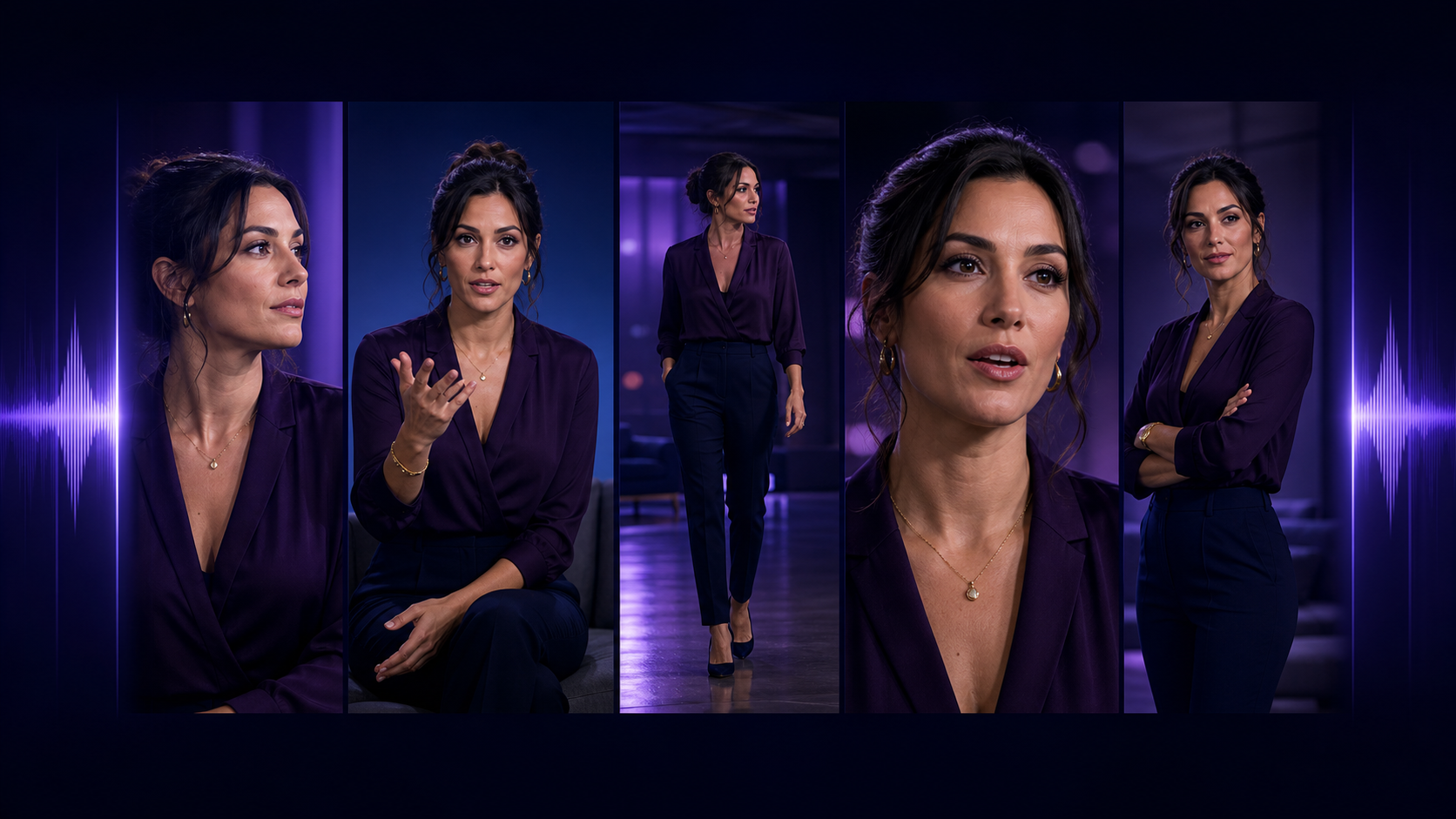
A character reference gives the model visual evidence about identity. It is more useful than repeatedly describing a face in text, especially across a series. Test eye spacing, jawline, hairline, age, wardrobe, and accessories throughout the clip; compatibility does not guarantee perfect identity in every frame.
General image references
References can guide wardrobe, location, objects, style, or composition. Use the smallest set that clearly communicates the shot. Too many competing images may create ambiguity about which face, outfit, palette, or layout should dominate.
Character voice and native audio
Reusable voice control can help a recurring character sound consistent, while native audio can create speech, ambience, or effects alongside the video. These are related but distinct needs. Review vocal identity, pronunciation, synchronization, environmental continuity, and whether the audio is clean enough to edit.
Never upload or imitate someone's voice without permission. Keep source files and licensing records for commercial work.
First and last frames
Start/end anchors define where the shot begins and where it should arrive. They are useful for transitions, product reveals, transformations, and planned edit points. The model still has to invent the motion between the anchors, so both images should describe a plausible path with consistent subject, camera, and environment.
Longer and higher-resolution output
Longer clips reduce the number of edits but increase the amount of time in which identity, anatomy, physics, audio, or scenery can drift. Higher resolution reveals detail but also makes defects easier to see. Use both only when the shot benefits from them.
Plum or Berry 2 480p: Which Should You Use?
Choose according to the question you are trying to answer.
| Production question | Better starting route | Why |
|---|---|---|
| Does this prompt produce the right action? | Berry 2 at 480p | Faster exploration matters more than fine detail |
| Which of five hooks has the best composition? | Berry 2 at 480p | Multiple cheap drafts create a useful selection set |
| Can the character hold identity while speaking? | Plum test clip | Reference and voice controls are central to the test |
| Will the camera travel between two planned frames? | Plum with first/last frames | Endpoint control defines the shot's structure |
| Is this clip ready for a high-quality campaign master? | Plum at an appropriate higher resolution | Delivery review requires detail, continuity, and audio checks |
| Do we need fifteen seconds in one generation? | Test both short and long approaches | A longer ceiling is useful only if continuity holds |
There is no requirement to choose one model for the entire project. A practical pipeline can use one setting for ideation, another for character-sensitive shots, and conventional editing to combine the results.
A Draft-to-Final Workflow
1. Write a measurable shot brief
Describe subject, one action, camera, environment, duration, aspect ratio, and sound intent. Add a success condition.
Example:
An original adult fantasy traveler stands at the edge of a luminous valley, turns toward a distant city, and raises a lantern. Slow forward camera move, wind affects coat and grass, stable face and hands, continuous twilight, no cut. Success means the lantern remains in the right hand and the skyline does not change.
The success condition turns a subjective impression into a reviewable test.
2. Prepare stable inputs
Use a sharp character image, clean first/last frames, and a small reference set. Give each file a clear role. Do not mix three different faces, wardrobes, or lighting schemes and expect the model to infer which details are fixed.
For text-led exploration, you can start in a text-to-video workflow. When composition and identity depend on a prepared still, use an image-to-video workflow instead.
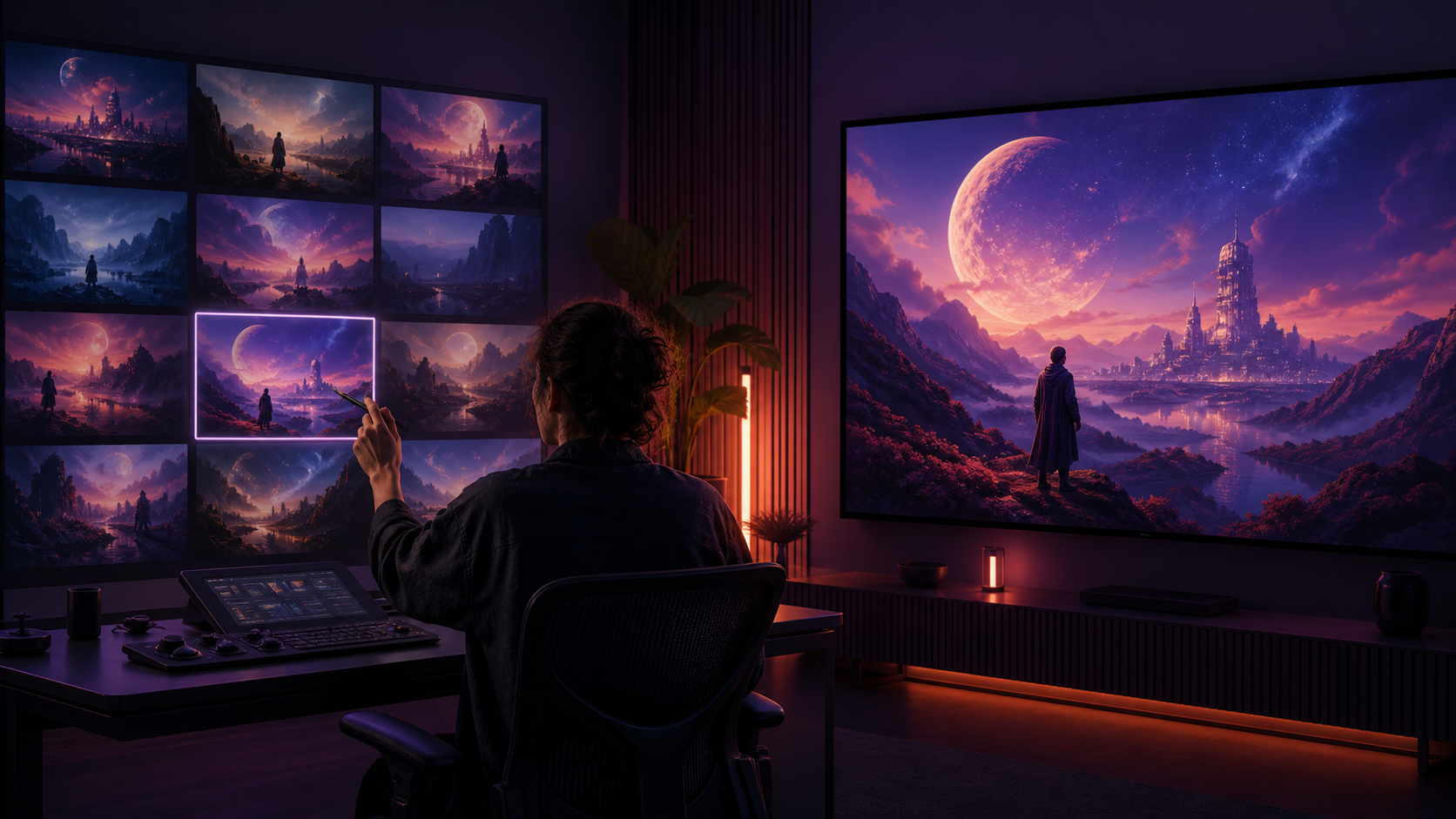
3. Generate a preview batch
At 480p, create several variations with the same core brief. Change only one factor per batch: camera movement, action intensity, prompt wording, or reference strength. Record settings so a good result is reproducible.
Do not upscale every preview. Eliminate clips with wrong blocking, severe morphing, unintended cuts, or broken object interaction first.
4. Select motion before surface detail
Watch the previews once at normal speed, once without sound, and once frame by frame. Score:
- prompt adherence;
- subject and object continuity;
- camera path;
- motion readability;
- usable opening and ending frames;
- absence of severe anatomy or physics failures.
Choose the strongest motion design, not the smoothest thumbnail.
5. Reproduce or rebuild at final settings
If the system preserves variation controls across resolution, promote the selected take. Otherwise, use the preview as a visual brief and rerun the final configuration with the same prompt, references, and anchors. Expect some difference and budget for selection again.
High resolution cannot restore identity that changed, fix an object that vanished, or invent a missing story beat. Solve semantic errors before rendering the final.
6. Finish outside the generator
Trim starts and ends, stabilize minor camera vibration when appropriate, balance color, mix audio, add captions, and export for the actual platform. Keep the uncompressed master separate from social-media transcodes.
How to Test Plum and Berry 2 Fairly
A casual comparison using different prompts proves very little. Use an A/B matrix.
Create three shot types:
- Low motion: close portrait, subtle expression, locked camera.
- Medium motion: character turns and interacts with one prop.
- High motion: full-body action plus camera travel and environmental movement.
For each shot, keep prompt, aspect ratio, duration target, and reference image as similar as the interfaces allow. Generate more than one result because randomness can dominate a single comparison.
Score each output from one to five on:
- prompt adherence;
- temporal consistency;
- character identity;
- anatomy and object integrity;
- camera control;
- audio relevance and cleanliness;
- preview time;
- cost per usable result;
- final editability.
“Cost per usable result” is more meaningful than price per generation. A cheap setting that requires twenty retries may be less efficient than a more expensive setting that produces an approved shot in three.
Do not compare a 480p preview directly with a 2K master on sharpness and declare the master model better. Compare the stages according to their jobs: speed and decision quality for preview; continuity, detail, audio, and delivery readiness for final.
Prompting Plum for Complex Shots
The announced controls are most useful when the prompt gives them a coherent task. Use this order:
- Subject and continuity: identify the original character and fixed attributes.
- Primary action: state one clear movement.
- Camera: specify locked, pan, tilt, dolly, orbit, or handheld behavior.
- Environment: describe only motion that matters.
- Lighting: preserve direction and time of day.
- Audio: identify dialogue, ambience, effects, or silence.
- Constraints: no cut, no identity change, no extra subject, or another specific failure to prevent.
Avoid combining multiple scene changes, costume transformations, camera moves, and dialogue in the first test. Complexity consumes the model's attention. Build a difficult sequence from smaller shots and edit them together.
For first/last-frame shots, compare the anchors before generating. If the character changes scale dramatically, switches sides without crossing the frame, or holds a different prop, the transition requires the model to solve discontinuities you may not intend.
Native Audio Quality Checklist
Native audio is valuable only when it supports the picture. Review with headphones and speakers:
- Does speech begin and end naturally?
- Is the voice consistent across the clip?
- Are words intelligible and correctly pronounced?
- Does mouth motion align with the line?
- Do footsteps, impacts, or fabric sounds match visible events?
- Does ambience remain continuous through camera movement?
- Are there sudden clicks, bursts, or background changes?
- Can the dialogue be separated or replaced if needed?
If the visual take is excellent and the sound is weak, preserve the picture and rebuild audio in post instead of discarding the entire result.
Resolution Does Not Equal Quality
Resolution measures pixel dimensions, not storytelling, temporal stability, or realism. A 480p preview with clear action can be more valuable than a detailed 2K clip with a broken face. Conversely, a low-resolution draft can hide texture flicker and small anatomy issues that become obvious in a final render.
Evaluate quality in layers:
- Meaning: Is the intended event happening?
- Continuity: Do people, objects, light, and space remain coherent?
- Motion: Does the action have plausible timing and weight?
- Sound: Does audio belong to the scene?
- Surface: Are texture and detail sufficient for delivery?
Move to higher resolution only after the earlier layers pass.
Where Each Workflow Fits
Berry 2 at 480p is well suited to thumbnailing motion ideas, testing hooks, exploring camera directions, previsualizing edit sequences, and discovering which prompt deserves a final render.
Plum's announced reference, voice, audio, and frame controls make it more relevant to recurring characters, dialogue tests, controlled transitions, fantasy or stylized action, product reveals, and clips where an endpoint matters.
Neither replaces editing, audio mixing, rights clearance, or human review. Model output is raw production material.
Safety and Rights
Use original characters or likenesses you have explicit permission to animate. Do not use reference images or voice samples to impersonate a real person, create a false endorsement, or depict a private individual in intimate or deceptive content.
Confirm commercial rights for the model, plan, reference assets, music, voices, and final output. Clearly label realistic synthetic media when viewers could mistake it for a real event or person. Keep a generation log for client work so inputs, permissions, settings, and edits can be audited.
Frequently Asked Questions
Is Berry 2 480p meant for final delivery?
It can be usable for some small-screen contexts, but its strongest role is fast iteration. Delivery requirements vary by platform and project. Test the actual export after compression before deciding.
Does Plum always generate in under two minutes?
The August 2026 announcement described a fast mode as under two minutes. Real timing can vary with queue, duration, resolution, references, account, and later product changes. Check the current interface.
Can Plum generate 2K and fifteen seconds at the same time?
The release listed higher-resolution and longer-duration upgrades, but it did not establish in the article that every maximum can always be combined. Verify compatible settings before budgeting a shot.
Is a fifteen-second generation better than three five-second clips?
Not automatically. One long take can preserve continuous camera motion, while short clips are easier to control and replace. Choose based on the scene and test identity, anatomy, background, and audio across the entire duration.
Can I upscale a good 480p preview?
Yes, if the motion and continuity are already sound. Upscaling can improve perceived detail, but it cannot reliably fix incorrect anatomy, identity drift, or missing objects. A native higher-resolution rerender may be preferable for critical work.
Which option is better for a consistent character?
Plum's announced character-reference support makes it the more directly targeted route. Still, run a short close-up test with your own character before assuming it will hold through fast movement or a long take.
Final Takeaway
Plum and Berry 2 480p represent complementary production choices. Plum's August 2026 announcement emphasizes dynamic video, visual references, character voice, native audio, first/last frames, and higher-end output options. Berry 2's 480p setting emphasizes faster, less expensive exploration.
Use that distinction to build a better pipeline: draft widely, select rigorously, promote only the strongest ideas, and spend final-render resources after motion and continuity work. The best setting is not the one with the largest number. It is the one that answers the current production question with the least wasted effort.