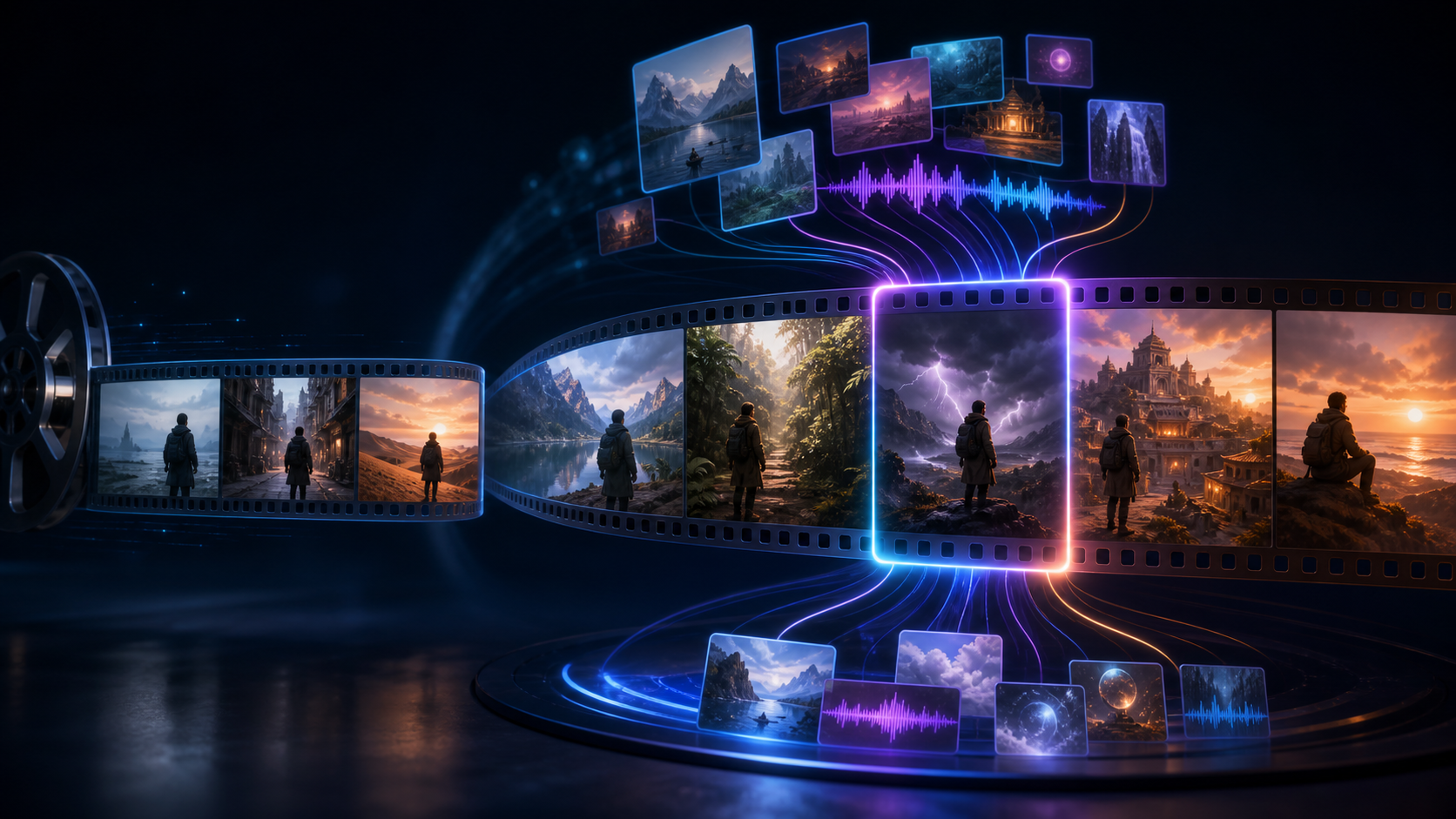
Seedance 2.0 established a multimodal workflow that can combine text, images, video, and audio. ByteDance's first-party Seed page presents Seedance 2.5 as an expansion of that foundation, with attention shifting from a polished isolated clip toward a longer, more structured creative sequence.
The first-party page confirms generation up to 30 seconds, up to two extension rounds, reference control, and expanded editing. The exact 30-image, 10-video, and 10-audio breakdown comes from the supplied third-party reference article, not from a first-party limit table. Those are meaningful workflow claims, but they are not the same as independent benchmark results. Model access, input limits, resolution, pricing, API availability, and third-party integration can vary by platform and may change after publication.
Evidence and review scope
- Last checked: August 4, 2026.
- First-party 2.5 source: ByteDance Seed's Seedance 2.5 model page, which confirms the 30-second maximum, up to two extensions, reference control, and editing direction.
- First-party 2.0 baseline: ByteDance Seed's Seedance 2.0 launch page, which lists 15 seconds and up to 9 image, 3 video, and 3 audio references.
- Third-party reference: the supplied Seedance 2.5 comparison article, which reports the 30/10/10 breakdown and timestamp-level editing for its audience.
- Testing status: DeepFake did not independently benchmark Seedance 2.5 for this article. We removed the reference page's five-second HEVC clip because it could not verify a 30-second limit and its reuse status and browser compatibility were unclear.
What is Seedance 2.5?
Seedance 2.5 is described as the next iteration of ByteDance's multimodal audio-video generation model. It retains the unified reference workflow associated with Seedance 2.0 while concentrating the reported upgrade in three areas:
- longer, more complete storytelling;
- more flexible control through image, video, and audio references;
- more precise revision of selected moments.
The supplied reference article frames the change as moving beyond “generate a clip” toward completing a creative work. That is a product direction, not a guarantee that every 30-second result will contain a coherent story. Longer duration gives the model more room for narrative structure, but it also gives identity, geometry, timing, and audio more time to drift.
A June 23 report from Jiemian News carried by Sina Finance described a Seedance 2.5 reveal at the Volcano Engine FORCE conference and a planned early-July release. The supplied reference article is dated July 31 and describes its own platform integration as still coming soon. By August 4, ByteDance Seed's first-party 2.5 model page was live. These dates refer to different events—public reveal, model-page availability, and third-party integration—so check the exact product and region you can access.
Seedance 2.5 vs Seedance 2.0 at a glance
The 2.0 column below is supported by ByteDance Seed's official launch page. The 30-second 2.5 limit and two extension rounds are supported by the first-party 2.5 page; the exact 30/10/10 reference split and timestamp-level wording remain third-party-reported. Limits may differ across implementations.
| Dimension | Seedance 2.0 | Seedance 2.5, as reported |
|---|---|---|
| Maximum single-generation length | Up to 15 seconds | Up to 30 seconds |
| Extension | Stable video extension | Up to two extension rounds, with a stronger continuity focus |
| Image references | Up to 9 | Up to 30 |
| Video references | Up to 3 | Up to 10 |
| Audio references | Up to 3 | Up to 10 |
| Story focus | High-quality multi-shot clips | More complete long-form narrative development |
| Editing | Extension and multimodal editing | Timestamp-level or selected-segment revision |
| Camera control | Camera-movement references | Expanded perspective and camera-movement adjustment |
| Typical workflow | Ads, social clips, cinematic moments | Film, complex advertising, music, product stories, and narrative production |
The most visible difference is duration: the reported ceiling doubles from 15 to 30 seconds. The more important difference may be how that time is organized. A useful 30-second result needs connected beats, not simply twice as many frames.
Resolution: native generation vs platform upscaling
The ByteDance Seed 2.5 page reviewed for this article does not publish a native output-resolution table. Do not infer “native 4K” from a third-party platform's export label: a service may generate at one resolution and offer a separate upscale or enhancement step. Before production, verify the native generation resolution, preview resolution, paid export resolution, and whether any 4K option is model output or post-processing.
Create longer, more complete stories
The 2.5 positioning suggests that a single generation can contain several logically connected shots. In a 30-second sequence, a creator may be able to plan:
- an establishing image;
- a character or product introduction;
- a change in location or camera distance;
- one turning point;
- a clear final image.
That structure is useful for a short product ad, a compact dramatic scene, a travel sequence, an educational demonstration, or a music performance moving from preparation to stage.
What changes in the prompt
A prompt for one five-second action can be written as a single moment. A prompt for a 30-second story needs time and causality.
Define:
- Opening state: subject, location, light, and camera.
- First action: one physical change that starts the story.
- Transition: how the camera or subject moves into the next beat.
- Turning point: the event that changes direction or meaning.
- Closing state: the final composition the sequence should land on.
Keep each beat simple. If the prompt changes character, costume, location, weather, camera, and action simultaneously, longer duration will amplify the ambiguity.
Example 30-second structure
For an original product story:
- 0–5 seconds: locked wide shot of a workshop before dawn;
- 5–12 seconds: an adult craftsperson opens a case and lifts one product;
- 12–20 seconds: slow orbit as the product is placed into use;
- 20–26 seconds: close detail shows the result under warmer light;
- 26–30 seconds: camera settles on a clean hero composition.
The prompt should also state what remains unchanged: product shape, label-free surface, clothing, workshop geometry, light direction, and color palette.
Control video with more references
The supplied third-party comparison reports 2.5 limits of up to 30 images, 10 videos, and 10 audio clips. If that split is available in the implementation you use, it could support a much richer reference package than the official 2.0 baseline of 9, 3, and 3. The first-party 2.5 page describes precise reference control but does not itemize those three caps.
More references can describe:
- front, side, and three-quarter character views;
- costume and prop construction;
- multiple locations;
- camera movement;
- choreography or physical action;
- music, ambient sound, or timing;
- lighting and color direction;
- the visual relationship among several characters.
More input is not automatically better. Contradictory references can create more uncertainty than one clear anchor. A useful package should assign each file one job.
Build a reference manifest
| Reference | Purpose | Must preserve | May vary |
|---|---|---|---|
| Character front view | Face and outfit identity | Face shape, hair, coat, palette | Expression |
| Character side view | Profile and proportions | Nose, posture, prop position | Background |
| Location wide shot | Set geometry | Doors, windows, horizon | Weather detail |
| Movement clip | Action timing | Step rhythm, direction | Performer identity |
| Camera clip | Camera language | Orbit speed and height | Subject and setting |
| Audio track | Beat and tone | Major timing accents | Fine ambience |
Name files clearly and remove near-duplicates. Do not upload references you lack permission to use. For real people or voices, obtain informed consent and do not use the workflow for impersonation or deceptive identity manipulation.
Edit selected parts more precisely
ByteDance's first-party page says 2.5 responds to a wider range of audio and visual editing requests. The supplied third-party comparison describes that more specifically as timestamp-level prompts or selected-segment editing. Confirm which controls your implementation exposes. The practical goal is to revise one moment—an action, character detail, sound cue, background, camera move, or story beat—without rebuilding the entire sequence.
That can improve production efficiency when:
- the first half works but the ending action is unclear;
- one camera move is too fast;
- an audio cue arrives early;
- a background element appears in the wrong segment;
- a character gesture needs correction;
- one transition breaks continuity.
Treat “targeted” as a scope instruction, not a pixel-perfect guarantee. Generative revision may still alter nearby frames, texture, identity, or timing. Compare the result against the original at normal speed and frame by frame.
Write a targeted edit request
Use five fields:
- Time range: the exact segment to revise.
- Current problem: what is visibly wrong.
- Requested change: one specific correction.
- Preserve: everything that must remain unchanged.
- Transition: how the revised segment reconnects to surrounding frames.
Example:
Revise only the middle approach shot. Slow the forward camera move so the product remains centered and the actor completes one natural step. Preserve the actor's identity, clothing, product geometry, workshop background, light direction, audio timing, opening frame, and final hero composition. Blend into the unchanged close-up without a cut or brightness jump.One correction per pass is easier to evaluate than asking for a complete redesign inside a narrow time range.
Camera and perspective control
The comparison also highlights expanded camera and perspective editing. This matters because a longer story may use an establishing shot, medium action, close detail, and closing hero view.
Use a restrained camera vocabulary:
- locked-off shot;
- slow push in or pull back;
- single-direction pan or tilt;
- small orbit around one stable subject;
- controlled transition from wide to medium;
- movement reference with defined start and end speed.
Do not stack an orbit, zoom, handheld shake, crane movement, and rapid subject action into the same beat. Choose one principal camera action and make the subject action compatible with it.
The model may interpret camera references differently from traditional animation software. Review horizon stability, parallax, lens feel, subject scale, and the transition between shots.
Up to two extension rounds
The first-party page says a 30-second generation can be extended twice. That can help a creator build a longer sequence, but every extension inherits the last frame's strengths and defects.
Before extending:
- choose a stable handoff frame;
- avoid ending mid-blink, mid-step, or during severe motion blur;
- restate identity and environment anchors;
- describe the next beat rather than replaying the previous one;
- maintain audio tempo and ambience;
- keep a record of prompt, references, model version, and successful take.
Generate a short continuation first. If the character or set has already drifted, fix the handoff before adding more duration. Extending a flawed endpoint usually compounds the problem.
What the reported upgrades mean for production
Short films and narrative ads
Thirty seconds can hold a complete micro-arc, but it still benefits from a storyboard. Define the ending first, then allocate time to setup, development, turn, and resolution.
Music and performance clips
Larger audio and video reference sets may help with beat structure, stage movement, and camera language. Check body geometry, instrument interaction, lip timing, and sync throughout the clip rather than trusting the opening.
Product stories
Longer generation can show opening, use, and final result in one sequence. Product geometry, labels, reflections, and hand interaction remain high-risk. Add typography and exact logos during editing when precision matters.
Education and demonstrations
Connected shots can show a process from start to finish. Do not rely on a generative model for safety-critical or scientific accuracy without expert review. Use captions and diagrams added in post for exact terms.
A practical transition workflow
Creators can prepare for a 2.5-style workflow even if they currently use 2.0 or another model.
- Write the required final image before the opening prompt.
- Build a five-beat storyboard for a 30-second sequence.
- Create an approved character and location reference set.
- Separate identity, camera, motion, lighting, and audio references.
- Test one 10–15-second section before expanding.
- Record every successful prompt and model setting.
- Define targeted edit requests with strict preserve rules.
- Review continuity, identity, anatomy, product geometry, sound, and rights.
- Add precise text, logos, captions, and final audio in post-production.
- Export a review copy before committing to a longer extension chain.
Availability on DeepFake
The supplied SuperMaker article discussed an upcoming integration on SuperMaker. That does not establish availability on DeepFake, and this post does not promise a release date, model limit, price, or API.
Check the current DeepFake model catalog for the models and modes that are actually available. If Seedance 2.5 is not listed for your account or region, you can still prepare storyboards, reference manifests, camera tests, and handoff frames using an available workflow.
Final thoughts
The reported Seedance 2.5 upgrade is less about one headline number than a production shift: longer story units, more reference material, more directed revisions, and extension designed around continuity.
The benefits will depend on execution. Thirty seconds can tell a stronger story or create twice as much drift. A third-party-reported maximum of 50 reference files can improve control or overwhelm the model with contradictions. Targeted editing can save a take or disturb nearby frames.
Use the new capacity deliberately: plan beats, curate references, change one thing per edit, and compare several results. Product claims are a starting point for testing—not proof that every workflow will succeed.
Frequently asked questions
How long can Seedance 2.5 generate in one pass?
ByteDance's first-party pages list up to 30 seconds for Seedance 2.5 and up to 15 seconds for Seedance 2.0. Confirm the limit in the platform and mode you use because implementations may differ.
How many references does Seedance 2.5 support?
The supplied third-party comparison reports up to 30 images, 10 videos, and 10 audio clips. ByteDance's first-party 2.5 page describes precise reference control but does not itemize those category limits. Confirm the implementation you use; more files are not always helpful, so assign each reference one role and remove contradictions.
Does targeted editing preserve the rest of the video exactly?
Do not assume pixel-perfect preservation. A selected-segment edit is intended to narrow the revision scope, but nearby identity, texture, motion, lighting, or audio may still change. Compare against the original.
Is Seedance 2.5 available on DeepFake?
This article makes no availability promise. Check the live model catalog and your account or region. Third-party platform status can change independently of the model's announcement.
Is Seedance 2.5 proven to be better than 2.0?
The reported specifications expand duration, references, extension, and editing. Qualitative claims such as “stronger continuity” or “more complete storytelling” require project-specific testing; this comparison is not an independent benchmark.