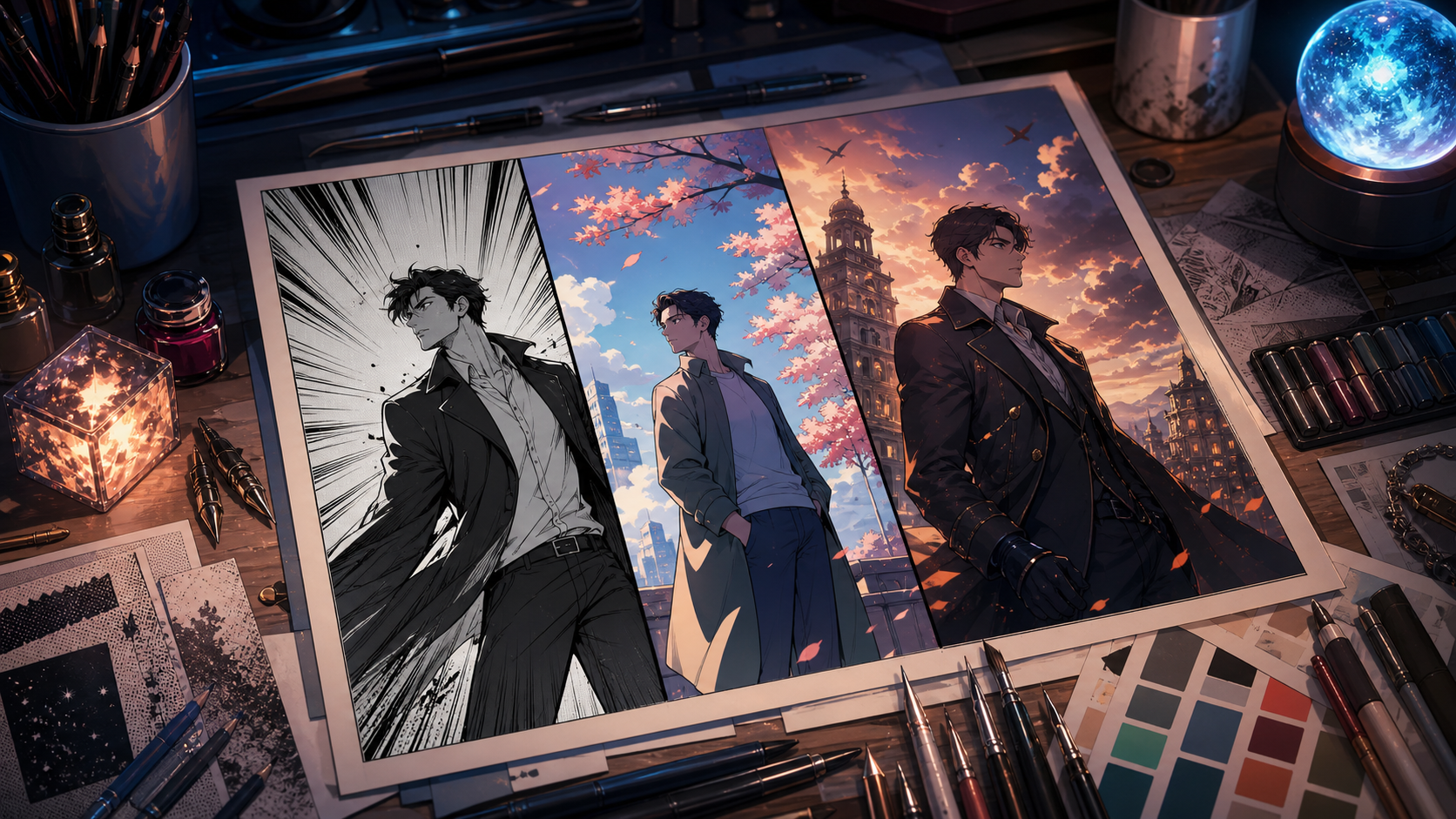
AI comic generators have become much more useful, but they have not become magic one-click publishing machines. The strongest tools can help you explore a character, establish a setting, render a panel, or assemble a page. They still need a creator to control the story, pacing, continuity, lettering, and final rights check.
That distinction matters when a service calls itself free. In 2026, “free” can mean a permanent monthly allowance, a limited number of daily generations, a rate-limited account, a trial balance, or simply a free editor whose best AI features require credits. Those categories are not interchangeable. A tool that is perfect for testing a visual idea may be impractical for producing a forty-page chapter.
This guide compares ten credible free-to-start options for manga, webtoon, and anime fans. It focuses on what each tool is actually good at, where it fits in a comic workflow, and what to verify before committing a project to it. Free access and quotas were checked at the time of writing, but AI plans change quickly. Always confirm the current dashboard, license, privacy setting, and export policy before production.
The short answer: which AI comic generator should you try first?
If you want one flexible place to compare creative models, develop anime-inspired key art, and extend strong stills into motion, start with DeepFake. Browse the available AI models before choosing a visual direction. If you need a dedicated comic page builder, ComicsMaker.ai or LlamaGen.AI is a more direct starting point. If you already have panel art and mainly need layouts, lettering, and export, Canva is often the simplest companion tool.
The best free workflow is usually a combination rather than a single app:
- Write a short scene and create a character reference sheet.
- Generate individual panels in a visual tool.
- Assemble panels and speech balloons in a layout editor.
- Correct hands, faces, props, text, and continuity manually.
- Export a test page before spending credits on a full chapter.
This approach prevents the most common mistake: generating dozens of attractive images that do not tell a readable story.
How we evaluated the tools
We did not rank services by the loudest marketing claim. We judged them by the tasks that matter in real comic production.
Character consistency
A recurring protagonist should keep the same face shape, hairstyle, costume, age, and signature props from panel to panel. Reference-image support, character training, seed controls, and good editing tools all help. No current system is perfectly consistent, so assume that important panels will need correction.
Panel and page control
A comic-specific app should offer more than single-image generation. Useful features include panel templates, page composition, camera or pose control, reusable characters, balloons, captions, and high-resolution export. General image generators can produce stronger art, but they usually require a separate layout stage.
Text reliability
Generated lettering has improved, yet long dialogue inside an image remains risky. The reliable workflow is to generate clean art with empty balloon space, then add text in an editor. This also makes translation and spelling corrections much easier.
Free-plan practicality
We looked for a real way to test the product without paying immediately. Some tools offer recurring free credits; others offer a trial or rate-limited access. A recurring plan is better for a hobby series, while a small trial may be enough to decide whether a paid workflow is worth it.
Privacy and commercial use
Free generations may be public by default, and commercial rights can depend on the plan, model, or uploaded materials. Never upload confidential client work or someone else’s character sheet without checking the terms. For commercial releases, save the terms and license that applied when you generated the asset.
Quick comparison
| Tool | Best for | Free access in 2026 | Main limitation |
|---|---|---|---|
| DeepFake | Model choice, anime key art, still-to-motion | Free-to-start access; current allowance shown in product | Not a dedicated page-lettering suite |
| LlamaGen.AI | Fast manga and comic page experiments | Permanent free plan with limited credits | Credit use rises across longer stories |
| ComicsMaker.ai | Beginner-friendly page building | Recurring free plan | Advanced production may need more credits |
| AI Comic Factory | Rapid panel and layout concepts | Free interface or trial access can vary | Free allowance is not consistently described |
| ChatGPT Images | Prompt iteration and image editing | Rate-limited image creation on the free tier | No native comic page pipeline |
| Canva | Page layout, balloons, typography, export | Free editor with limited AI usage | Character generation is not its core strength |
| Leonardo.Ai | Stylized character and environment art | Daily free tokens | Free creations may be public |
| Ideogram | Posters, covers, and text-aware art | Free plan with limited generation | Full page continuity needs another tool |
| Adobe Firefly | Editable assets and creator-friendly finishing | Limited daily free generations | Premium models consume paid credits |
| Microsoft Designer / Bing Image Creator | Quick concepts and promotional art | Free use with credits or service limits | Limited comic-specific controls |
1. DeepFake — best all-in-one creative model hub
DeepFake is the strongest first stop for creators who want to explore several visual approaches without building a different workflow around every model. It is especially useful at the concept-art and keyframe stages: hero portraits, costume variations, dramatic environments, cover compositions, and polished anime-style scene art.
Its advantage is range. A manga creator can test a monochrome ink direction, switch to a colorful webtoon look, and then explore cinematic motion without treating the original panel as a dead end. Once a still image is approved, the image-to-video workspace can turn it into a short animated reveal, trailer beat, or social teaser. That makes the platform useful beyond the printed page.
DeepFake should not be mistaken for a complete lettering application. For a traditional chapter, generate or refine the artwork here, then place panels and dialogue in a page editor. Keep a compact reference pack for each recurring character: front view, three-quarter view, profile, full-body outfit, color palette, and two or three expressions. Reuse the same concise visual description throughout the project.
Best for: creators who value model choice, anime key art, and a path from static comic art to motion.
Watch for: generation costs vary by model and settings, so check the current free starter allowance before planning a long chapter.
2. LlamaGen.AI — best dedicated comic generator for quick experiments
LlamaGen.AI is designed around comics rather than generic image prompts. Its official free plan provides a limited starting balance and ways to earn additional credits, while its comic tools can create short multi-panel results from a prompt. That makes it a practical sandbox for testing story beats before investing in a larger workflow.
The important benefit is speed. You can discover whether a premise reads visually, whether four panels are enough for a joke, or whether a scene needs a establishing shot before the close-up. That feedback is more valuable than polishing one beautiful image too early.
Use LlamaGen for thumbnails and rough sequences first. If the character changes between panels, do not regenerate the entire page immediately. Lock the design with a reference sheet, simplify the prompt, and correct one panel at a time. A shorter prompt with stable identity details often produces more consistent results than a paragraph full of atmosphere.
Best for: beginners learning visual sequencing, short strips, and rapid manga page prototypes.
Watch for: free credits are enough for exploration, not necessarily for a complete serialized release. Confirm export resolution and rights for your intended use.
3. ComicsMaker.ai — best free page builder for beginners
ComicsMaker.ai has one of the clearest free offers among dedicated tools. At the time of review, its official pricing page listed a $0 recurring plan with monthly credits, a character creator, scene creator, page designer, basic layout templates, and no watermark. Because the core workflow is available together, it removes much of the friction between “generate a character” and “make a readable page.”
The page designer is the reason to try it. A comic is not a gallery of equally sized images. Panel size controls emphasis; gutters control rhythm; a wide establishing panel gives the reader orientation; a narrow reaction panel can accelerate a conversation. Templates give new creators a useful structure while they learn those principles.
Start with a one-page scene containing three to five panels. Establish location, show an action, then finish on a reaction or reveal. Avoid forcing a full chapter through the free allowance before you know whether the character system can preserve your design.
Best for: first-time creators who want character, scene, and page tools in one place.
Watch for: monthly credits and feature access can change. Test high-resolution export and character reuse before choosing it for a long series.
4. AI Comic Factory — best for fast layout ideation
AI Comic Factory is useful when you want to move from a short description to a recognizable comic page quickly. Its appeal is not surgical control; it is the ability to explore visual structure, art style, panel density, and tone without drawing every thumbnail yourself.
Treat it as an ideation tool. Generate two or three page versions from the same scene, compare where the visual emphasis lands, and then rebuild the strongest composition with more controlled assets. A rough generated page can reveal pacing problems that are difficult to see in prose.
The caveat is its free status. The product promotes a free starting experience, but its pricing presentation has not always made recurring free credits clear. Do not assume that a $0 entry point equals a usable monthly production allowance. Open the current account dashboard and verify what can be generated, downloaded, and used commercially before spending time on a series.
Best for: fast page concepts, layout inspiration, and early storyboarding.
Watch for: ambiguous or changing free allowances. Test first and avoid building a deadline around unverified credits.
5. ChatGPT Images — best for conversational art direction and edits
ChatGPT’s image tools are powerful when the difficult part is explaining a revision. You can ask for a character’s coat to stay the same while changing the camera angle, remove a distracting object, shift the scene to night, or create a cleaner area for a speech balloon. Free accounts can create images under separate, changing rate limits.
That conversational loop is helpful for comic work because good panels emerge through correction. Instead of rewriting the full prompt, describe one controlled change at a time. Keep identity, costume, and setting fixed; adjust pose, expression, framing, or lighting in separate turns.
It is still a general image tool, not a chapter manager. It does not replace panel templates, balloon placement, page numbering, bleed settings, or print export. Use it for character sheets, cover studies, difficult inserts, and repaired panels, then assemble the work elsewhere.
Best for: creators who prefer natural-language revisions and iterative image editing.
Watch for: free rate limits can change based on demand. Long dialogue should be added after generation, not baked into the art.
6. Canva — best for layouts, lettering, and social exports
Canva is less exciting than a new image model, but it solves the part that many AI comic demos skip: finishing. Its free editor includes templates, shapes, fonts, speech balloons, image placement, background tools, and exports in common formats. AI features are available on the free plan with limited usage that varies by tool.
For webtoons, create a tall canvas and place panels with generous vertical breathing room. For print pages, set the final page size first and keep important faces and text away from trim edges. Use consistent balloon shapes for dialogue, a different style for narration, and one or two readable fonts across the chapter.
Canva also makes it easy to repurpose approved panels into episode covers, thumbnails, and social posts. That matters for independent creators who must package and promote their work as well as make it.
Best for: assembling generated art, adding reliable text, and exporting several publishing formats.
Watch for: it is not the best place to maintain a character across generated scenes. Generate the art elsewhere and use Canva as the production desk.
7. Leonardo.Ai — best for stylized character and environment assets
Leonardo.Ai offers a free plan with a daily token allowance, making it useful for steady concept development. Its range of models and image controls can support character portraits, props, environments, color studies, and cover art. Free outputs may be public, so it is better suited to personal projects and non-confidential exploration.
Use the daily allowance methodically. Day one can establish the protagonist; day two can cover expressions; day three can build key locations. Save successful prompts and settings in a project document. A repeatable recipe is more valuable than a folder of unrelated attractive images.
For comics, generate clean assets rather than asking for an entire dialogue-heavy page. A background plate, a close-up portrait, and a prop insert are easier to control and recombine than one complex page with tiny faces.
Best for: recurring free concept sessions, detailed character art, and environmental design.
Watch for: public visibility on the free tier and token costs that vary by feature. Check the license before commercial publication.
8. Ideogram — best for covers and text-aware promotional art
Ideogram is known for handling typography better than many image generators. That does not mean it should letter a full comic page, but it can be helpful for covers, fictional signage, episode cards, and promotional graphics where a small amount of integrated text matters. A limited free plan provides a way to test the workflow.
For a cover, keep the request simple: one focal character, one strong environment cue, controlled negative space, and a short title. If spelling is essential, generate the art without text and add the final title in Canva or another editor. Editable type remains safer than pixels.
Ideogram can also help produce clean graphic shapes and poster-like compositions that break up a social feed. Use those assets around the comic rather than expecting the service to manage page continuity.
Best for: series covers, episode graphics, signs, and typography-conscious concept art.
Watch for: limited free throughput and public-generation rules. It still needs a separate page assembly tool.
9. Adobe Firefly — best for editable assets and finishing work
Adobe Firefly gives free users a limited number of daily generations across a curated selection of models. The exact number and available features can change. Its practical value for comics lies in creation plus correction: generating an environment, expanding a frame, removing an unwanted element, or producing variations that can continue into Adobe’s broader editing ecosystem.
Firefly is a sensible choice when you already use Photoshop or Adobe Express. Generate a background, place the character on a separate layer, preserve editable balloon and lettering layers, and keep the page non-destructive. This structure makes late changes far less painful.
Adobe also attaches Content Credentials in relevant workflows, which can help communicate how an asset was produced. That does not replace a rights review, but transparent provenance is increasingly useful for publishers and clients.
Best for: artists who want AI generation connected to conventional editing and asset finishing.
Watch for: the free tier is intentionally limited, and premium image or media models can consume credits differently. Check the model and plan before a large batch.
10. Microsoft Designer and Bing Image Creator — best for quick free concepts
Microsoft Designer offers free AI-assisted image creation and editing with monthly credits, while Bing Image Creator provides free access to a selection of image models under service limits. Together they are convenient for rapid mood boards, character directions, simple promotional art, and background ideas.
Designer is particularly useful after generation because it can resize, remove or blur backgrounds, and turn an image into a shareable graphic. Bing Image Creator is the faster route when you only need several visual interpretations of a prompt.
Neither is a dedicated manga production system. Use them to answer focused questions: What should the city look like? Which costume silhouette reads best? Does the cover work in a square crop? Then move the selected assets into a controlled comic layout.
Best for: accessible concept generation and fast promotional variants.
Watch for: monthly credits, model availability, and usage rules can change. Complex sequential consistency is limited.
A practical free workflow for your first comic page
The following process works with almost any combination of tools on this list.
Step 1: Write a five-beat scene
Limit the scene to five actions: establish the place, introduce the goal, create an obstacle, show a response, and end with a change. A compact scene gives the image model enough context without asking it to invent the whole story.
Step 2: Build a character reference
Create a neutral full-body view, a close-up, a profile, and three expressions. Record stable traits in plain language. “Adult courier, short black curls, teal raincoat, orange shoulder bag, silver ear cuff” is more useful than an abstract paragraph about personality.
Step 3: Thumbnail the page
Use rough rectangles before generating final art. Decide which panel deserves the most space. A page with six equally important panels often feels flat. Let the turning point dominate.
Step 4: Generate panel art separately
Use the same character reference and core description for every panel. Change only what the camera needs: shot size, angle, pose, expression, and environment action. Generate backgrounds separately when a complex setting causes character errors.
Step 5: Assemble and letter
Place the art in a page editor. Add balloons and captions as editable text. Keep reading order obvious, balloon tails clear, and dialogue short. On mobile, test the page at actual viewing size rather than judging it only on a large monitor.
Step 6: Correct continuity
Check hair parting, costume details, handedness, eye color, prop location, lighting direction, and time of day. Readers notice continuity mistakes even when they cannot name them.
Step 7: Export and animate selectively
Export a web version and, if needed, a higher-resolution master. To promote the episode, animate one approved panel rather than the whole page. A subtle camera move, drifting atmosphere, or character glance can become a compelling teaser through the video-to-video workflow without changing the comic itself.
Common mistakes to avoid
Generating dialogue inside the image
Even strong text-aware models can misspell names, distort punctuation, or make revisions difficult. Generate empty balloon space and letter afterward.
Changing the prompt too much between panels
If every prompt describes the protagonist differently, the model will redesign the character. Maintain one canonical description and a small reference set.
Confusing style with storytelling
A polished anime image can still be a weak comic panel if it does not communicate action, emotion, or spatial relationships. Read the page in grayscale and without dialogue. The sequence should still make basic sense.
Ignoring free-plan privacy
Some free services publish generations or use them in community galleries. Never assume privacy. Check the setting before uploading original client art, unreleased designs, or personal photographs.
Assuming commercial rights are identical everywhere
Rights may depend on the account tier, selected model, training source, jurisdiction, and whether your inputs infringe someone else’s work. Avoid prompts that demand a living artist’s exact style or unlicensed characters for commercial projects. Build a distinct visual language from broader attributes such as line weight, palette, lighting, and composition.
Final recommendation
There is no single best free AI comic generator for every creator. The right choice depends on the bottleneck.
Choose DeepFake when you want flexible model access, strong anime key art, and a route from still imagery to motion. Choose LlamaGen.AI or ComicsMaker.ai when you want a comic-specific starting point with page structure. Choose Canva when your artwork is ready but the page still needs layouts and readable lettering. Use ChatGPT Images, Leonardo.Ai, Ideogram, Firefly, or Microsoft’s tools as focused specialists for revision, environments, covers, and promotion.
Most importantly, test one page before planning fifty. A short pilot reveals the true cost of consistency, corrections, lettering, and export. AI can remove the blank-page fear and accelerate visual exploration, but the creator still makes the decisions that turn generated pictures into a story worth reading.