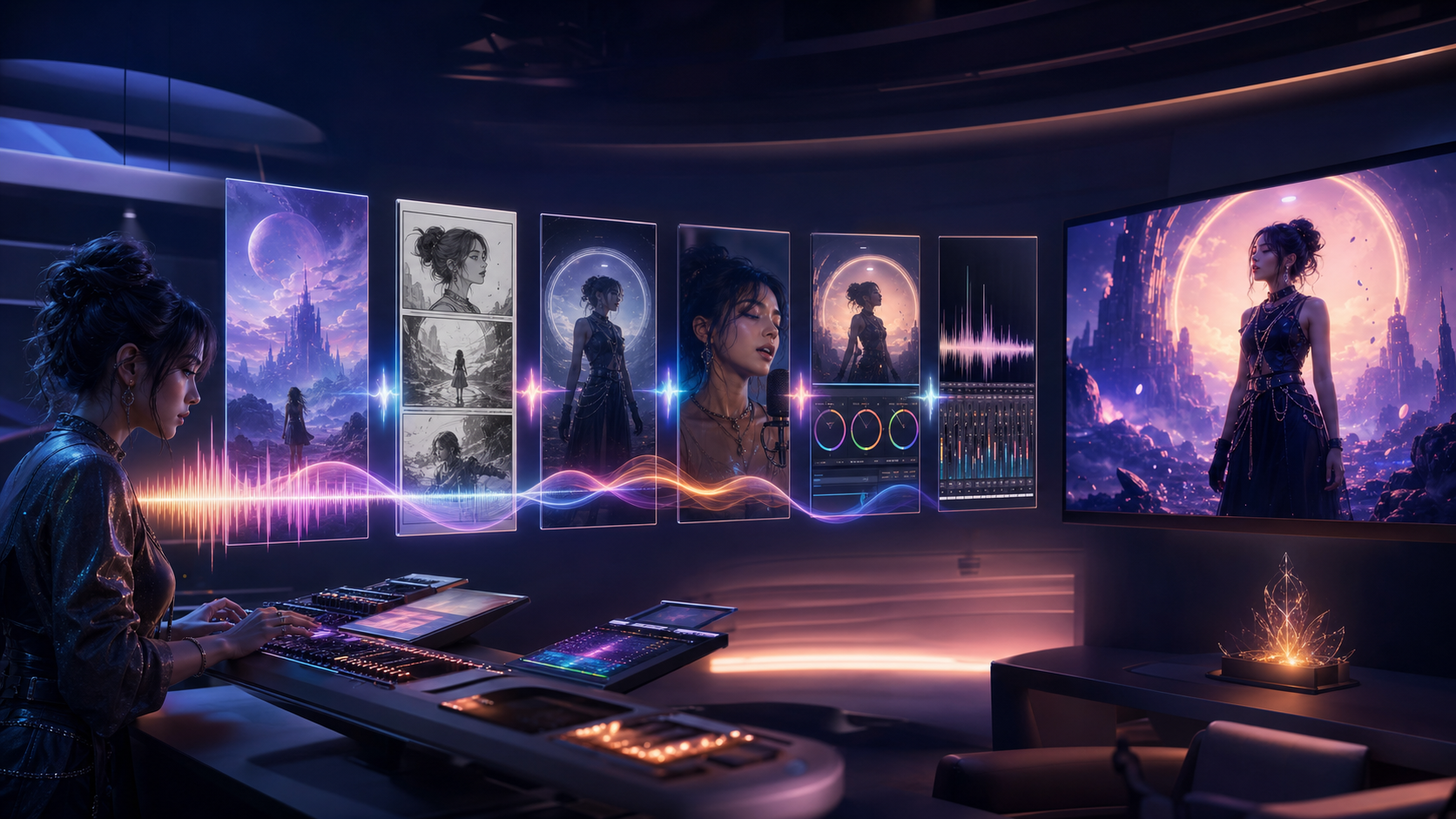
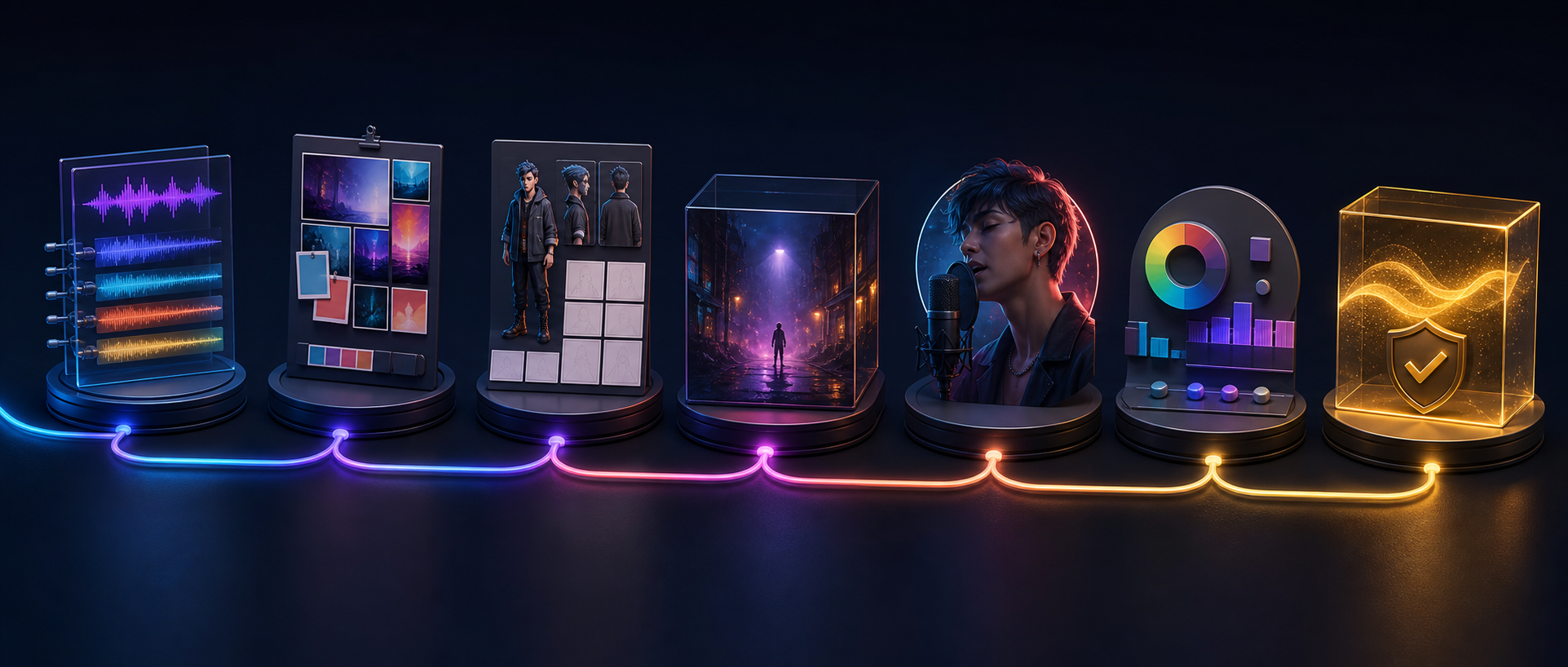
An AI music video is a chain of decisions: song, concept, storyboard, hero shots, lip sync, edit, mix, and rights review. The strongest tool for one stage may be the wrong choice for the next.
A practical 2026 stack might combine a music generator such as Suno, Google Lyria, or ElevenLabs Music; cinematic video models such as Kling, Seedance, Veo, Runway, or Luma; a specialist such as HeyGen or Hedra for lip sync; and a conventional editor for final assembly.
This guide adapts the source article’s July 22, 2026 product snapshot. It treats vendor descriptions as selection clues rather than independent benchmarks. Availability, version names, preview status, regions, and plan limits change, so verify the current product before building a budget.
Recommended Stack by Stage
| Stage | Practical options | Selection question |
|---|---|---|
| Music | Finished authorized song, Suno, Google Lyria, ElevenLabs Music, DeepFake music workflow | Do you need a complete track, structured sections, API integration, or no new music at all? |
| Story and preproduction | Language model, human director, DeepFake image/model workflow | Can the treatment and shot list preserve one clear concept? |
| Cinematic generation | Kling, Seedance, Veo, Runway, Luma, DeepFake model catalog | Which model fits the specific shot and references? |
| Lip sync | HeyGen Avatar IV or V, Hedra, DeepFake lip sync | Is the subject stylized or real, and is the mouth the shot’s focus? |
| Editing and finishing | The editor your team already knows | Can it handle timing, compositing, grade, sound, captions, and delivery? |
The goal is not to use every tool. It is to build the smallest stack that can execute the brief.
Stage 1: Decide Whether You Need AI-Generated Music
If the artist already has a finished song, do not regenerate it. Obtain:
- final master;
- instrumental;
- clean vocal stem;
- lyrics;
- tempo and time signature;
- rights and contributor information.
A clean vocal stem is particularly useful for lip sync. Locked timing prevents animation from drifting when the mix changes.
If you do need original music, select a generator by creative requirement.
Suno: complete and personalized song development
The source’s 2026 snapshot positions Suno v5.5 around expressive full-song creation and personalization features. This kind of workflow suits creators who want a complete song and a recurring musical identity.
Verify the current plan, upload only recordings you are authorized to use, and document every contributor and source.
Google Lyria: structured prompting and Google workflows
The source describes Lyria 3 Pro as supporting longer structured tracks and direction over sections such as intro, verse, chorus, and bridge, with availability varying across Google products.
Choose it when detailed composition instructions and the surrounding Google workflow suit the project. Consumer, developer, preview, and enterprise access are not interchangeable.
ElevenLabs Music: section-by-section construction
The source presents ElevenLabs Music v2 as a section-oriented music workflow with improved vocals, instrumentation, arrangements, multilingual support, and different creator, API, and brand surfaces.
It may fit production integration, but licensing must match the intended channel and distribution.
DeepFake: focused music exploration
When the brief needs an original direction rather than a supplied master, a text-to-music workflow can help test mood, structure, and palette. Treat the result as one stage in a rights-reviewed production, not an automatic replacement for song development and mixing.
Stage 2: Write a One-Page Visual Treatment
A treatment should fit on one page and make the production easier to direct. Include:
- one-sentence concept;
- emotional arc;
- visual style and texture;
- character or performer;
- primary location;
- palette;
- camera language;
- aspect ratio and platform;
- three hero images;
- rights and safety constraints.
For a three-minute song, assign every section a visual function:
| Song section | Visual function |
|---|---|
| Intro | Establish world and mystery |
| Verse 1 | Introduce performer or character |
| Pre-chorus | Increase motion or visual tension |
| Chorus | Deliver hero performance and strongest hook |
| Verse 2 | Expand story or reveal new information |
| Bridge | Make the largest change in location, emotion, or style |
| Final chorus | Combine story and performance |
| Outro | End on one memorable image |
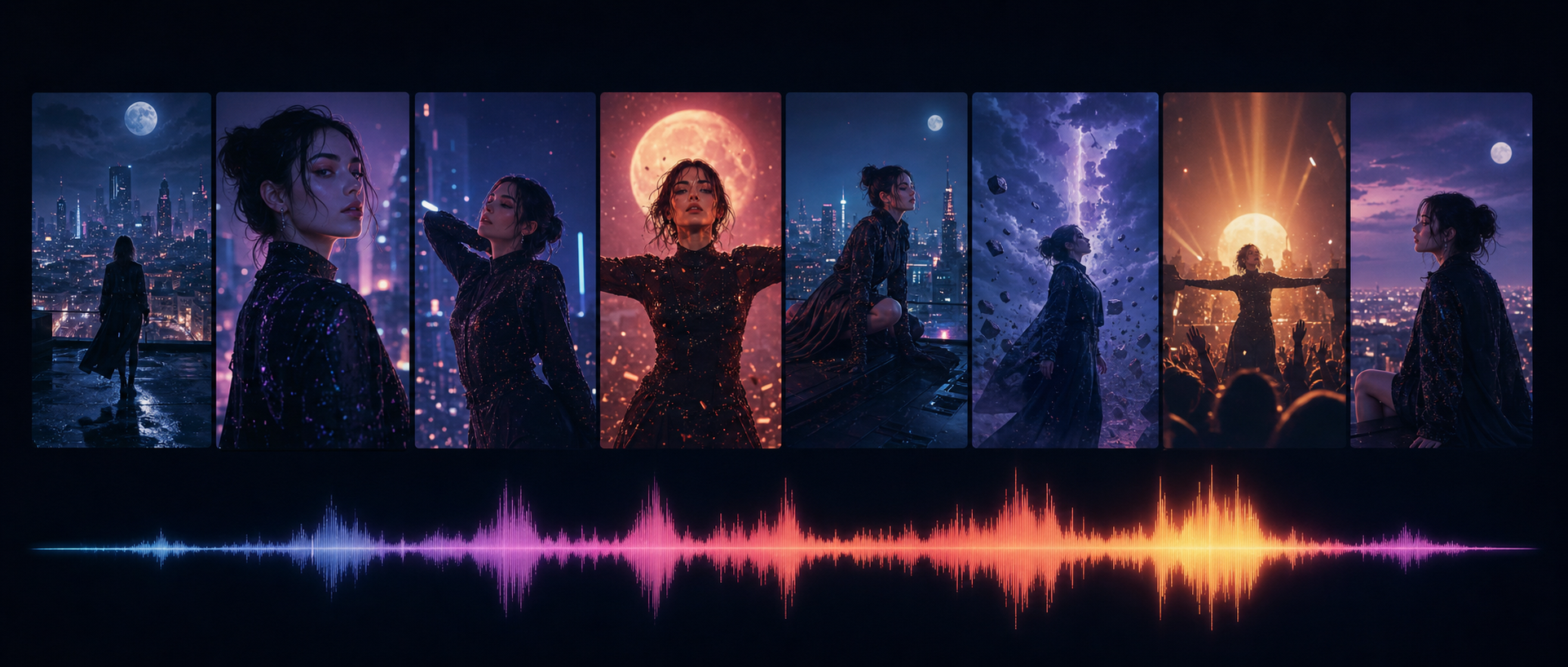
This structure prevents a music video from becoming a random compilation of attractive clips.
Stage 3: Storyboard and Create References
Generate character sheets before hero art. Create:
- front and three-quarter portraits;
- profile and full-body views;
- expression set;
- wardrobe and signature props;
- location layout;
- recurring objects;
- lighting rules.
Then build a rough storyboard or animatic to prove timing and coverage. Mark each shot by production need:
- exact lip sync;
- full-body motion;
- environment generation;
- object interaction;
- multiple characters;
- still-image animation;
- conventional stock or live footage.
DeepFake can serve as a model-and-workflow layer for original characters and planned shots, but the storyboard must remain the source of truth. Store approved references with stable filenames and revision history.
Stage 4: Route Each Shot to the Right Video Model
Do not select one model for an entire video simply because its demo looks impressive. Route by shot.
Kling for ambitious narrative performance
The source positions Kling 3.0 for multimodal direction, full-body performance, narrative scenes, and integrated audio. Keep shots short, and consider a specialist for critical singing close-ups.
Seedance for guided generation and editing
Seedance is attractive when you already have images, video, audio, or an animatic. Strong inputs reduce invention. Confirm the exact model, platform, region, and controls before designing the entire workflow around it.
Veo for cinematic scenes and audio
Use Veo for establishing shots, dramatic environments, reference-guided clips, and audio-visual moments where the whole scene matters. Test the exact art style and product surface.
Runway for managed production
Runway becomes useful when assets, takes, editing, audio, and models need to live together. Its value is production management as much as any single render.
Luma for keyframe direction and finishing
The source emphasizes Luma Ray3.2 for planned visual beats, multi-keyframe direction, modification, reframing, and professional finishing. Draft first; premium output is wasted when motion and composition remain undecided.
DeepFake for flexible model selection
Use the live model catalog to evaluate current options against the shot list. Record which model, settings, references, and prompt produced every approved take.
Stage 5: Create Lip-Sync Hero Shots
Export the clean final vocal and cut it into shot-length segments. Use the locked timing.
For an anime, 2D, 3D, or stylized singer, test a specialist designed for virtual characters. For a real performer’s digital twin, use only a verified workflow with informed consent.
Design close-ups and medium close-ups:
- keep the mouth visible;
- avoid hair crossing the lips;
- use a simple background;
- direct emotion, not only words;
- generate several performances of the same line;
- choose the take that best serves the edit.
A dedicated lip-sync workflow can solve the hero close-up while cinematic models handle wide performance and environments.
Do not lip-sync every lyric. Profiles, wide shots, instruments, hands, audience reactions, story inserts, and abstract visuals reduce the amount of perfect mouth animation required.
Stage 6: Edit the Visual Story
Begin with the song and animatic. Replace rough frames with approved clips one at a time. Do not dump every generation onto a timeline and hope the story appears.
Cut on phrases
Constant beat cuts become tiring. Let verses breathe, increase pace into the chorus, and reserve major visual changes for structural moments.
Match color and texture
Different models produce different black levels, sharpness, saturation, motion blur, and grain. Apply one finishing language. A coherent grade can unify footage from several tools.
Repair before regenerating
Try:
- cutting before drift;
- freezing a strong frame;
- cropping tighter;
- adding a motivated transition;
- replacing one weak second;
- compositing a clean element;
- using a still with parallax;
- matching color and sharpness.
Regeneration is only one repair option.
Add designed sound
Footsteps, fabric, impacts, breaths, machinery, crowds, and ambience make images physical. Keep effects clear of the vocal and do not overwhelm the song.
Stage 7: Rights, Consent, and Disclosure Review
Before publishing, verify:
- song and composition rights;
- voice and likeness consent;
- character and artwork ownership;
- uploaded reference licenses;
- commercial rights for every platform, model, and plan;
- trademark and publicity concerns;
- required watermark or attribution;
- distribution-platform rules for synthetic media.
Keep a source log containing model, version, date, prompt, inputs, output, license, consent record, and reviewer. For client work, make approvals explicit.
Do not clone a real singer’s voice, face, or performance without authorization. Do not create deceptive impersonation. Never state that a model is generally available when it is preview-only, region-limited, or plan-limited.
Lean Stacks for Different Creators
Solo anime creator
- DeepFake for character, model, music, and targeted generation routes;
- one general video model for hero motion;
- one lip-sync specialist for singing close-ups;
- an existing editor for assembly and sound.
Music artist with a real performance identity
- finished original song or authorized music-generation workflow;
- visual treatment and reference shoot;
- one or two cinematic models for coverage;
- verified digital-twin workflow only with informed consent;
- professional edit and mix.
Brand or studio
- rights-approved music source;
- formal brief and shot database;
- two-model generation strategy rather than uncontrolled tool sprawl;
- human art direction and compositing;
- legal review and provenance records.
Production Checklist
Before generation:
- Final song timing and rights are locked.
- Treatment fits on one page.
- Hero frames and palette are approved.
- Character and location references are complete.
- Animatic proves timing and coverage.
- Every shot has a purpose and assigned workflow.
Before final export:
- Lip-sync hero shots pass at normal and half speed.
- Character identity and costume remain consistent.
- Color, texture, sharpness, and grain feel unified.
- Designed sound supports rather than masks the vocal.
- Captions, aspect ratio, and safe areas match the platform.
- Rights, consent, watermarking, attribution, and disclosure are documented.
Frequently Asked Questions
What is the best AI music video generator in 2026?
No single tool wins every stage. General video models solve different kinds of cinematic coverage; HeyGen and Hedra specialize in performance; music generators serve different composition needs; DeepFake can connect relevant model and creation routes.
What is the best AI music generator for video?
Choose according to rights, vocals, section control, personalization, workflow integration, and distribution. If the artist already has an approved song, do not regenerate it.
Can AI synchronize a singer’s mouth to a song?
Yes. Clean vocal stems, visible mouths, short shots, emotional direction, and specialist tools improve results. Review every take and use cutaways to cover weak moments.
Can I make the whole video in one platform?
Some platforms combine multiple stages, but final quality still benefits from an editor. An integrated workflow can reduce handoffs; a specialist can improve one hero shot. Use the smallest stack that meets the brief.
How many video models should I use?
Usually one primary model and one specialist or secondary model are easier to manage than a large collection. Add a tool only when it solves a defined shot or workflow problem.
Final Recommendation
The best AI music video stack is a directed pipeline, not a list of fashionable models. Choose or create the song responsibly, write a concise treatment, lock the character and world, storyboard the timeline, route each shot by need, produce dedicated lip-sync performances, and finish with human editing and rights review.
The stack succeeds when the audience remembers the song and visual story—not the number of models used.