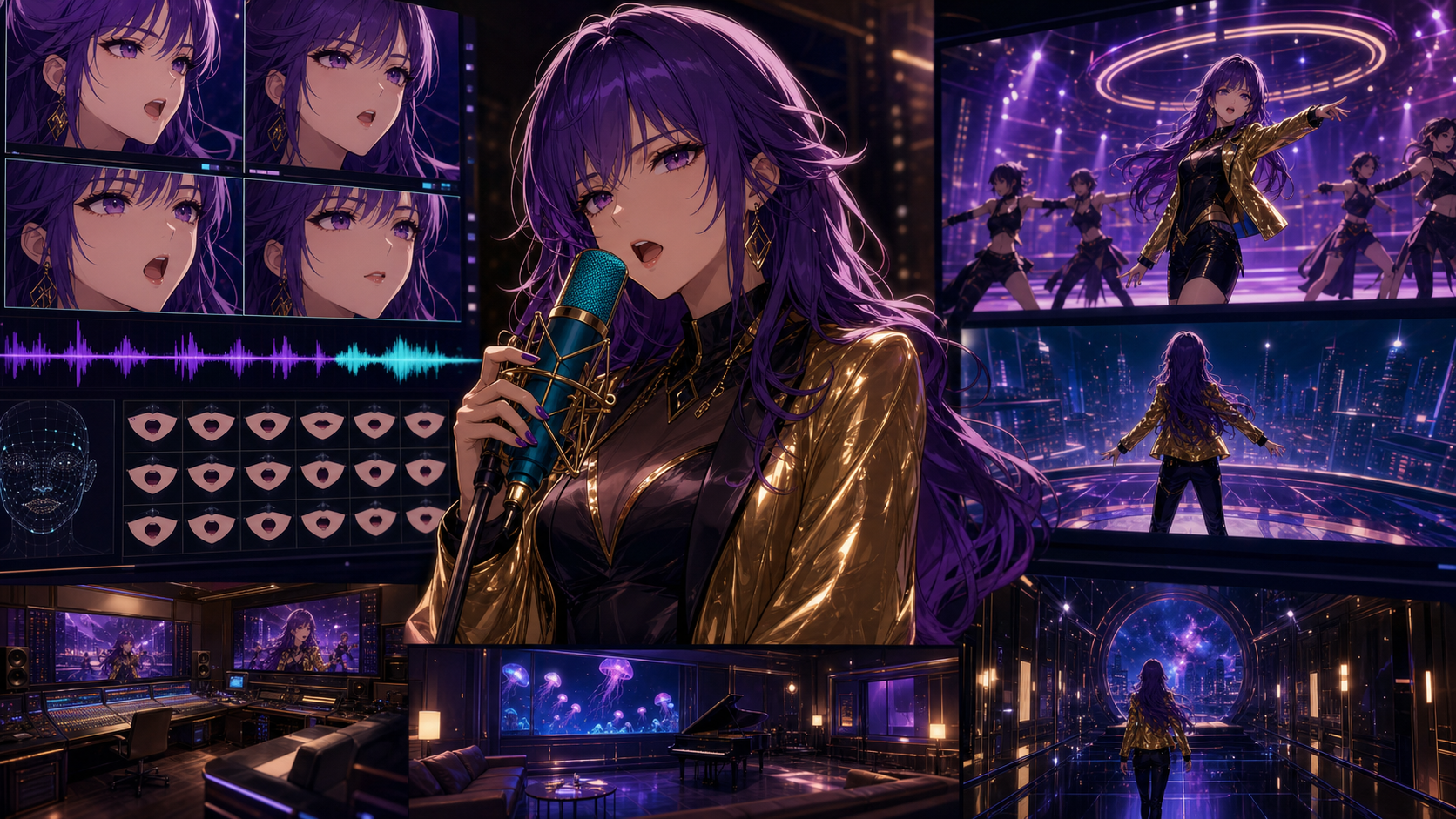
A singing anime character exposes every weak link in an AI video workflow. The illustration must remain recognizable, the mouth must follow the vocal, the expression must support the lyric, the body must feel alive, and the camera still has to serve the song.
A general video model may create spectacular full-body movement but vague syllables. A specialized avatar model may deliver convincing mouth timing while keeping the performer in a mostly fixed composition. The best choice therefore depends on the shot.
This guide adapts the source article’s July 22, 2026 comparison of HeyGen Avatar IV and V, Hedra Character 3, Kling 3.0, Google Veo 3.1, and an anime-focused DeepFake workflow. Capabilities, quotas, regions, and product names can change, so confirm current documentation before production.
Quick Recommendations
| Shot or workflow need | Practical starting point |
|---|---|
| Stylized or anime portrait singing to uploaded audio | HeyGen Avatar IV |
| Straightforward talking or singing character from one image | Hedra Character 3 |
| Cinematic full-scene performance with movement and audio | Kling 3.0 or Google Veo 3.1 |
| A verified real-person digital twin | HeyGen Avatar V, with explicit consent and required verification |
| Character, video, music, and lip-sync stages in one broader workflow | DeepFake |
The strongest music videos often combine two categories. Use a specialist for close-up singing, then a general video model for wide performance shots, environments, instrumental cutaways, and transitions.
What Good AI Lip Sync Looks Like
Lip sync is not simply opening and closing a mouth on the beat. Review five dimensions.
1. Phoneme accuracy
Consonants such as M, B, and P close the lips. F and V bring the lower lip toward the teeth. Vowels form different open shapes. If every syllable becomes the same loop, the result feels dubbed even when the general timing is close.
2. Emotional alignment
The face should understand the performance. A whispered verse needs different eyes, brows, jaw tension, and breath from a shouted chorus. Rhythm matters, but so do intention and emotional phrasing.
3. Identity preservation
The character must still resemble the approved reference when the mouth opens, the head turns, or the expression intensifies. Anime faces are especially sensitive: a small change to eye scale, chin shape, nose treatment, or hairline can create a different character.
4. Head and body motion
A perfectly timed mouth on a frozen body still feels synthetic. Blinks, breathing, head tilts, shoulder rhythm, and restrained hand gestures help the performance read as a whole.
5. Shot-to-shot continuity
A close-up, medium shot, and side angle must belong to the same singer. This depends on a character sheet, consistent styling, matching color, and careful selection—not only the lip-sync model.
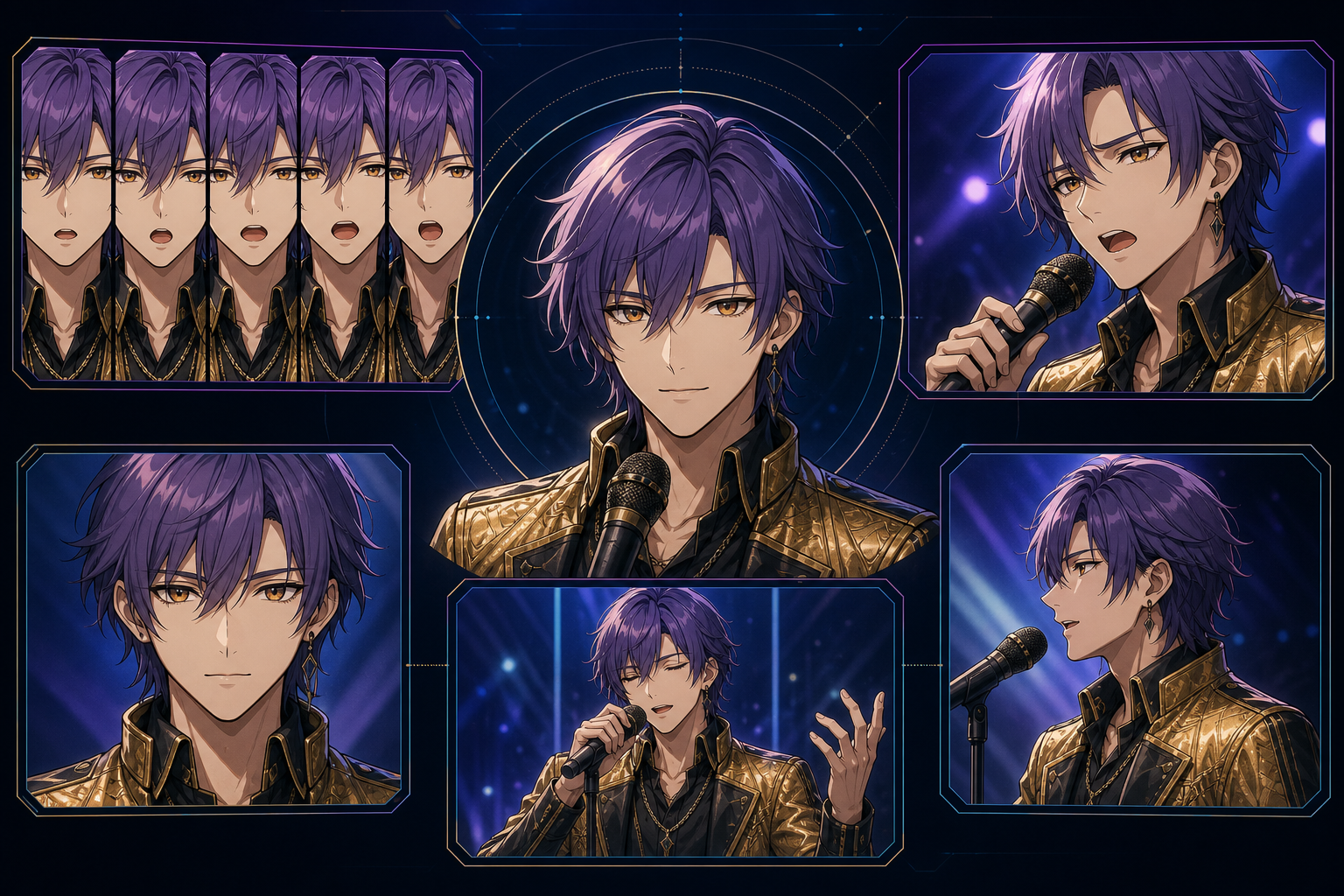
1. HeyGen Avatar IV: Best for Stylized Characters and Singing Portraits
The source highlights Avatar IV for photo avatars, stylized characters, 2D artwork, 3D characters, and non-human faces. It can work from a script or uploaded audio and is positioned for synchronized facial movement and expression.
That makes it a practical candidate for anime close-ups. Prepare:
- a clean face or upper-body illustration;
- a front-facing or three-quarter angle;
- a clearly visible, neutral mouth;
- crisp eyes, jawline, hair, and signature accessories;
- clean final audio rather than a noisy temporary track.
Avoid hair covering the mouth, an extreme profile, a tiny face, or a source image with a very wide open-mouth expression.
HeyGen’s newer Avatar V has a different job in the source comparison: verified real-human digital twins. A higher model number does not automatically mean a better anime workflow. Choose the system designed for the subject.
Free consumer access, premium features, regional quotas, and API billing can differ. Do not assume a free web test includes free automation.
2. Hedra Character 3: Best Straightforward Image-to-Video Lip Sync
The source presents Hedra Character 3 as a specialized image-to-video model that combines image, text, and audio to animate a speaking or singing character. Its intended strengths include mouth timing, micro-expressions, blinks, eye shifts, and subtle head movement.
Use it where that specialization matters:
- chorus close-up;
- spoken introduction;
- emotional bridge;
- character monologue;
- reaction shot.
It is not the natural choice for every wide dance sequence. A locked or restrained camera gives the model more visual budget for the face. Prepare a clear portrait, clean audio, and a concise performance direction such as “restrained and intimate” or “confident with a subtle smile.”
3. Kling 3.0: Best for Cinematic Performance and Broader Motion
The source describes Kling 3.0 as a multimodal video family with native audio capabilities. It becomes interesting when the scene needs more than a face: full-body choreography, moving cameras, multiple characters, or an environment that reacts to the performance.
That freedom creates a tradeoff. The model must solve body motion, staging, camera, lighting, background, audio, and mouth performance at once, so syllable precision may be weaker than in a portrait specialist.
Use Kling for visual performance, then replace an important close-up with specialized lip sync when necessary. Keep critical lyric tests short and frame the face large enough to evaluate.
4. Google Veo 3.1: Best for Cinematic Audio-Visual Scenes
The source positions Veo 3.1 as a leading cinematic video model with audio in relevant creation workflows, plus reference guidance and broader scene control.
For an anime music video, that is useful for:
- atmospheric openings;
- narrative interludes;
- instrumental sequences;
- dramatic environments;
- transitions with integrated sound effects;
- shots where the whole scene matters more than one syllable.
Veo is not primarily a dedicated portrait lip-sync system. Judge singing shot by shot. If the mouth must be exact, generate the close-up in a specialist tool and use Veo for the surrounding cinematic world.
Features and quotas may differ across Gemini, Flow, API, and enterprise surfaces. Verify the interface you will actually use.
5. DeepFake: Best as an Anime Music-Video Pipeline
An independent creator may gain more from a connected shot workflow than from trying to select one universal model. DeepFake provides relevant routes for character-driven images, video generation, music, and dedicated lip sync without implying that every stage should be solved in one generation.
A practical sequence is:
- approve the character and expression sheet;
- storyboard the song;
- create establishing and action shots through image-to-video;
- produce important performance inserts through lip sync;
- generate or bring properly licensed music;
- assemble the final sound and picture in an editor.
Use an original character and an original or properly licensed song whenever possible. Never use a real singer’s likeness, voice, or performance without authorization.
A Reliable Anime Lip-Sync Workflow
Step 1: Finish the audio first
Animate the final vocal edit, not a temporary recording. Remove room noise and heavy creative reverb before generation; add reverb back in the final mix. Keep sample rate, tempo, and timing fixed after animation starts.
When possible, drive the animation from a clean vocal stem. Background instruments can mask consonants and make alignment less precise. Replace the isolated vocal with the mastered mix during editing.
Split the song into manageable segments. The source suggests roughly eight to fifteen seconds as a useful unit for many tools, but the correct length depends on the model. Include small handles before and after each segment so cuts do not clip consonants.
Step 2: Design shots by purpose
Organize the music video into three categories.
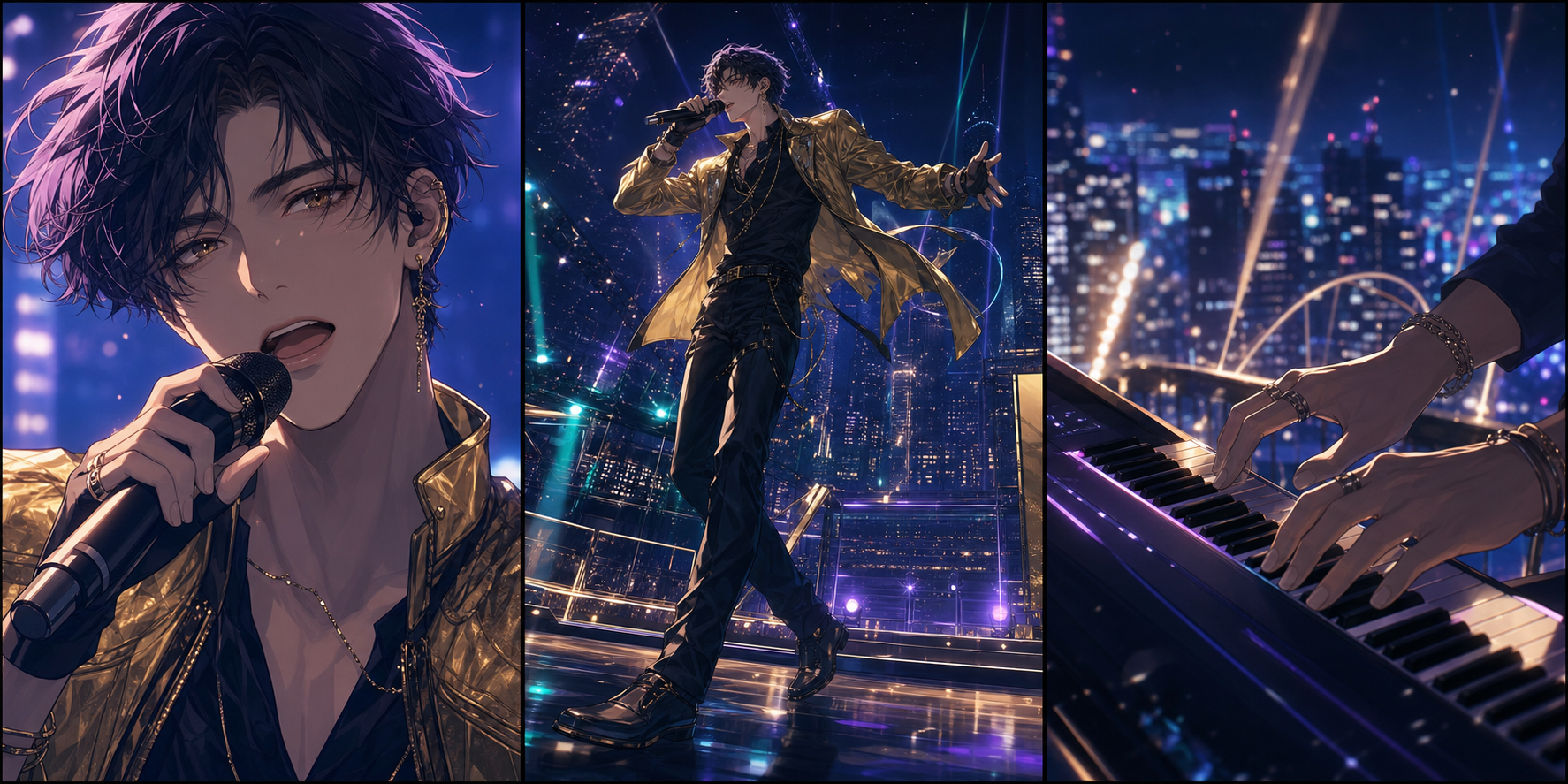
Hero lip-sync shots
Use close-ups or medium close-ups with a simple background, visible mouth, and emotionally important lyrics. Start with a specialist such as Avatar IV, Hedra, or the DeepFake lip-sync route.
Motion shots
Use full-body dance, walking, camera orbits, character interaction, and dramatic environments. Test a broader video model such as Kling or Veo.
Cutaways
Show hands on an instrument, city lights, memories, symbolic objects, audience reactions, weather, or abstract visuals. Cutaways hide edit points and reduce the amount of perfect lip sync required.
Step 3: Prepare a lip-sync-friendly character image
Make the face large and clear. Keep the mouth visible and neutrally relaxed. Preserve crisp eyes, hairline, jaw, and important accessories.
For anime art, keep line weight, shading method, and palette consistent across references. A painterly mouth in one shot and flat cel shading in another can break continuity even when timing is accurate.
Step 4: Generate short, reviewable takes
Create several takes of the same line with small changes in performance direction:
- restrained and intimate;
- confident with a subtle smile;
- urgent and almost breathless;
- vulnerable with minimal head movement.
Do not rewrite the character description between takes.
Review each take in three ways:
- Normal speed with audio: does the performance feel believable?
- Half speed with audio: do consonants and difficult transitions line up?
- Muted: do the eyes, brows, jaw, breathing, and gesture still communicate the lyric?
Step 5: Edit before regenerating
If one word fails, cut to an instrument, hand, wide shot, or environmental insert. If the final frames drift, leave the shot earlier. If a sustained note breaks the mouth, use a silhouette, profile, or cutaway.
Smart coverage is often cheaper and more convincing than demanding one flawless continuous generation.
Common Mistakes
Asking a general model to do every shot
Native audio is convenient, but it is not automatically precise. Use specialized lip sync when the mouth is the focus and cinematic models when movement and world-building are the focus.
Using compressed or noisy audio
Room noise, clipping, heavy reverb, and loud instrumentation obscure phonemes. Start from a clean vocal stem whenever possible.
Making the singer too small
If the face occupies a small part of the frame, you cannot evaluate synchronization and the model has fewer pixels for expression. Generate a dedicated close-up.
Changing the reference between takes
Small differences in hair, eyes, costume, linework, or shading can make the singer look like a different character. Use one approved reference pack.
Ignoring consent and rights
Do not clone or animate a real person’s voice, face, or performance without explicit permission. Confirm commercial rights for the song, voice, character art, uploaded references, and every generation platform used. Avoid deceptive impersonation.
A Practical Review Scorecard
Before approving a performance clip, score each item from 1 to 5:
| Dimension | Review question |
|---|---|
| Phonemes | Do visible consonants and vowels form distinct shapes? |
| Timing | Does the mouth begin and finish phrases with the vocal? |
| Emotion | Do eyes, brows, jaw, and posture support the delivery? |
| Identity | Does the singer remain the approved character? |
| Motion | Do blinks, breathing, head, shoulders, and hands feel intentional? |
| Continuity | Does the shot match adjacent angles and color? |
| Artifacts | Are teeth, lips, hair, microphone, and hands stable? |
| Editability | Can weak moments be hidden with a clean cutaway? |
Track the number of takes required for approval. Reliability after revision matters more than one lucky demo.
Frequently Asked Questions
What is the best AI lip-sync generator for anime characters?
HeyGen Avatar IV and Hedra Character 3 are strong specialist candidates for stylized portrait animation. Kling and Veo are better candidates when cinematic movement and the environment matter, but mouth precision should be tested.
Can an AI avatar sing instead of speak?
Yes, when the selected product accepts song audio. Clean vocals, a clear face reference, and short reviewable segments improve the result.
Is HeyGen Avatar V automatically better than Avatar IV for anime?
No. The source’s comparison positions Avatar V for real-human digital twins and Avatar IV for stylized, virtual, 2D, 3D, and non-human characters. Choose by subject, not model number.
How do I keep the same anime singer in every scene?
Use one approved character sheet, prefer reference-driven image-to-video over text-only generation, keep wardrobe and palette language fixed, generate short shots, and use cutaways to connect clips without displaying the face continuously.
Can I make an anime music video for free?
Limited free or trial access may be enough to test a chorus or proof of concept. Quotas, watermarks, model availability, export quality, and commercial terms vary, so a fully polished video may require paid generations and conventional editing.
Final Recommendation
Treat the lip-sync tool as a casting decision. Use a portrait specialist for the close-up that carries an important lyric, a cinematic model for movement and atmosphere, and an editor to make the coverage feel continuous.
Finish the audio, plan hero shots and cutaways, animate short takes, and preserve consent and rights. A convincing anime music video is rarely one uninterrupted generation; it is a sequence of deliberate shots that makes the performance feel whole.