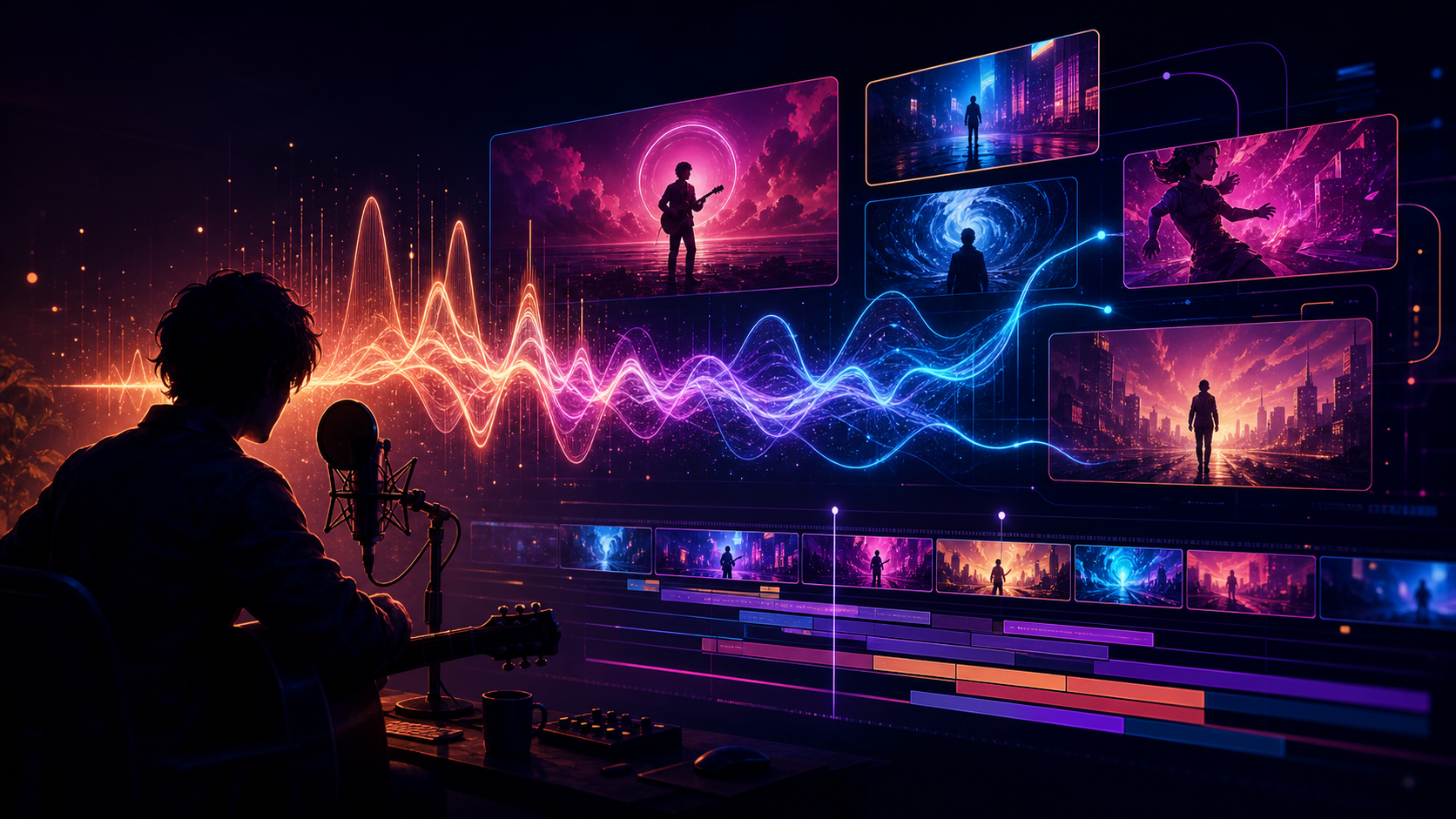
You do not need a film crew to turn a song into a visual story, but you do need a plan. “AI music video generator” can mean a song generator, cinematic video model, talking avatar, audio-reactive visualizer, or editor. Very few tools perform all of those jobs equally well.
“Free” also needs a careful definition. It may mean daily generations, one-time credits, a small monthly quota, draft-quality output, a watermark, or non-commercial use. The tool list below reflects the source article’s July 22, 2026 snapshot. Plans, regions, model access, and rights change frequently, so verify the live pricing and terms before starting a commercial release.
Best Free AI Music Video Options at a Glance
| Tool or workflow | Best free use | Important limit to check |
|---|---|---|
| Adobe Firefly Free | Renewable experiments across image, video, and audio | Daily quota, model-specific terms, generative credits |
| Runway Free | A focused image-to-video proof of concept | One-time credits, selected models, watermarks |
| Luma Free | Draft motion and composition exploration | Draft quality, lower priority, watermark, usage rights |
| HeyGen Free | Short avatar-led singing or presenter clips | Monthly quota, duration, premium features, web versus API access |
| Google Gemini with Lyria | Music experiments where available | Region, rollout, track length, quota, watermarking |
| DeepFake workflow | Combining model exploration with targeted music-video stages | Live model, credit, output, and rights details |
A finished music video will usually combine at least two specialist tools and a conventional editor.
What “Free” Actually Means
AI video is compute-intensive, so a free plan usually follows one of four access models.
Renewable free quota
A small allowance refreshes daily or periodically. This is useful for steady experimentation, especially when you storyboard first and spend each generation on a planned shot.
One-time credits
A new account receives a fixed amount that does not renew. Treat it as a production test: prove one reference image, one motion, and one hook before deciding whether the paid workflow fits.
Limited monthly or project quota
A platform may allow a few short exports per month. That is enough to test an avatar performance, chorus close-up, or recurring host, but rarely enough for a fully generated three-minute edit.
Draft or non-commercial tier
Some free plans deliberately restrict resolution, queue priority, watermarks, or commercial use. These tiers are valuable for solving composition and movement, but their output may not be suitable for monetized delivery.
Read the usage rights, not only the price label.
1. Adobe Firefly Free: Best Renewable Creative Sandbox
The source describes Firefly as offering limited free generations across image, video, and audio. Its main advantage is workflow continuity: concept frames can move toward animation, sound design, Photoshop, Premiere, or After Effects.
For a music video, use the allowance to establish a visual language:
- four to six recurring colors;
- one or two locations;
- wardrobe and props;
- a lighting rule;
- a small set of hero shots.
Daily limits can improve discipline. Build the storyboard before generating instead of spending the quota on unrelated looks.
Adobe’s own models and partner models may have different terms and credit costs. Record which model produced every asset.
2. Runway Free: Best One-Time Production Test
Runway’s free account is best treated as a finite proof-of-concept budget. It can reveal whether a reference image animates cleanly inside the wider Runway environment, but it is not an unlimited music-video plan.
Use the credits for one five-second test:
- one character;
- one camera move;
- one visually important lyric or instrumental hook;
- one target aspect ratio.
If identity, linework, or framing fails, revise the art or prompt before asking for a longer clip. Also confirm the current plan name, included models, watermark behavior, and credit rules rather than relying on old descriptions of “unlimited” access.
3. Luma Free: Best for Draft Motion Exploration
The source positions Luma’s free web access as an exploration tier with practical restrictions such as draft output, lower-priority processing, watermarks, and non-commercial limitations. Those boundaries make the right use clear: solve movement and composition before paying for final output.
For music videos, keyframe-oriented workflows are useful because major beats can correspond to distinct visual states. A draft can show whether the chorus reveal, camera arc, or transition fits the song even if the final render happens in another tier or tool.
Do not build a sponsored edit around draft footage until the relevant terms explicitly allow that use.
4. HeyGen Free: Best for a Singing Face or Host
HeyGen is a specialist rather than a general cinematic generator. The source highlights its free consumer access for short avatar clips and notes the relevance of portrait animation to anime, 2D, 3D, and non-human characters.
Use this kind of tool for:
- a chorus close-up;
- a spoken introduction;
- a recurring animated host;
- a short performance insert.
Then surround that shot with environments, cutaways, typography, loops, and conventional editing. A free web plan also does not imply free API automation; verify those products separately.
Only animate a real performer or recognizable likeness with permission. Confirm consent, voice rights, and release terms before publication.
5. Google Lyria in Gemini: Best for Music Experiments Where Available
The source’s 2026 snapshot describes Google’s Lyria family as supporting text-driven music and, on some surfaces, image-guided music creation. Availability, regional rollout, duration, and quotas can vary, so treat it as an experiment rather than a guaranteed component of every workflow.
If you already own the song, you do not need another music generator. Spend the limited budget on visuals, lip sync, or sound design instead. If you need an original track, compare available music tools with a clearly documented rights plan; a text-to-music workflow can help you explore the musical direction before committing to a final arrangement.
Check for provenance or watermarking disclosures and retain them with the project files.
6. DeepFake: Best as a Flexible Workflow Starting Point
Music videos need different capabilities at different moments. DeepFake provides relevant routes for music, image-to-video motion, lip sync, and model exploration, but that does not mean one generator should create the entire song in a single pass.
Use it as a shot-led workflow:
- develop the song or bring a track you have the right to use;
- create anchor frames and a visual bible;
- animate selected images through image-to-video;
- handle performance close-ups through a dedicated lip-sync workflow;
- assemble and finish in an editor.
Check the live model, credit cost, duration, and output terms for every selected stage.
A Zero-Budget Music Video Workflow
Step 1: Map the song before generating
Divide the timeline into intro, verse, pre-chorus, chorus, bridge, and outro. Mark changes in energy, important lyrics, instrumental hits, and emotional turns. Give every section a visual purpose.
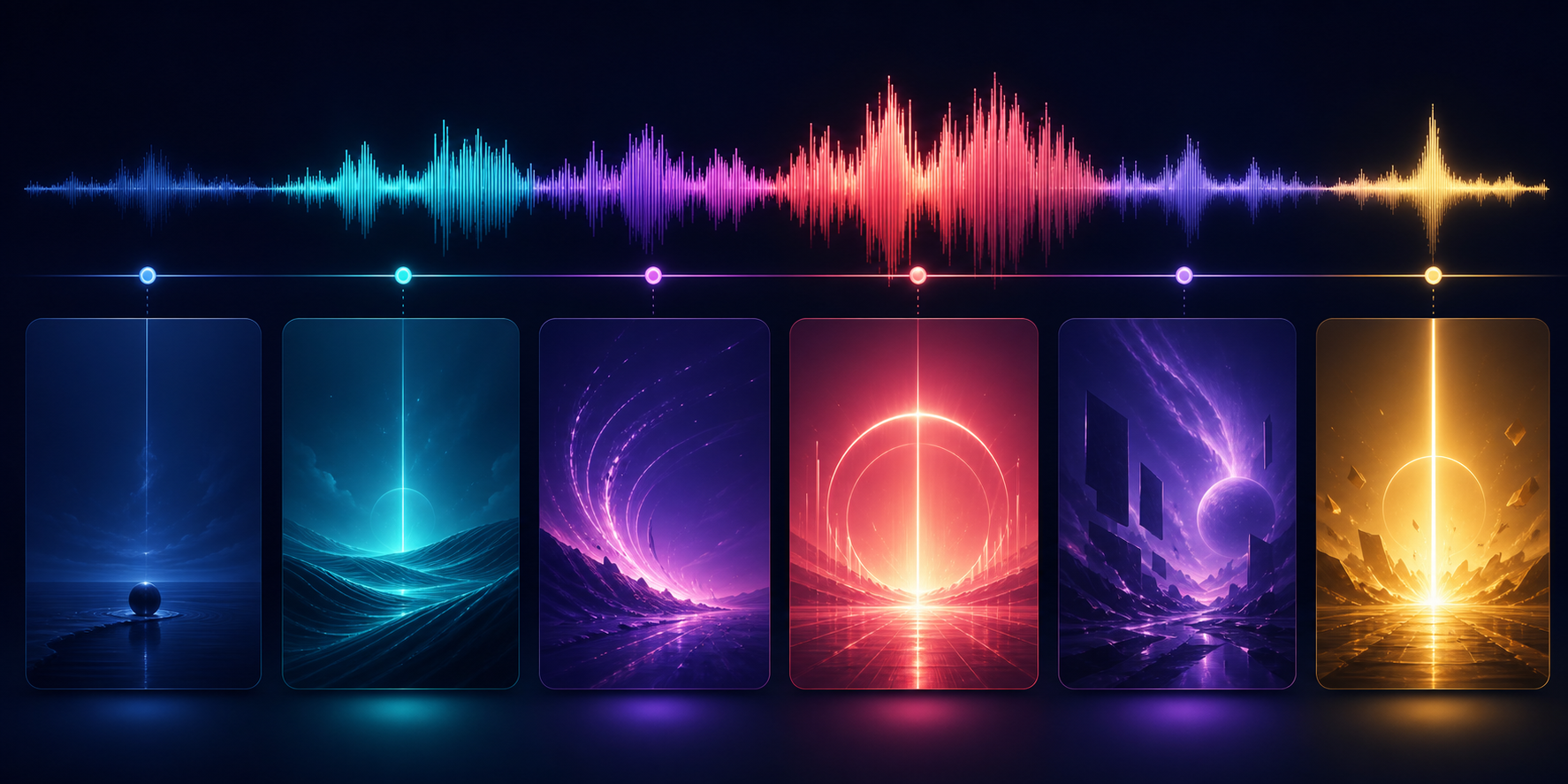
A three-minute song does not need three minutes of newly generated motion. Strong short clips can be reused through reframing, speed changes, reverse playback, match cuts, parallax, typography, and color variation.
Step 2: Choose one visual system
Write a compact visual bible:
- character description;
- palette of four to six colors;
- no more than two primary locations;
- wardrobe and prop rules;
- one lighting principle;
- camera behavior;
- texture or animation style.
Consistency beats random variety. Different shots feel like one music video when they obey the same world.
Step 3: Create stills first
Generate or design a character sheet and storyboard before video. A still is cheaper to correct and gives image-to-video models a strong anchor. Approve the face, outfit, composition, and background before adding motion.
Step 4: Spend free credits on hero moments
Reserve the strongest generator for the moments viewers will remember:
- the first reveal;
- the chorus performance;
- the biggest transition;
- the bridge or emotional reversal;
- the final image.
Use edited stills, lyric typography, loops, silhouettes, and cutaways to support less important beats.
Step 5: Separate lip sync from cinematic motion
A close-up singing shot has different requirements from a dance, travel, abstract, or environment shot. Solve the mouth performance in a specialist workflow, create cinematic movement in a general generator, then cut or composite the results.
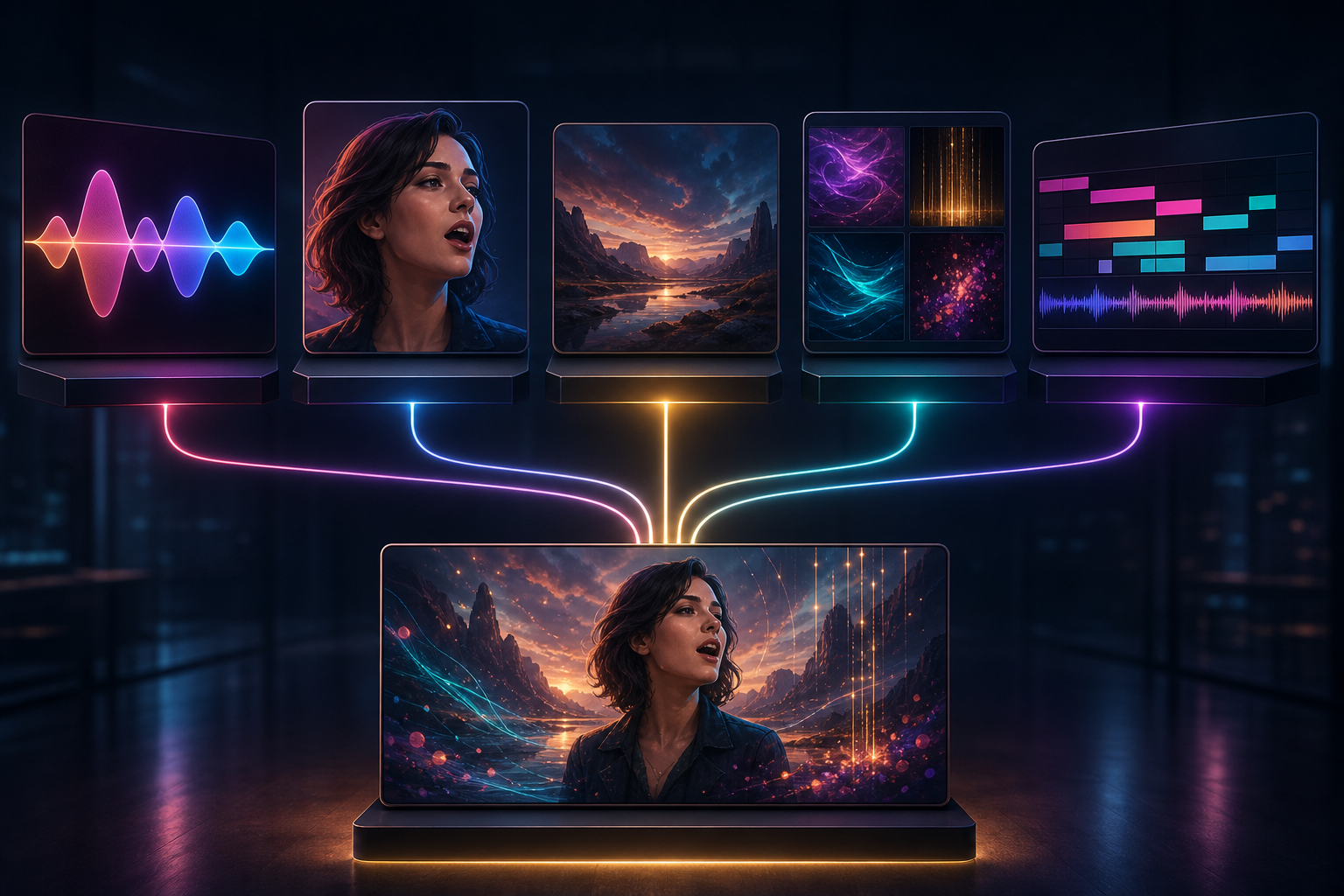
This separation reduces the number of instructions one model must satisfy simultaneously.
Step 6: Edit with musical intention
Cut on phrases, not mechanically on every beat. Let a verse breathe, accelerate during the chorus, and reserve the largest visual change for the bridge or final chorus.
Sound effects can still help a music video when the arrangement leaves room: a breath, door slam, crowd reaction, fabric movement, or environmental texture can make the world feel present without competing with the song.
How to Compare Free Tools Fairly
Run the same five-second test in every eligible product. Keep the reference image, aspect ratio, duration, and motion request consistent. Score:
- character identity;
- motion quality;
- prompt adherence;
- visual artifacts;
- watermark and export restrictions;
- time to a usable result;
- commercial-use terms;
- credits consumed per approved take.
Generate several variations when the quota permits. One lucky sample does not establish a reliable workflow. The useful metric is approval rate: how often does a generation become something you can actually edit?
Common Free-Workflow Traps
Chasing every new model
Switching tools halfway through production can change palette, linework, motion, and character design. Test broadly for a fixed period, then lock the stack.
Ignoring watermarks and rights until export
Some free plans watermark outputs or prohibit commercial use. Check before building the entire edit around a clip.
Generating long clips too early
Longer generations cost more and create more opportunities for drift. Prove the shot at the shortest practical duration.
Assuming “free” includes the newest model
A platform may advertise its latest model while the free plan includes only selected older or faster options. Confirm the exact model in the account interface.
Spending credits on filler
Use limited generations for hero moments. Editors can create rhythm and continuity from stills, loops, crops, typography, and a small number of strong motion clips.
Frequently Asked Questions
What is the best free AI music video generator?
Adobe Firefly is useful for renewable experiments, Runway for a finite image-to-video test, Luma for draft motion, and HeyGen for short avatar performances. The best option depends on whether the next unsolved job is music, cinematic video, lip sync, or editing.
Can I generate a full music video for free?
You can make a proof of concept—and sometimes a resourceful finished video—by combining limited generations with stills, loops, typography, and editing. A polished three-minute video made entirely from new AI motion will usually exceed free quotas.
Can I monetize a video made on a free plan?
Only if the terms for every platform, model, source asset, performer, voice, font, and music track permit it. Free tiers may differ sharply. Save the applicable terms and license records with the project.
How do I make an anime music video with AI?
Create a character sheet, map the song, storyboard the major beats, animate short reference-driven shots, generate dedicated lip-sync close-ups, and assemble the result in an editor. Keep the character and visual bible consistent across every tool.
What should I test before paying?
Use one five-second reference-driven shot to measure identity, motion, artifacts, prompt adherence, watermarking, approval rate, export quality, and rights. Upgrade only after the tool proves it can solve a real shot from your project.
Final Recommendation
The best free AI music video generator is usually a small stack used with discipline. Storyboard first, use free credits on hero shots, assign lip sync and cinematic motion to the right specialists, and edit with the song’s structure in mind.
A coherent visual story made from a few well-directed clips will outperform a random collection of expensive generations.