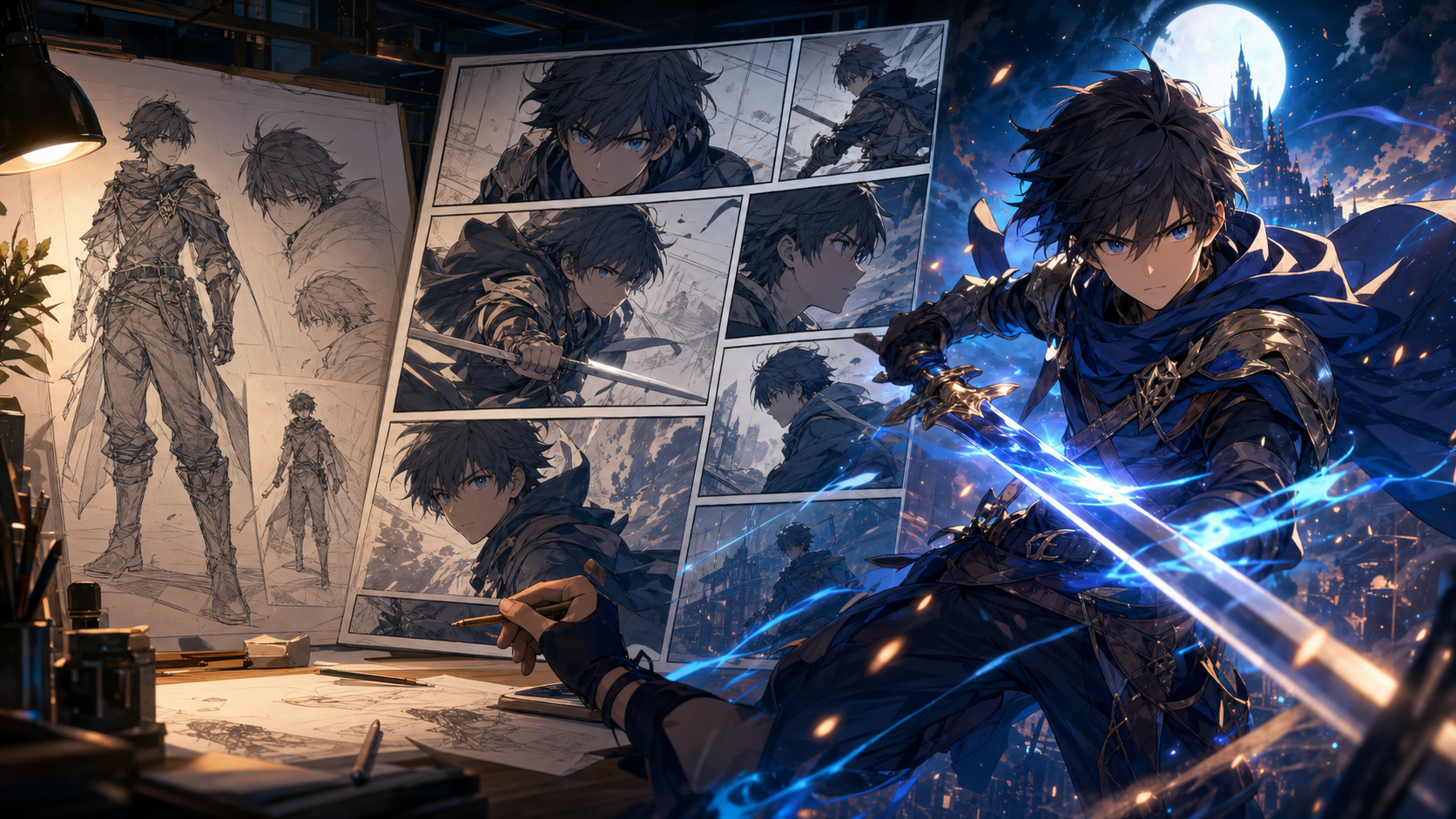
An AI anime platform should be judged by more than its best-looking sample. The real test is whether it can help a creator carry one idea through character design, sequential panels, storyboards, and motion without losing control of identity, composition, or revisions.
This 2026 review uses that connected workflow as its framework. It is aimed at solo creators and small teams deciding whether one workspace can replace a patchwork of image, comic, storyboard, audio, and video tools. The focus is practical: usable outputs, repeatable characters, learning curve, production control, and honest limitations.
What “best” should mean for an anime creator
“Best AI anime generator” is not one universal crown. A portrait artist may care most about line quality and style range. A comic creator needs recurring characters, clean compositions, and editable dialogue. A short-film maker needs storyboards, image-to-video, audio, and a way to repair one weak shot without rebuilding everything.
Use a small scorecard. Can the tool accept a reference you have the right to use? Can you reuse a character? Can you control aspect ratio and framing? Can you move from still images to panels or motion? Are downloads, privacy, moderation, and commercial terms clear? What is the cost per accepted result after retries? Those questions reveal far more than a gallery.
The strongest buying test is a small production brief. Give every shortlisted platform the same character sheet and three-shot scene, then record the number of retries, cleanup time, continuity errors, and accepted outputs. A tool that produces one spectacular frame but cannot repeat the character may be a poor choice for stories.
Start with a deliverable, not a style
Before opening a generator, write one sentence describing what you are making: “a square profile image,” “a six-panel vertical comic,” or “a 20-second scene with three shots.” Then define the audience, platform, and emotional beat. This prevents the classic beginner mistake of generating dozens of unrelated portraits and discovering that none fits the final layout.
For a first project, keep the cast to one character, the location to one room, and the action to one visible change. A courier opens a letter. A mechanic repairs a bird. A chef finds a ghost in the refrigerator. Small concepts are not less creative; they are easier to direct, finish, and learn from.
A prompt structure that stays useful after the first image
A useful visual prompt is a compact production brief, not a bag of adjectives. Name the subject, the action, the environment, the shot, the light, and the non-negotiable identity details in that order. For example: “adult sky courier with short cobalt hair and a brass compass pin, landing on a rain-dark rooftop, medium-wide low-angle shot, blue-hour rim light, clean cel shading; keep the pin, hair shape, and jacket panels unchanged.” That prompt gives the model a hierarchy. If a result is wrong, change one variable at a time. Rewriting every phrase after each generation makes it impossible to learn which instruction actually helped.
For this article’s goal—a connected story-to-video workflow—try: “adult observatory messenger with a short cobalt bob, brass compass pin, and navy jacket with one red cuff, opening a sealed letter beneath a rotating star map, medium shot, warm lamp key and cool moon rim, clean modern anime linework; preserve face shape, pin, cuff, and jacket panels.” The character, action, environment, camera, light, and anchors are easy to identify and revise.
Build identity before asking for variety
Character consistency is less about finding a magic model and more about controlling change. Create a character sheet before making story scenes: neutral front view, three-quarter view, side view, two expressions, a full-body outfit view, and a simple color palette. Choose three identity anchors—perhaps a crescent-shaped fringe, teal irises, and an asymmetrical red cuff—and repeat them verbatim. Save the approved image as the reference asset. Generate scenes in small batches, compare them at thumbnail size, and reject drift early. A beautiful frame with the wrong character is not a successful frame.
In a reference-capable workflow, store the approved character separately from scene experiments. Write a six-line continuity note: apparent adult age, face shape, hair silhouette, eye color, signature item, and outfit construction. “Blue-haired hero” is too weak. “Adult courier; heart-shaped face; short cobalt bob with one long left strand; gray-green eyes; brass compass pin; navy jacket with one red cuff” is much harder to lose.
Do not lock every fold and strand. Protect the features required for recognition and let secondary details respond naturally to pose, weather, and camera distance. Too many invariants can make both the prompt and the character feel rigid.
Make scenes readable before making them beautiful
A reliable workflow separates decisions that should stay fixed from decisions that may vary. Lock the character, palette, aspect ratio, and overall rendering language. Let pose, camera, weather, and emotion change from shot to shot. Start with low-stakes tests, approve a visual bible, then produce finals. This order feels slower for the first twenty minutes and dramatically faster over the next twenty scenes. It also makes revisions intelligible: you can tell whether a problem came from the character reference, the scene prompt, the motion pass, or the edit.
A scene needs visual hierarchy. At thumbnail size, can you find the face, the action, and the important prop? If everything is equally detailed, the eye has nowhere to land. Ask for a clear foreground, middle ground, and background; specify a shot size; and give the lighting one main direction. “Cinematic lighting” is vague. “Warm desk lamp from camera left with cool rain light through the rear window” is actionable.
From still art to comics and video
The first approved image is a design asset, not a movie. For comics, write the beat and dialogue first, generate clean panels without baked-in text, then letter them in an editable layer. For animation, define one primary motion per shot: a head turn, a coat moving in wind, or a slow push-in. Overloading a short clip with running, speaking, camera rotation, changing weather, and multiple interactions invites facial drift.
DeepFake can cover the image and motion stages through its text-to-image and image-to-video workflows. Comic lettering, page assembly, and final timeline editing may still be easier in dedicated editors. The sensible 2026 approach is workflow-first: test the same three-shot brief in your shortlisted tools, record retries and cleanup time, and choose the combination with the lowest cost per accepted shot.
For a comic, generate panels without text whenever possible and add dialogue later so spelling, line breaks, and localization remain editable. For motion, use the approved still as the visual anchor, request one primary action, and keep the clip short enough that every frame can be reviewed.
Honest limitations and responsible publishing
AI image systems can still produce inconsistent hands, accessories, text, reflections, and spatial relationships. Video adds temporal problems: a face may melt during a turn, jewelry may teleport, and background objects may change. Plan around those limits. Use shorter shots, simpler motion, cut on action, and reserve close dialogue for clips you can review carefully.
AI can accelerate exploration, but the creator still needs to make the expressive choices. Keep drafts, document revisions, compose panels deliberately, and write your own dialogue. Copyright and commercial-use rules vary by platform and jurisdiction, so review the current terms for every tool and obtain professional advice when the project carries meaningful legal risk.
When turning a photo into anime, obtain consent from every recognizable person and decide what must remain: face proportions, hairstyle, glasses, clothing, or pose. Use a high-quality, evenly lit reference and increase stylization gradually. Avoid uploading private or sensitive photos until you understand the service’s current privacy and retention terms. Do not imitate a living artist’s signature style for commercial work or present fan art as official.
Who is DeepFake best suited to?
DeepFake is worth testing if your destination includes generated stills and animated shots, and you prefer to move from prompt or image input into video without rebuilding the creative brief. It is less likely to replace every specialist tool in a comic or film pipeline. Page layout, lettering, sound design, editing, and detailed frame repair may still need separate software.
Beginners benefit from the small-project approach in this review: one adult character, one location, one emotional change, and one clear delivery format. Experienced creators will get more value when they bring an existing visual bible, shot list, editorial standard, and review process.
Frequently asked questions
Do I need drawing skills to use an AI anime generator?
No. Drawing skill helps with art direction, but a beginner can start with a clear prompt, references, and a small scene. The more important skill is making consistent choices, spotting errors, and revising deliberately.
Can I use AI anime art commercially?
Possibly, but check the platform’s current license, the rights to every uploaded reference, and the laws in your market. Avoid unlicensed characters, logos, and celebrity likenesses. Keep a record of your prompts, selected outputs, and human edits.
How do I make the same anime character appear in multiple scenes?
Use an approved character sheet, repeat a short set of identity anchors, reuse the same reference asset, keep the rendering style stable, and change only the scene variables needed for each shot. Compare batches at thumbnail size and reject identity drift before investing in animation.
Verdict
There is no universal “best” AI anime generator. DeepFake should be judged by whether it helps you finish a coherent piece while keeping control of character identity, composition, rights, and revisions. Its image-to-video path makes it a practical candidate for creators moving from approved anime artwork into motion, but it should be tested against the exact brief you plan to publish.
Start with the same three-shot test across your shortlist. Measure usable output rather than novelty, preserve the inputs you have the right to use, and let the tool accelerate production without handing it authorship. If that test matches your workflow, explore DeepFake with a small, finishable scene.