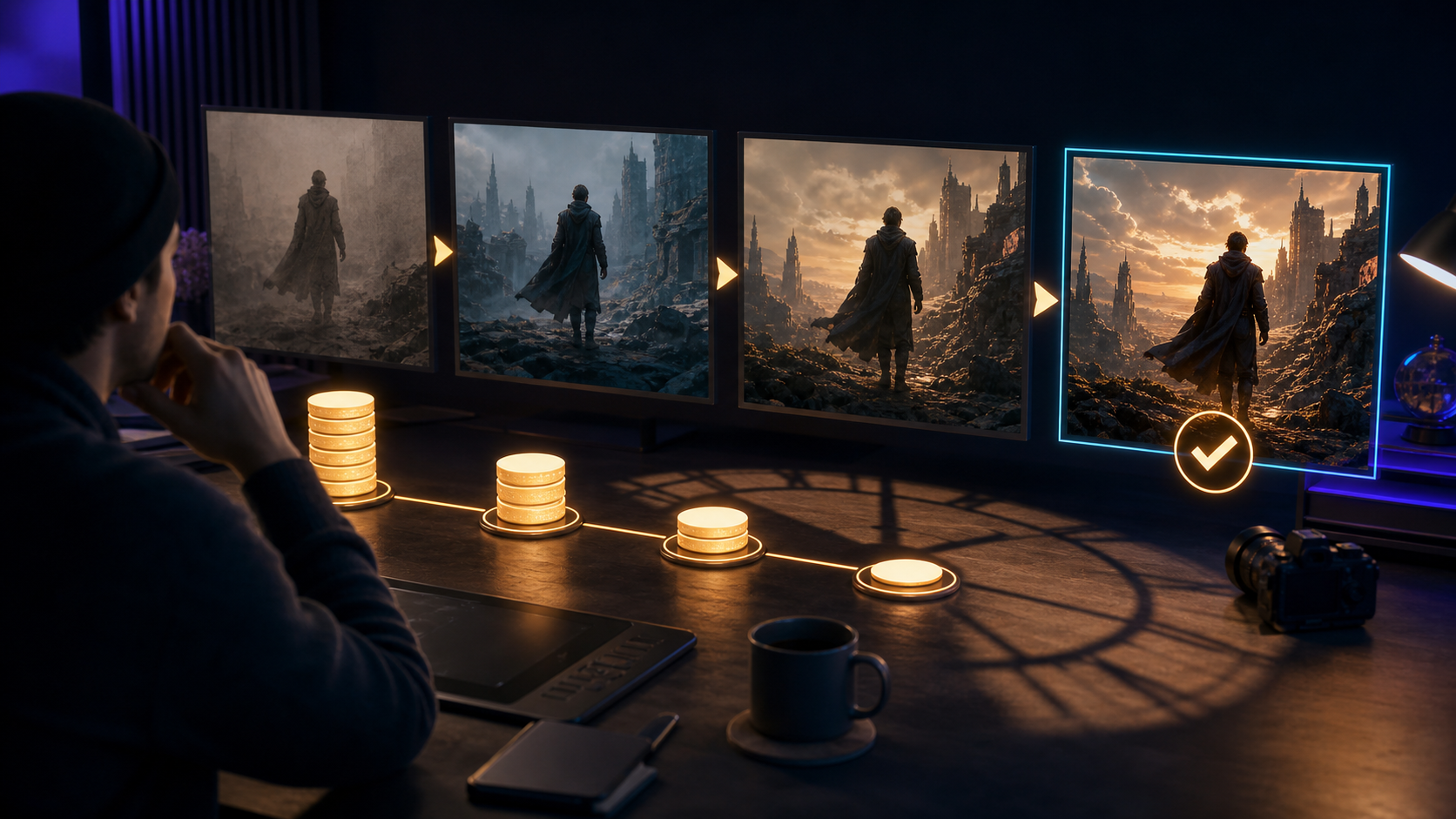
Is Kling AI free in 2026? The honest answer is: you may be able to access or test the product without immediately funding a full production, but video generation is a credit-based service, and a free allowance does not equal a finished project.
The number of promotional or free credits visible to you can change by account, region, campaign, and date. Kling's own Video 3.0 guide is more concrete about consumption: its listed modes charge credits per generated second, with different rates for resolution and native audio. That means every revision has a measurable cost.
This article does not claim a universal free-credit amount. Instead, it shows how to read the current product terms, estimate the cost of iteration, and decide when Kling fits your workflow.
First Impression: “Free” Has Several Meanings
When a creative product says “free,” determine which of these it means:
- account creation is free;
- some starter or promotional credits are included;
- credits refresh periodically;
- only selected models or modes are available;
- preview is free but clean export is paid;
- a time-limited trial converts to a subscription;
- generation is free but queue priority, resolution, audio, or controls are limited.
Do not rely on an old review or social post. Sign in, open the current plan and generation screens, and record:
- available credits;
- renewal or expiration date;
- cost shown for your selected model and mode;
- duration and resolution;
- audio and reference options;
- whether failed generations consume credits;
- watermark and export rules;
- commercial-use and privacy terms.
Your account interface is the source of truth for what “free” means today.
What Kling's Official Video 3.0 Guide Shows
Kling's February 2026 Video 3.0 user guide documents credit-per-second charges for several modes. At the time of that guide:
| Video 3.0 mode | 1080p | 720p |
|---|---|---|
| Native audio | 12 credits/second | 9 credits/second |
| No native audio | 8 credits/second | 6 credits/second |
| Voice control add-on | 2 credits/second | 2 credits/second |
The guide's examples include 60 credits for five seconds of native-audio 1080p output and 30 credits for five seconds without native audio at 720p. These figures describe specific Video 3.0 modes in that document, not every Kling model, membership, discount, or future pricing change.
The practical lesson is durable: cost scales with seconds, quality mode, audio, and attempts. A 30-second final edit is not simply six times the cost of one five-second generation because some shots will need revisions.
A Realistic Test: One 30-Second Short
Imagine a six-shot story about an original adult night courier discovering that a rain-soaked parcel emits a map of hidden city routes.
The planned edit is:
- wide rainy street;
- courier notices the parcel;
- close-up as it opens;
- light map spreads across the wall;
- courier follows the first route marker;
- final rooftop reveal.
If every five-second shot worked once, you would need six generations. That is not a realistic production estimate.
Use three scenarios:
| Scenario | Attempts per shot | Total generations | What it assumes |
|---|---|---|---|
| Best case | 1 | 6 | Every shot is usable immediately |
| Working estimate | 3 | 18 | Direction improves through two revisions |
| Difficult sequence | 5 | 30 | Identity, camera, and motion need repeated fixes |
Multiply the current cost shown in your account by total generated seconds, not final seconds. If an attempt produces five seconds and you make 18 attempts, the project consumes 90 generated seconds before editing.
The Hidden Cost: Iteration
Generation is not a vending machine where the first result matches the brief. A professional loop is:
- prepare reference and prompt;
- generate;
- review identity, action, camera, and artifacts;
- diagnose one failure;
- revise one variable;
- generate again;
- compare versions in sequence context.
The free allowance may be enough to learn the interface or test several clips. It can disappear quickly when the goal is a coherent story.
Prompt Problems Consume Credits
A vague prompt can produce a visually attractive but unusable shot. Define subject, action, environment, camera, lighting, visual treatment, mood, and preserve instructions before pressing generate.
Ambitious Shots Consume Credits
Several characters, fast camera rotation, complicated hand interaction, dialogue, weather, and transformation in one clip create many failure points. Split the action when possible.
Continuity Problems Consume Credits
The courier may have a different face, coat, or parcel in each shot. References and element controls can help, but every scene still requires review.
Audio Can Change the Cost and Review
Native audio adds another generation dimension. Dialogue, voice, ambient sound, timing, and lip motion must all work. If picture is not locked, generating audio simultaneously may spend credits on a shot that will be replaced.
Time Is a Real Cost
Free credits do not pay for:
- reference preparation;
- prompt writing;
- queue and generation time;
- failed-output review;
- continuity checks;
- downloading and organizing files;
- editing, captions, sound, and color;
- client or team feedback;
- licensing and consent review.
Measure time to an approved second, not time to a generated preview. A five-second shot that needs four attempts, 20 minutes of review, and 15 minutes of cleanup has a different cost from a one-pass result.
Track your first project in a simple table:
| Shot | Attempts | Generated seconds | Credits | Review minutes | Cleanup minutes | Approved? |
|---|---|---|---|---|---|---|
| 010 | ||||||
| 020 | ||||||
| 030 |
After three shots, you will have a better forecast than a generic online claim.
Consistency Becomes Expensive Across Scenes
Kling's official Video 3.0 materials describe multi-shot and enhanced element-reference capabilities. Those controls can improve continuity, but they do not eliminate art direction.
Build a small production package:
- neutral portrait and full-body reference;
- closest angle for each shot;
- coat, prop, palette, and proportion rules;
- environment establishing frame;
- start and end state for every action;
- examples of unacceptable drift.
Review adjacent shots side by side. A face can look reasonable on its own and still fail the cut because its shape, lighting, or age presentation changes.
When consistency breaks, decide whether to:
- regenerate with a stronger reference;
- reduce camera or subject motion;
- shorten the shot;
- insert a cutaway to hands, environment, or prop;
- repair a few frames manually;
- redesign the edit around the most stable output.
The cheapest generation is not always the cheapest solution. Sometimes a short insert saves several full-shot attempts.
The Multi-Tool Trap
Kling may generate the video, but a finished piece can also require:
- image or character design;
- storyboard and shot planning;
- voice recording or text-to-speech;
- lip sync;
- sound effects and music;
- editing and captioning;
- color and delivery versions.
Using specialized tools can provide more control, but every account adds subscription, credit, file-transfer, privacy, and learning overhead. Free access across several products may still create an expensive workflow in time.
Maintain one source of truth with shot IDs, prompts, references, model/version, generation date, credits, approvals, licenses, and edit timecode.
When Kling AI Makes Sense
Kling can be a sensible choice when:
- you want to learn AI video with a short, controlled test;
- dynamic motion is central to the shot;
- current element or reference controls match your continuity needs;
- native audio or multi-shot capability provides value for your brief;
- your team can budget credits per attempt;
- the surrounding editing and asset workflow is already defined.
It may be less suitable when:
- the project assumes unlimited free generation;
- a deadline depends on one-pass success;
- every shot must preserve an exact product or identity without cleanup;
- the team has not budgeted audio, editing, and review;
- private or client footage cannot be uploaded under the current terms.
A Smarter Test Workflow
1. Use One Five-Second Benchmark
Choose one adult fictional character, one environment, and one action. Avoid dialogue and camera rotation at first.
2. Prepare the Prompt Offline
Write and review it before opening the generation screen. Include invariants and a clear end state.
3. Test Low Complexity Before High Cost
Confirm composition, subject, and action before adding audio, multi-shot planning, or a higher-cost mode.
4. Save Every Attempt
Record why it failed and one change for the next version. Do not repeat the same mistake with different wording.
5. Calculate Cost per Approved Second
Include credits and labor. Use the result to forecast the real project.
6. Compare an Alternative Path
DeepFake's model catalog lets you inspect current creative options, with separate text-to-video and image-to-video workflows. Run the same benchmark where supported and compare adherence, continuity, attempts, time, and cost.
Do not assume a multi-model interface solves story, editing, or consistency automatically. The comparison is valuable only when the brief and review rubric stay the same.
Responsible Use
Use original or licensed inputs. Obtain consent before animating an identifiable person's image or voice. Do not create deceptive impersonations, non-consensual sexual content, fabricated evidence, or misleading political media.
If you create or bind a voice, verify authorization and retention terms. Keep source rights, consent, prompts, model/version, and output records with the project.
Final Verdict: Is Kling AI Free?
Kling may offer free or promotional access in some accounts, but there is no responsible way to promise a universal allowance without checking the live product. Official Video 3.0 documentation makes clear that generation modes consume credits per second.
So the useful answer is:
- For learning and a small test: free access may be enough, depending on the current account offer.
- For a finished multi-shot project: budget for repeated generations, time, continuity work, audio, and editing.
- For professional production: calculate cost per approved second and verify rights, privacy, reliability, and revision workflow.
Free is an entry condition. Finished is a production outcome. Treat them as different questions.
Frequently Asked Questions
How many free credits does Kling AI give in 2026?
The amount can vary by account, region, campaign, and date. Check the live plan or credit page after signing in; do not rely on an older article's number.
How much does a Kling Video 3.0 generation cost?
Kling's February 2026 guide lists per-second rates that vary by resolution, native audio, and voice control. Confirm the current cost displayed in your account before generating because model pricing can change.
Why do free credits disappear so quickly?
Video is charged by generated duration and mode, and most useful shots require iteration. Five attempts at five seconds consume 25 generated seconds even when only one clip is approved.
Is Kling enough for a complete video?
It can generate important shots, but a complete production still needs planning, references, continuity review, editing, audio, captions, rights, and final delivery.