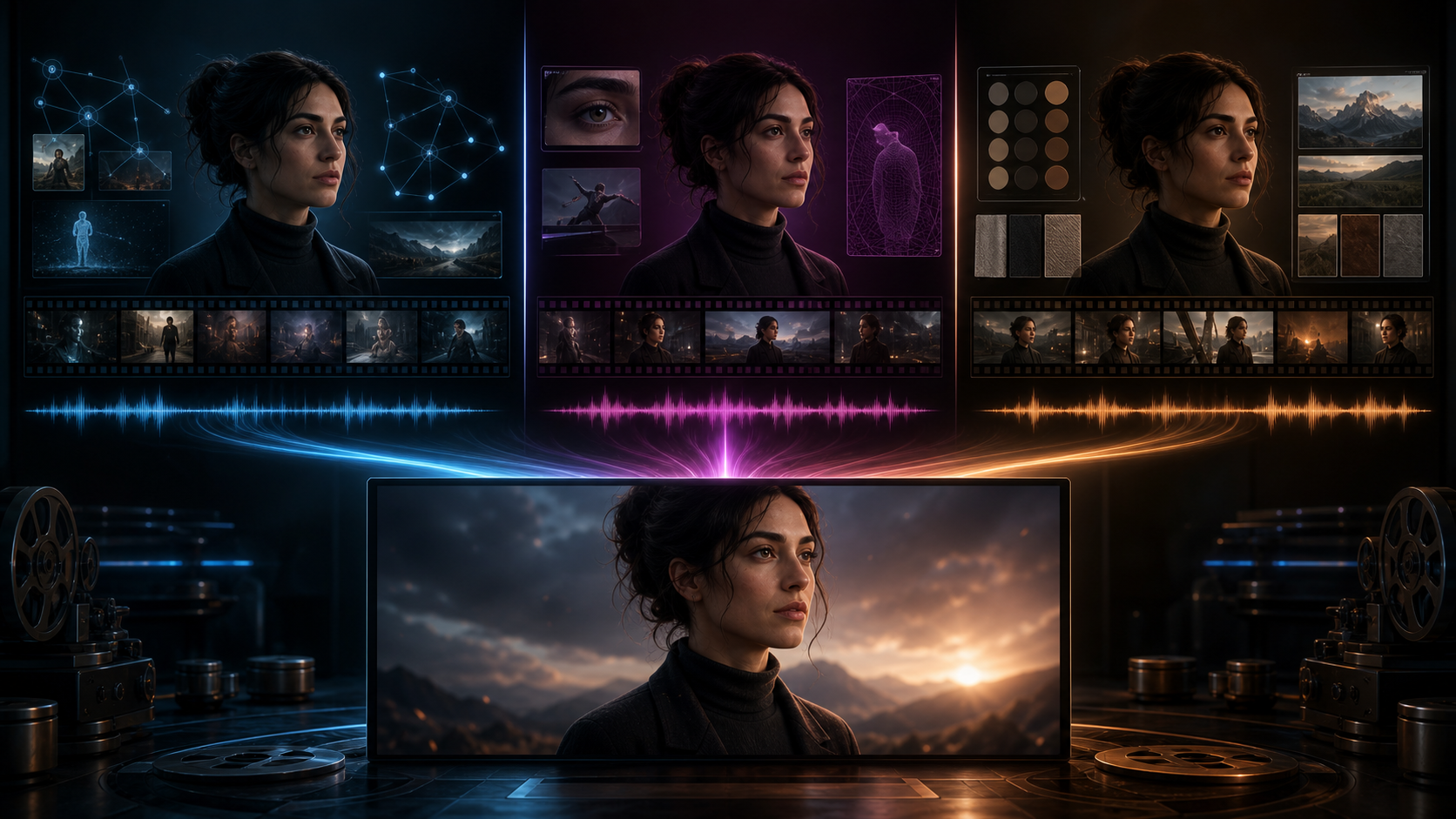
Kling 3.0, Seedance 2.0, and Veo 3.1 represent three of the most relevant approaches to controlled AI video in 2026. Each can produce impressive motion and participate in multimodal workflows. None guarantees that a character will remain identical across a complete story.
The right choice depends on the inputs you can provide and the shot you need to make. Kling offers a broad image, video, and Omni family with native audio and ambitious narrative control. Seedance is compelling when existing images, video, audio, or animatics can anchor generation and editing. Veo provides explicit reference ingredients, first-and-last-frame control, scene extension, object insertion, and audio in supported workflows.
This is not a fabricated universal benchmark. It is a capability-based comparison and a fair test protocol you can run with your own authorized character assets.
The short verdict
Choose Kling 3.0 when you want:
- one broad image, video, and Omni model family;
- documented native audio across multiple languages and accents;
- multi-character and narrative experimentation;
- an image-to-video workflow inside one ecosystem.
Choose Seedance 2.0 when you want:
- flexible text, image, video, and audio inputs;
- generation or editing around existing creative material;
- animatics, motion reference, source video, or audio as stronger anchors;
- access through a platform that fits your region and production workflow.
Choose Veo 3.1 when you want:
- reference ingredients for characters, objects, and scenes;
- first-and-last-frame guidance and scene extension;
- cinematic generation with native audio;
- access through compatible Google products, APIs, or Vertex AI.
For consistent characters, the likely winner is the interface that exposes the reference controls your specific shot needs. The model name alone does not preserve production context.
What each model brings
Kling 3.0
Kling's 2026 family includes video, video Omni, image, and image Omni variants. Its first-party positioning emphasizes multimodal input and output, greater narrative control, and native audio. Related Kling O1 material specifically addresses subject and scene consistency.
Those are product claims rather than independent proof, but they indicate the intended workflow: establish subjects in a unified image/video family, then coordinate character, scene, action, and sound. Kling is a natural first test for complicated staging, though the complexity of the test must match the production. A clean talking portrait cannot predict a crowded action scene.
Seedance 2.0
Seedance 2.0 appears in first-party and authorized partner products as a multimodal model for generating or editing video from text, images, video, and audio. A supplied performance or animatic can constrain timing and movement more directly than prose.
Access varies. One interface may expose different resolutions, durations, inputs, moderation rules, regional availability, or credit costs from another. Confirm the actual Seedance 2.0 surface you intend to use instead of treating every wrapper as the same product.
Veo 3.1
Veo 3.1 supports text-to-video, image-to-video, audio, ingredients-to-video, first-and-last-frame control, scene extension, and object insertion in documented workflows. Its ingredients mechanism is especially relevant when characters, props, or locations must remain recognizable.
Google publishes internal human-rater comparisons for several controls. These can inform a shortlist, but they do not prove that Veo will win on your branded mascot, anime design, or camera language. Features also differ across Google's interfaces, so test the exact surface used for production.
Character consistency, category by category
Reference identity
Veo's ingredients workflow is the clearest explicitly documented reference mechanism of the three. Seedance can be equally useful when its interface accepts the images, video, audio, or animatic you already have. Kling's image and Omni family provides a broad path for reference-led work in one ecosystem.
Practical verdict: Veo offers especially explicit ingredients; Seedance benefits from rich supplied material; Kling provides a unified family. Interface-level controls may decide the result.
Stability inside one clip
Fast motion, rotation, occlusion, and physical contact challenge every model. Evaluate them on a motion ladder:
- subtle portrait movement;
- a head turn;
- a walk;
- fast action;
- two-character interaction.
Kling is an important candidate for complex movement and narrative scenes. Seedance can benefit when source video constrains motion. Veo emphasizes realism, adherence, and creative control, but photoreal examples do not predict the stability of a graphic anime style.
Practical verdict: there is no official universal winner across styles. Increase motion difficulty gradually and log the first failure.
Continuity across shots
Each generation that starts from prose alone may reinterpret the face or outfit. With Veo, reuse the same ingredients and character-object set. With Seedance, keep the same anchors inside the same product workflow. With Kling, keep the approved character source inside the same image/video family and do not rewrite appearance language between shots.
Practical verdict: favor the workflow with the least context loss. Maintain a character bible outside every model.
Multi-character scenes
Two actors can blend when their hair, clothing, or proportions are similar. Object handoffs and physical contact add occlusion. Kling's narrative positioning makes it a natural first test; Seedance becomes attractive when a rough performance guides blocking; Veo ingredients can distinguish actors and props.
Give characters different silhouettes and palettes, assign their initial screen positions, and split long interactions into coverage. One dense paragraph is not a reliable director.
Native audio and lip sync
Kling 3.0 and Veo 3.1 document native audio. Seedance supports audio-related multimodal workflows in selected integrations. Integrated audio can reduce handoffs and synchronize visual events with sound, but it does not guarantee precise dialogue or singing.
For critical words, songs, or presenter close-ups, compare a specialist lip-sync system. Use a general cinematic model for wider coverage and a specialist where mouth accuracy is the central requirement.
Anime and stylized characters
Anime continuity depends on line weight, eye geometry, flat colors, graphic shadows, and silhouettes—not only facial likeness. Use clean turnarounds, simple backgrounds, stable screentones, and limited intentional motion. A restrained image-to-video shot may preserve an approved design better than a spectacular text-only generation.
Practical verdict: no model deserves a blanket “best for anime” label without a style-specific test.
A fair three-model test
Prepare one source package
Include:
- front, three-quarter, profile, and full-body views;
- an expression sheet;
- costume and prop details;
- one location sheet;
- a roughly 100-word identity definition;
- a short list of forbidden changes.
Use the same assets wherever each interface permits them, and document unique controls rather than hiding those differences.
If the source package depicts a real person, use it only with informed permission and within applicable privacy, publicity, copyright, and platform rules. Character consistency should support authorized storytelling, never deceptive impersonation.
Generate the same five shots
- Portrait: blink, breathe, and form a small smile.
- Rotation: turn from profile toward camera.
- Walk: take three steps while the camera tracks sideways.
- Action: draw a prop and stop in a held pose.
- Interaction: hand an object to a second character.
Generate at least four samples per shot. Keep duration, aspect ratio, source package, and target quality comparable.
Score the outputs blindly
Hide model names and ask two reviewers to score:
| Dimension | Points |
|---|---|
| Face identity | 25 |
| Hair and costume | 20 |
| Body proportions | 15 |
| Frame stability | 15 |
| Cross-shot continuity | 15 |
| Prompt and camera adherence | 10 |
Also flag fatal failures: extra limbs, face replacement, lost accessories, merged characters, unreadable action, or unusable audio.
Measure approved-shot cost
Track credits and working time until approval. Cost per generation matters less than cost per accepted shot. Include review, cleanup, repair, and regeneration time. A nominally expensive model may be cheaper if it produces usable footage in fewer attempts.
Prompting rules that help all three
- Put appearance in references. Let images define face and wardrobe; use prose for action, camera, timing, and invariants.
- Use one action per shot. Walking, turning, drawing a sword, jumping, and landing belong in separate coverage.
- State what cannot change. Keep the list concrete: face, hair silhouette, outfit layers, palette, accessories, and proportions.
- Limit large rotations. When a model cannot see the hidden side, it must invent it. Supply another view or choose different coverage.
- Use editing as a control. A cut, insert, reaction, or held frame can preserve continuity better than a longer generation.
You can organize approved references before testing the AI video models available through DeepFake, but verify model labels and controls at the moment you begin production.
Treat availability labels precisely
Product access changes by region, plan, and interface. Distinguish:
- generally available: officially released for the stated product or API;
- preview or beta: usable but subject to limitations and change;
- limited rollout: confirmed but not yet available to every eligible account;
- announced or planned: not yet a usable production feature;
- rumor or leak: unconfirmed and unsuitable for a production claim.
This is particularly important for Seedance's region-dependent access, Veo's differences across Google surfaces, and Kling credits or availability through authorized platforms.
FAQ
Is Kling 3.0 better than Veo 3.1 for character consistency?
No universal official result establishes that. Kling is a strong multimodal narrative candidate; Veo exposes explicit ingredients and other reference controls. Test the same close-up, action, and interaction shots.
Is Seedance 2.0 available everywhere?
No. Availability depends on platform, plan, and region. Confirm access in the product where you will actually create and deliver footage.
Which model is best for anime?
All three deserve testing. Clean turnarounds, image-to-video, short shots, limited motion, and consistent post-production often matter more than the model label.
Which model has native audio?
Kling 3.0 and Veo 3.1 document native audio. Seedance supports audio-related workflows in selected integrations. Exact functions vary by interface.
Can one character stay consistent through a complete episode?
Not automatically. Use a character bible, reference assets, controlled short shots, blind review, and targeted repair. Assemble an episode from approved clips rather than attempting one long generation.
Conclusion
Kling, Seedance, and Veo offer three strong but different paths to controlled AI video. Kling combines a broad multimodal family with native audio. Seedance is powerful when existing creative material can guide generation and editing. Veo provides explicit ingredients and cinematic controls across compatible Google workflows.
Do not choose from a launch headline. Prepare one source package, run the same five-shot ladder, review without brand labels, and calculate the cost of an approved shot. The model that preserves your character under the motion your story actually requires is the right winner for that production.
Start with a small controlled test using DeepFake's image-to-video tool, then expand only after identity, design, motion, and repair costs are understood.