DeepFake Blog
Best Free AI Music Video Generators in 2026
Compare free and free-to-try tools for music, cinematic clips, avatars, and editing, then build a visual story on a limited budget.
Read post
Simple guides, updates, and examples for AI video, AI image, and AI audio creation — all in one studio.
Compare free and free-to-try tools for music, cinematic clips, avatars, and editing, then build a visual story on a limited budget.
Compare 10 AI text-to-video tools with free plans, credits, or demos in 2026—and choose the right generator or assembler for your workflow.
Compare ten AI video and editing tools for vertical Reels, from prompt-based generation to captions, branded templates, and clip repurposing.
Compare professional editors, browser template makers, social apps, and AI video generators by workflow, watermark, export, and learning curve.
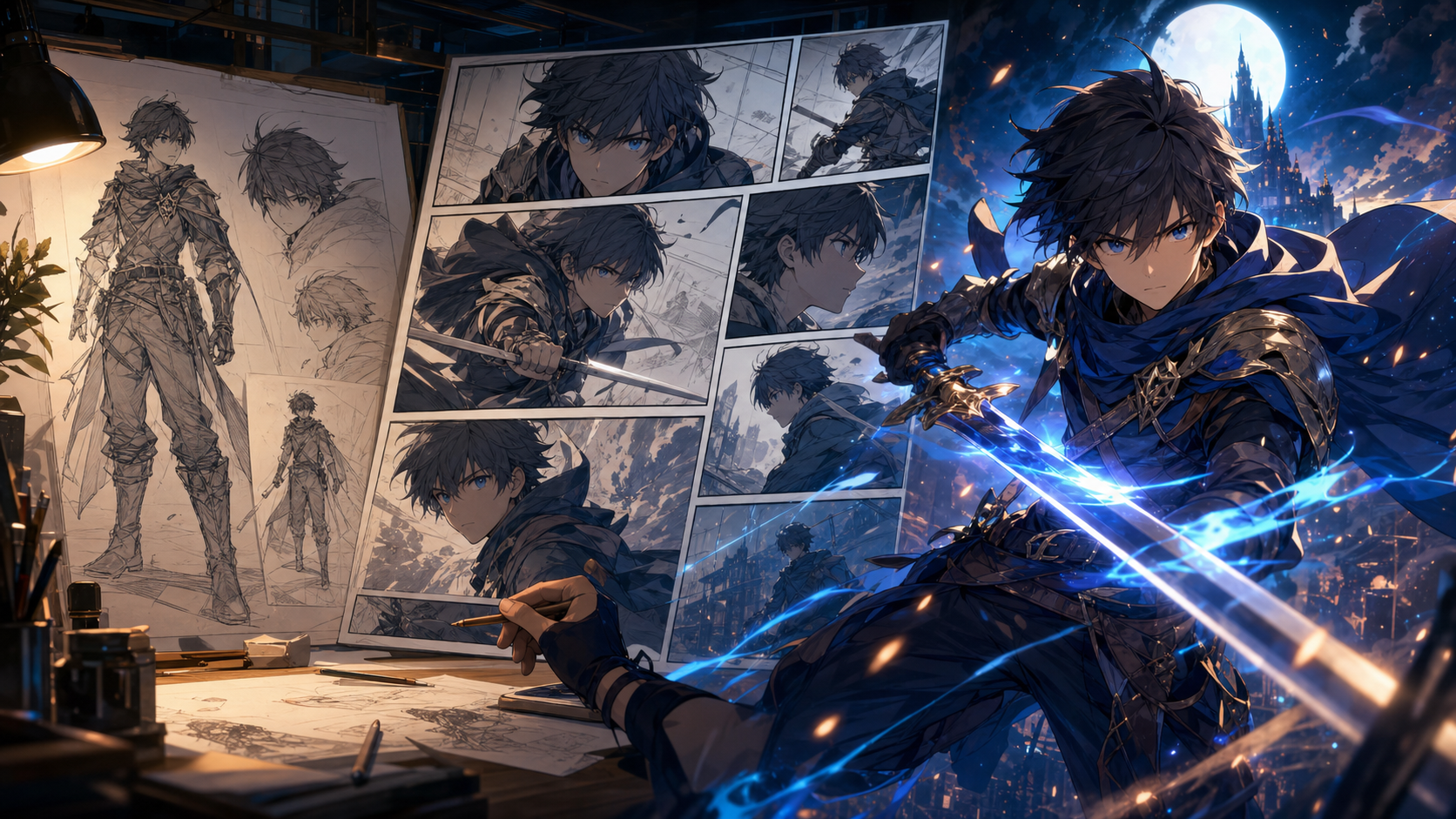
A candid 2026 DeepFake review for creators comparing anime art, comics, storyboards, and video workflows—plus limits, licensing checks, and who it suits.
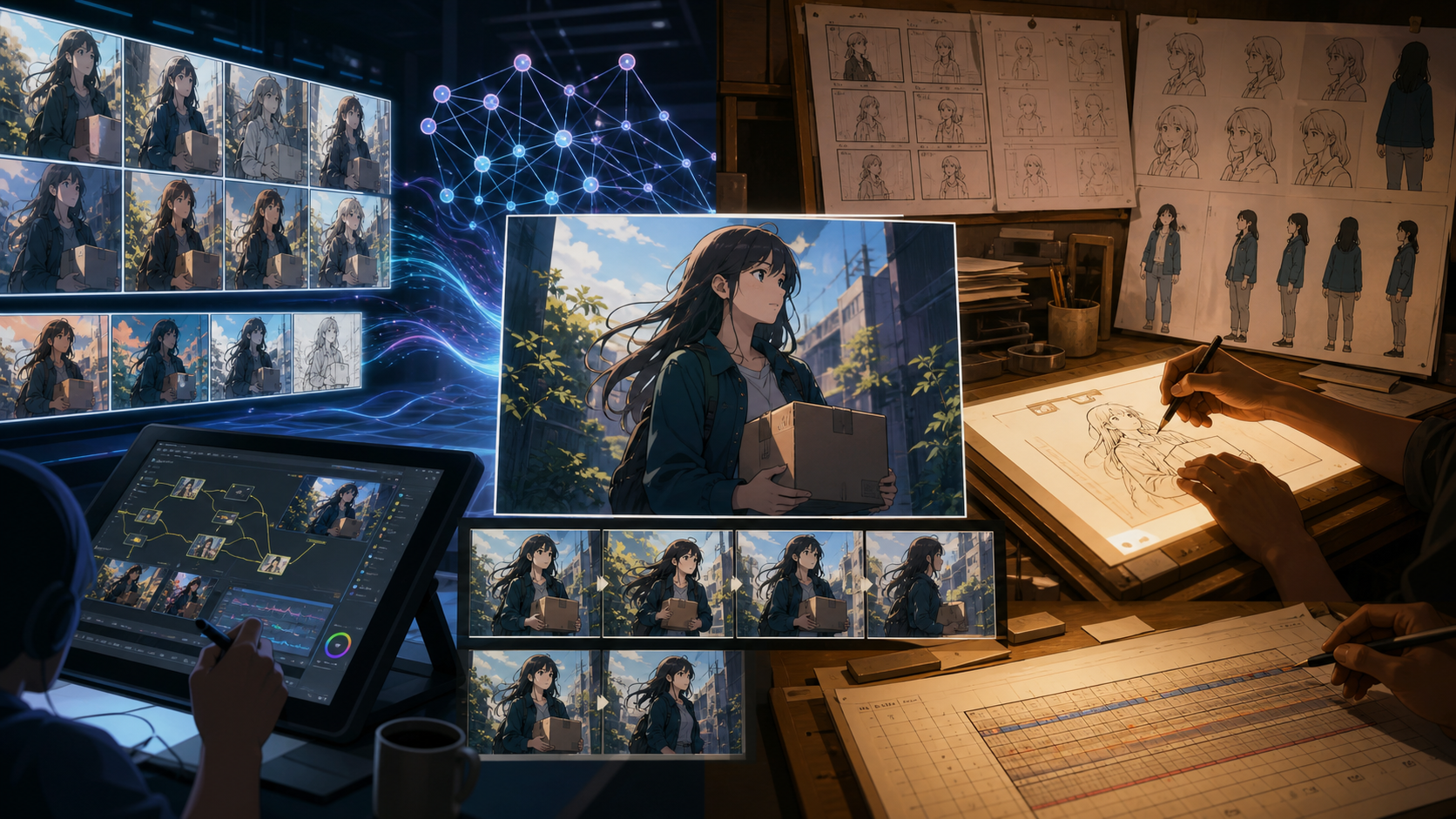
Compare DeepFake with traditional anime production by stage, from script and character design to storyboards, animation, audio, revisions, and delivery.
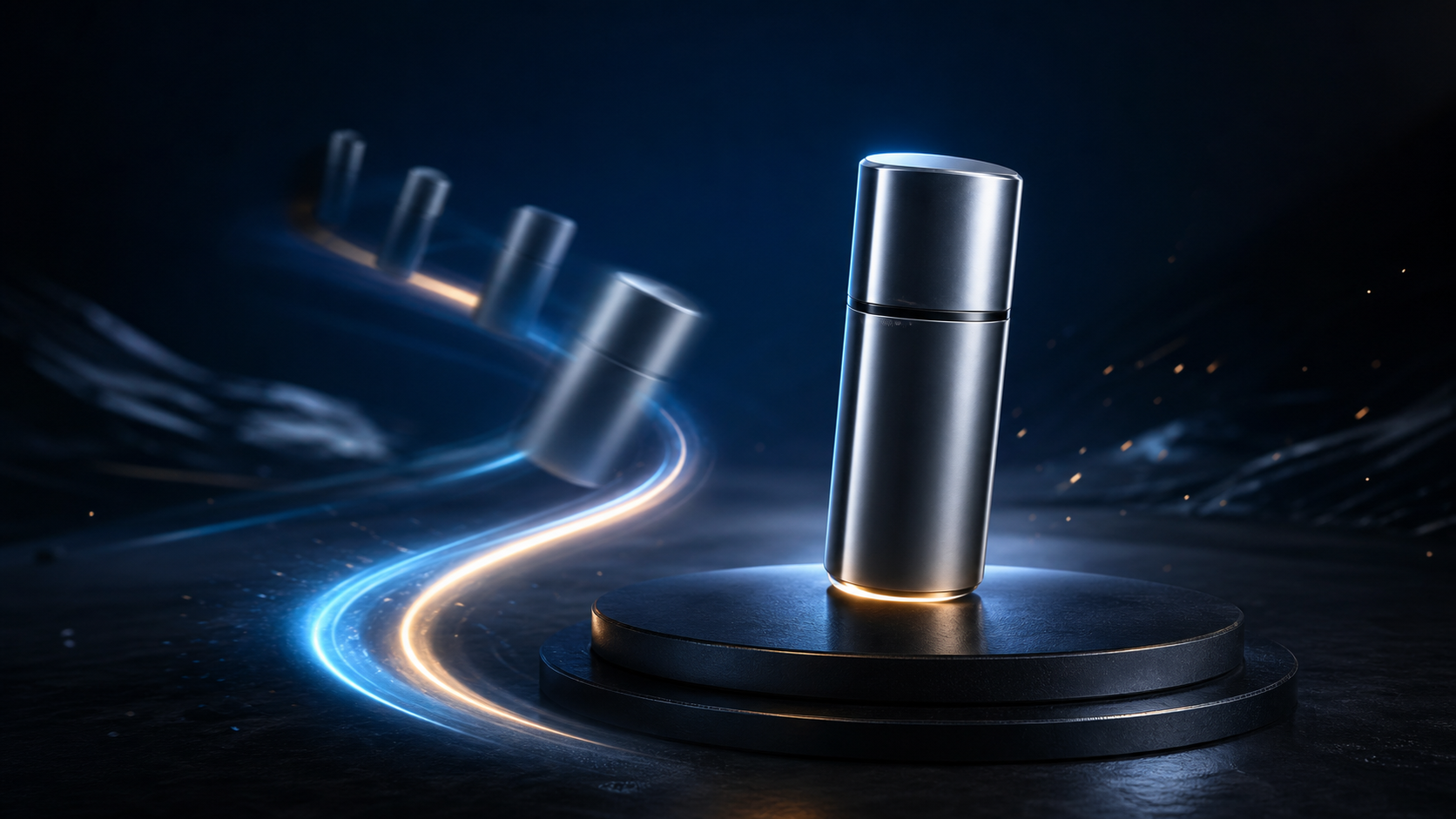
Plan cleaner entrances, animate still images, control camera motion, and export polished fly-in clips for social and brand work.
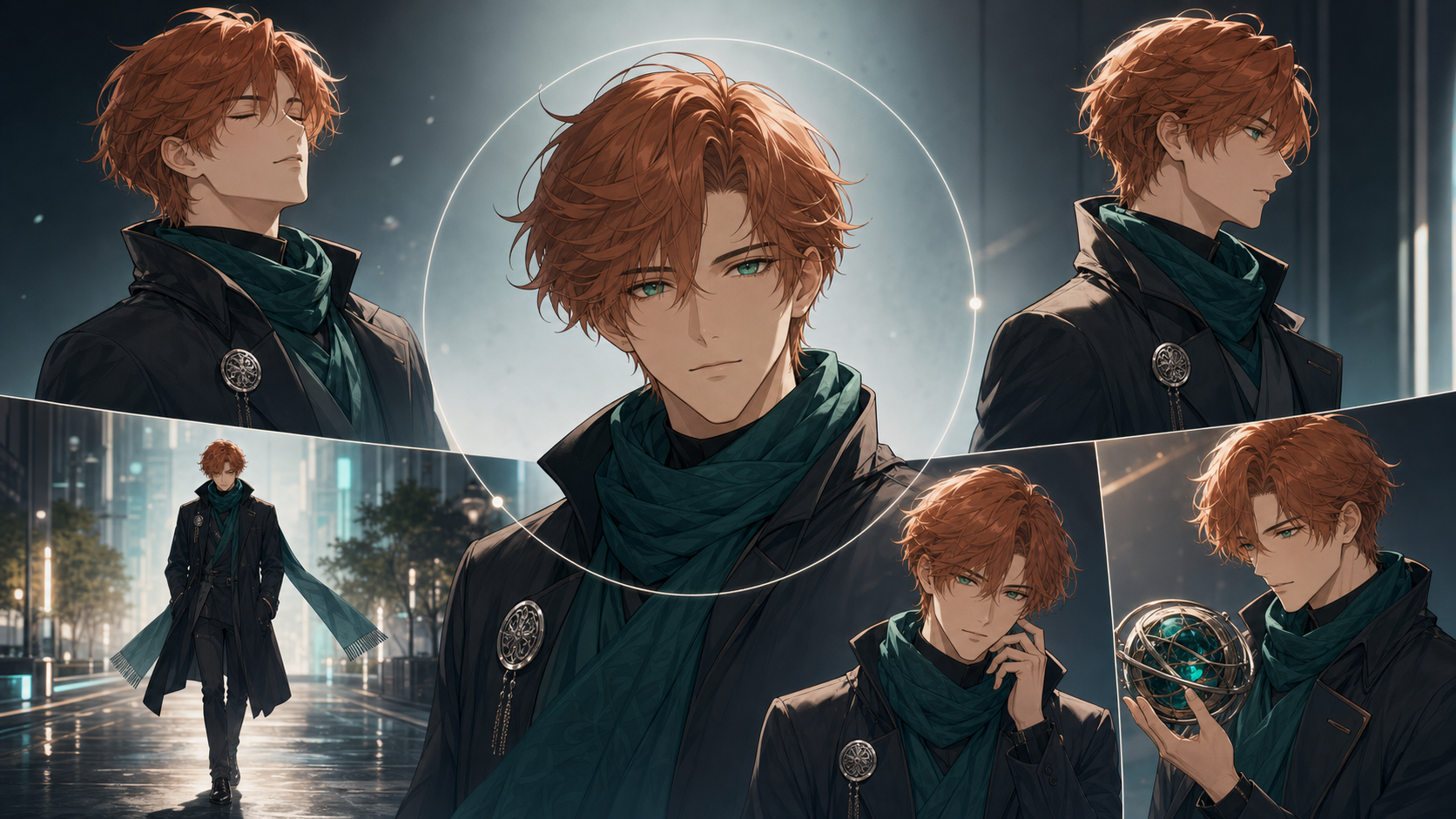
Test recurring characters with stronger references, restrained motion, five practical shots, and repair-friendly editing workflows.
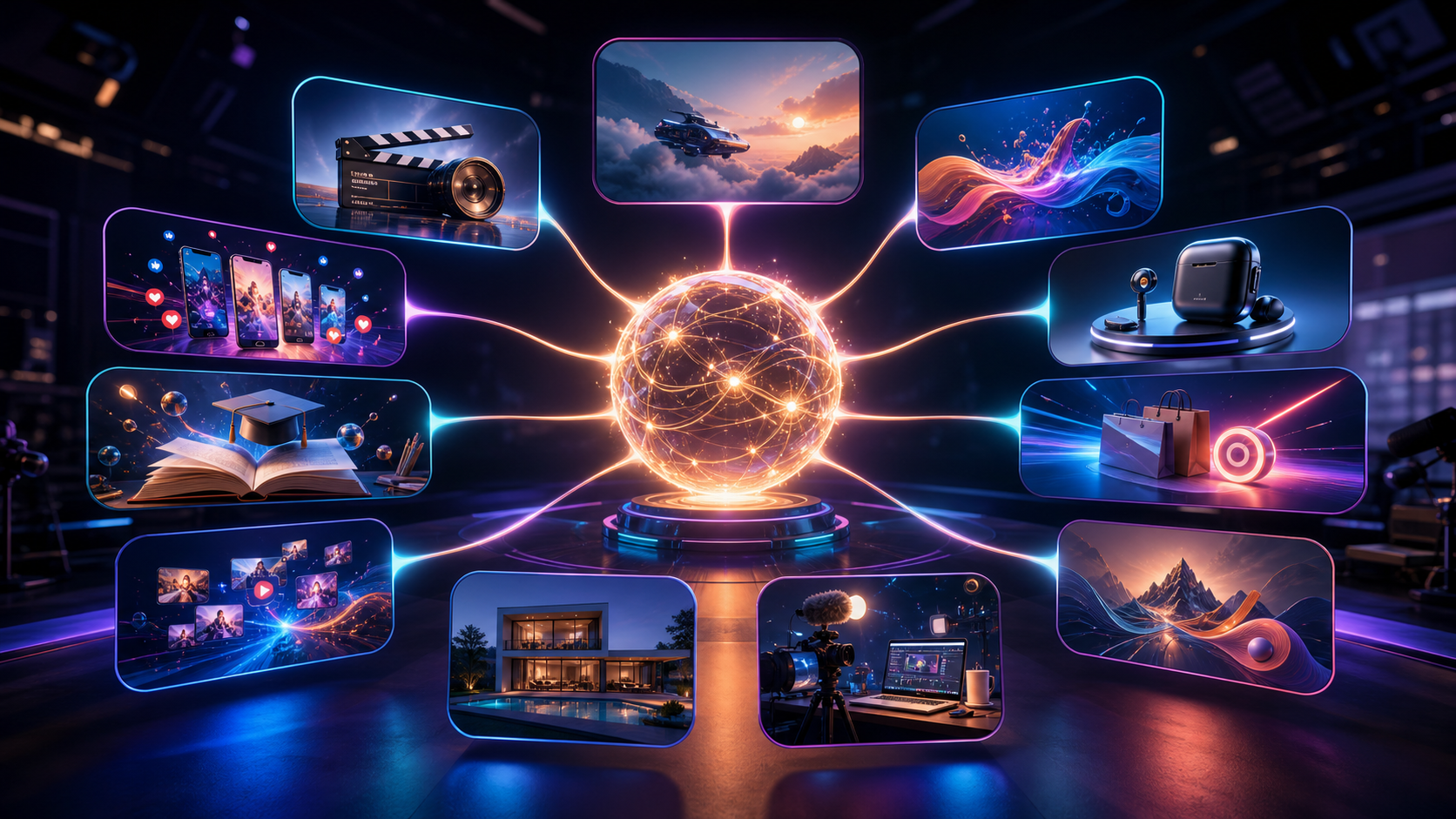
See how teams use generative AI for video, social, product, training, ads, repurposing, real estate, creators, and brand stories.
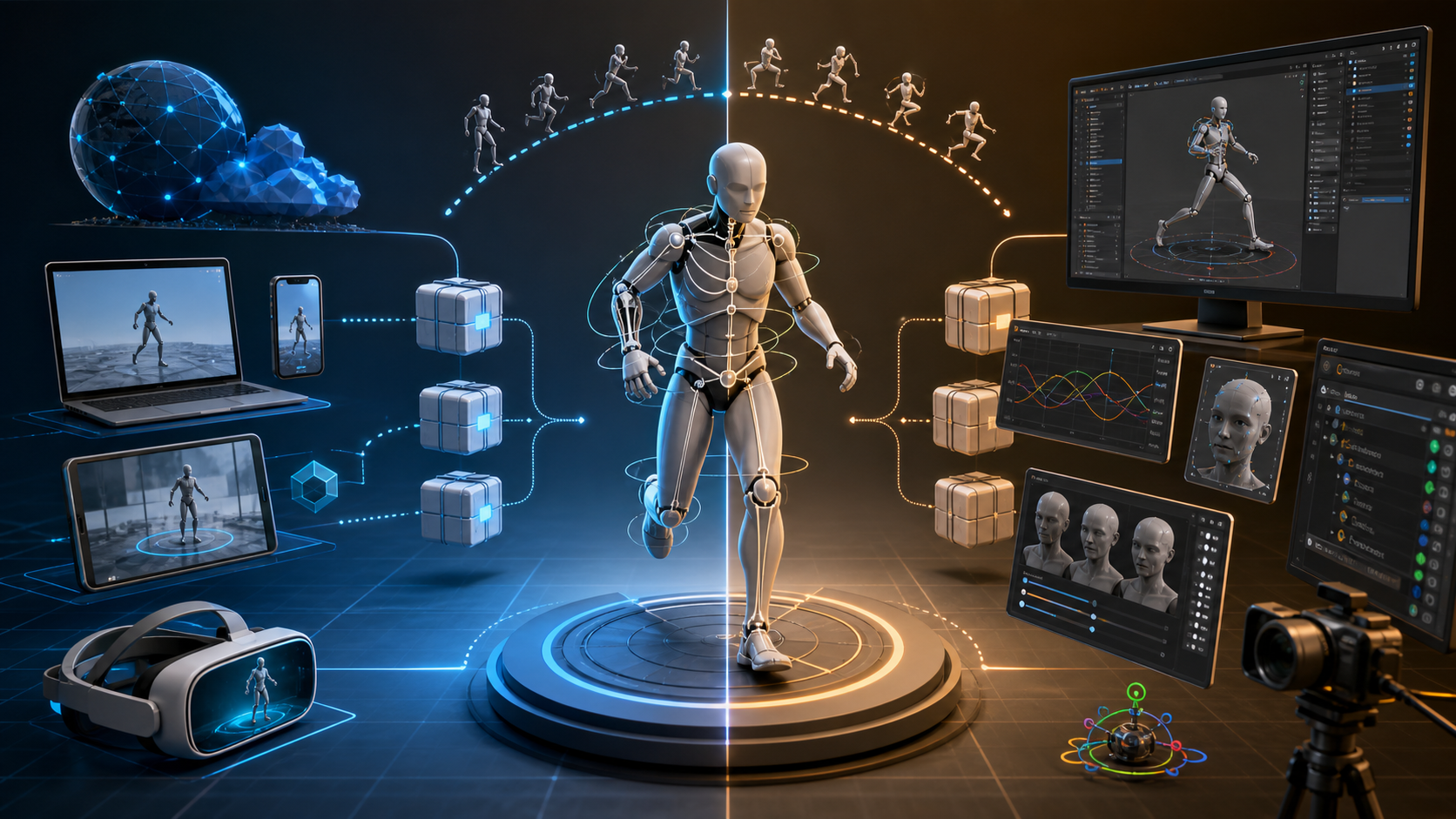
Compare GLB and FBX for web delivery, AR, VR, game engines, DCC pipelines, skeletal animation, materials, compression, and motion capture exports.
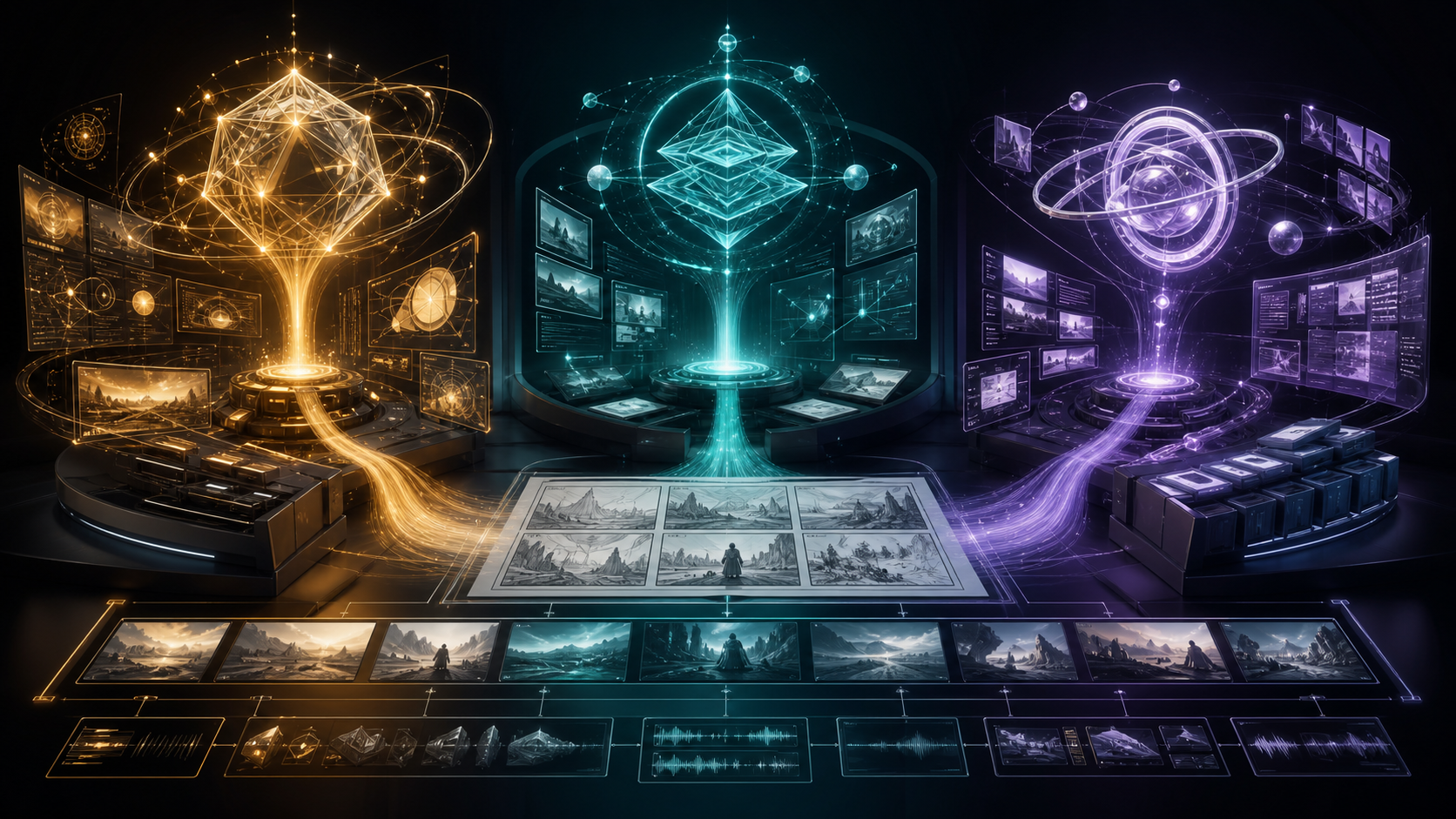
A practical guide to choosing the right GPT-5.6 model for scripts, storyboards, prompts, continuity, production planning, and high-volume video operations.

A plain-language explanation of prompt filters, image classifiers, hash matching, age and likeness signals, human review, appeals, and moderation limits.
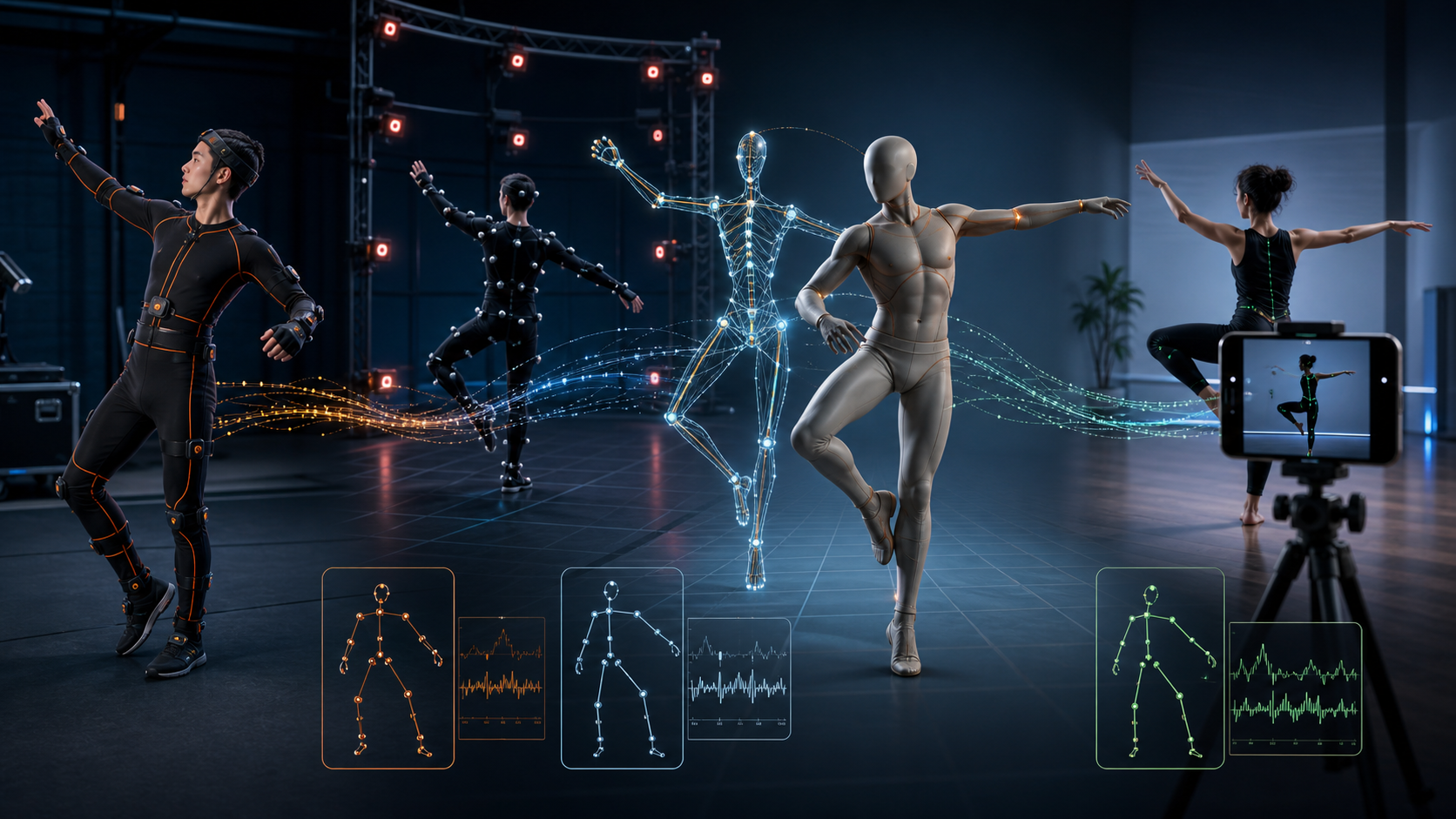
Learn how inertial and optical motion-capture suits work, what setup and cleanup involve, who needs them, and when markerless video capture is enough.

Make your first polished anime image with AI using a beginner-friendly workflow for ideas, prompts, composition, generation, editing, rights, and export.
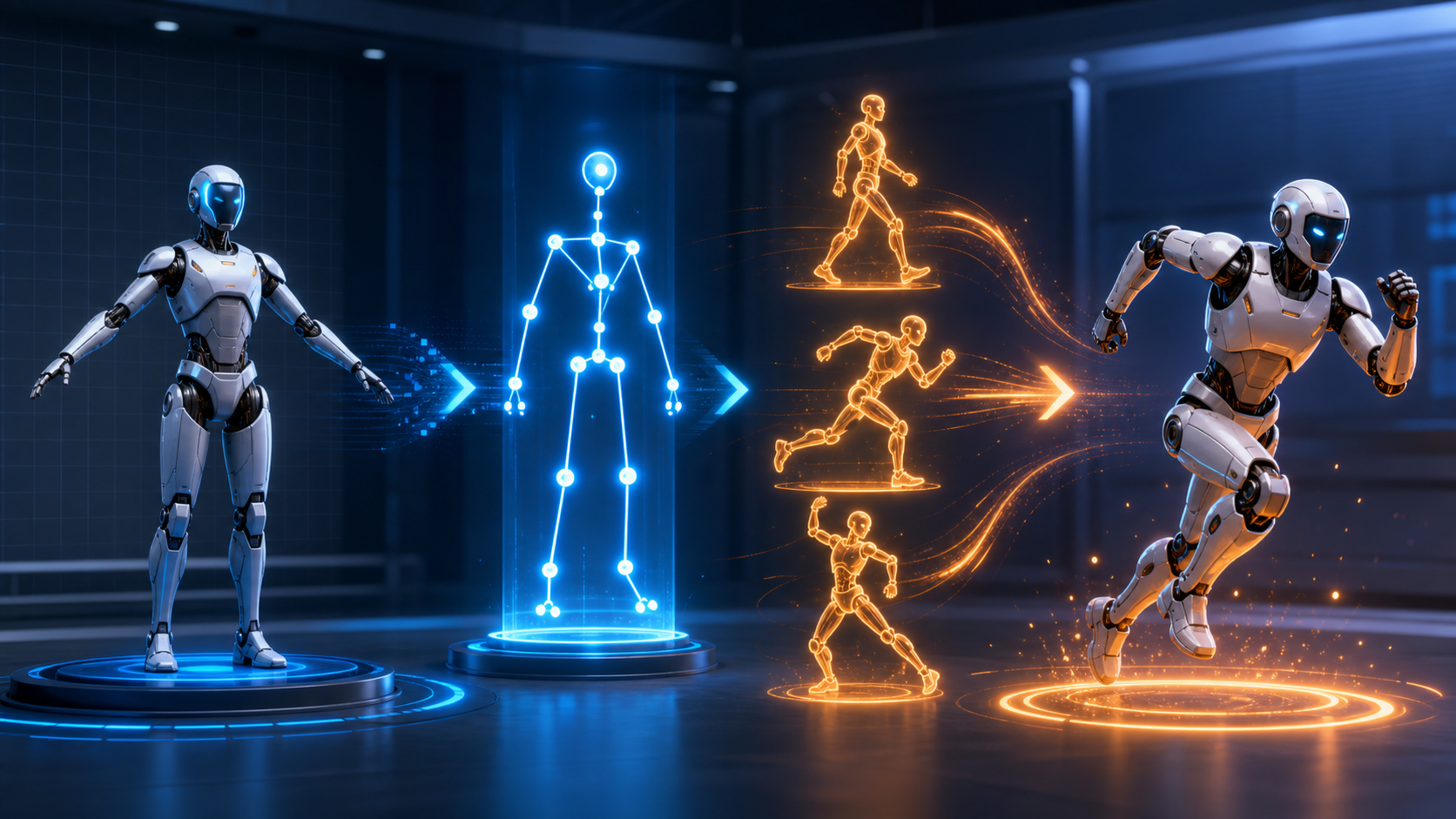
Upload a humanoid character, build a Mixamo rig, choose and tune motion, export FBX files, and retarget them in Blender, Unity, or Unreal.
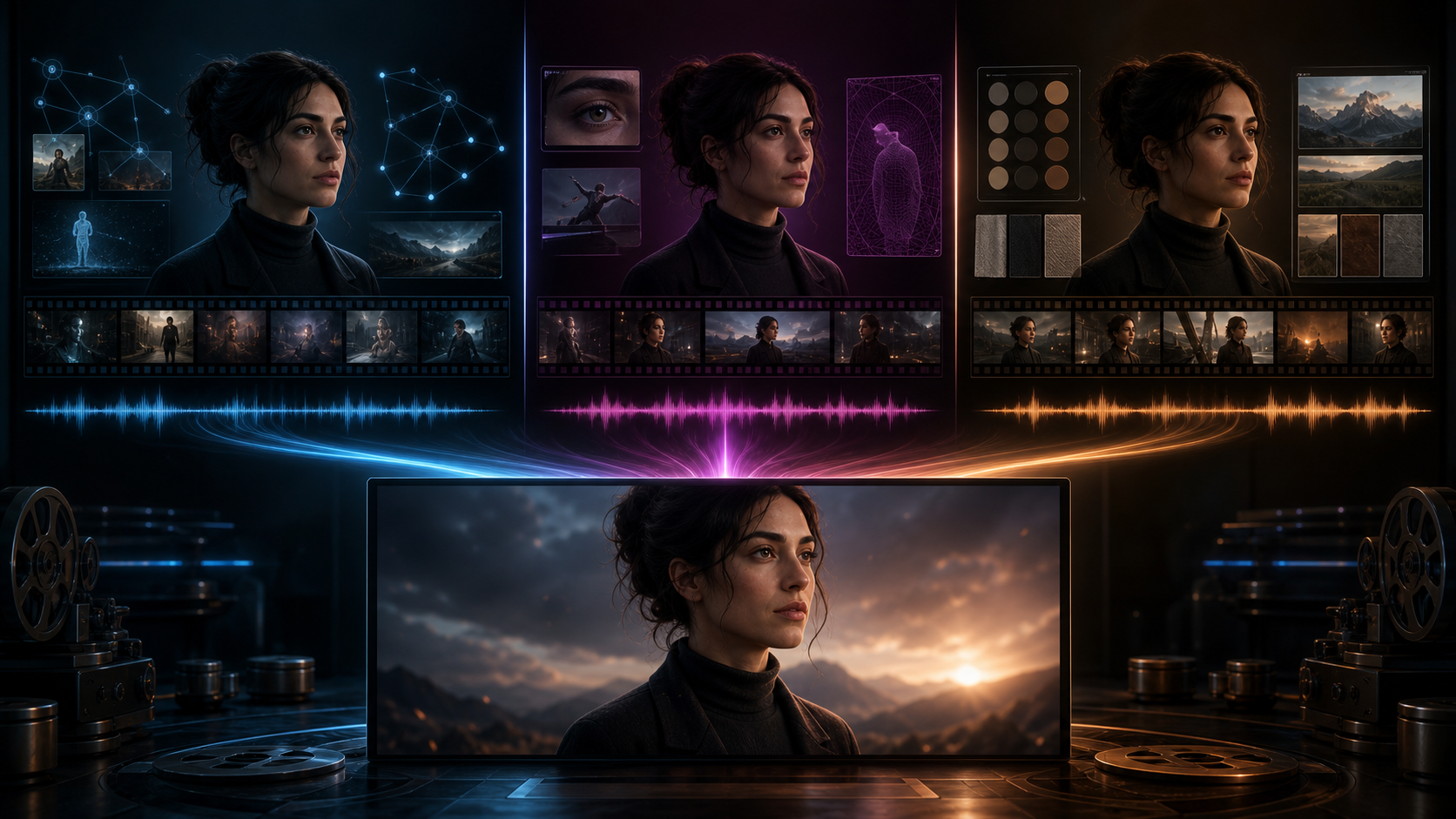
Compare three leading AI video models by reference control, motion stability, multi-character scenes, audio, anime, and usable-shot cost.
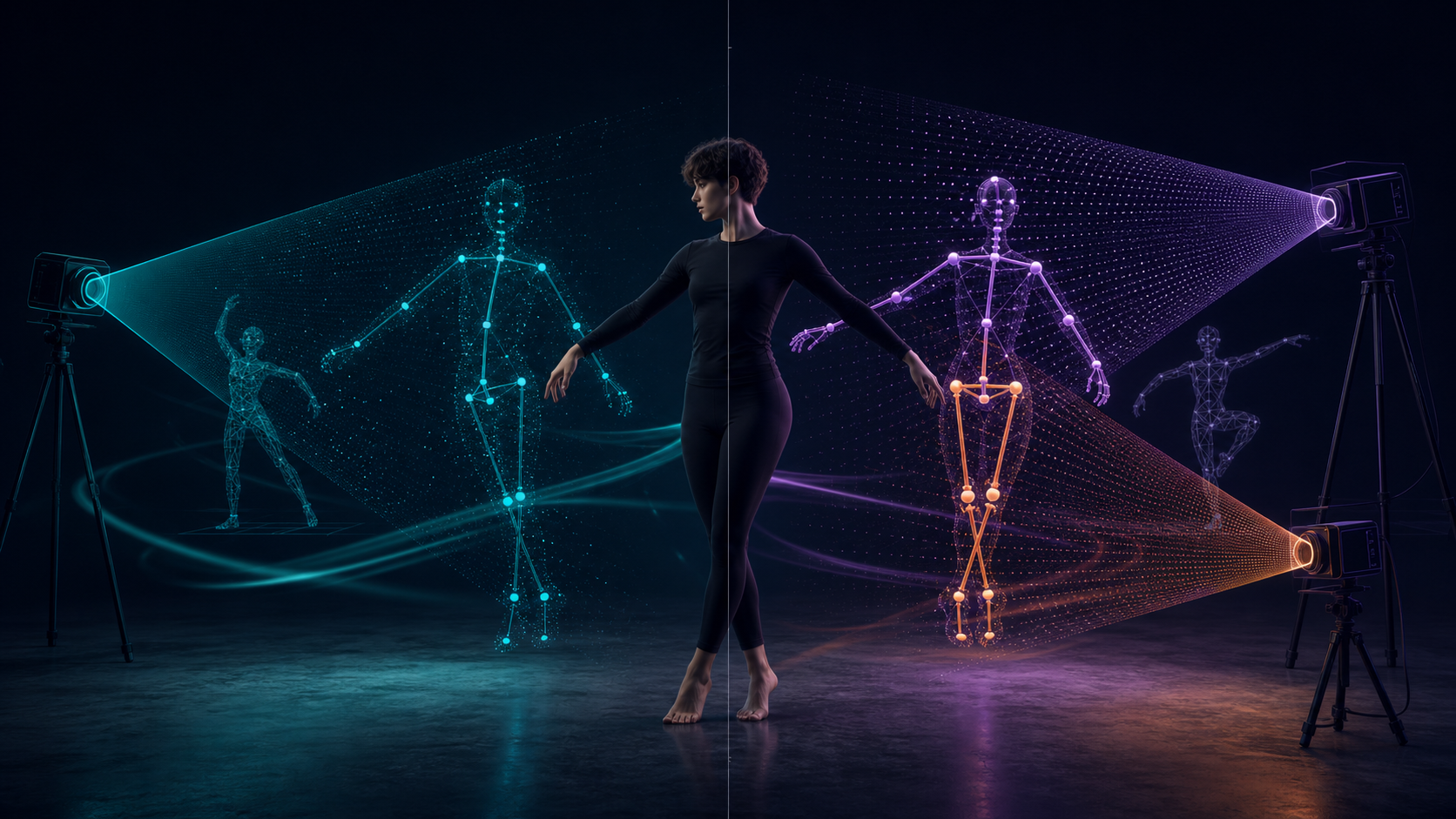
Compare clip limits, camera setups, skeletons, exports, retargeting, accuracy, and cleanup before choosing a video-to-3D motion workflow.
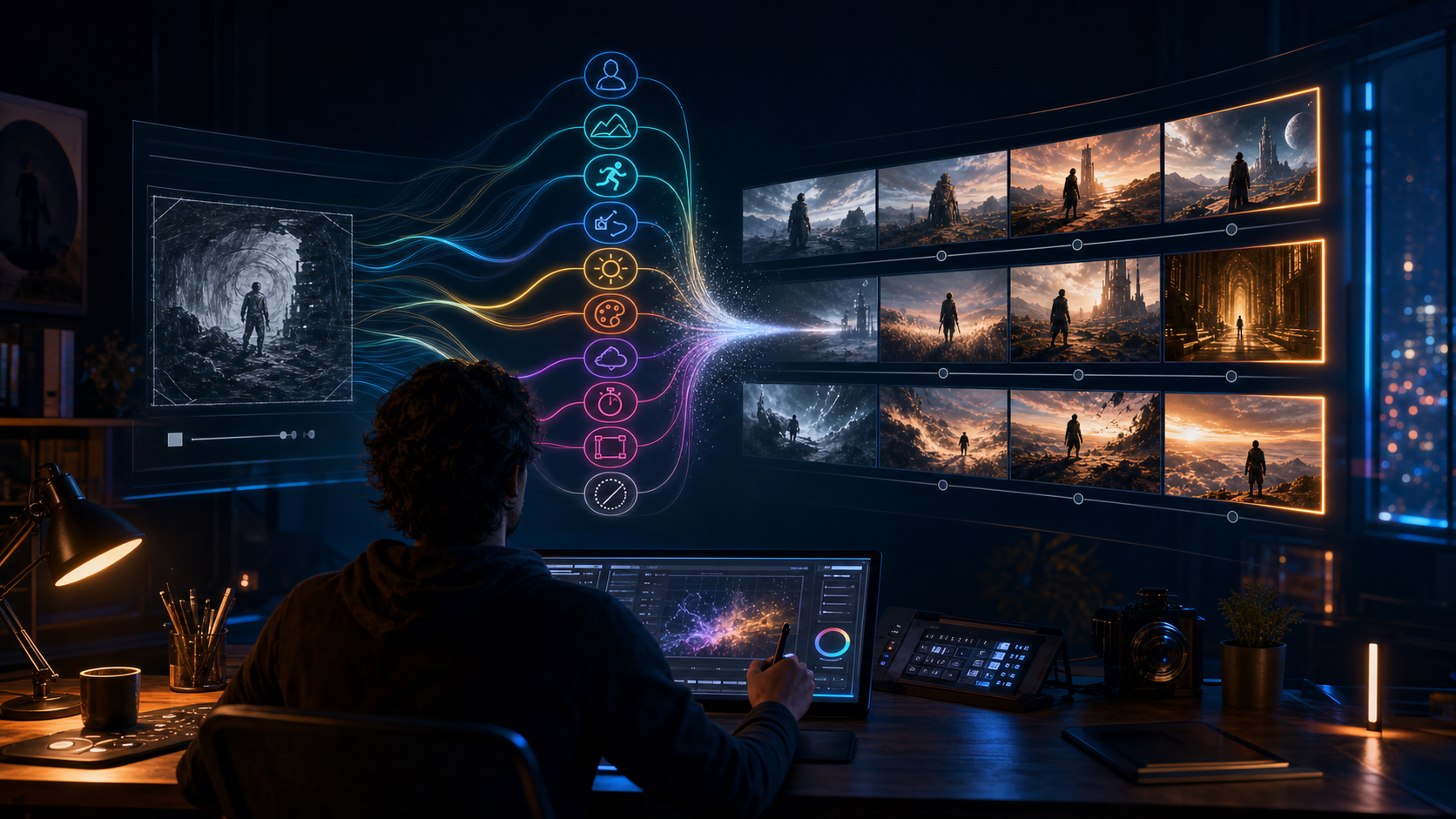
Write clearer generative video prompts with practical methods for visual detail, action, camera direction, style, format, iteration, and performance feedback.
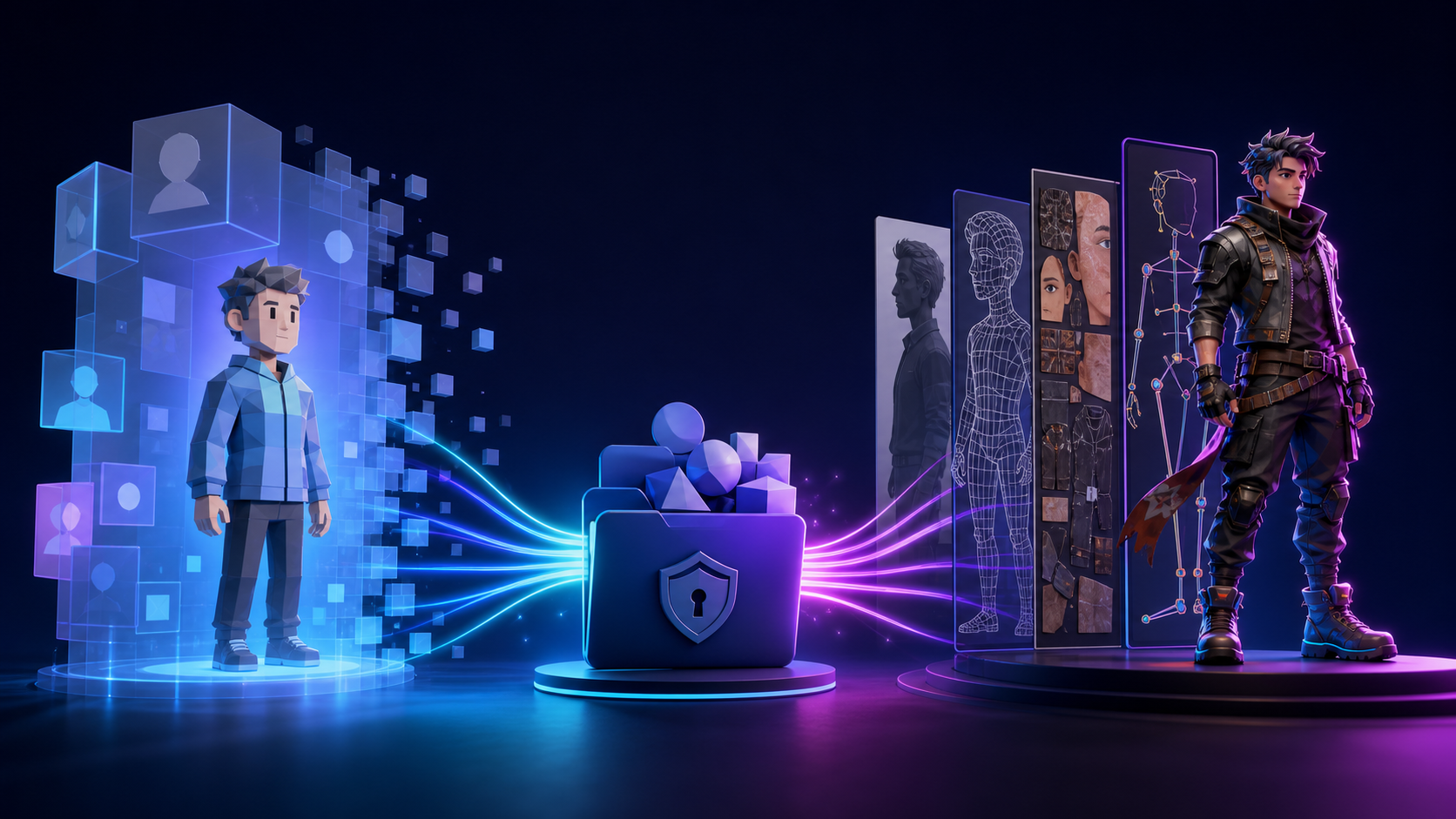
The public avatar service is gone, so compare its former portable identity model with a file-owned photo-to-3D character pipeline.
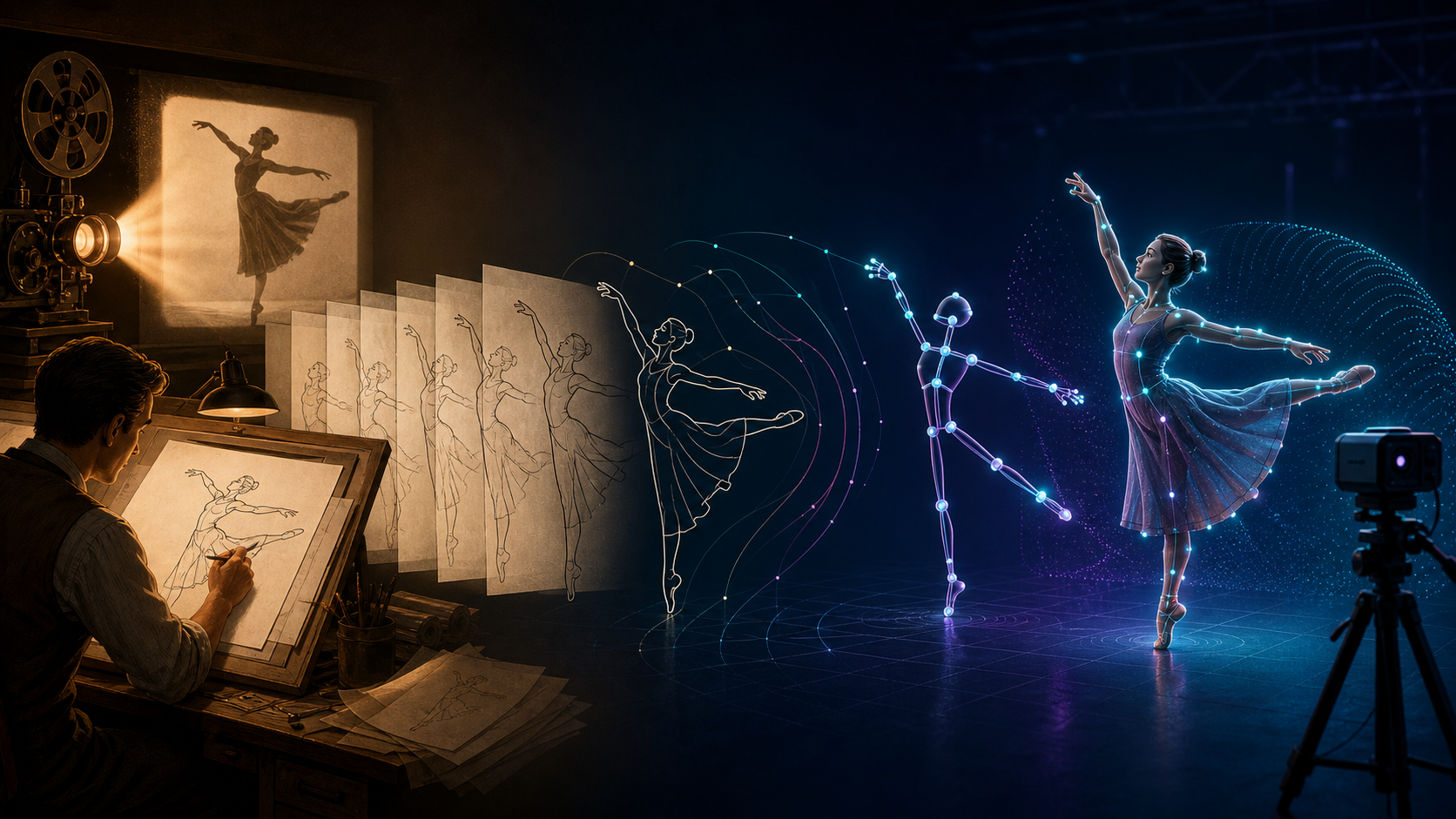
Learn how rotoscoping works, why it takes time, how it differs from motion capture, and which parts AI can—and cannot—replace.
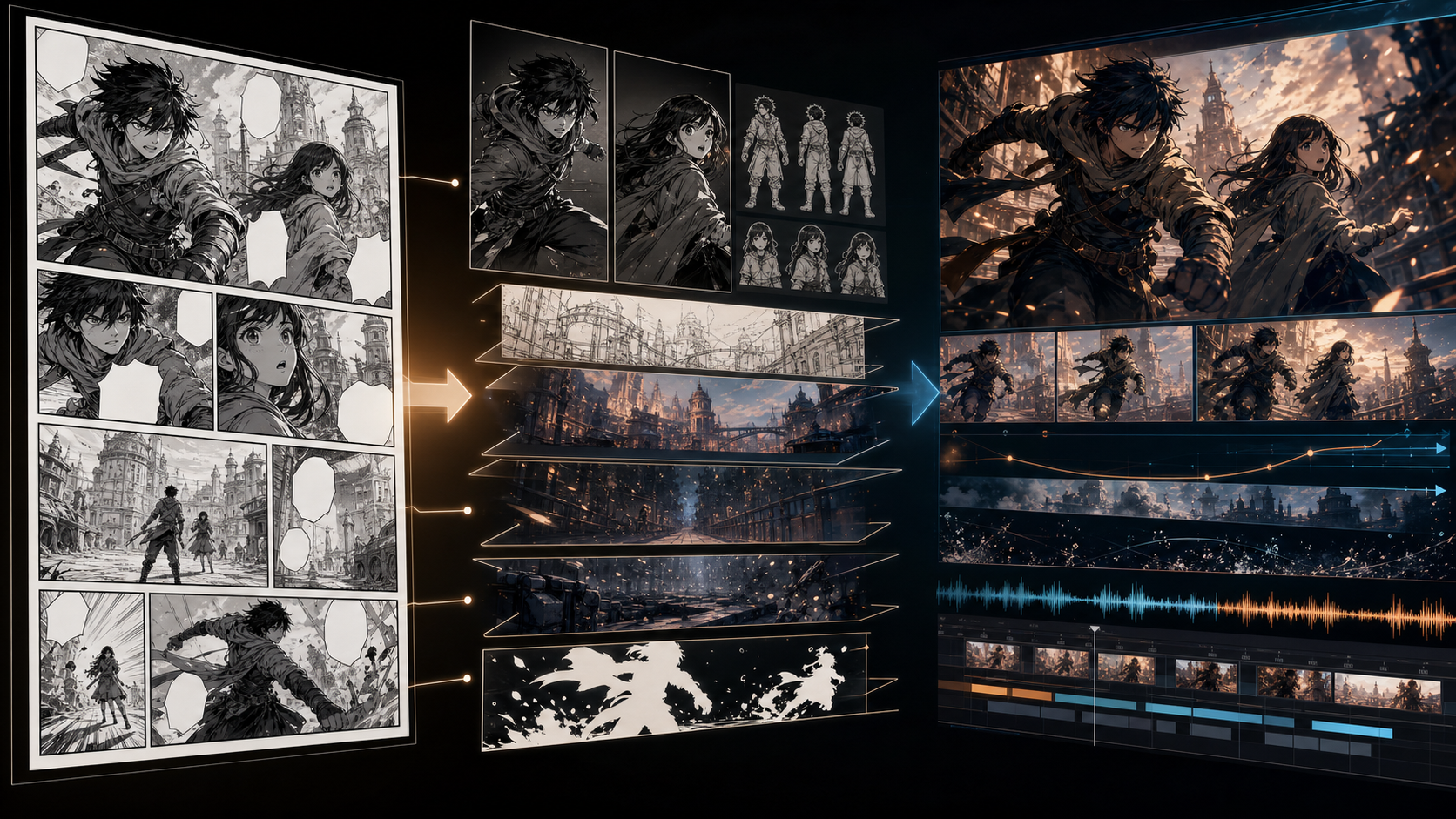
A practical panel-to-video workflow for cleaning artwork, preserving characters, building an animatic, generating motion, adding dialogue, and finishing the edit.
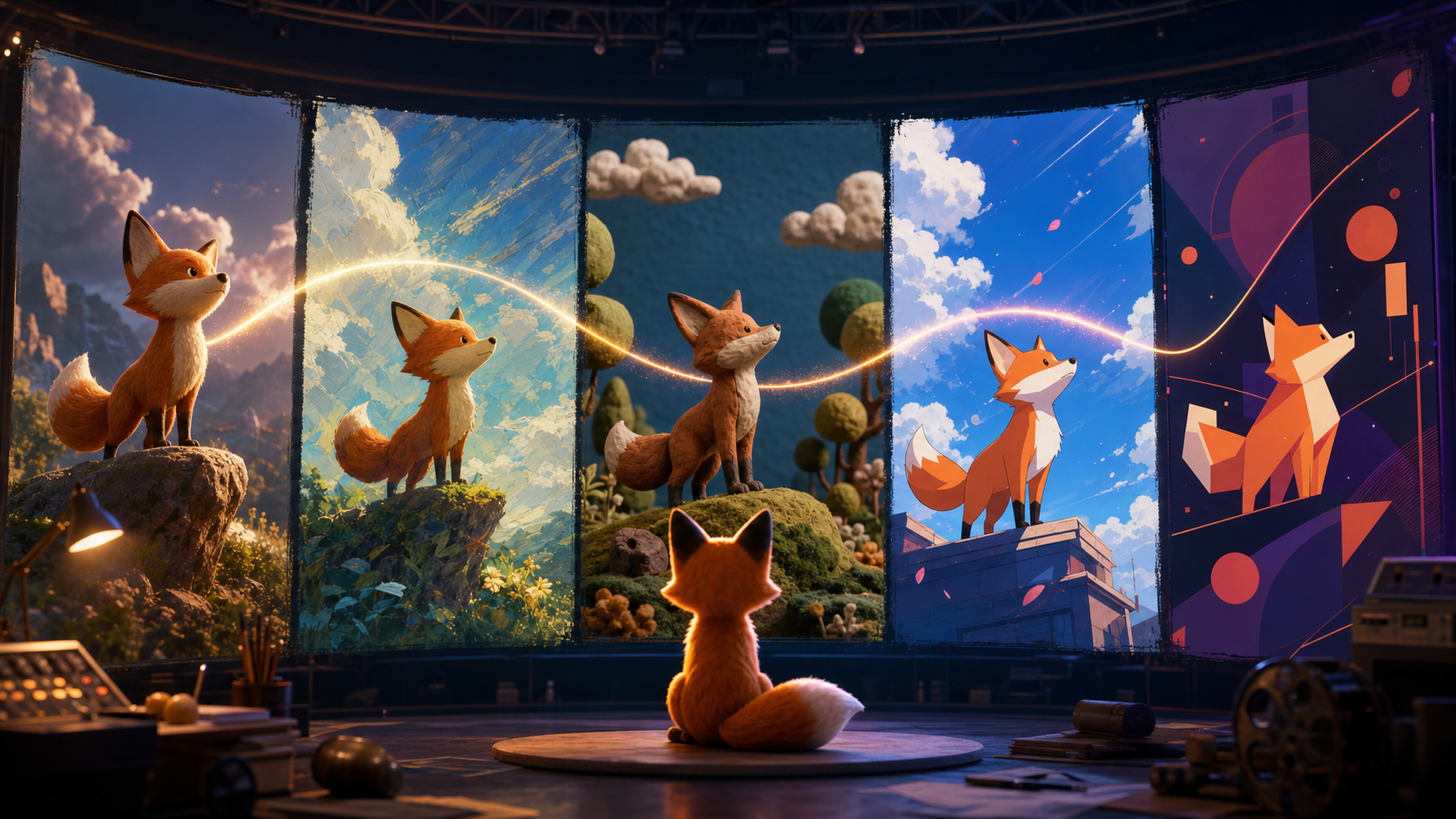
Create controlled 2D, 3D, stop-motion, cel-shaded, painterly, and motion-graphics clips with clearer prompts and stronger continuity.
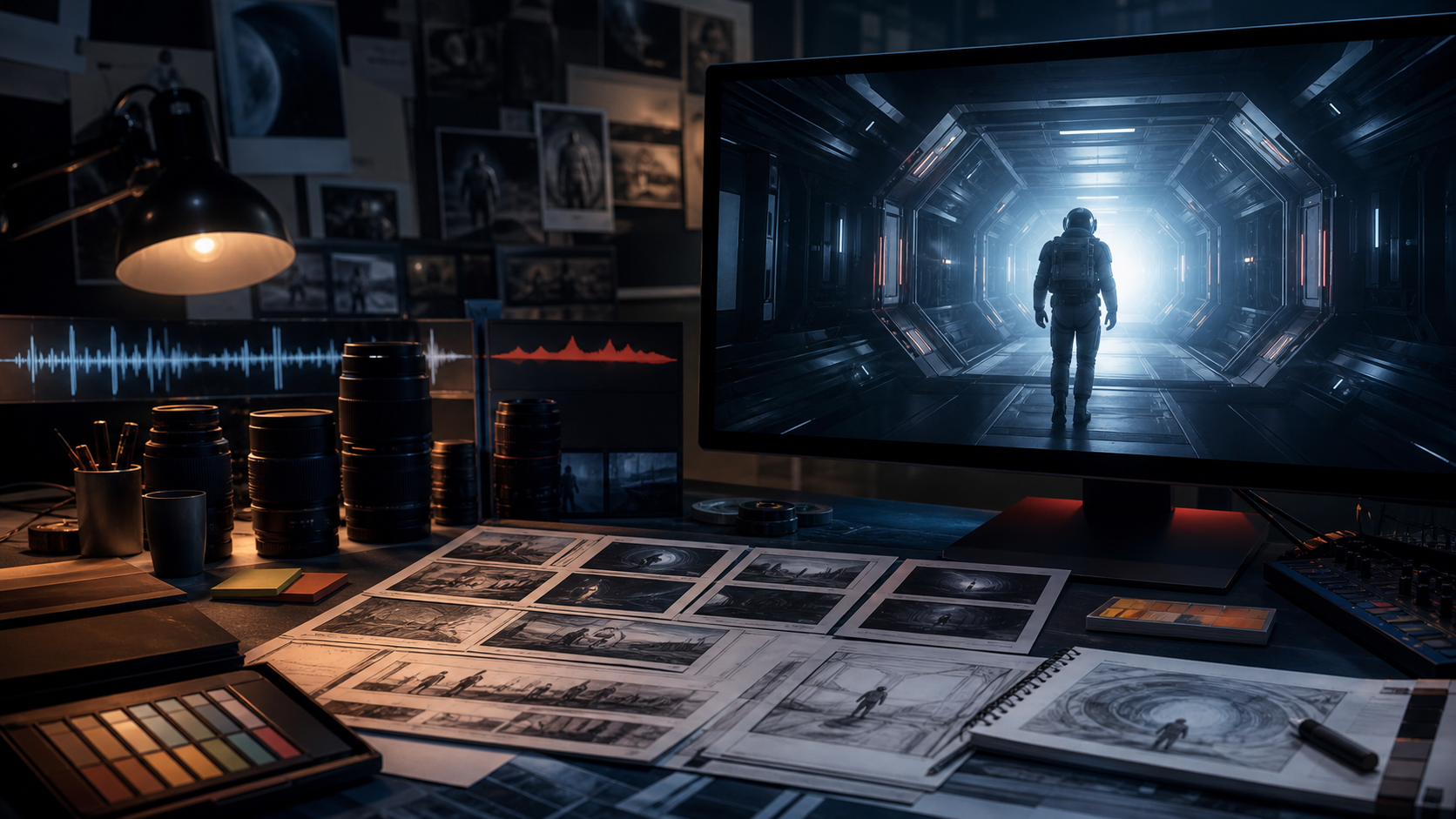
Define a visual language, plan evidence-led narration, generate clearly labeled illustrative B-roll, and finish a coherent documentary.
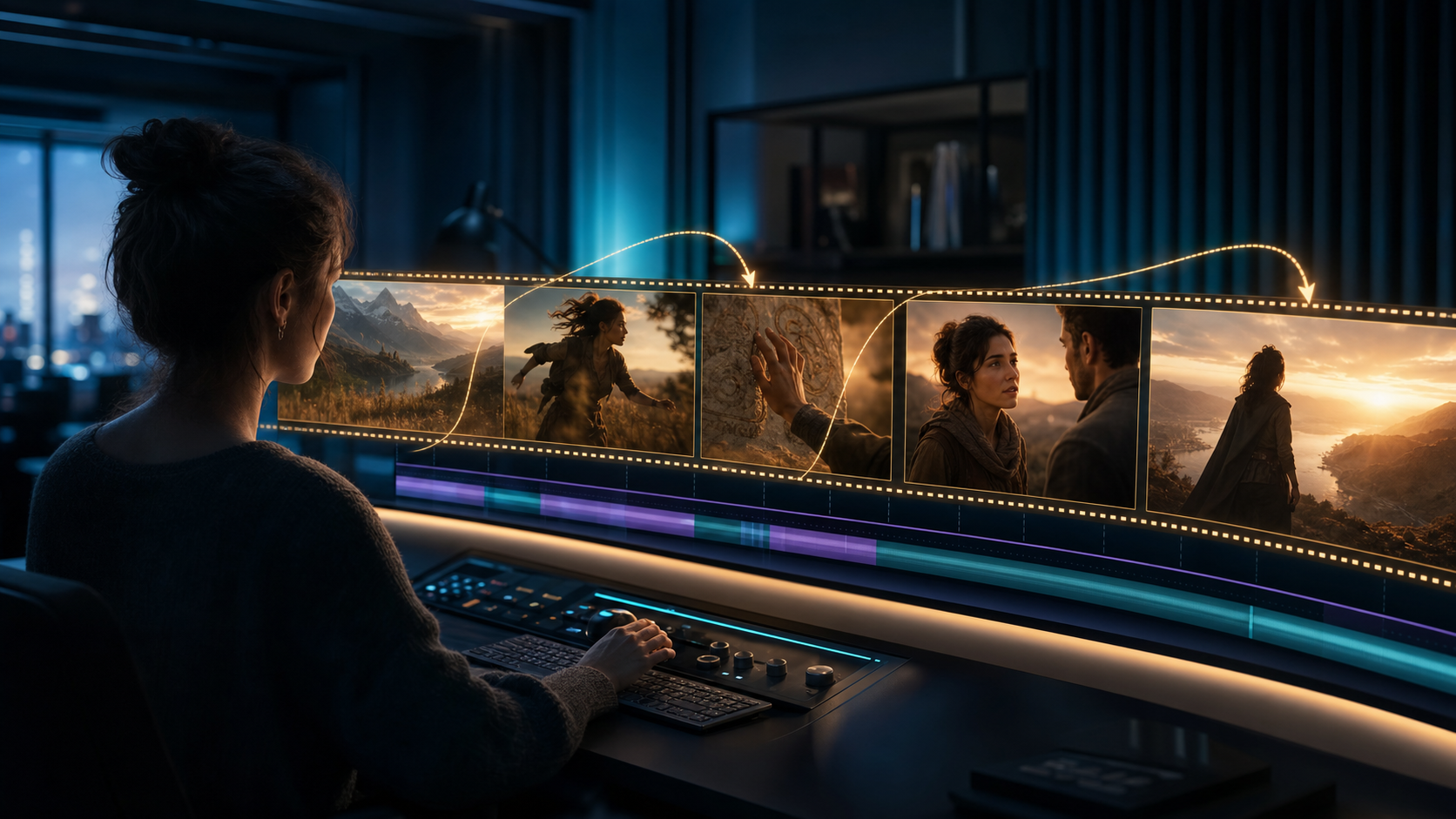
Turn short Veo clips into coherent long-form videos with scene planning, visual anchors, prompt templates, audio-first editing, and disciplined QA.